



Like what I build here? You’ll love the chaos behind the scenes - Check my Patreon
Join the CyberDelia AI Lab Discord!
Hang out with other AI creators, share ideas and resources, get early access to experimental tools and checkpoints, and help shape the growing community. 🚀
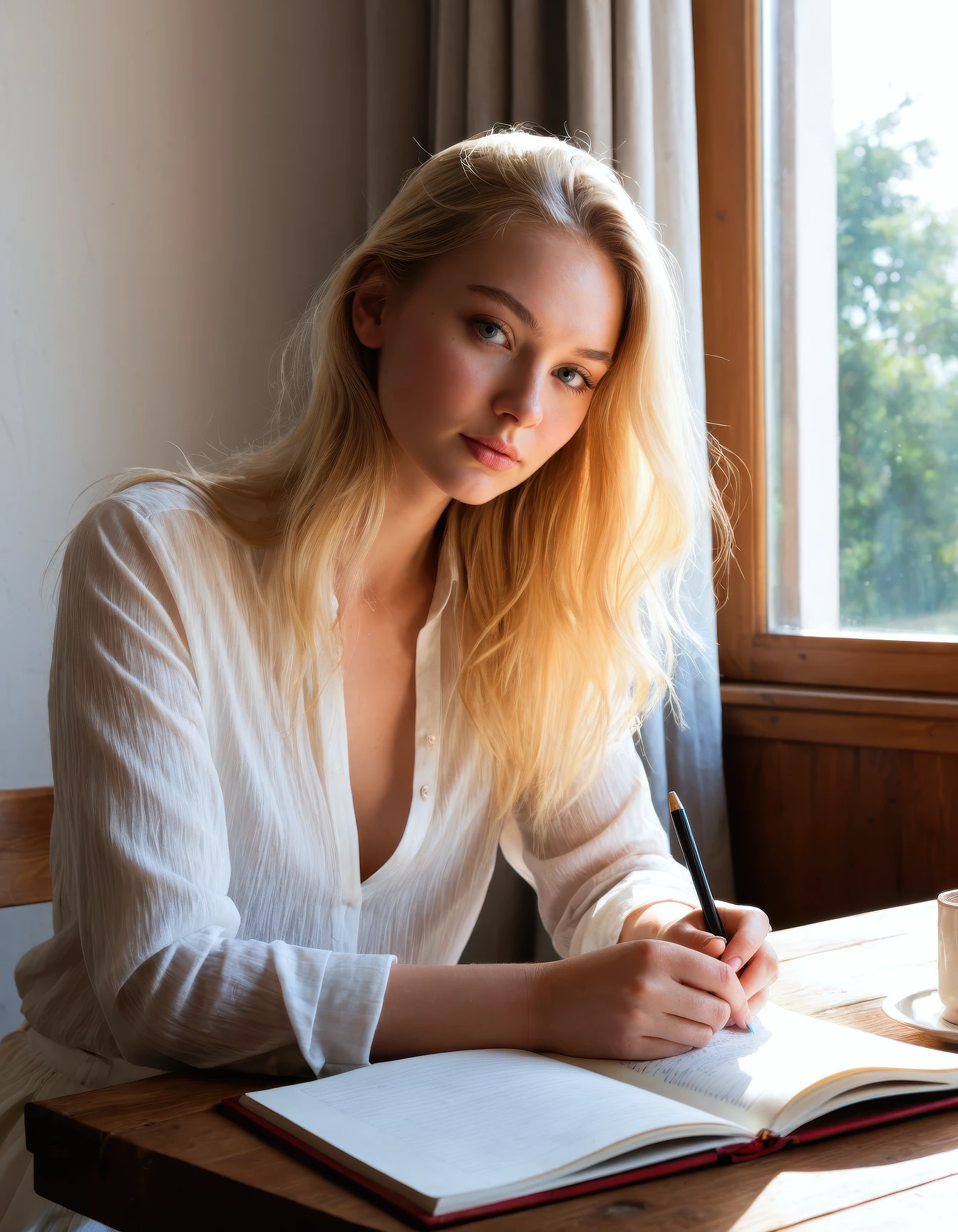
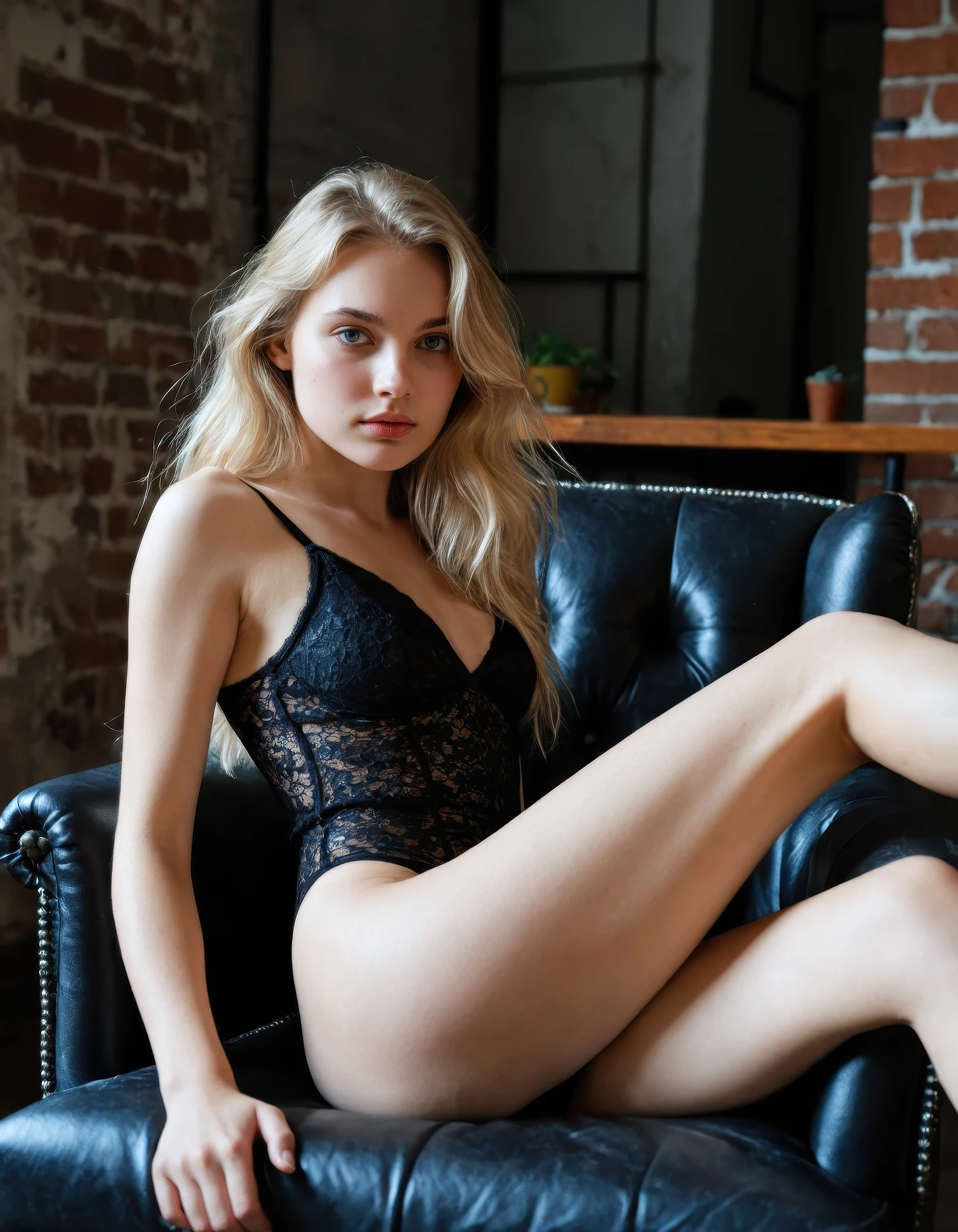
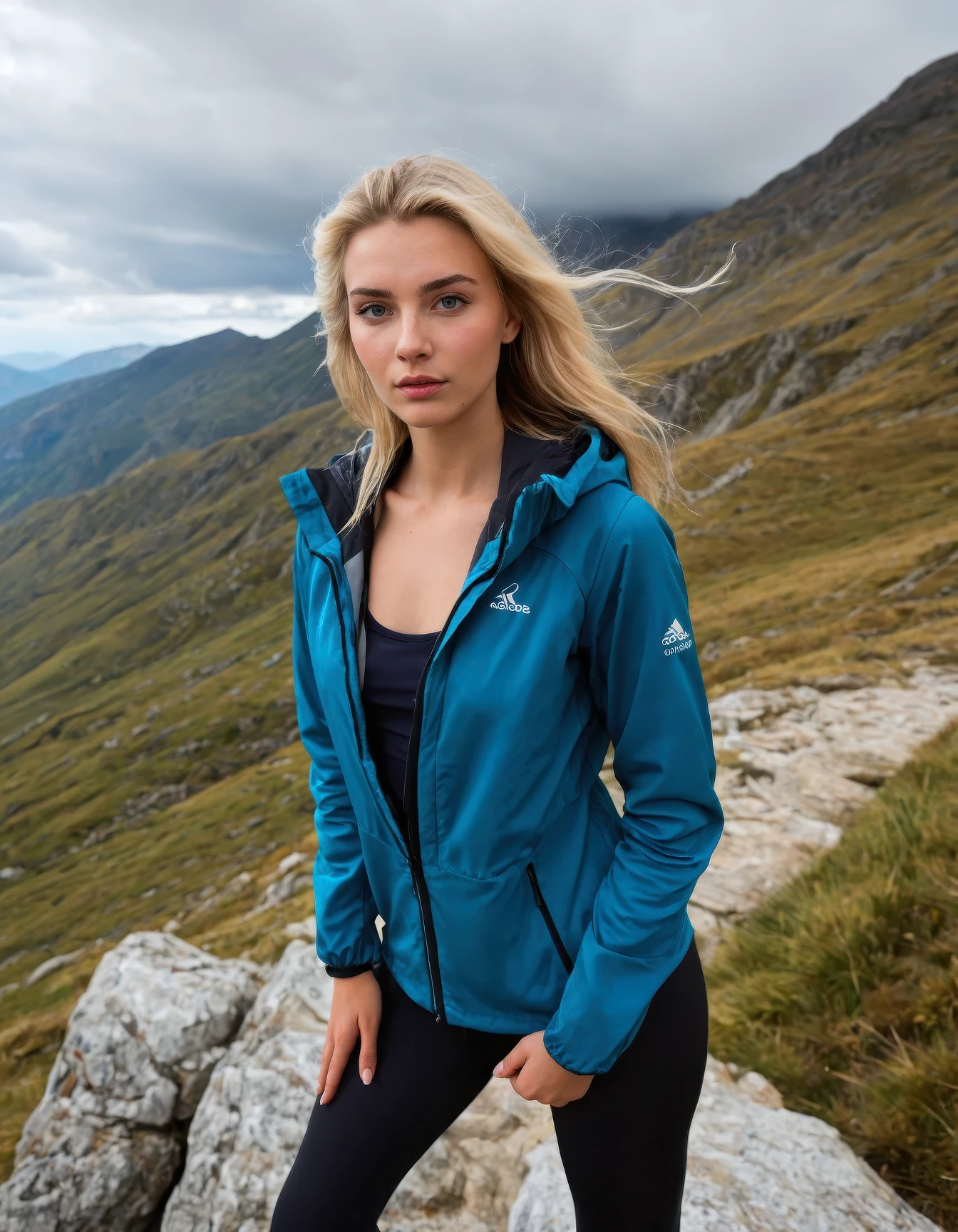
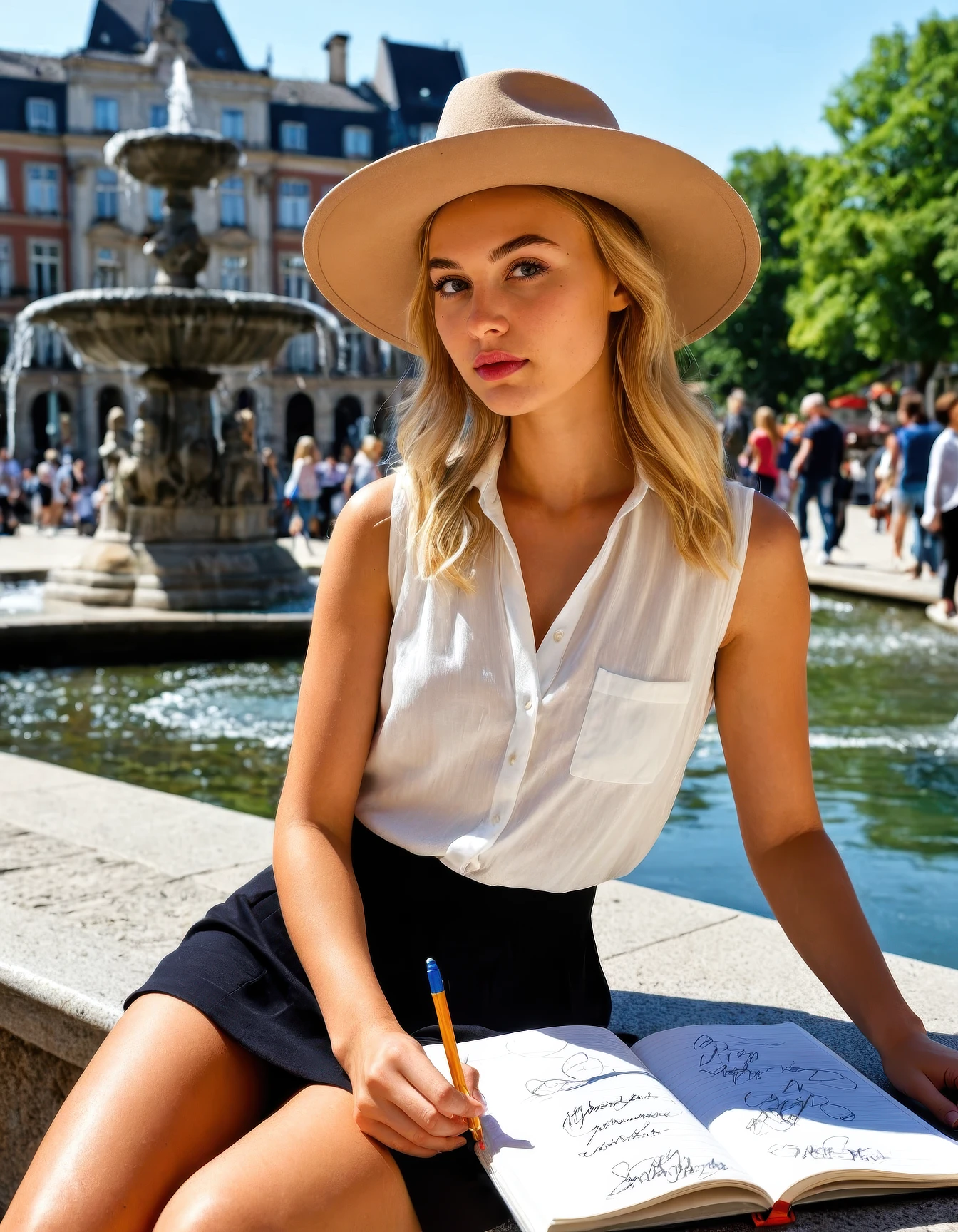
CyberRealistic GenAether (SDXL) models are Textual Inversion embeddings built to create vivid, fictional AI characters. They're not real people. Each one is a crafted persona with its own look, personality, and backstory.
⚠️ Important Note:
SDXL TIs are not functioning correctly in the Civitai online generator. Please use them locally in A1111, Forge, or ComfyUI for proper results.
This limitation affects all CyberRealistic GenAether SDXL TIs.
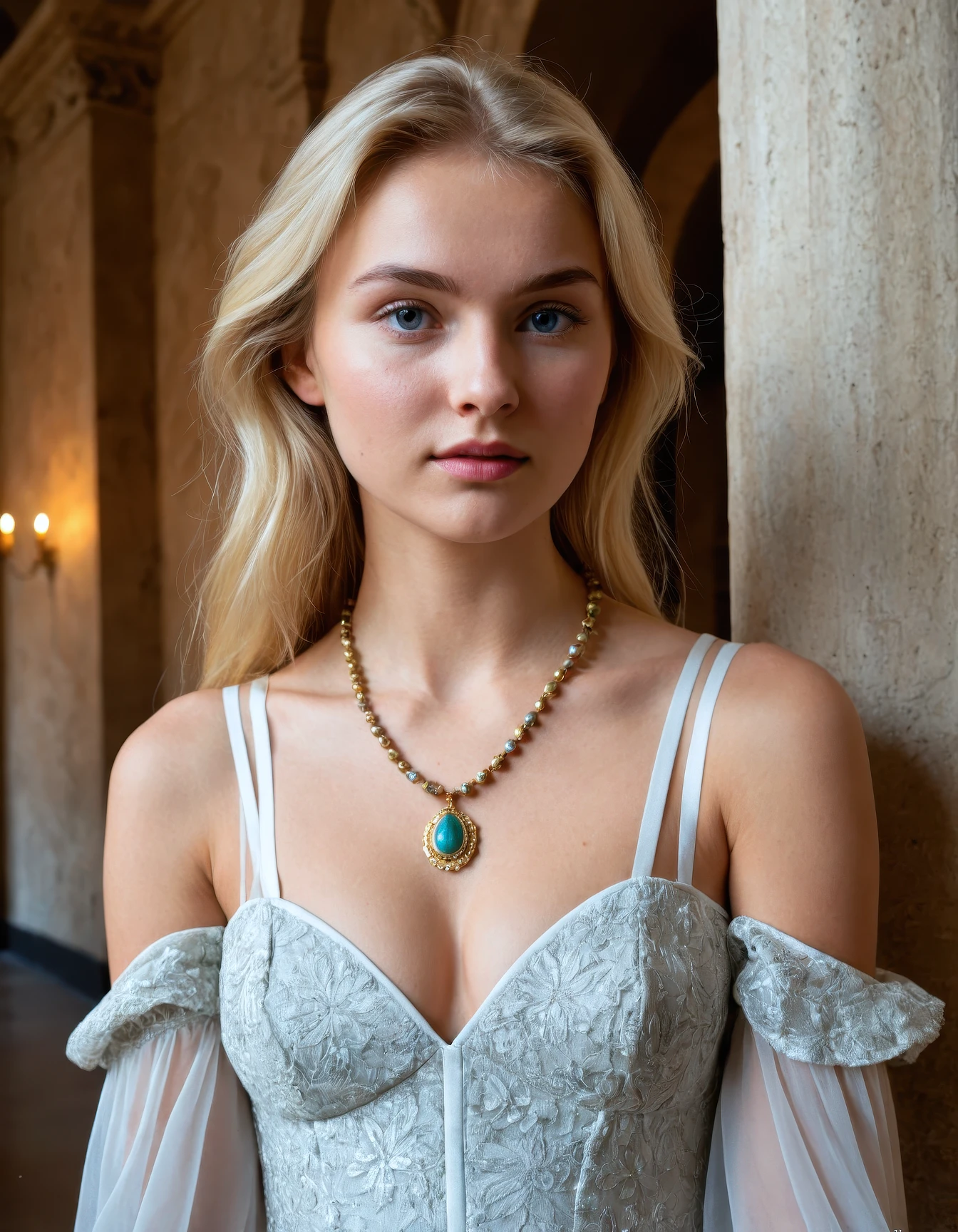
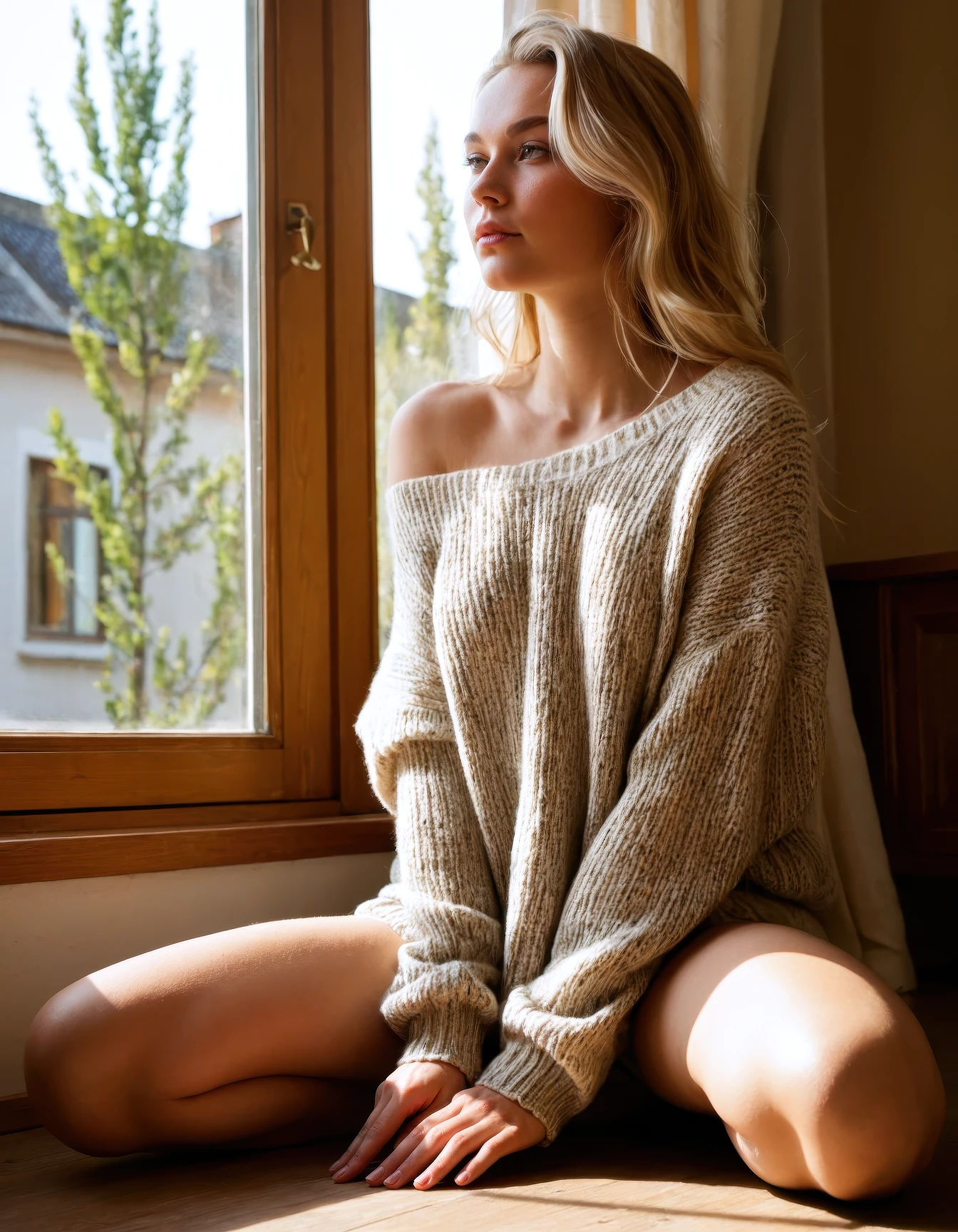
Who is Lotte Brouwers?
Lotte Brouwers is a creative and down-to-earth student from Leeuwarden, the Netherlands. With her easygoing charm and sharp sense of humor, she brings warmth to everyone around her. Passionate about design, music, and photography, Lotte loves capturing the quiet beauty of everyday life in the north. Intelligent, thoughtful, and full of curiosity, she’s always exploring new ideas and finding inspiration in the world around her.
What is a TI?
A Textual Inversion (TI) is a small file (.safetensors) that teaches Stable Diffusion a new token (word).
These CyberRealistic GenAether TIs contain character information (age, gender (woman/girl), and facial/body features) so you can get a consistent look across your scenes.
Installation & Usage
Automatic1111 (A1111) / Forge
Place the
.safetensorsfile into:
stable-diffusion-webui/embeddings/Restart A1111/Forge.
In your prompt, type the TI name (filename without
.safetensors).
sdxl_lottebnlComfyUI
Copy the
.safetensorsfile into:
ComfyUI/embeddings/Add a Textual Inversion Embedding node, connect it to your CLIP Text Encode node.
Use the TI name in your prompt as normal.
Example Prompt
sdxl_lottebnl, walking along a narrow cobblestone street with hands in pockets, thoughtful downward gaze, fitted denim jacket over loose blouse, candid mid-step capture ??????????? at slight diagonal, cool overcast daylight diffused evenly, old European alleyway with stone walls and hanging lanterns, documentary street photography aesthetic with muted colorsPrompting Tips
Add age keywords to make the character appear younger or older.
Combine with a character LoRA (low weight, e.g. 0.3) to create alternate looks while keeping the same base character identity.
Description
Important Note: SDXL TIs are not functioning correctly in the Civitai online generator. Please use them locally in A1111, Forge, or ComfyUI for proper results.
Details
Files
Available On (1 platform)
Same model published on other platforms. May have additional downloads or version variants.