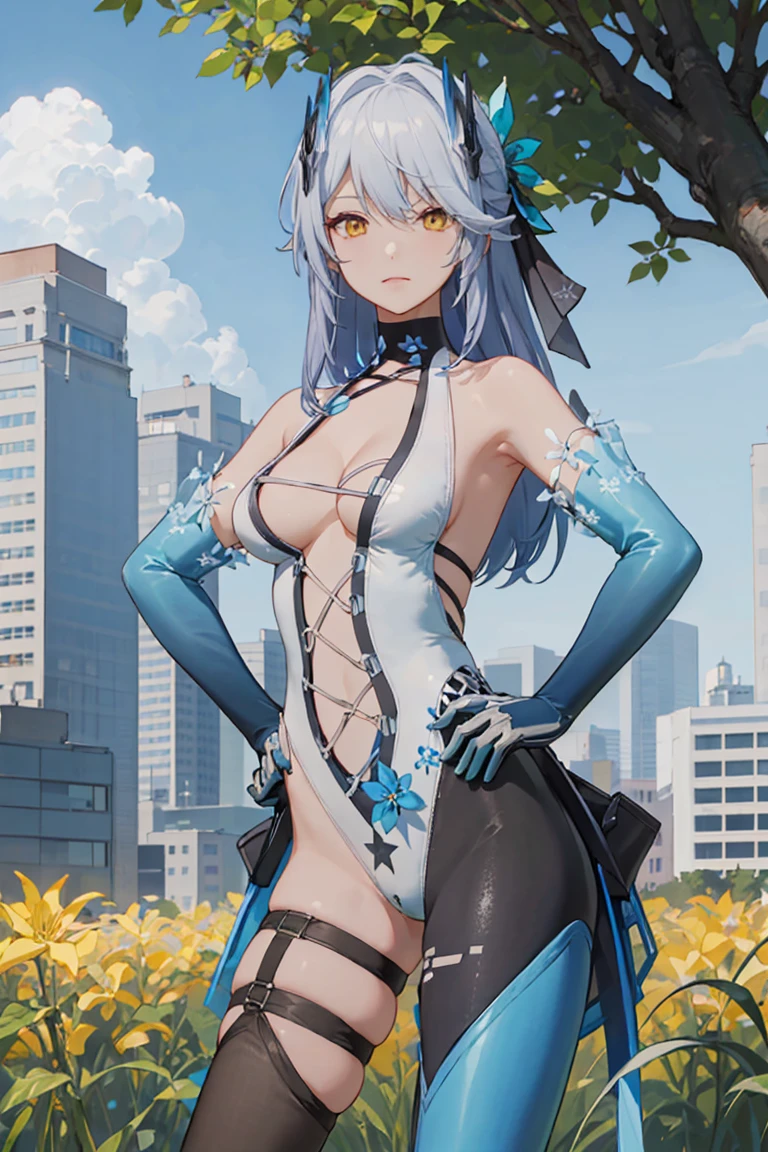
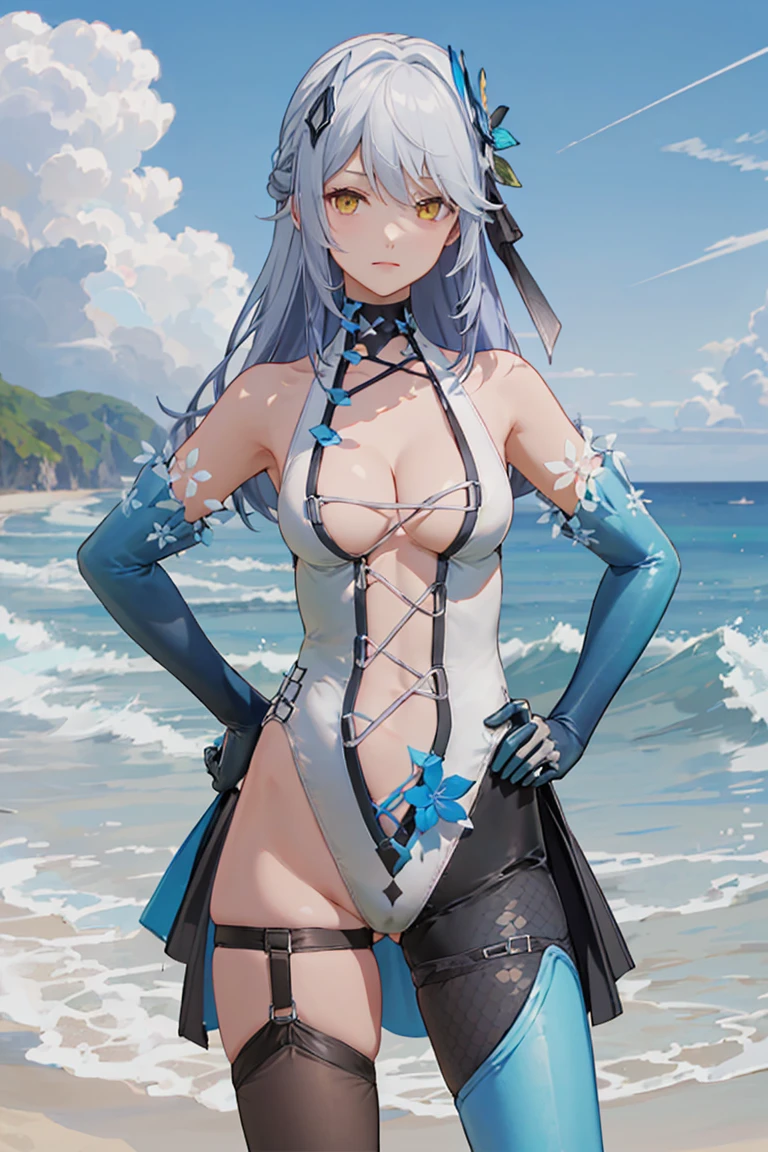
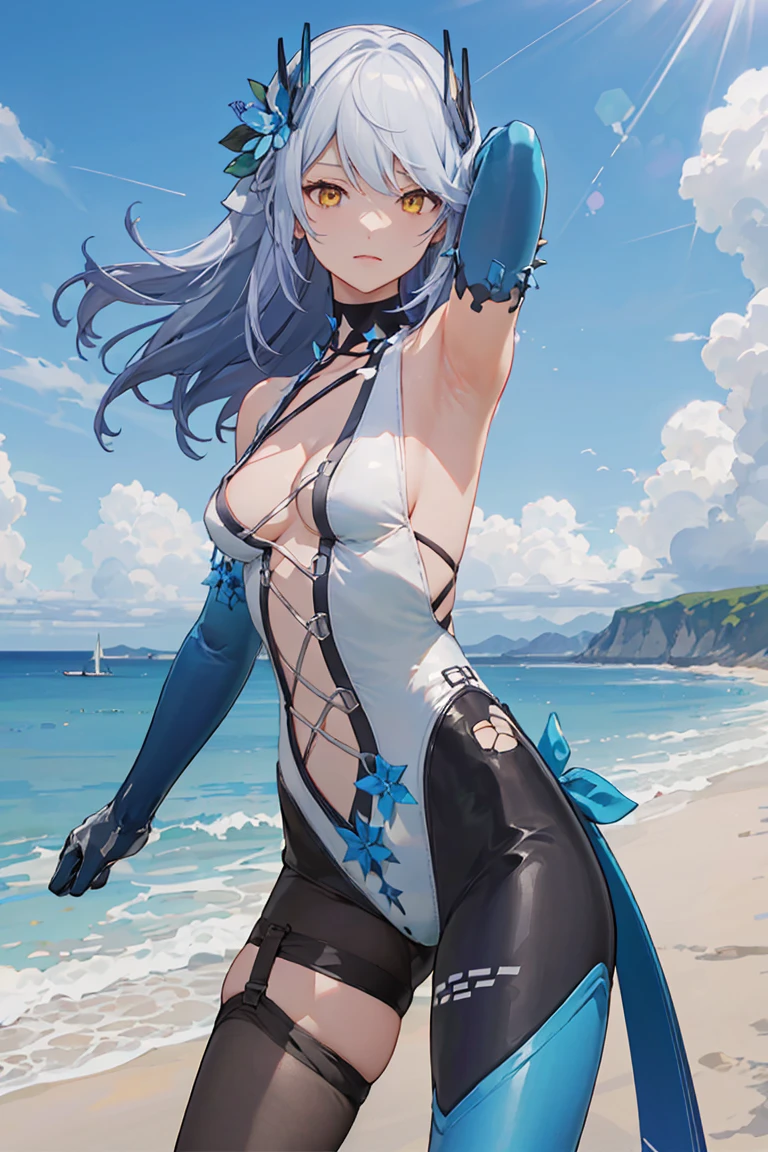
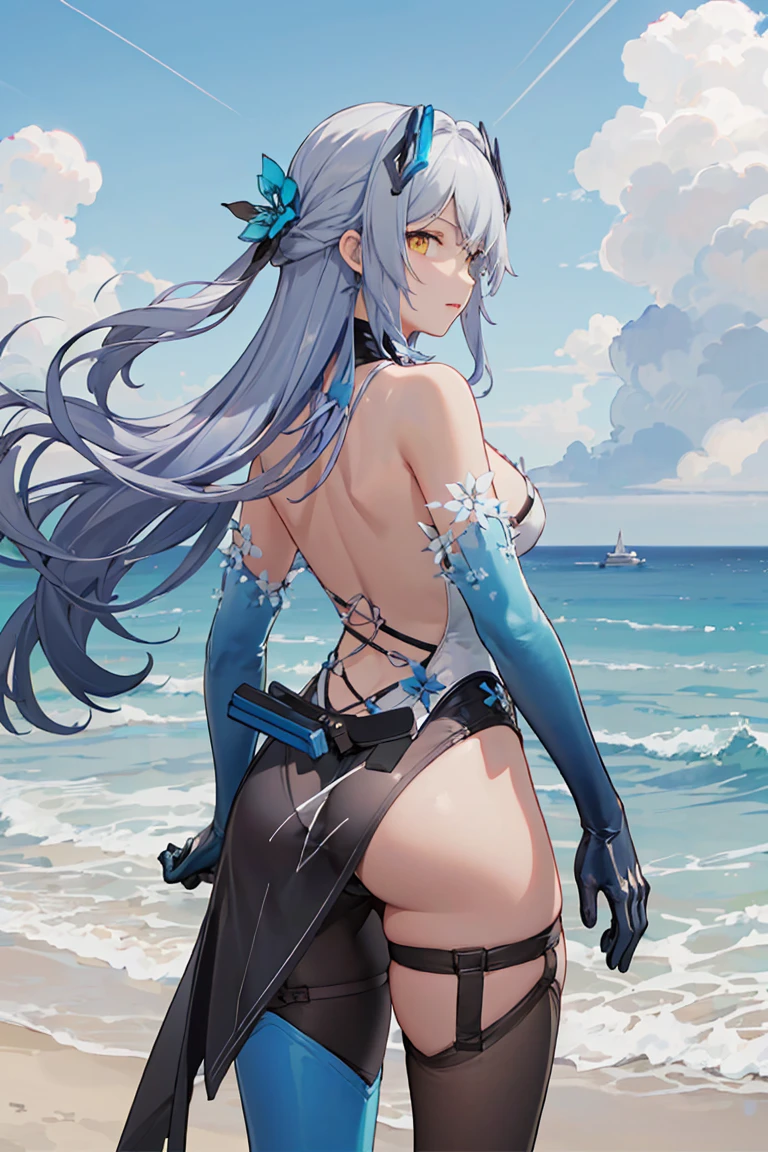
请阅读使用说明,请使用google翻译。Please read the instructions, please use google translate。
説明書を読んで、Google翻訳を使用してください 。사용설명서를 읽고 Google 번역을 사용하세요.
V2.0
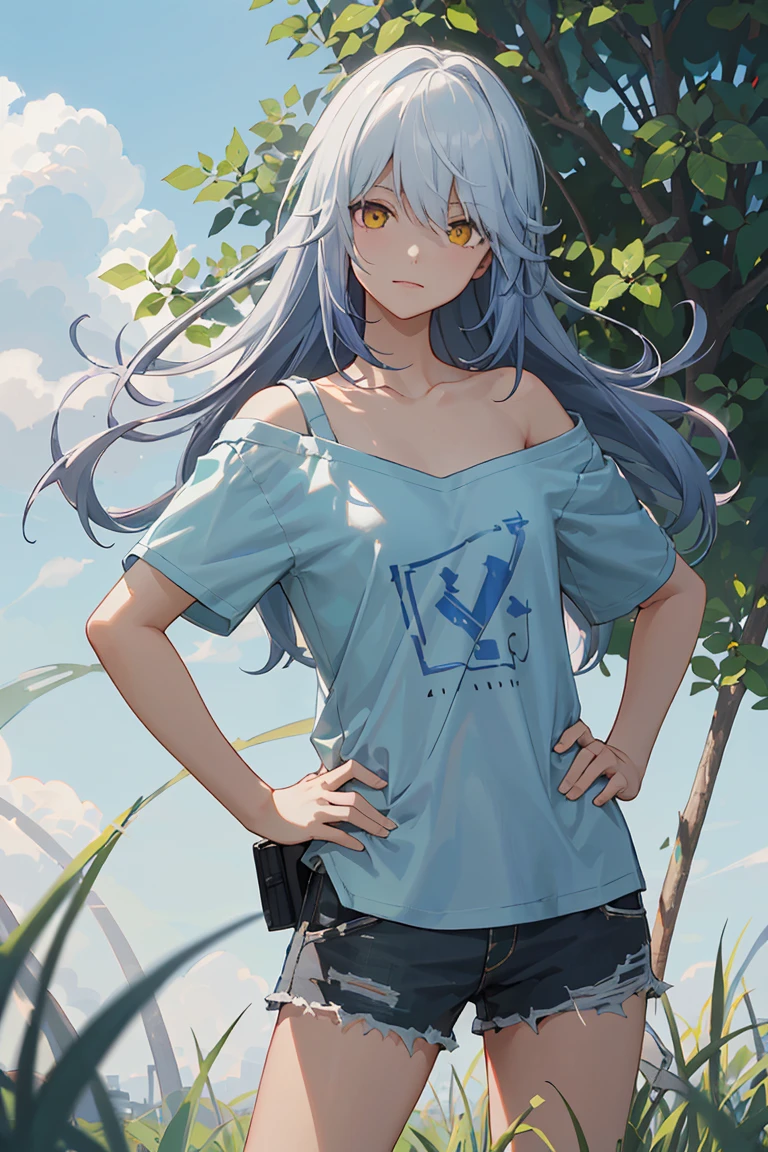
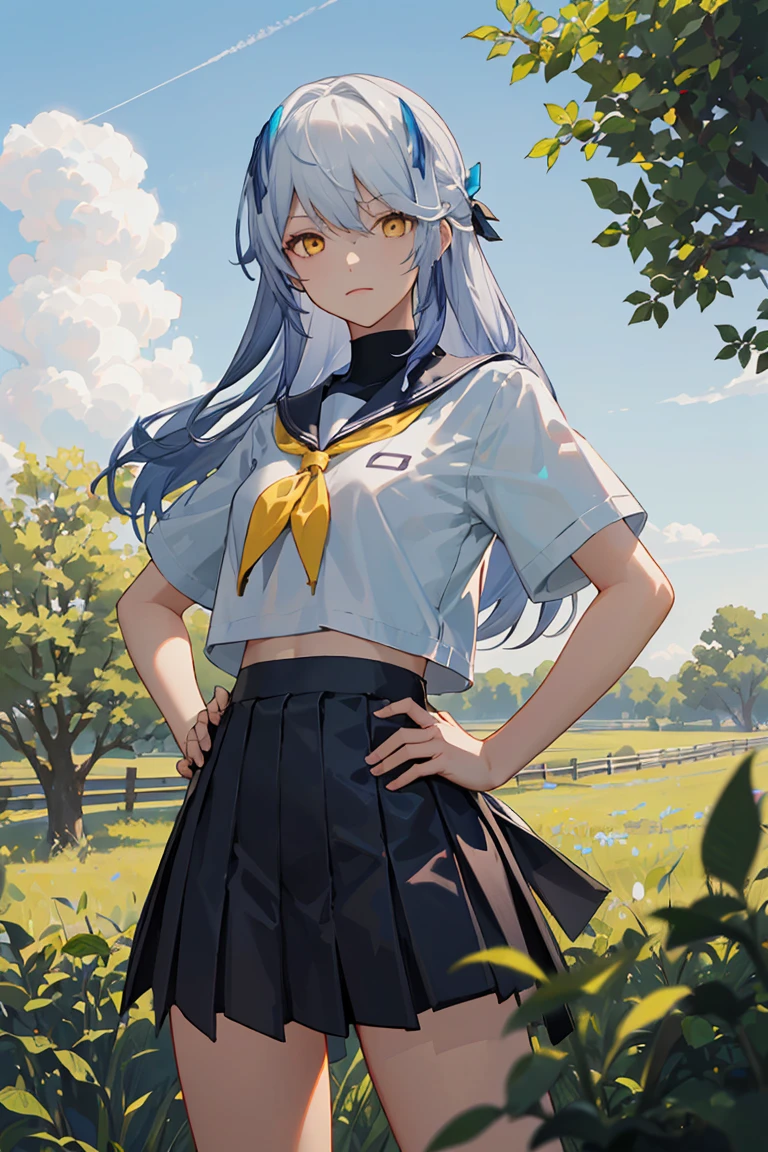
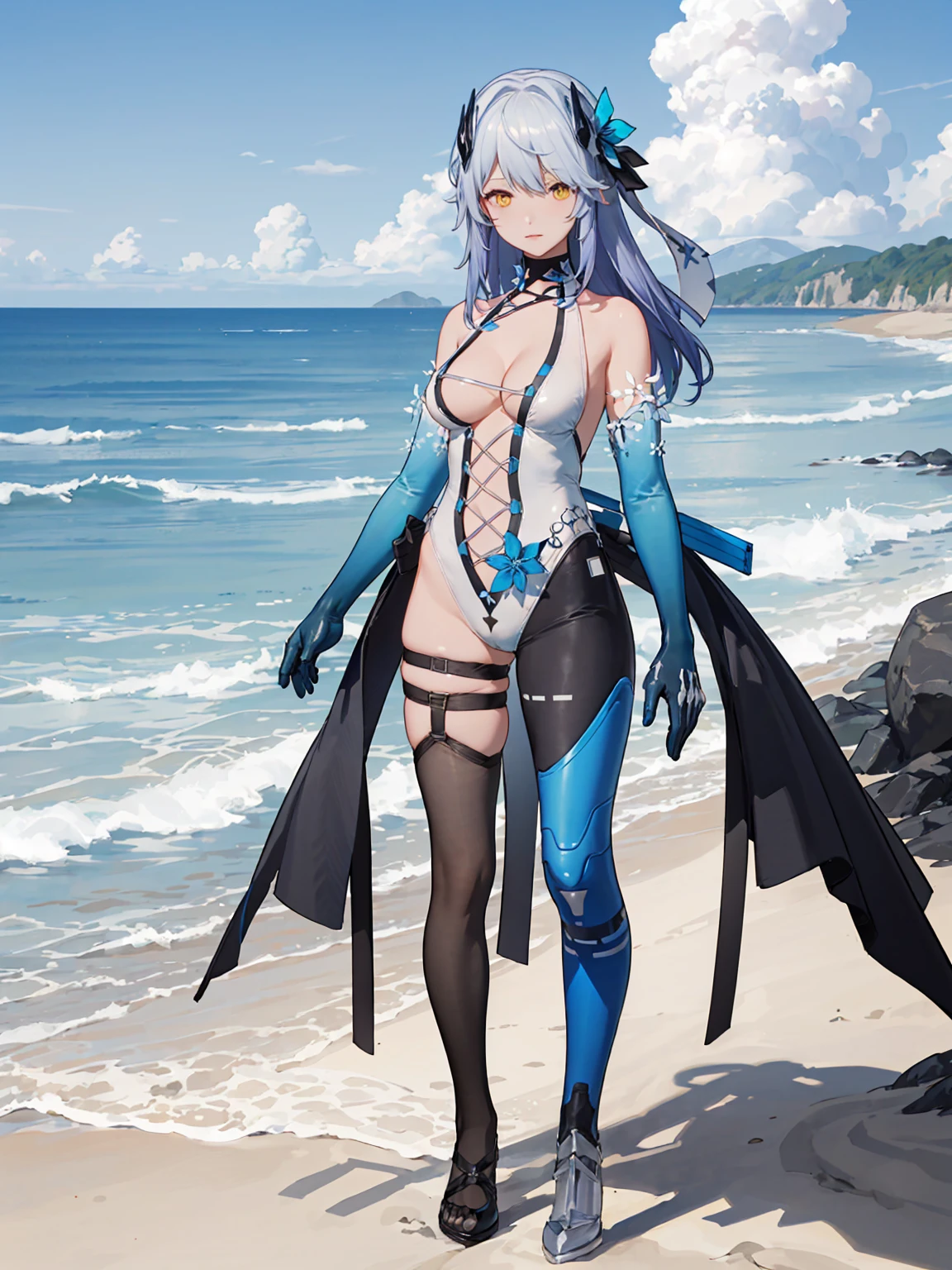
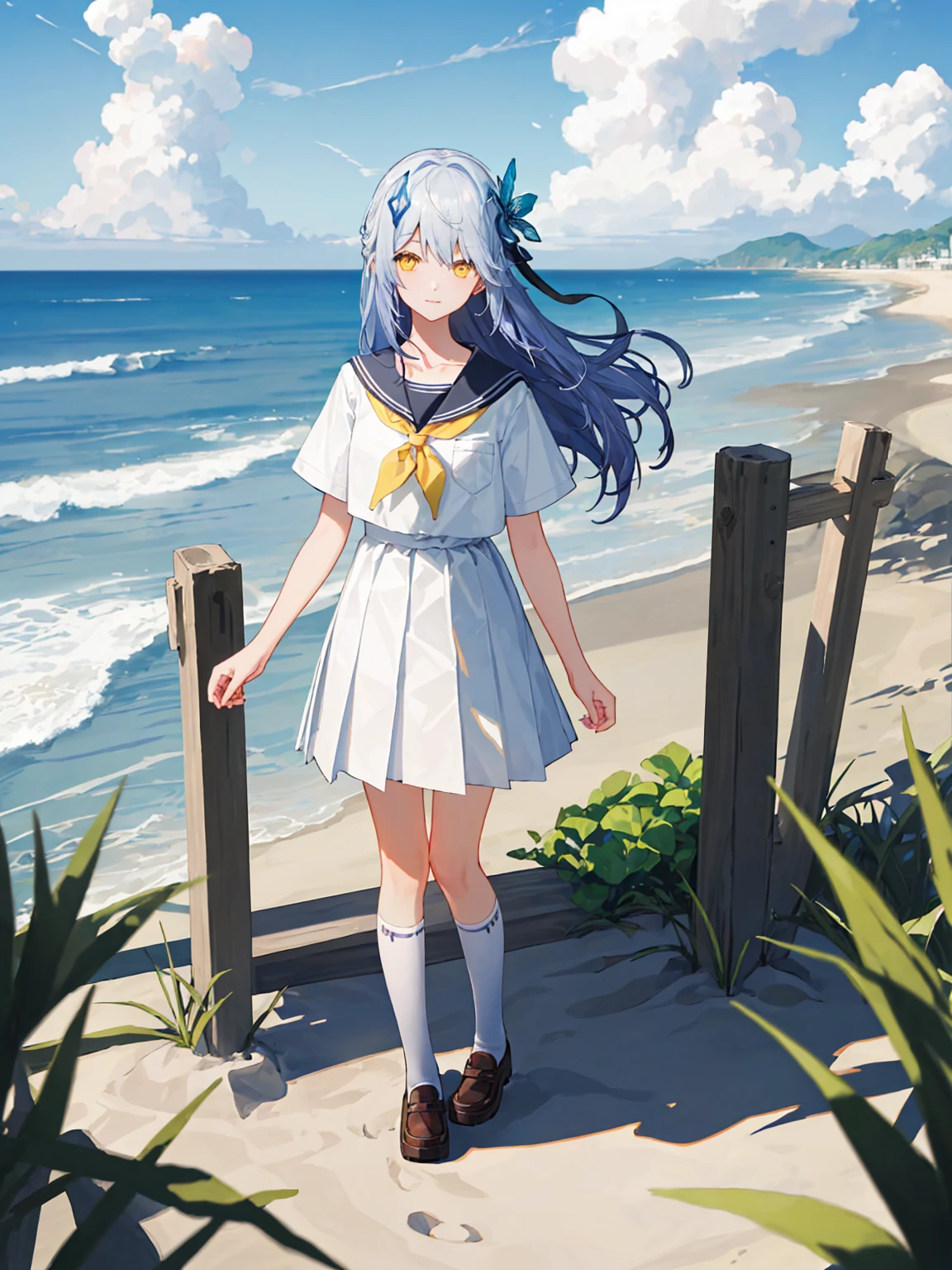
1.人物的衣物可以自定义,在使用自定义衣物时,请保留提示词 LYFE, blue_hair, long hair, yellow_eyes, 同时将原衣物类提示词添加进负面提示词,这么做可以改善画风和衣物的过拟合。如果想让面部更还原,负面提示词只添加 leotard, hair ornament,也是可以的。
2.如果人物的脖子被原衣物提示词过拟合,可以使用collarbone,其他部位也是同理,用更精确的提示词来描绘出现问题的地方,例如bare shoulders, bare arms, bare legs
3.人物衣物可能会出现错误,特别是在一些特定的动作下,如果想得到较为精准的还原,您可能需要多次生成,或使用photoshop修复错误
4.在cowboy_shot视角下,请移除提示词asymmetrical_footwear
在from_behind视角下,使用backless_leotard
5.您可以灵活调整步数、权重,CFG, 默认设置 step:40,权重0.7-1 , CFG 7。(这方面我没有做更多的尝试)
6.新版本的stable diffusion 增加了LORA提示词与说明的保存功能,可以将提示词保存并快速调用,推荐使用
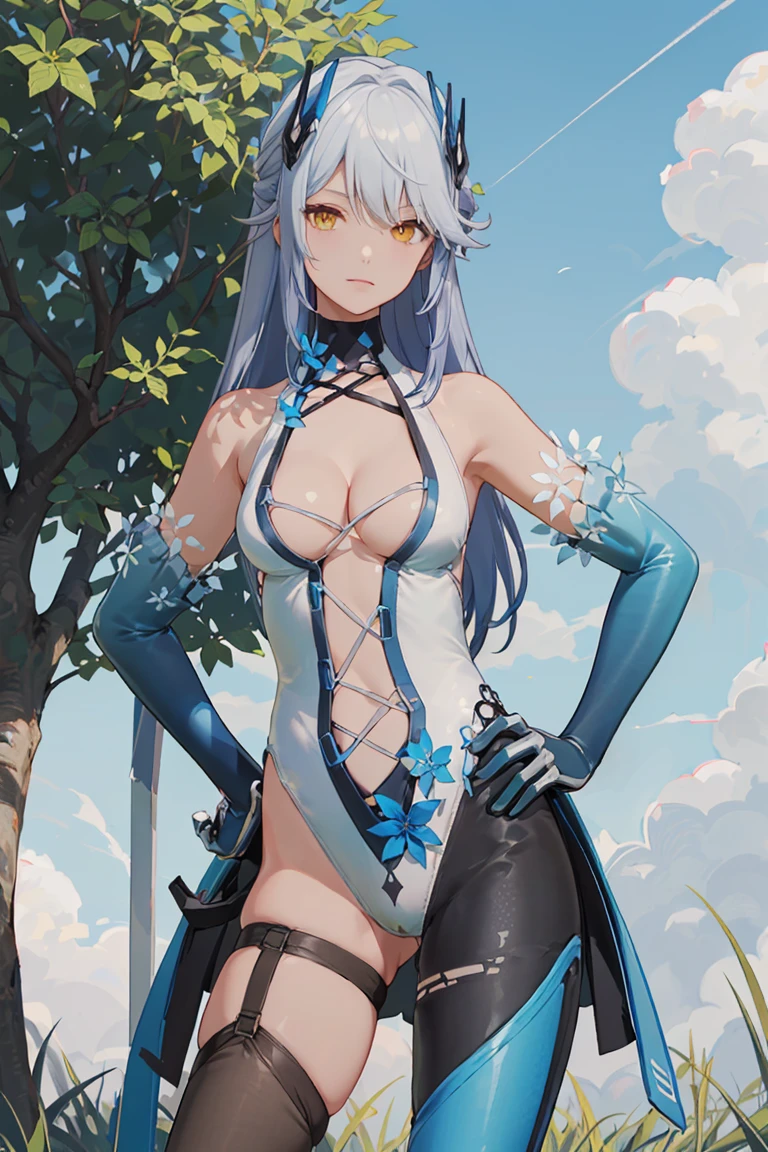
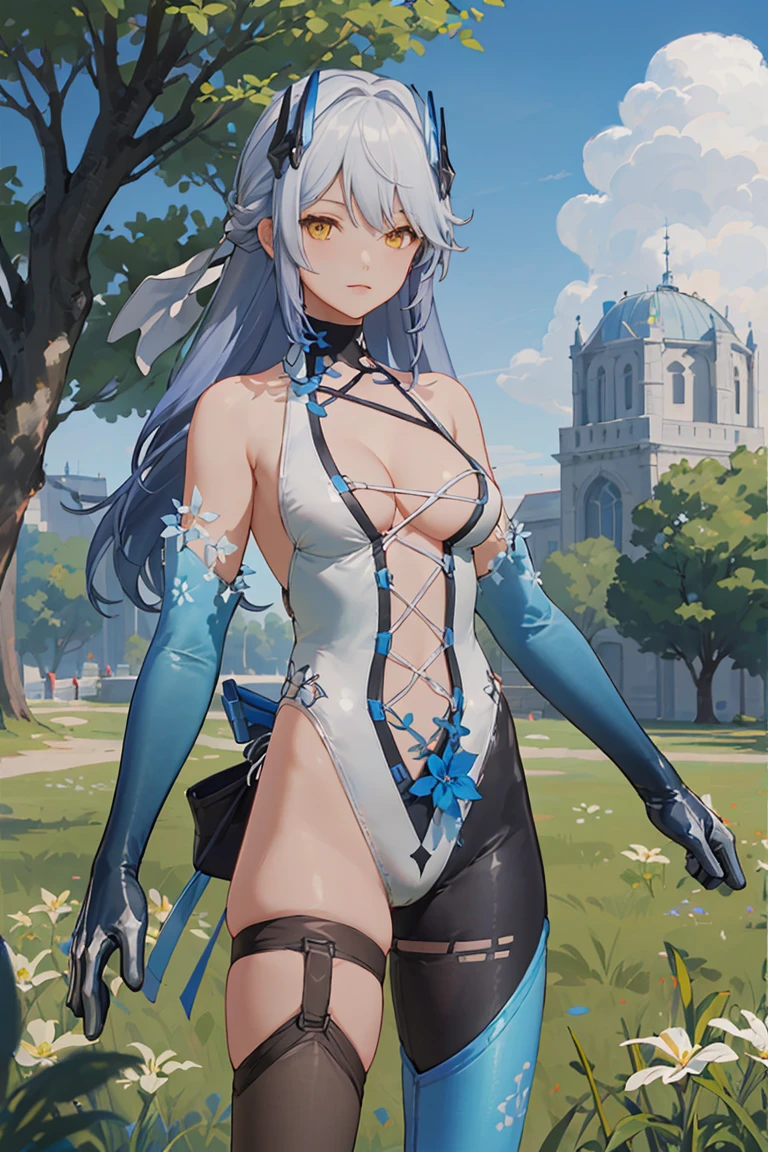
7.提示词: LYFE, leotard, elbow_gloves, asymmetrical_legwear, hair_ornament, cleavage, asymmetrical_footwear, blue_hair, long hair, yellow_eyes
V1.0
点击about this version查看说明
______________________________________________________________________________
V2.0
1. The character's clothing can be customized. When using customized clothing, please keep the prompt words LYFE, blue_hair, long hair, yellow_eyes, and add the original clothing prompt words to the negative prompt words. This can improve the painting style and clothing. of overfitting. If you want the face to be more restored, you can just add leotard, hair ornament, or negative reminder words.
2. If the character's neck is over-fitted by the original clothing prompt words, you can use collarbone. The same goes for other parts. Use more precise prompt words to describe the problem areas, such as bare shoulders, bare arms, bare legs.
3. There may be errors in the character's clothing, especially in some specific actions. If you want to get a more accurate restoration, you may need to generate it multiple times or use photoshop to fix the errors.
4. In the cowboy_shot perspective, please remove the prompt word asymmetrical_footwear
In the from_behind perspective, use backless_leotard
5. You can flexibly adjust the number of steps, weight, and CFG. The default settings are step: 40, weight 0.7-1, and CFG 7. (I have not made any more attempts in this regard)
6. The new version of stable diffusion adds the function of saving LORA prompt words and instructions. The prompt words can be saved and quickly recalled. It is recommended to use
7. Prompt words: LYFE, leotard, elbow_gloves, asymmetrical_legwear, hair_ornament, cleavage, asymmetrical_footwear, blue_hair, long hair, yellow_eyes
V1.0
Click about this version to view instructions
Description
权重Weights:0.65-0.95,推荐recommend: 0.7-0.9
NSFW:0.55-0.8
————————————————————————————————————————————————————————
推荐使用:高分辨率修复 (Hires. fix)、IMAGE-TO-IMAGE / controlnet-tile 放大重绘
【推荐使用的Checkpoint】:参考XYZ图
【负面-embaddings】:EasyNegative、negative_hand-neg bad-artist-anime
【CFG】:7
【VAE】: kl-f8-anime2 (根据您使用的checkpoint变更)
——————————————————————————————————————————————————————
【Trigger Words】
1.正面提示词:LYFEB, tactical_bodysuit, asymmetrical_leggings, boots, hairclip, gloves, light_blue_hair, long_hair, yellow_eyes,
2.负面提示词:floating weapon, holding gun, yellow_strap, white_background, 3D_rendering, (worst quality,low quality,normal quality:1.4),
3.负面embaddings: EasyNegative, negative_hand-neg
【参考预设,您可以在此之上进行修改】
1.正面提示词:
LYFEB, tactical_bodysuit, asymmetrical_leggings, hairclip, gloves, boots, light_blue_hair, long_hair, yellow_eyes, looking at viewer, naughty face, 1girl, standing, living_room, day, dappled_sunlight, window, blue_sky, (masterpiece,best quality,beautiful and aesthetic:1.2), <lora:LYFEB-v1:0.7>
2.负面提示词: EasyNegative ,floating weapon, holding gun, yellow_strap, white_background, 3D_rendering, (worst quality,low quality,normal quality:1.4), negative_hand-neg bad-artist-anime
3.其它参数:DPM++2M SDE Karras 30-40 steps , 512X768 / 512x1024, 启用Hires.fix, R-ESRGAN 4X+Anime6B, 放大倍数:1.5-2,重绘幅度0.3-0.4
——————————————————————————————————————————————————————
【目前存在的问题与建议】
1.(1)在绘制远景镜头的图片时(full body),人物的眼睛与面部精度有概率出现瑕疵,但可以用以下方式【方法3】修复。
(2)人物服饰有概率出现错误,但不会影响整体人物观感。 提示词:“hairclip, boots”的还原效果不理想。
(3)实例使用的质量提示词仅供参考,您可以使用其它的质量提示词达成不同的效果
(4) 根据您使用的模型与实际出图情况来调整权重
(5) 如果您生成的图片与示例差距过大,请检查权重值、文件名是否正确,是否使用了负面embaddings
(6)画面可能存在一些“3D感”难以消除,您可以使用画风LORA或LORA BLOCK WEIGHT插件缓解,但这会影响还原度。
(7)过高的embaddings权重也会导致画面崩坏
2.在绘制远景或全身画面时,请适当增大出图尺寸与步数,这有助于提升人物面部精度。
3.如果以上方法【2】的效果不理想,请直接将生成的图片发送至image-to-image进行放大重绘【效果很好】,方法如下:
(1)尽量使用与原图一致的提示词、角色lora、seed
(2)启用controlnet--tile, 启用 放大脚本 Ultimate SD upscale
(3)一个参考设置参数:Steps:30-40, 重绘幅度0.2-0.4,放大算法:4x-UltraSharp 或 R-ESGAN 4x+anime6B, 放大倍数1.25--2
4.在创作NSFW内容时,请根据实际情况调整权重,同时使用更多更精确的NSFW相关提示词,增加NSFW相关提示词的权重,根据出图情况,决定是否将提示词中的衣服类Trigger Words 加入负面提示词。您也可以搭配使用其它NSFW类别的LORA来辅助出图。
5.当您感觉图片细节不足、模糊时,请适当增加迭代步数,或调整采样器及vae,也可以尝试【3】的方法进行I2I重绘。
6.Checkpoint兼容性问题,您可能需要调整LORA权重以及各个提示词的权重、增减提示词来达成效果
--------------------------------------------------------------------------------------------------------------------------------------------------------------------
Recommended use: High-resolution fix (Hires. fix), IMAGE-TO-IMAGE / controlnet-tile enlargement and redrawing
[Recommended Checkpoint]: Refer to the XYZ diagram
【Negative-embaddings】:EasyNegative、negative_hand-neg bad-artist-anime
【CFG】:7
【VAE】: kl-f8-anime2 (change according to the checkpoint you use)
——————————————————————————————————————————————————————————————————
【Trigger Words】
1. Positive prompt words: LYFEB, tactical_bodysuit, asymmetrical_leggings, boots, hairclip, gloves, light_blue_hair, long_hair, yellow_eyes,
2. Negative prompt words: floating weapon, holding gun, yellow_strap, white_background, 3D_rendering, (worst quality, low quality, normal quality: 1.4),
3. Negative embaddings: EasyNegative, negative_hand-neg
[Reference default, you can modify it]
1. Positive prompt words:
LYFEB, tactical_bodysuit, asymmetrical_leggings, hairclip, gloves, boots, light_blue_hair, long_hair, yellow_eyes, looking at viewer, naughty face, 1girl, standing, living_room, day, dappled_sunlight, window, blue_sky, (masterpiece, best quality, beautiful and aesthetic:1.2 ), <lora:LYFEB-v1:0.7>
2. Negative prompt words: EasyNegative, floating weapon, holding gun, yellow_strap, white_background, 3D_rendering, (worst quality, low quality, normal quality: 1.4), negative_hand-neg bad-artist-anime
3. Other parameters: DPM++2M SDE Karras 30-40 steps, 512X768 / 512x1024, enable Hires.fix, R-ESRGAN 4X+Anime6B, magnification: 1.5-2, redraw amplitude 0.3-0.4
————————————————————————————————————————————————————————————————————————————
[Current problems and suggestions]
1. (1) When drawing a long shot picture (full body), there is a probability that the character's eyes and facial accuracy will be flawed, but it can be repaired in the following way [Method 3].
(2) There may be errors in character clothing, but it will not affect the overall character look and feel. Tip word: The restoration effect of "hairclip,boots" is not ideal.
(3) The quality prompt words used in the example are for reference only. You can use other quality prompt words to achieve different effects.
(4) Adjust the weight according to the model you use and the actual drawing situation
(5) If the difference between the image you generated and the example is too large, please check whether the weight value and file name are correct, and whether negative emaddings are used
(6) There may be some "3D feeling" in the picture that is difficult to eliminate. You can use the painting style LORA or LORA BLOCK WEIGHT plug-in to alleviate it, but this will affect the degree of restoration.
(7)Excessive embaddings weight will also cause the screen to collapse.
2. When drawing distant views or full-body scenes, please increase the drawing size and number of steps appropriately, which will help improve the facial accuracy of the characters.
3. If the effect of the above method [2] is not satisfactory, please directly send the generated image to image-to-image for enlargement and redrawing [the effect is very good], the method is as follows:
(1) Try to use prompt words, characters lora, and seed that are consistent with the original picture.
(2) Enable controlnet--tile, enable the amplification script Ultimate SD upscale
(3) A reference setting parameter: Steps: 30-40, redraw amplitude 0.2-0.4, amplification algorithm: 4x-UltraSharp or R-ESGAN 4x+anime6B, amplification factor 1.25--2
4. When creating NSFW content, please adjust the weight according to the actual situation, use more and more precise NSFW-related prompt words, increase the weight of NSFW-related prompt words, and decide whether to trigger the clothing category in the prompt words based on the picture output. Words Add negative reminder words. You can also use other NSFW categories of LORA to assist in drawing.
5. When you feel that the picture details are insufficient or blurry, please increase the number of iteration steps appropriately, or adjust the sampler and VAE. You can also try the method [3] for I2I redrawing.
6. Checkpoint compatibility issues, you may need to adjust the LORA weight and the weight of each prompt word, and increase or decrease prompt words to achieve the effect.
FAQ
Details
Files
Available On (1 platform)
Same model published on other platforms. May have additional downloads or version variants.