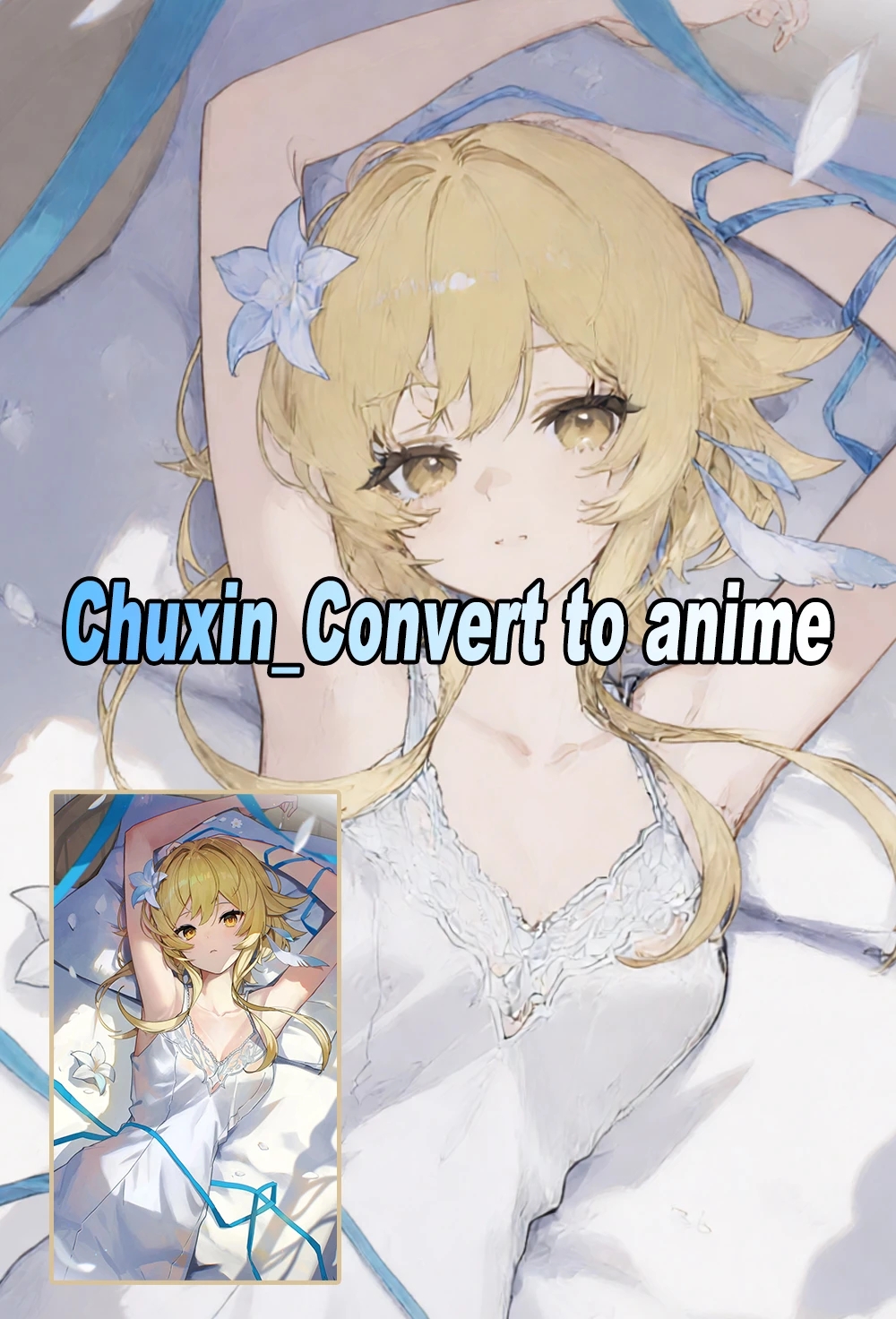
Chuxin_Convert to anime
You can click on the link below to try it out directly. If the effect is good, you can deploy it locally
https://www.runninghub.ai/post/2031425995810541569/?inviteCode=rh-v1475
Fan benefits,register to get 1000 points,daily login 100 points,play 4090!Experience the super power of 48G.
Luminous Anime Style Transformer (Qwen-Edit 2511)
This LoRA is designed to breathe life into any image by converting it into a vibrant, high-translucency anime style. It doesn't just change the art style; it enhances the "inner glow" and clarity of the colors, giving your outputs a clean, professional, and ethereal look reminiscent of high-budget modern anime films.
Trained on the Qwen-Image-Edit-2511 framework, it excels at light scattering, glass-like textures, and maintaining a delicate balance between detail and stylized simplicity.
Core Features
Translucent Textures: Specializes in "airy" and "luminous" aesthetics with enhanced lighting.
Universal Conversion: Transforms 3D, realistic photos, or rough sketches into polished anime art.
Style Clarity: Cleans up muddy colors to create a more "see-through" and fresh visual feel.
Usage Guide
Trigger Word:
make it anime styleRecommended Strength:
1.0(for the full stylistic overhaul).Sampling Steps:
Standard: Use the default sampling steps for your base model (usually 20–30 steps).
With Acceleration LoRAs: If you are using Lightning, Turbo, or Hyper LoRAs, simply use their specific recommended steps (e.g., 4–8 steps).
Description
Details
Files
Available On (1 platform)
Same model published on other platforms. May have additional downloads or version variants.