

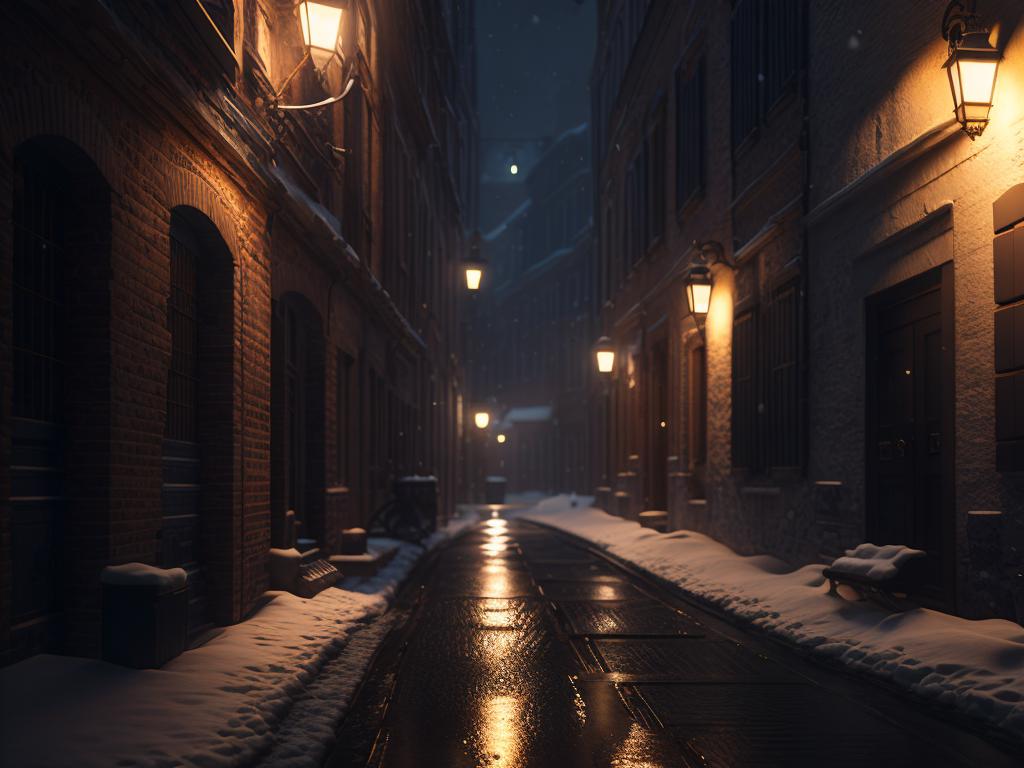
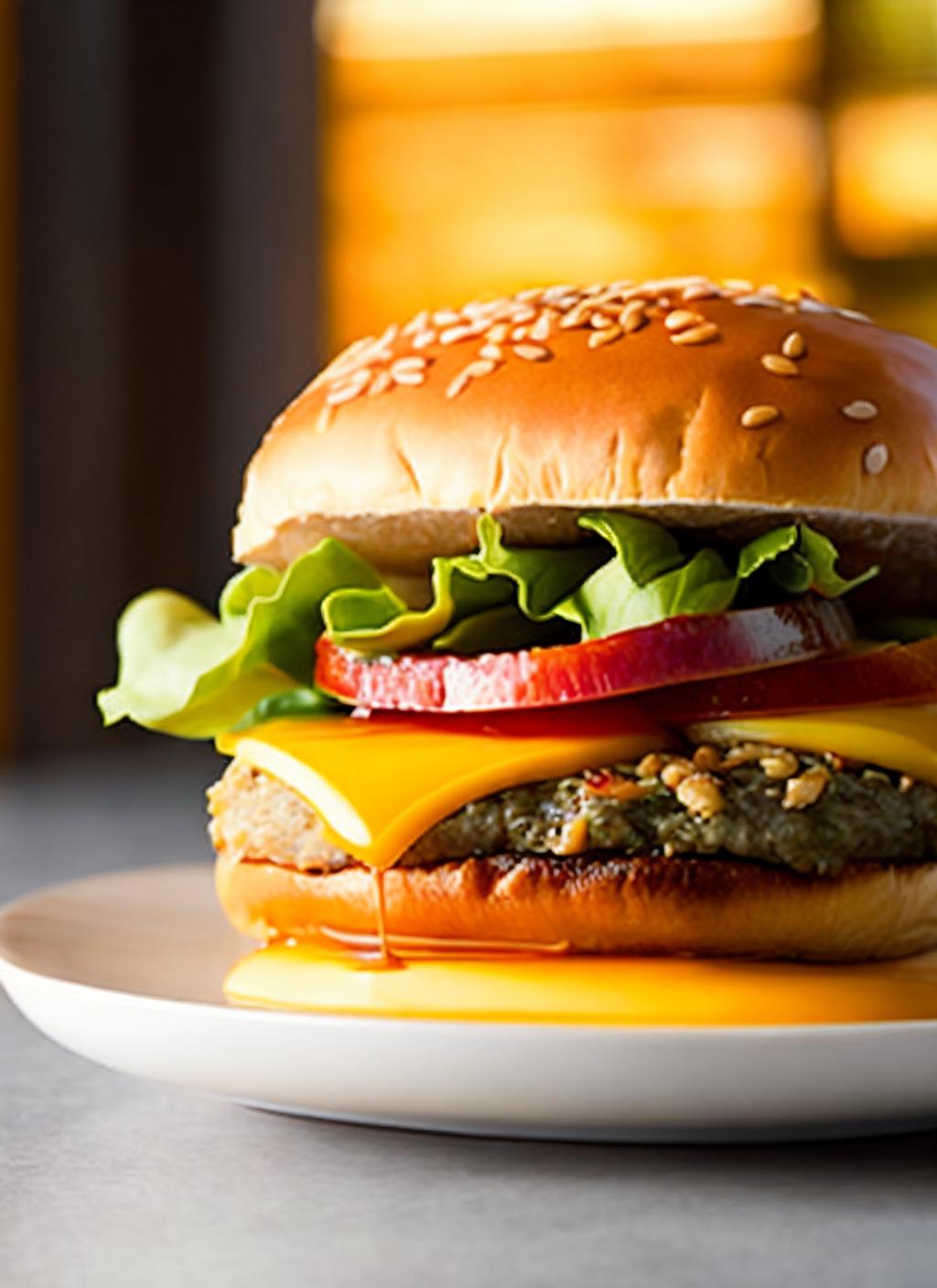
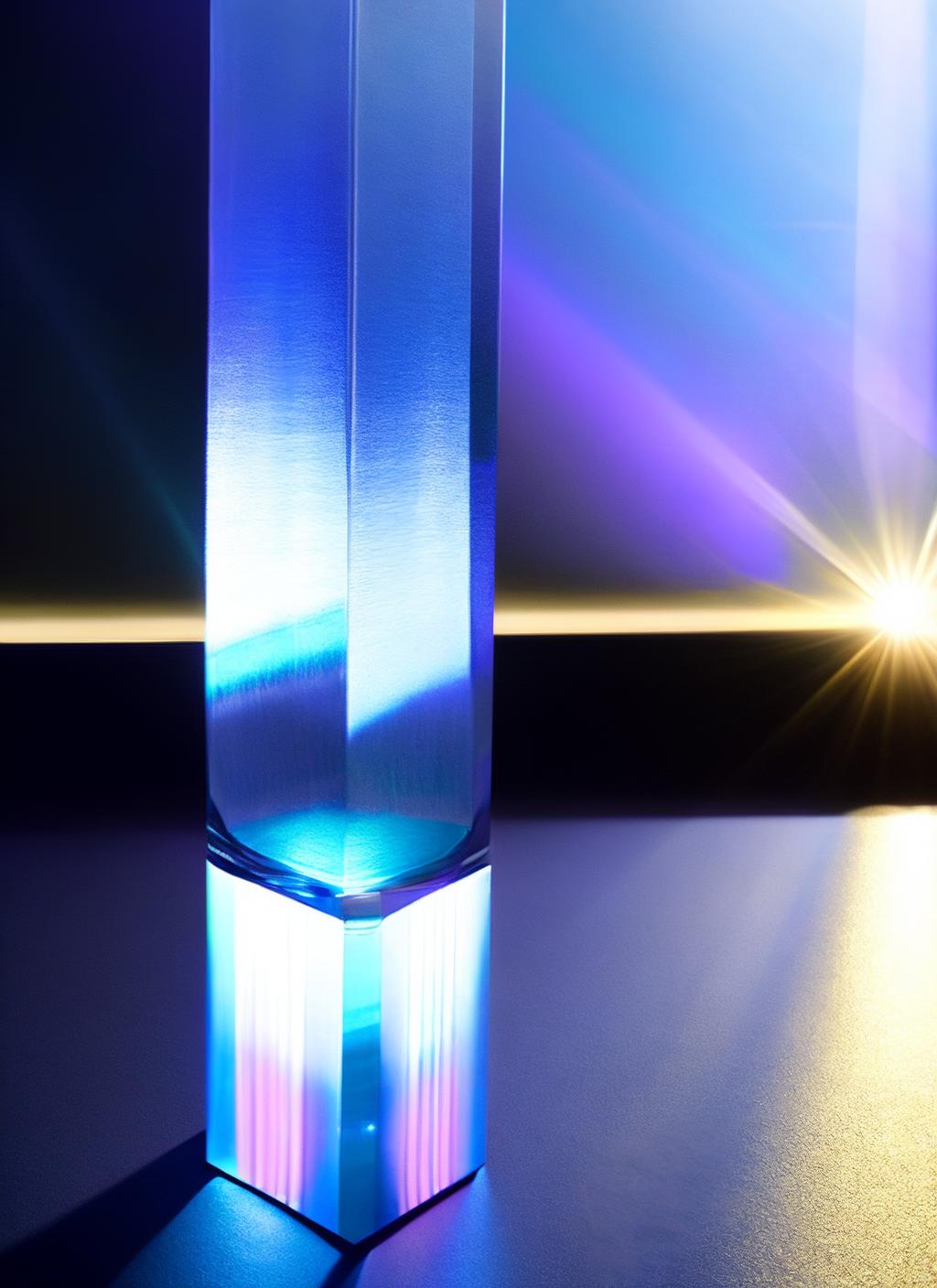


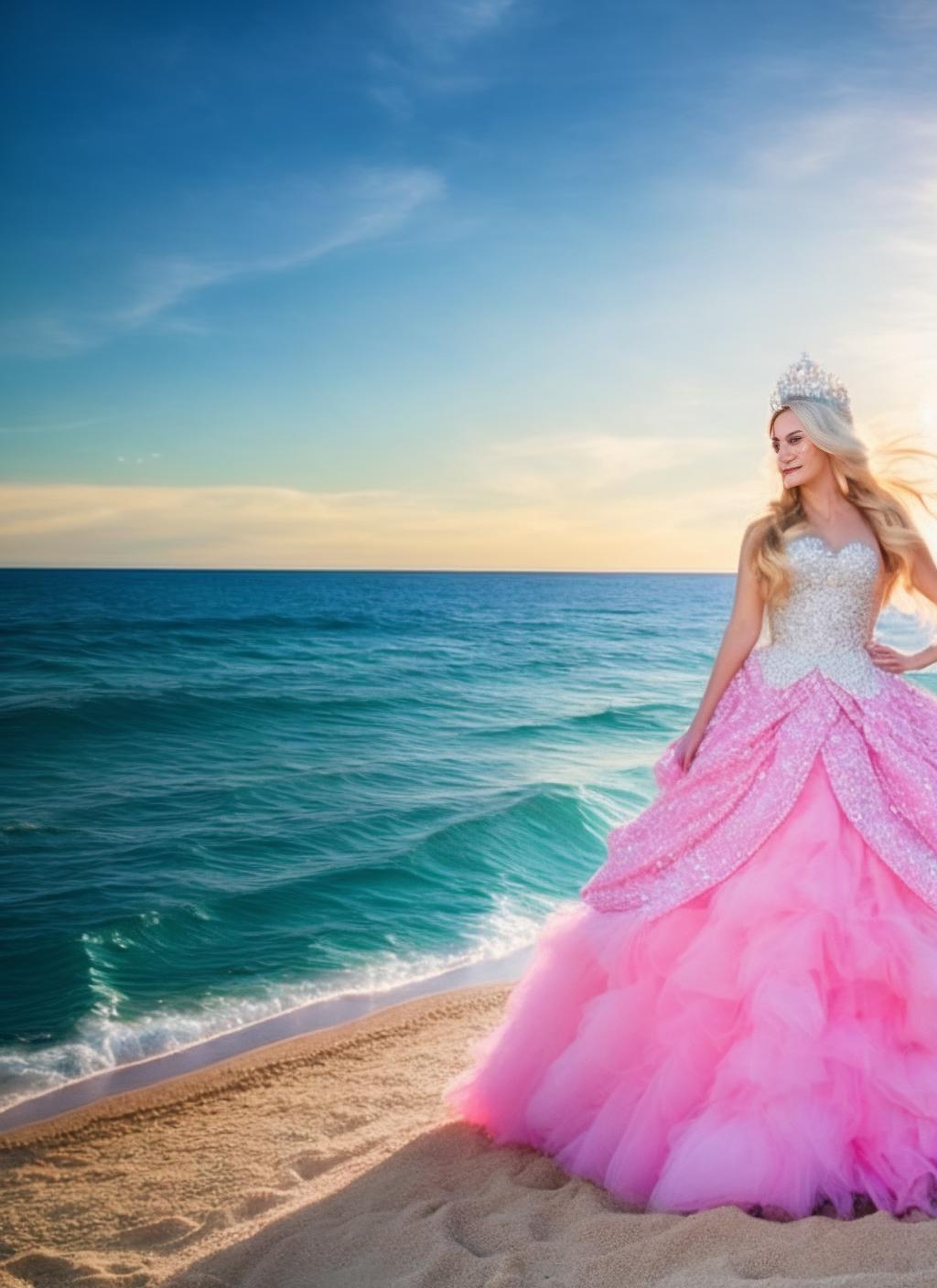







di.FFUSION.ai-tXe-FXAA
Trained on "121361" images.
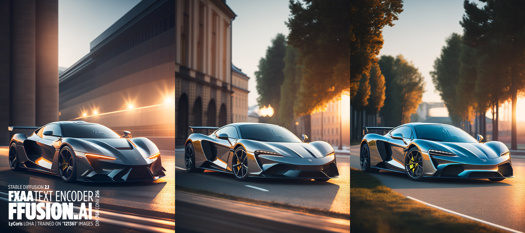
Enhance your model's quality and sharpness using your own pre-trained Unet.
The text encoder (without UNET) is wrapped in LyCORIS. Optimizer: torch.optim.adamw.AdamW(weight_decay=0.01, betas=(0.9, 0.99))
Network dimension/rank: 768.0 Alpha: 768.0 Module: lycoris.kohya {'conv_dim': '256', 'conv_alpha': '256', 'algo': 'loha'}
Large size due to Lyco CONV 256


For a1111
Install https://github.com/KohakuBlueleaf/a1111-sd-webui-lycoris
Download di.FFUSION.ai-tXe-FXAA to /models/Lycoris
Option1:
Insert <lyco:di.FFUSION.ai-tXe-FXAA:1.0> to prompt
No need to split Unet and Text Enc as its only TX encoder there.
You can go up to 2x weights
Option2: If you need it always ON (ex run a batch from txt file) then you can go to settings / Quicksettings list
add sd_lyco
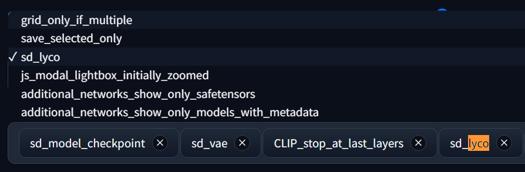
restart and you should have a drop-down now 🤟 🥃
More info:
"ss_text_encoder_lr": "1e-07",
"ss_keep_tokens": "3",
"ss_network_args": {
"conv_dim": "256",
"conv_alpha": "256",
"algo": "loha"
},
"img_count": 121361
}
"ss_total_batch_size": "100",
"ss_network_dim": "768",
"ss_max_bucket_reso": "1024",
"ss_network_alpha": "768.0",
"ss_steps": "2444",
"sshs_legacy_hash": "539b2745",
"ss_batch_size_per_device": "20",
"ss_max_train_steps": "2444",
"ss_network_module": "lycoris.kohya",
This is a heavy experimental version we used to test even with sloppy captions (quick WD tags and terrible clip), yet the results were satisfying.
Note: This is not the text encoder used in the official FFUSION AI model.
Description
Details
Files
Available On (1 platform)
Same model published on other platforms. May have additional downloads or version variants.