








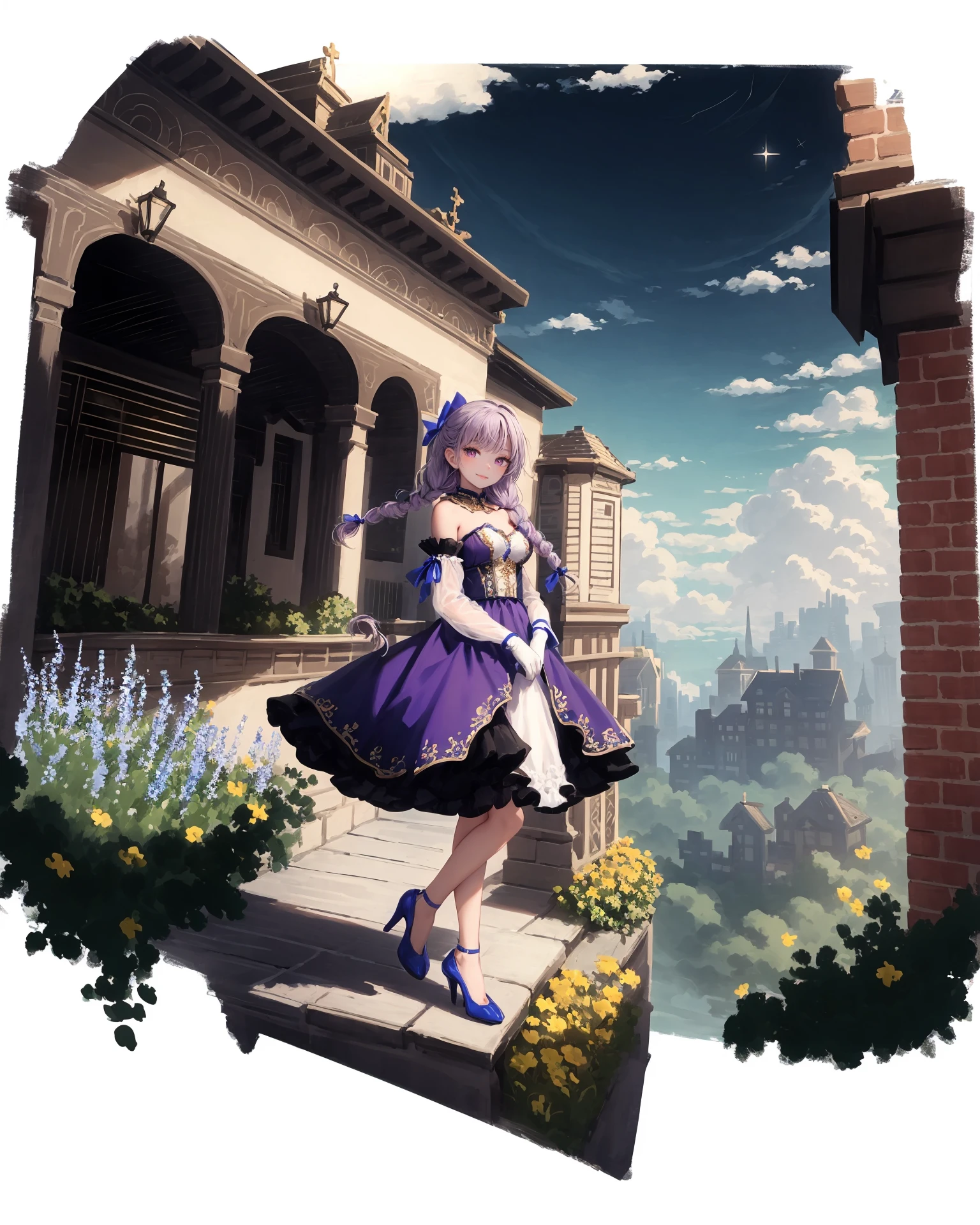
Introducing a better way to use this LoRA with refiner. All sample images are generated in this way:
Settings:
Check "Hires fix: show hires checkpoint and sampler selection".
Set "Hires fix: which pass to enable refiner for" to first pass".
Merge LoRA into your base model. Recommend SilvermoonxMix Base mode. Here is a merged version: https://civitai.com/models/54152?modelVersionId=282796
Instruction:
Set base checkpoint to the merged one in Settings#3.
Set Hires, refiner, ADetailer (optional) checkpoint to the one with your desired style (For example, pastel mix)
Suggested configurations:
DPM++ SDE Karras
Sampling steps 28Refiner switch at 0.425
基于refiner的模型使用手法 https://www.bilibili.com/video/BV1rN4y1B7eg/
前期设置:
在设置中开启高清修复模型选择
在设置中把refiner改为first pass,这样确保在高清修复的过程中不使用refiner
把立绘法LoRA融进你的基础模型中,或者直接使用融合了立绘法LoRA的银月Mix: https://civitai.com/models/54152?modelVersionId=282796
融合插件推荐使用: SuperMergage https://github.com/hako-mikan/sd-webui-supermerger
(可选)推荐使用ADetailer插件增加面部细节:https://github.com/Bing-su/adetailer
使用设置:
把基础模型设置为融合了立绘法LoRA的模型
把高清修复和Refiner模型设置为你想用的风格化模型
根据我的测试,SDE采样器,迭代步数28,refiner切入时机设置为0.425
如果你使用了ADetailer插件,把ADetailer的inpaint模型也改成同样的风格化模型
不同的模型需要不同的white background权重。如果没有立绘效果,请适当加权。
Different models need different weights of "white background" to get the effect. Increase the weight as you need.
Sample images were generated by https://civitai.com/models/54152/silvermoonmix-base-model
Check my profile for more LoRAs https://civitai.com/user/silvermoong/models
Description
Triggering word:
[(white background:1.15), ::2]solo, mid shot, full body, <lora:GachaSplashAlter_2:0.8>
white background's weight and steps are tested on SilvermoonMix base model. Increase white background weight and steps if you can't get the effect.
FAQ
Details
Files
Available On (5 platforms)
Same model published on other platforms. May have additional downloads or version variants.