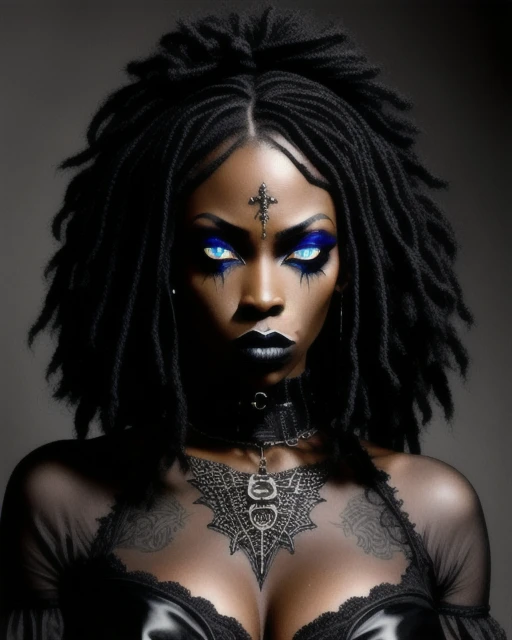
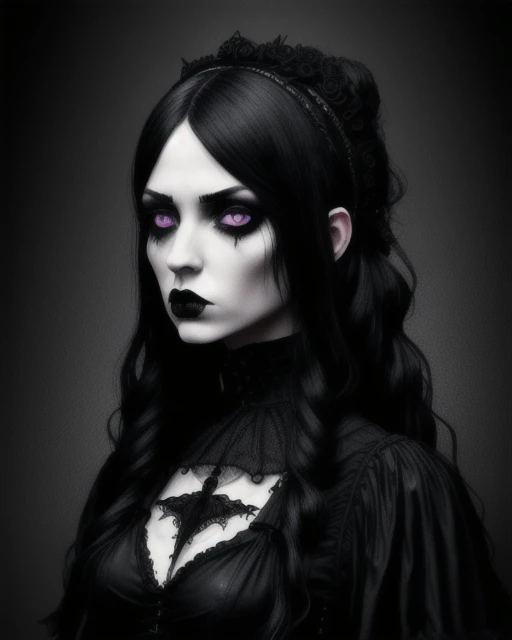
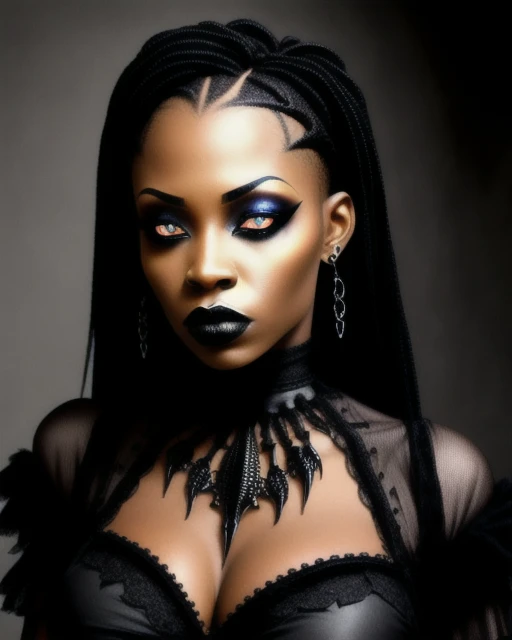
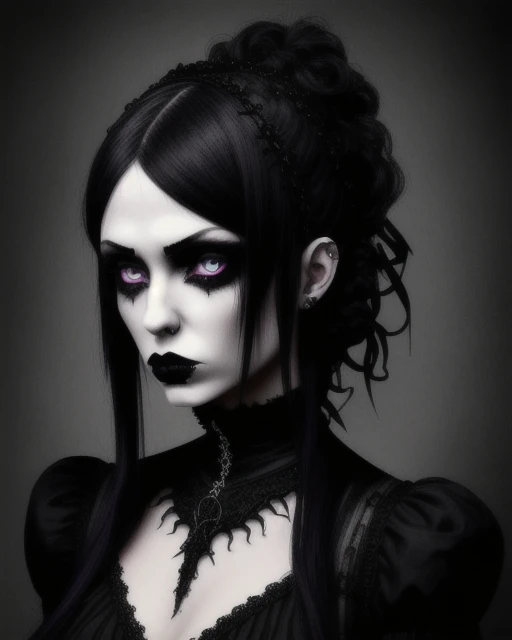
ANNOFantasy - Unleash Your Imagination
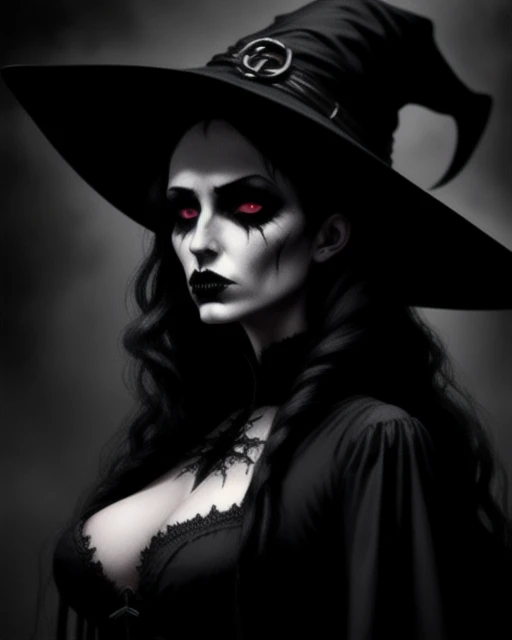
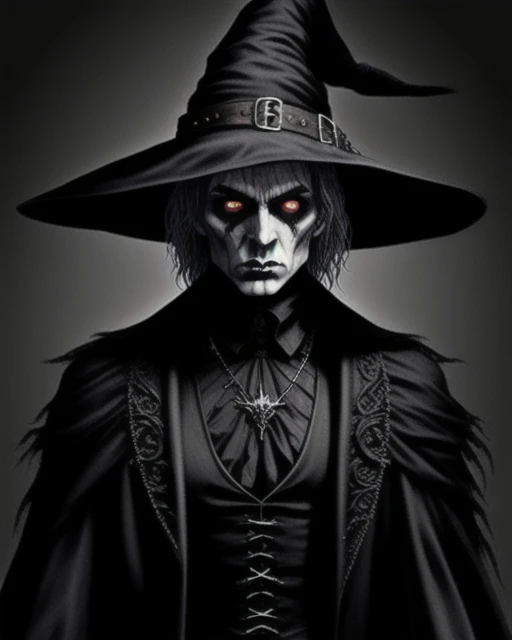
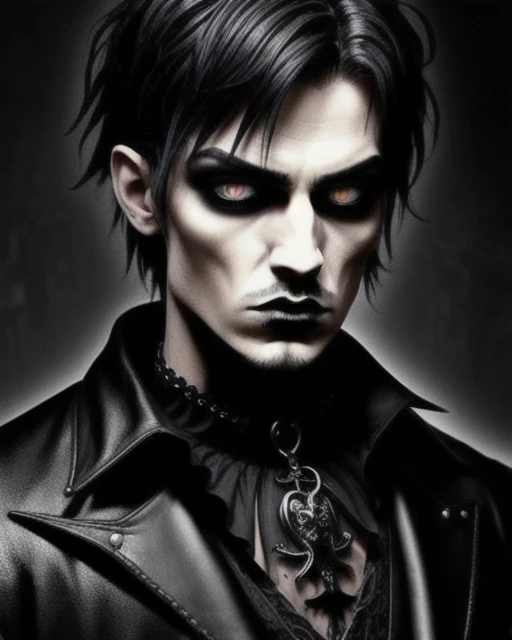
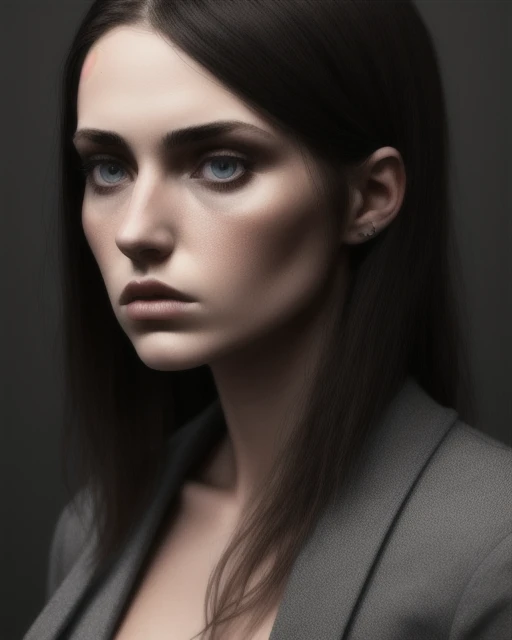
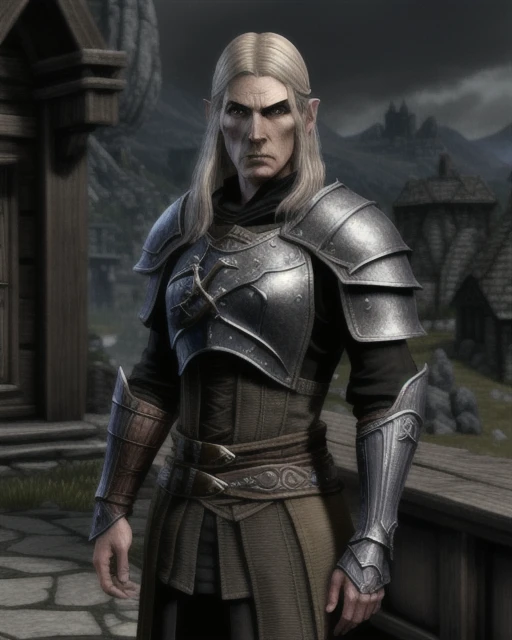
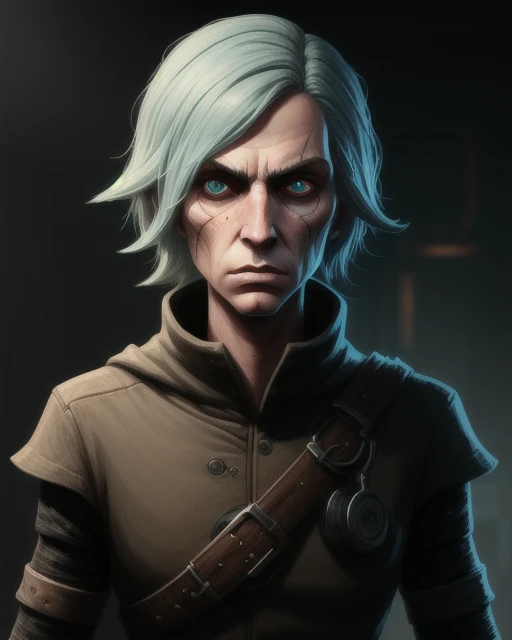
ANNOFantasy is a cutting-edge AI model designed to transport you to realms of pure fantasy. Crafted to excel in generating captivating fantasy scenarios, this model empowers you to create everything from breathtaking landscapes to intricate characters and objects. Whether you're envisioning epic RPG adventures, dark gothic scenes, or simply seeking to populate your world with fantastical elements, ANNOFantasy provides the tools to bring your dreams to life. Many believe ANNOFantasy possesses a unique blend of capabilities, ready to claim its place as a leading force in AI-powered creativity.
ANNOFantasy is an invaluable asset for:
Game Development: Design immersive worlds, populate them with unique characters and creatures, and craft visually stunning environments.
Creative Writing: Generate vivid scenes to accompany your narratives, enriching your storytelling with powerful imagery.
Concept Art: Quickly visualize your ideas, whether you're designing a fearsome dragon, a mystical forest, or a crumbling ancient ruin.
Worldbuilding: Develop entire fantasy worlds with consistent visual themes and detailed elements.
Ease of Use: ANNOFantasy is designed for intuitive use, allowing you to focus on your creative vision without getting bogged down in technical details.
How to Use ANNOFantasy:
Clip Skip: 6-20 (Experiment to find the optimal setting for your prompts)
Sampler: Euler a, DDIM, DPM++ 2M Karras UNI_PC (Explore different samplers to achieve varied results)
CFG Scale: 7-15 (Adjust to balance prompt adherence and artistic freedom)
Steps: 20-40 (More steps generally yield higher quality, but increase generation time)
Hires Fix: Utilize a high-quality upscaler such as "8x_NMKD-Superscale" or "Latent" for best results, especially at higher resolutions.
VAE: Use your preferred VAE for optimal image quality.
Size: Begin with 512x512, 512x768 or 768x512 and upscale as needed.
Scheduler: Normal, Exponential, Karras
Example Prompts:
Positive: A majestic griffin perched atop a crumbling gothic tower, overlooking a vast, mist-shrouded valley, intricate details, hyperrealistic, fantasy art
Negative: blurry, distorted, extra limbs, poorly drawn, amateur, low quality, disfigured
You can also support me with a cup of coffee Support AINNO on Ko-fi! ❤️
You can also make me an offer.
Description
inpaintANNOFantasy
inpaintANNOFantasy is a specialized inpainting model designed to seamlessly integrate fantastical elements and reimagine existing images within a fantasy context. This model allows you to add magical effects, transform characters and objects, and create captivating scenes brimming with imagination. Whether you're enhancing landscapes, designing creatures, or crafting surreal worlds, inpaintANNOFantasy provides the tools to reshape reality through a lens of pure fantasy.
Masking: Carefully select the area of the image you want to modify using a mask.
Prompting (Optional): Some inpainting tools allow you to use prompts to guide the AI in its modifications (e.g., "add dragon wings," "make the forest glow with magic").
Inpainting: Apply the inpaintANNOFantasy model to the masked area.
Refinement: Adjust settings and refine the results as needed.
Example Use Cases:
Character Design: Add elven ears, change hair color to a magical hue, add fantastical armor, or give a character glowing eyes.
Environment Design: Add a waterfall to a forest scene, make a castle float in the sky, or add a mystical aura to a landscape.
Creature Creation: Add wings to a horse to create a Pegasus, change the scales of a dragon, or add magical effects to a creature's powers.
Tips for Success:
Precise Masking: Accurate masking is crucial for seamless blending.
Descriptive Prompts (If Applicable): If your inpainting tool supports prompts, be as descriptive as possible when specifying the fantastical changes you want to make. Include details about colors, textures, and magical effects.
Iteration: Experiment with different settings and refine your masks to achieve the desired outcome.
Reference Images: Using reference images of specific fantasy elements (e.g., dragon wings, magical effects) can help guide the AI and produce more accurate results.
Details
Files
Available On (1 platform)
Same model published on other platforms. May have additional downloads or version variants.