



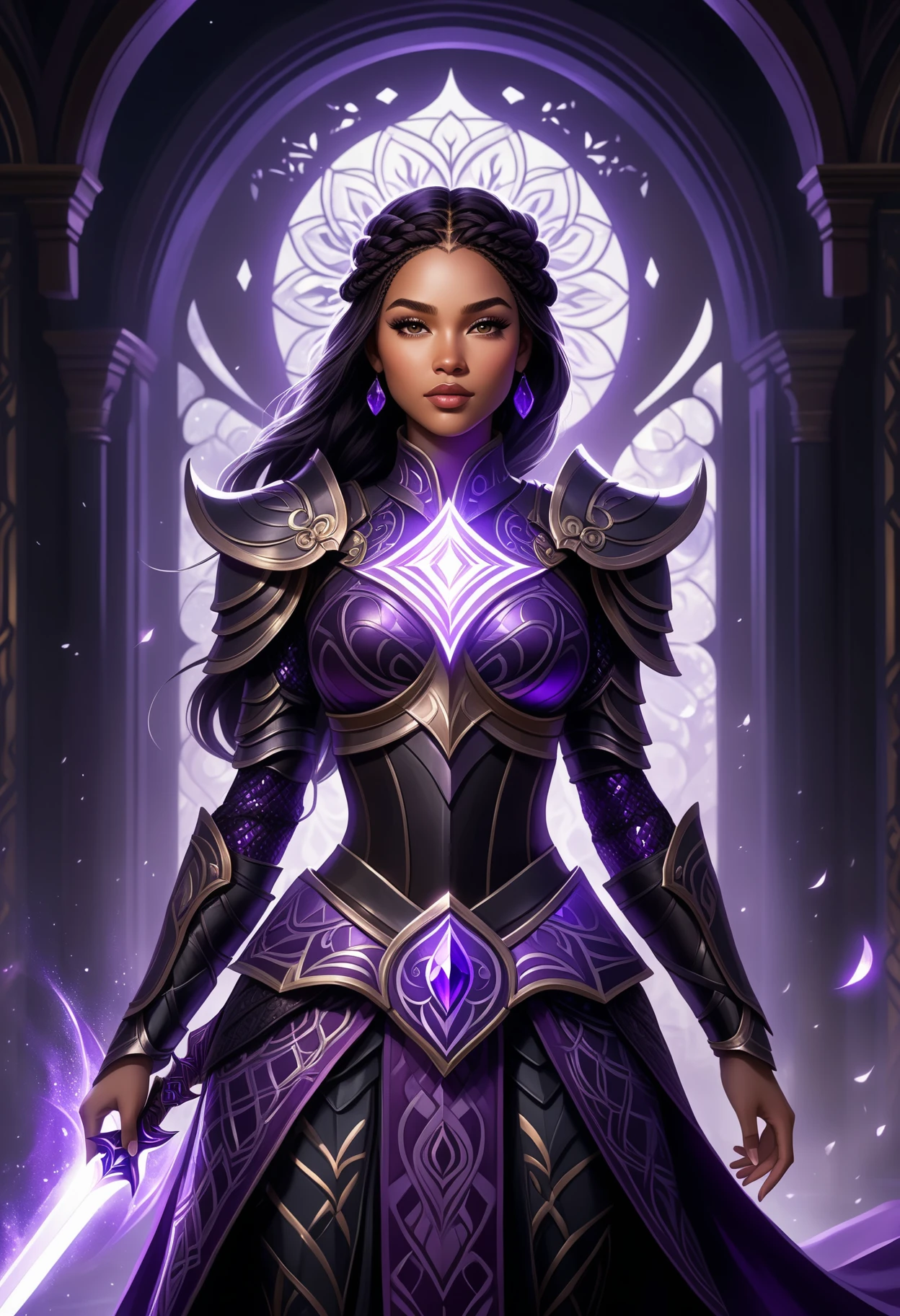
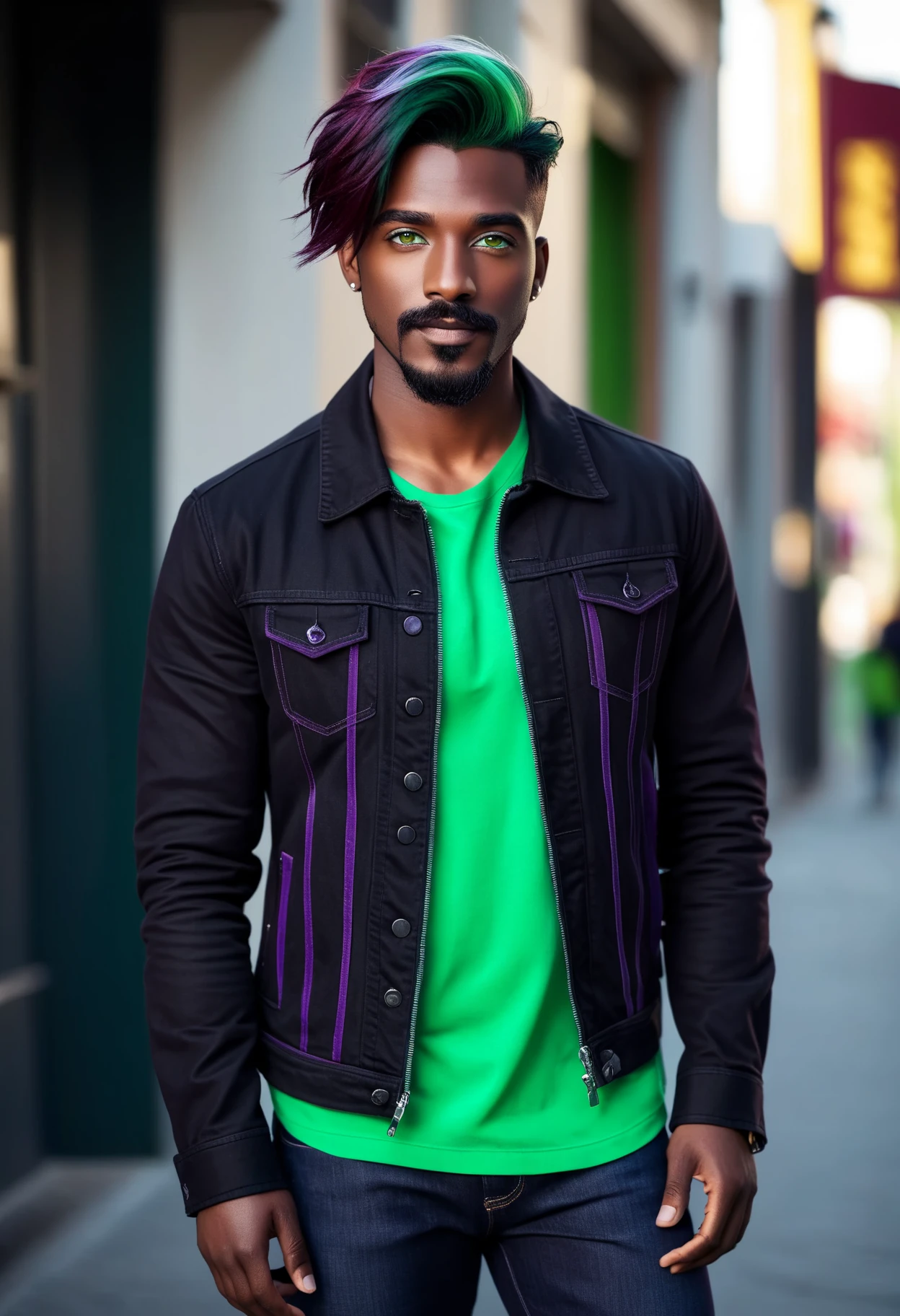
1. Quick Description:
What it is: SDXL_POS is a special file (an "embedding") that you add to your Stable Diffusion prompts to make your pictures look better without having to type a lot of keywords. It's like a shortcut for "masterpiece", "best quality," and other detail boosters.
What it does: It helps improve the quality, clarity, and realism of your images, working with both realistic and animated styles in SDXL. It's designed to work across different SDXL models/checkpoints.
How it was made: It wasn't trained on images! It's created by combining the "digital codes" (tokens) that SDXL uses for words like "masterpiece" to create a new token.
File type: .safetensors
2. How to Use:
Download: Get the SDXL_POS.safetensors file.
Install: Put it in the embeddings folder of your Stable Diffusion setup (like in AUTOMATIC1111/webui).
Add to Prompts: Use <SDXL_POS> in the positive prompt box (where you describe what you want). That's it!
Example:
Positive: <SDXL_POS> a portrait of a beautiful woman
Negative: (low quality, worst quality:1.4), blurry, distorted OR your preferred SDXL negative embeddings - or XL_Neg which is coming soon!
3. What to Expect:
Easier Prompts: No need to type "masterpiece," "best quality," "highly detailed," etc. anymore.
Better Images: Expect sharper, more detailed, and more realistic-looking pictures overall.
Works with Many SDXL Models: It should improve images with different checkpoints and art styles.
Experimentation: Results might vary depending on the model, prompt, and settings.
Might Need Tweaking: You might need to adjust other things in your prompts or settings for best results.
4. Key Points:
Merged Tokens: Created by combining special digital "words" that SDXL already knows.
No Training: This isn't like a model trained with tons of images. It's a shortcut based on existing vocabulary.
Might be Unpredictable: Because of how it's made, it might not always behave exactly as expected. You may encounter some unexpected effects
File Size: Small file size, doesn't take up a lot of space.
File Type: .safetensors
5. Things to keep in Mind:
Bias: It might have preferences for certain types of images because of what the original keywords represent. It is inheriting the biases of those single tokens.
Ethical Use: Be responsible when generating images. This embedding can enhance the quality of images and can be used for good or bad.
Play Around: Experiment with different prompts and settings. Have fun seeing what you can create!