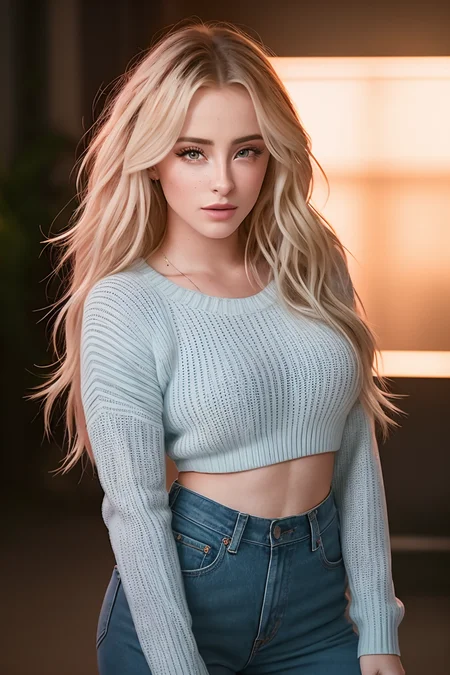
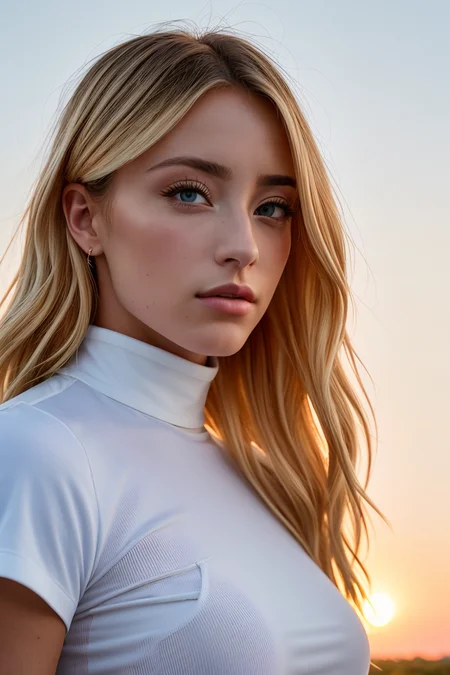
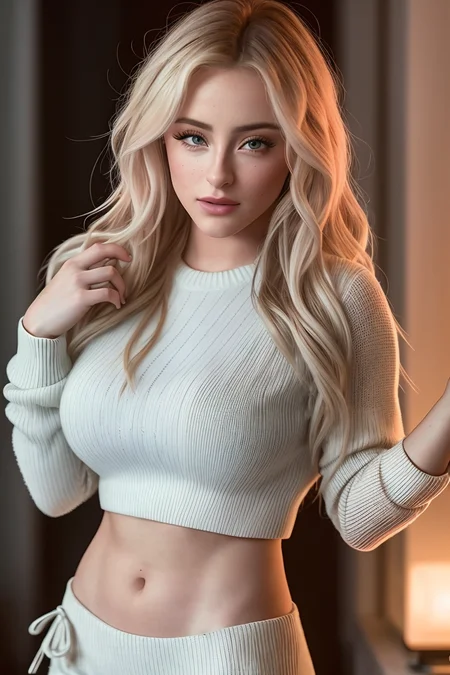
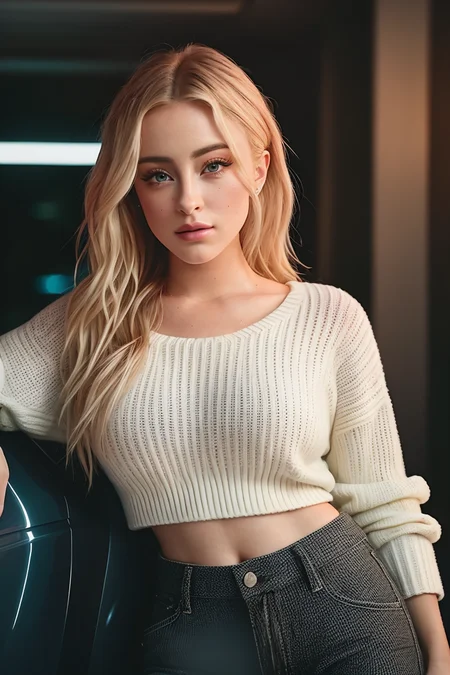
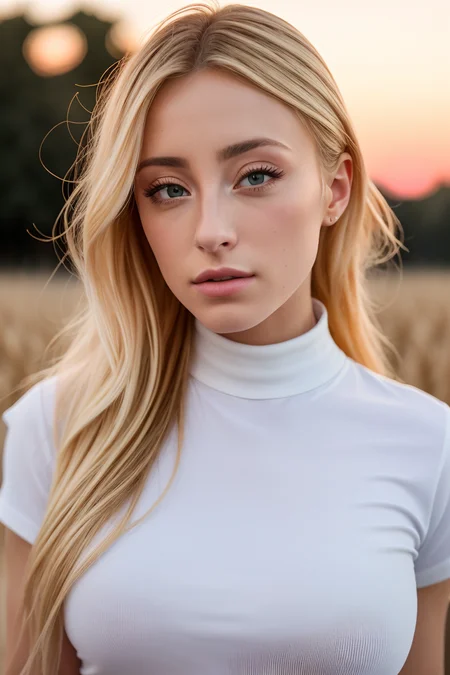
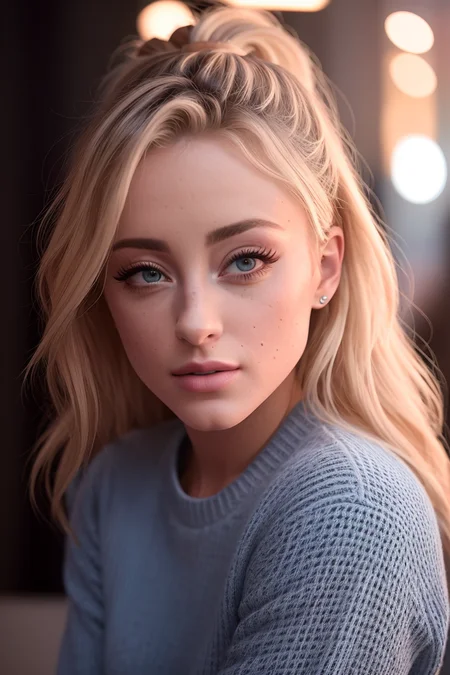
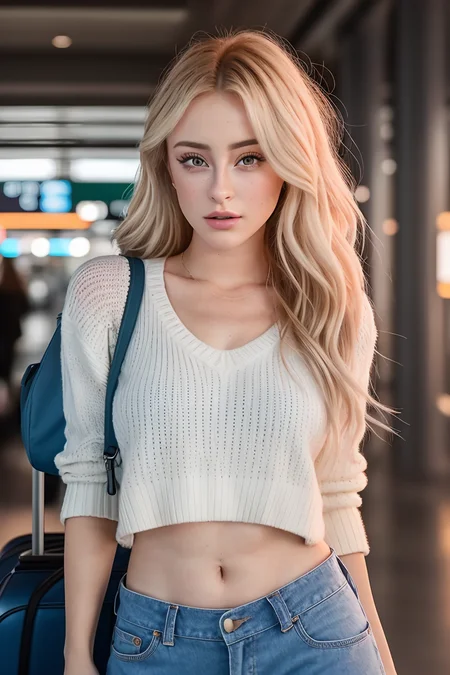
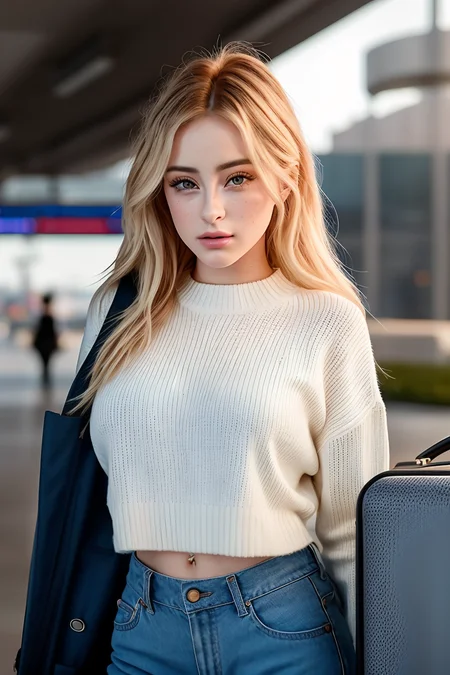
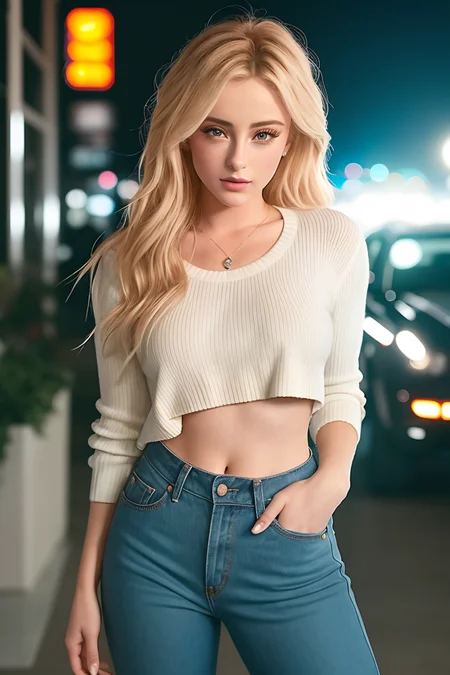
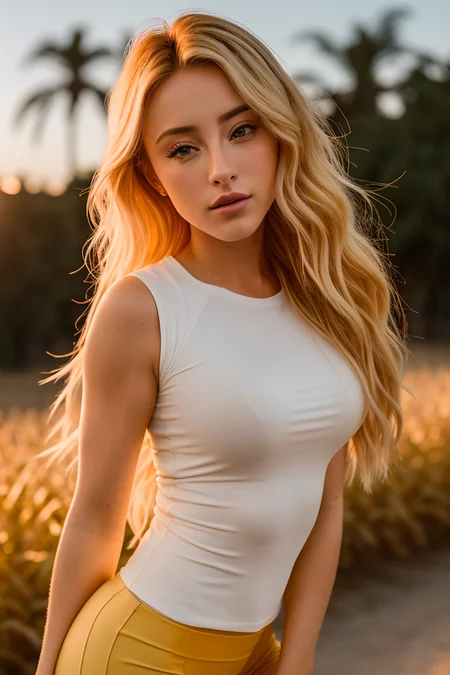
A request of @webman240130.
(I just realised my good friend @ElizaPottinger had already fulfilled this request... sorry about that, man! Please check his fantastic version here!)
Daisy Keech is a social media celebrity with around 6M followers on Instagram. This embedding is based on her pre-surgery looks. Nowadays she looks a bit different.
180-step TI trained on a dataset of 6 images with my usual settings.
Appreciate my work? My TIs are free, but you can always buy me a coffee. :)
Curious about my usual work process? I have summarized it here.
How to create a good prompt using my TIs
You're obviously free to experiment, but bear in mind that my TIs are trained with a more or less fixed phrasing, that normally starts with:
"photo of EMBEDDING_NAME, a woman"
So I recommend always starting your prompt like that and then building the rest of the prompt from there. For instance, "photo of beautiful (da1syk33ch:0.99), a woman as a movie star, freckles, sweater off-shoulders, trousers, at a movie premiere gala, dark moody ambience (masterpiece:1.2) (photorealistic:1.2) (bokeh) (best quality) (detailed skin:1.2) (intricate details) (nighttime) (8k) (HDR) (cinematic lighting) (sharp focus), (looking at the camera:1.1), (closeup portrait:1.1)"
Description
180-step TI trained on a dataset of 6 images with my usual settings.
FAQ
Comments (3)
Thats a sexy babe! Didnt even know her before you introduced her in civitai. Many thx!
Thank You!!!
I've run into a strange issue with this one. I was using it on the model galenaREDUX v2, which isn't really the tone of the models you're going for so this may not be relevant.
That said, usually when I use one of your TIs and prompt them like this: (person:1.5) the character will tend strongly towards the characteristics of your TI without breaking down entirely. However, with this TI the character will often display with blue hair, or at least blue highlights. Even without adding any strength to the prompt this sometimes occurred. Adding a negative prompt of (blue hair:2.0) went most of the way to fixing the problem, but the image overall would sometimes have a blue tendency instead, with blue objects appearing in the background or influencing the colour of clothes, stuff like that.
Long story short: Great TI, works brilliantly on most models as far as I can tell BUT there's some kind of blue influence going on in niche cases. Probably not worth worrying over but may have been caused by a tendency in the sample images, something like that? No idea, but worth being aware of all the same. Thank you for all your work Jernau
Details
Available On (1 platform)
Same model published on other platforms. May have additional downloads or version variants.