

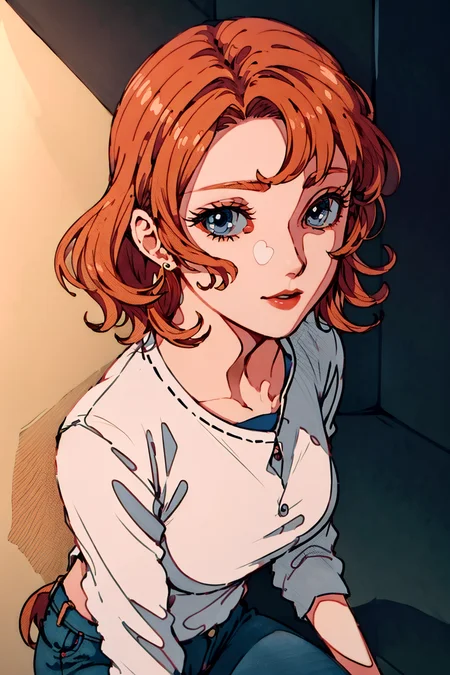
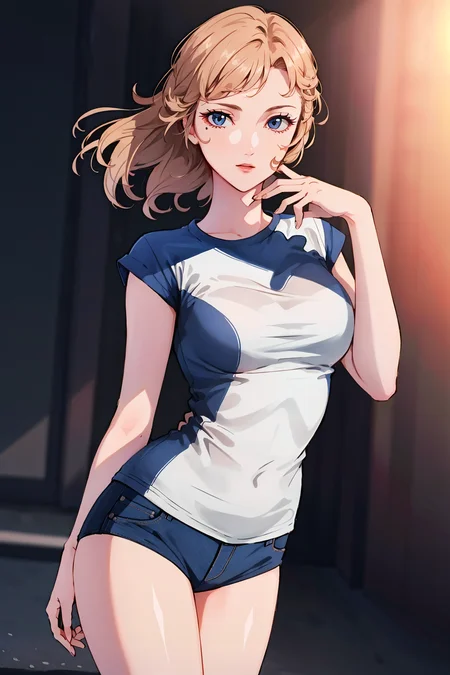



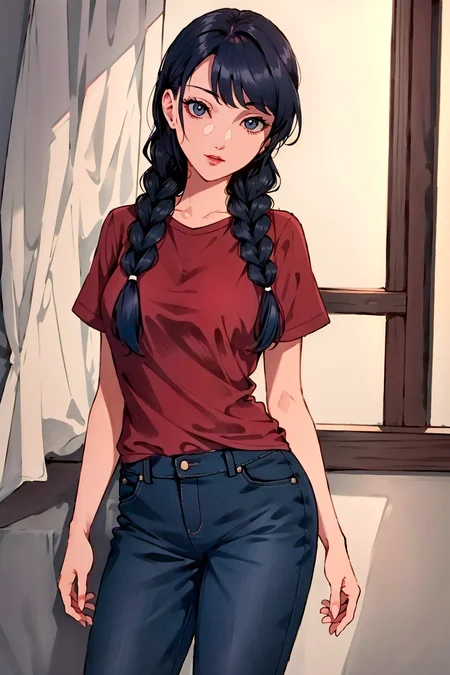

This is a New Style Lora I have created, it is suitable for 2d style generations.
I will suggest using between 0.5 to 0.8 weight for this Lora. Using weight above 0.8 can look more like the art style however this can cause the hands to go more wonky and messy.
This Lora is more stylized and abstract therefore the hand part may need additional fixes or extra care. Also this is mainly used to created very artistic styles, therefore you may need Controlnet's assistance if you want to create poses.
Model: Most known models
Description
FAQ
Comments (7)
Prompts?
Try to lower your weight to 0.5 and try again, it seems like you have put too much weight for this Lora. additionally you can try to use this prompt (hand well), (finger well), with in frame, ultra-detailed, 8k, masterpiece, (beautiful detailed face), ((no texts)), no names, (volumetric lighting), (ambient light), realistic shadows, (fullbody), (1girl), (cowboy shot), dress, perfect body
along with the popular negative embedding that are available in civitai.
I have recommended to use this lora between 0.5 to 0.8 in the description, please take a look at it.
If it work please change the start rating, and if you have anymore issues you can message me again.
@EnthusiastAI cool, thanks! Will try again in a few minutes :D
It works! :D
@victorc25744 That is amazing to know, glad that it works for you! Personally when I use any lora I will try to use weight strength around 0.5 to 0.8, because most loras will have over trained or issues at 1.
Hey bro how do you fix hands
There are multiple solutions to fix hands.
1. You can try to lower the weight strength to get better hand results, then you can put it into inpainting and turn back the weight strength to apply the style back on.
2. Use controlnet to control the pose and hand structure, but you have to text this by yourself with the combinations as it is different for every checkpoint, lora, and embedding you are using.
3. Use other post-process methods to fix the hand issues, like Photoshop, controlnet maps.