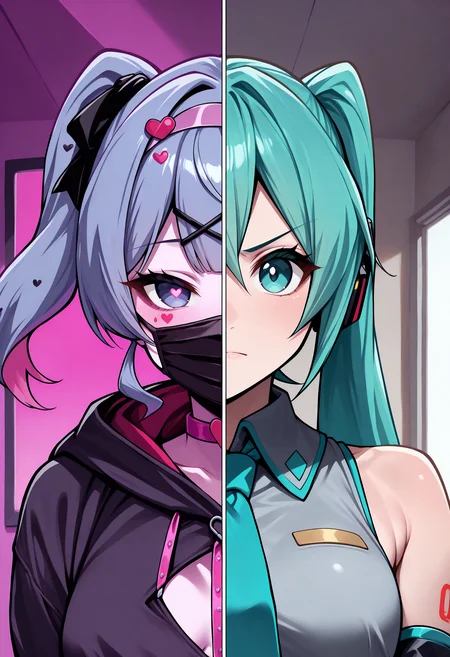
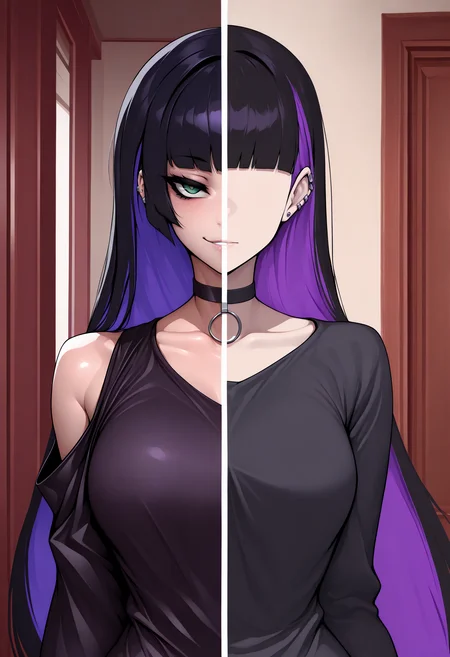
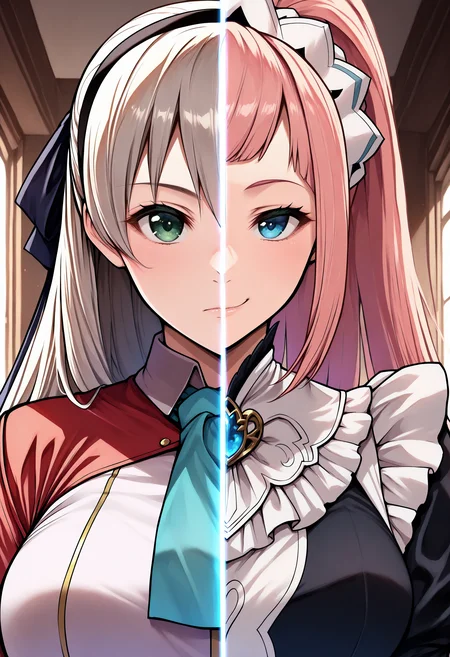
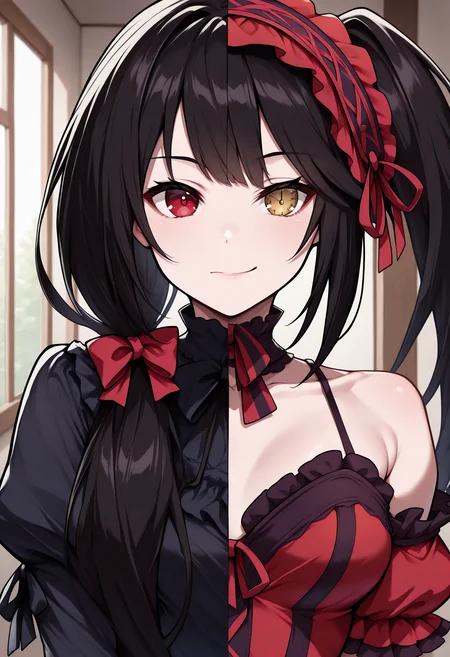
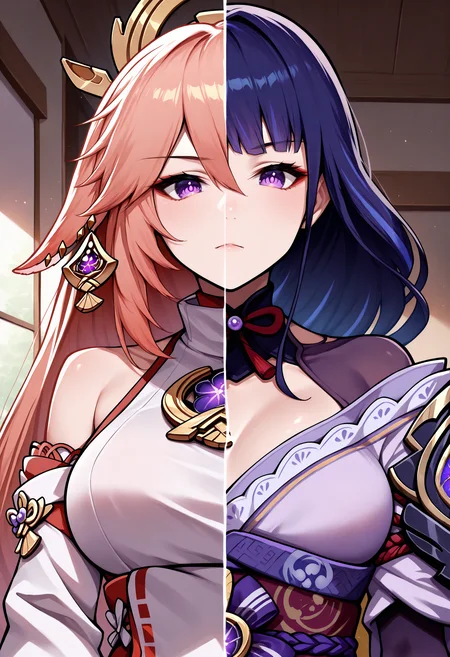
Split Screen | Concept LoRA IllustriousXL
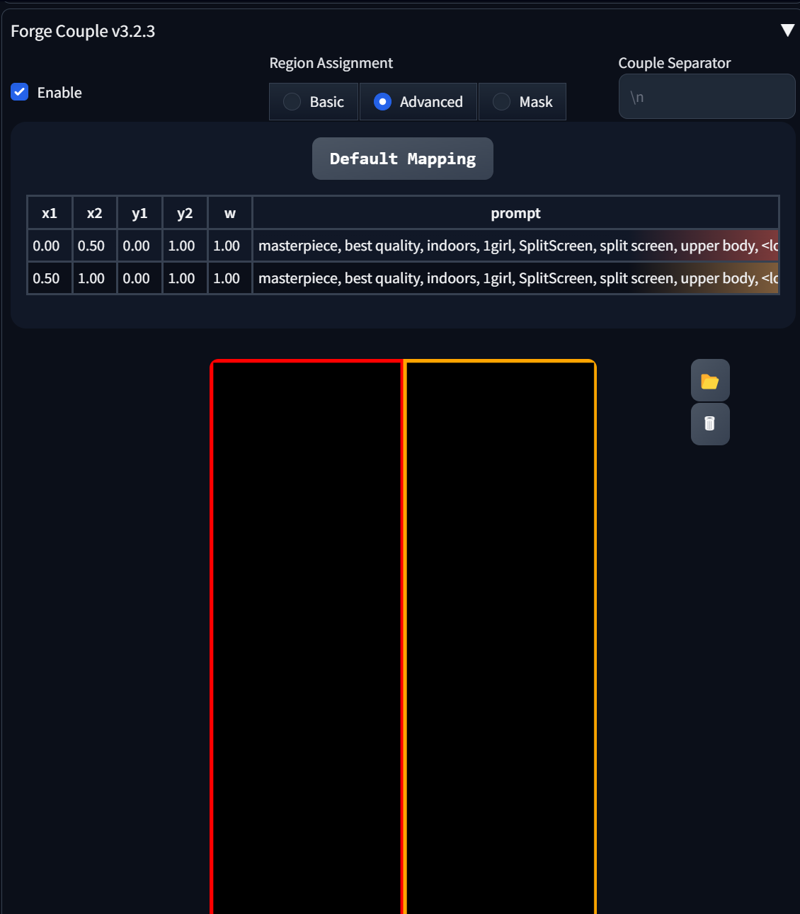
Weight can go from 0.8 up to 1.2. I recommend 1. Works with almost every Style, every Character and Photorealistic Models. Works on baked in characters without the help of Forge Couple / Regional Prompt. Some Images were generated via Regional Prompt / Forge Couple. Settings can be seen below. Reduce LoRA weight to 0.4 -0.55, when using common prompt.
Trigger Word:
SplitScreen, split screen
Helping Prompt:
upper body

How to use LoRA's in auto1111:
Download LoRA
Copy the file to
stable-diffusion-webui/models/loraSelect your LoRA and use the triggerword
Make sure to change the weight if needed (by default it's
:1)Have Fun!
Description
FAQ
Comments (3)
Cool concept 👍 You should change the base model to "Illustrious" instead of SDXL.
Illustrious base model is/was bugged, so i kept it as SDXL 1.0
What is better after all? Regional prompt or Forge Couple? I only tried Regional and it did not work for me at all, so I use inpaint tool instead like a ancient herbalist at the pharmacy era
Details
Available On (1 platform)
Same model published on other platforms. May have additional downloads or version variants.