Transform Any Image into a Masterpiece
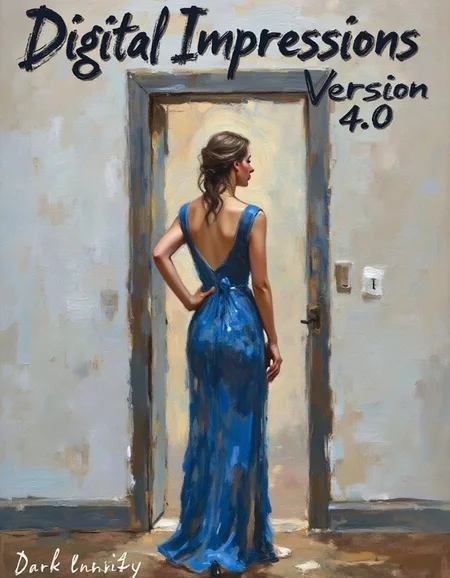
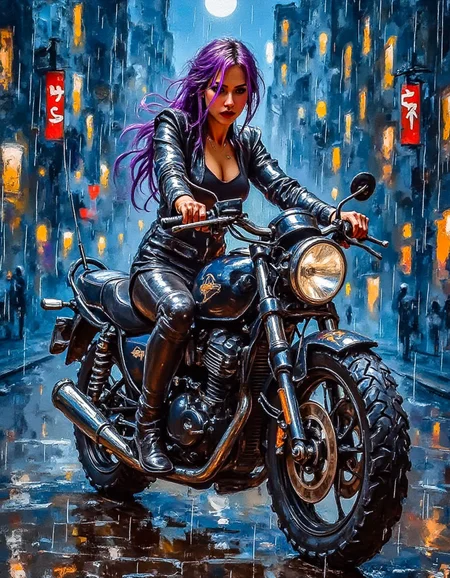
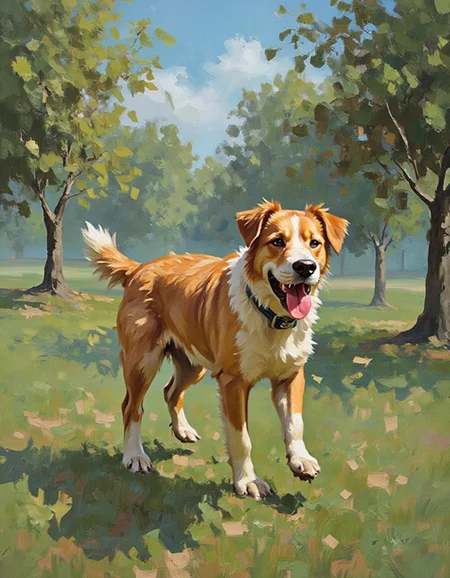
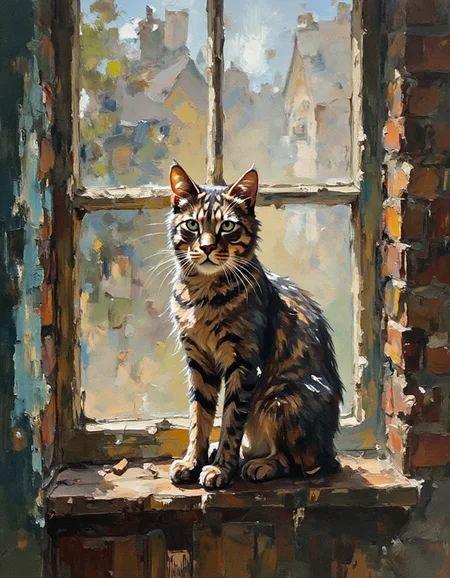
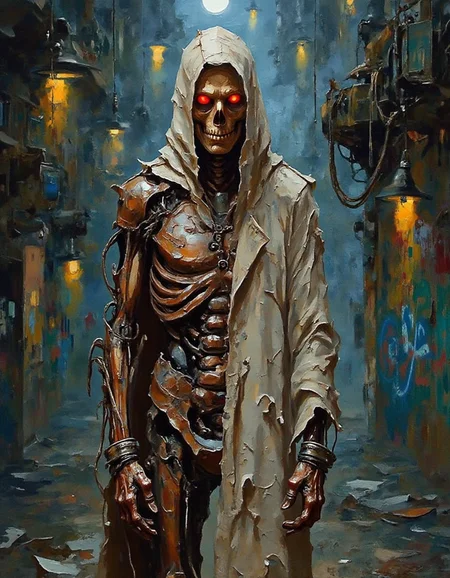
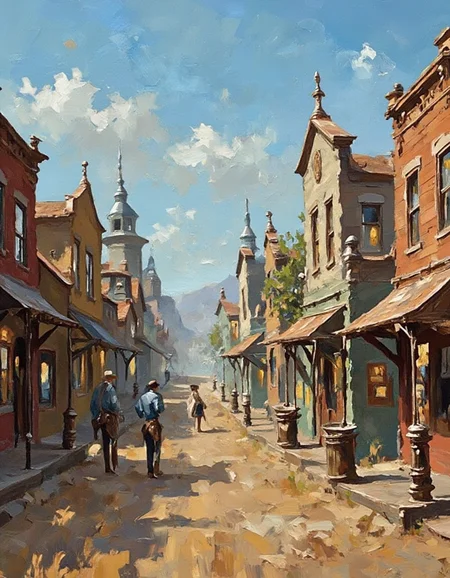
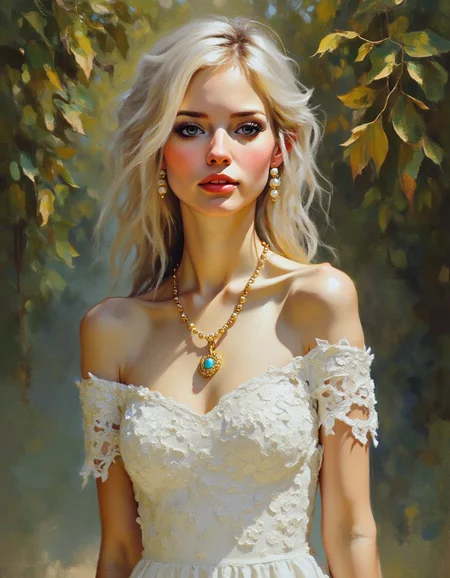
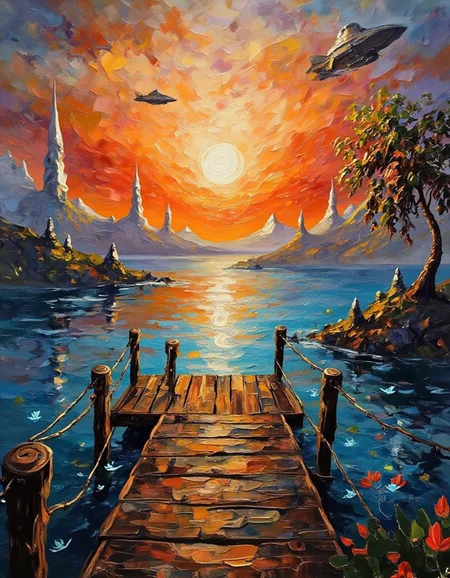
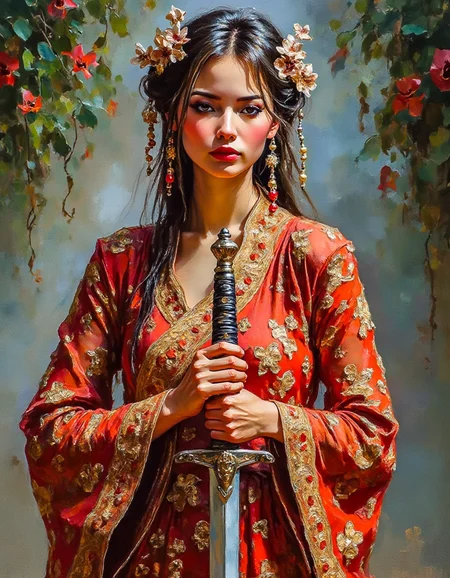
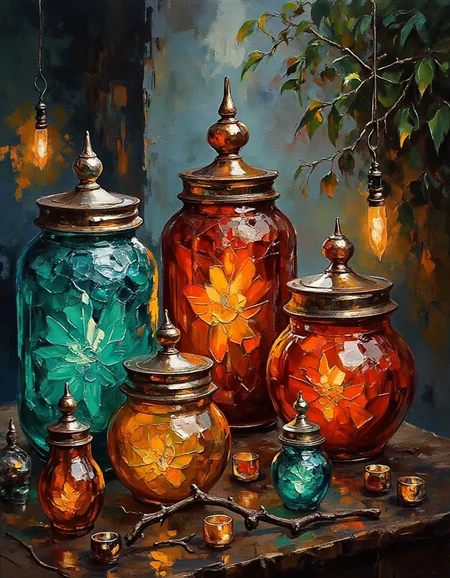
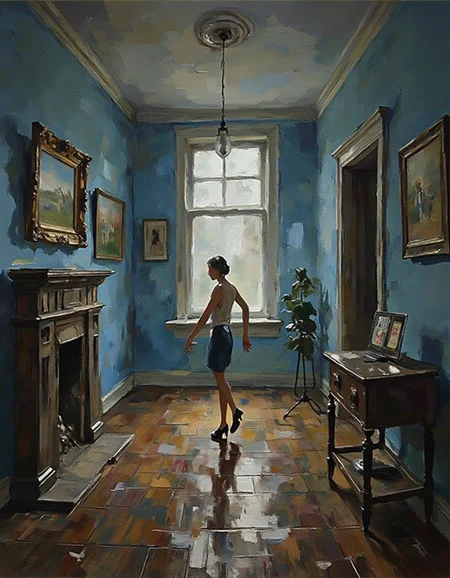
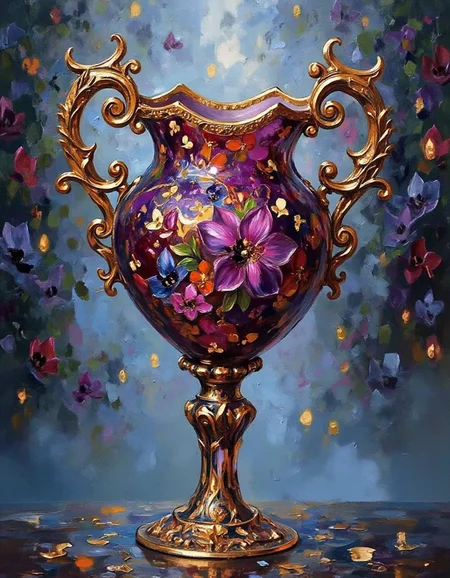
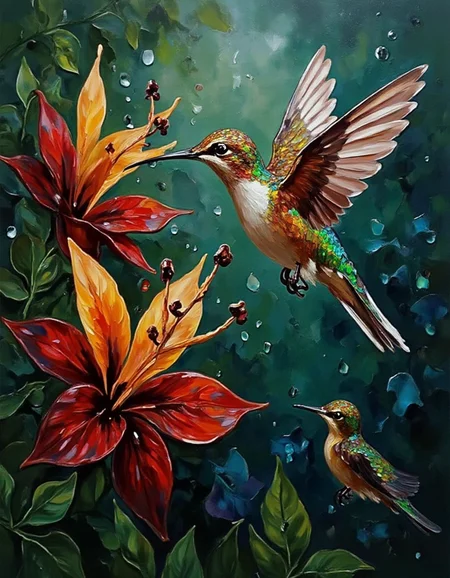
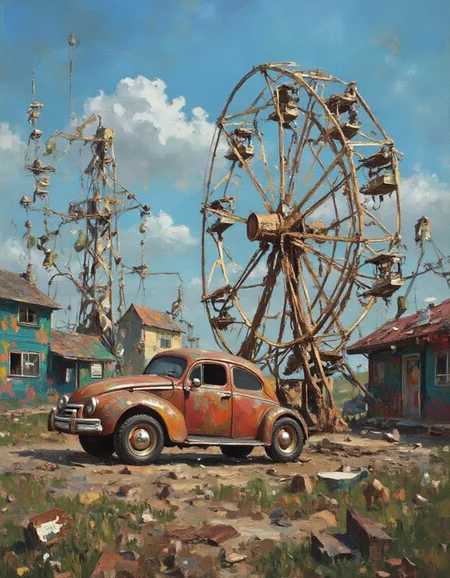
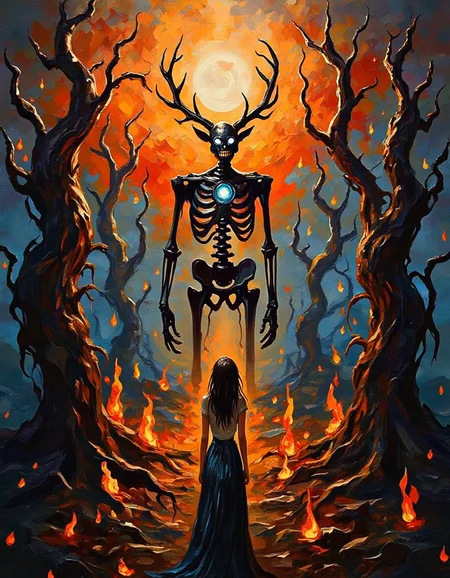
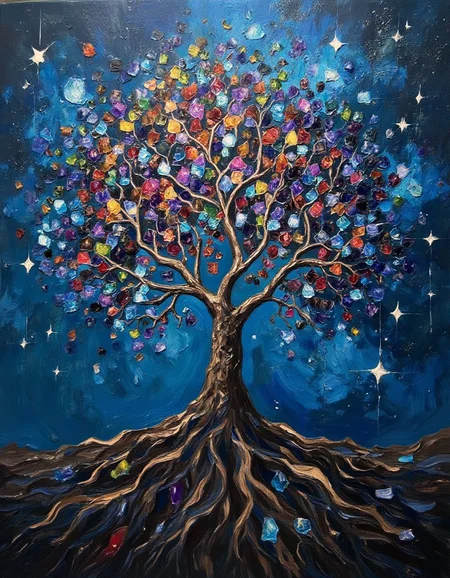
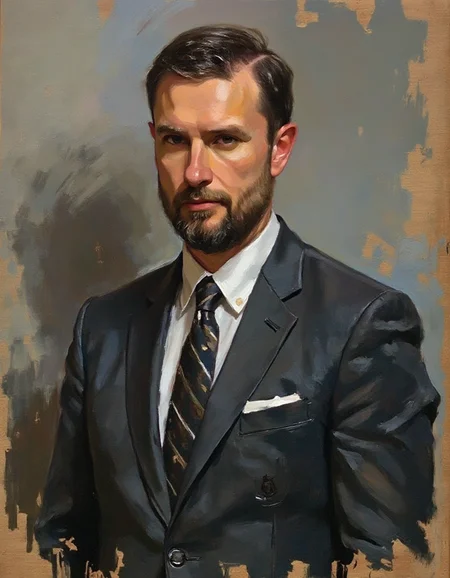
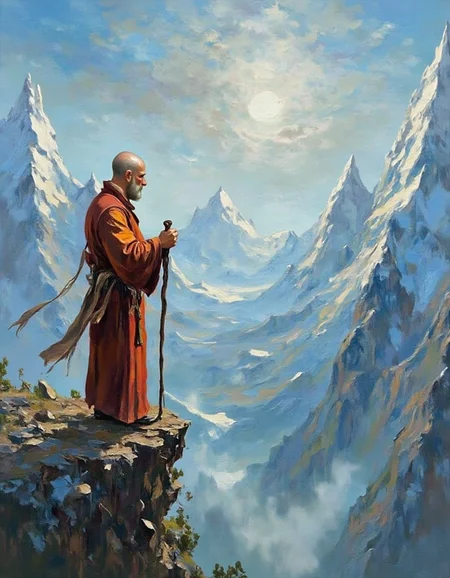
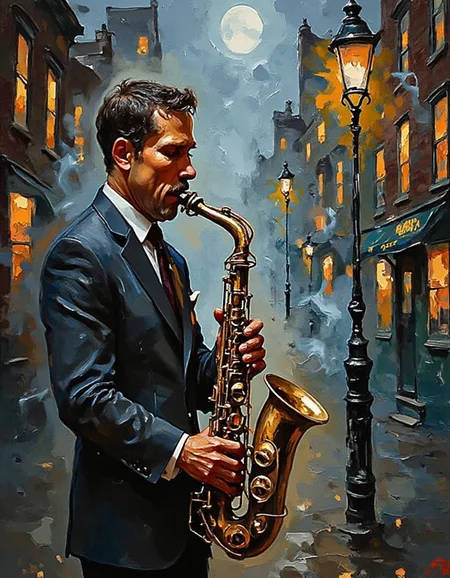
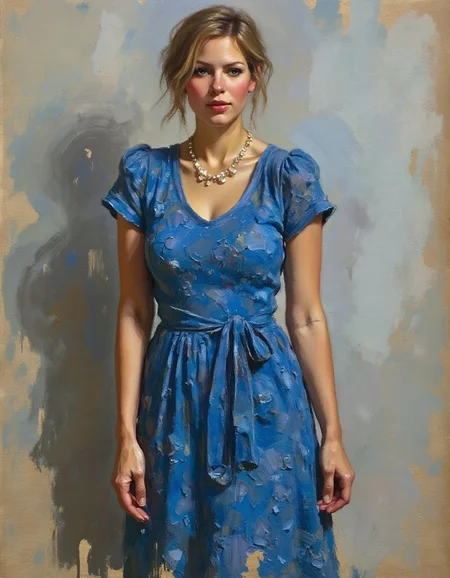
Unlock the beauty of expressive brushstrokes, vibrant colors, and rich textures with Digital Impressions. This LoRA reimagines any image in the style of classic Impressionism, merging timeless artistry with the versatility of digital media. Whether you’re working with portraits, landscapes, or abstract concepts, Digital Impressions brings your creations to life with a true masterpiece's lush color and textured brushwork.
Digital Impressions adds depth, atmosphere, and a painterly quality to each image, reminiscent of the works of the Impressionist masters. It’s perfect for artists, storytellers, and fantasy creators who seek to infuse their visuals with the charm and emotional energy of traditional oil painting, all with a modern, digital twist.
Usage
To use the most recent version of the LoRA, use the following settings:
Trigger word: dibrshstrk, as in "a dibrushstrik style painting"
Other tokens that work well: No tokens are needed to trigger the style and transform most images, but you could add words like "brushstroke," "painterly," and "impressionist style" to get Flux moving in the right direction.
Lora Strength: A strength between 0.8 and 1.2 is recommended for Flux prompts written in natural language, but pull back to 0.6 to 1.0 for Danbooru tag Flux prompts that usually name more anime-style images.
For differences in previous versions, see the version notes below.
Version Notes
Each version tends to be a different impressionist style rather than necessarily an improvement over the previous versions. So, try out different versions or at least examine the showcases; depending on your preferences and goals, any version could be what you want.
The details of each version are included to the right in the About this version box.
Description
Version 4.0 used an edited and expanded dataset consisting of many of the same images used in v1 and v2, with additional images focused on the heavy brushstrokes and textures of v3. The resulting style is a mix of hyperrealism and impressionism, with sharper details and textures, especially in subjects like clothing, fur, and facial features. The brushwork is still noticeable, particularly in the backgrounds, but is smoother and more refined. Looking at both v3 and v4, you'll notice that v4 has more dynamic lighting and brighter and more vivid colors.
FAQ
Comments (3)
This lora is amazing and gives an amazing cutting-edge look to the photos.
The LORA only applies the 'style' selectively to some aspects of the image- a fundamental problem with Flux and artistic style LORAs. Contrast with material LORAs (like wool) that Flux happily applies even to faces!
It is a strange purposeful nerfing of Flux that is not an issue with SD!
It has to do with how Flux uses text and makes captioning LoRAs tricky. Its not really a nerf, just something we have to adapt to using to our advantage. Version 4 of the LoRA used that quirk to clean up the facial details while leaving other parts of the image heavily stylistic, which was a purposeful correction to issues in Version 3. You can read more about the weirdness here -- https://civitai.com/articles/8487/understanding-prompting-and-captioning-for-loras