
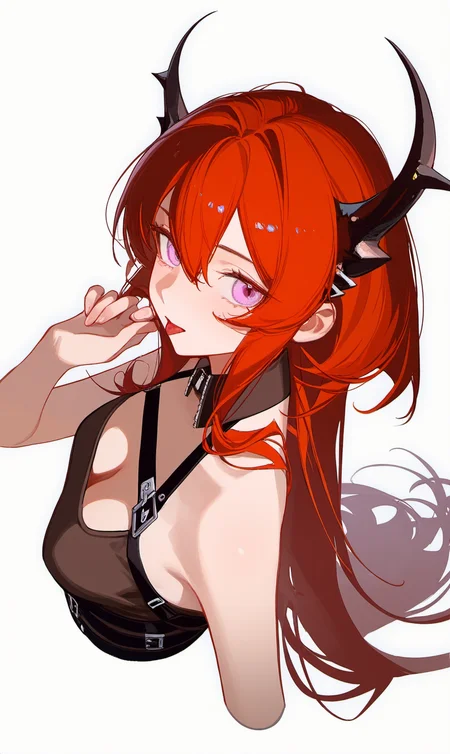
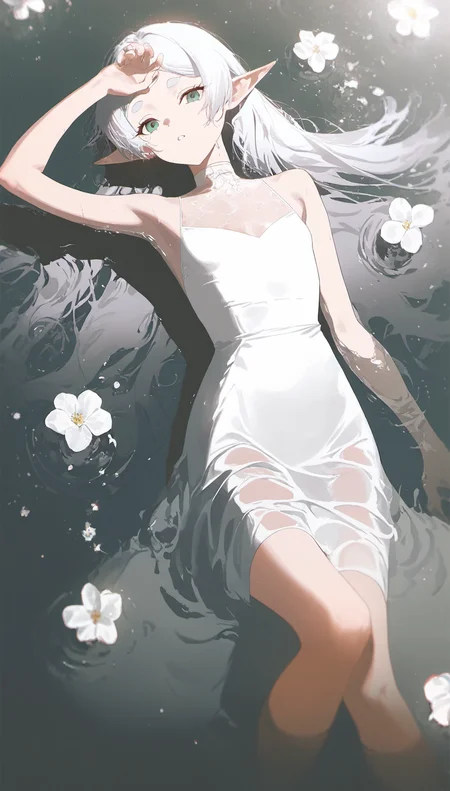
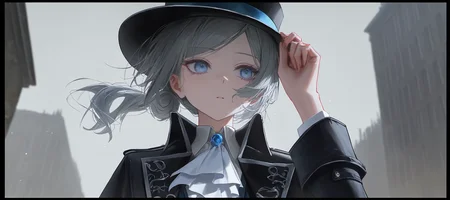
v-pred_v2.0
Carefully Curated Danbooru Dataset (up to September 2025)
Base Model: NoobAI-XL (NAI-XL) V-pred-1.0-Version
When necessary, please use Rescale CFG with values up to around 0.7 (especially for NSFW content).
Quality Tags:
very aesthetic > masterpiece > best quality > good quality > normal quality > worst quality
If you feel like it, you can support me on Ko-fi. Thank you.
Online Generator:https://www.seaart.ai/ja/models/detail/a106ce42854f7b7f65523ad10e03caa8
v-pred_v1.1
Dataset:50k AI-generated images from Aibooru and Pixiv + 10k images from Danbooru
Prompts
people, characters, copyright, style, general tags, rating, masterpiece, best quality, good quality, newest
Negative Prompts
lowres, worst quality, bad quality, bad anatomy, sketch, jpeg artifacts, signature, watermark, old, oldest
Base model:NoobAI-XL (NAI-XL) V-pred-1.0-Version + Illustrious XL 1.0
v-pred_v1.0
Base model:NoobAI-XL (NAI-XL) V-pred-1.0-Version
Use v-prediction and Zero Terminal SNR.
For information on v-prediction and how to use it in ComfyUI, refer to the NOOBAI XL Quick Guide by L_A_X.
As of November 20, checkpoints supporting v-prediction are not available for use in stable-diffusion-webui.
Outside of ComfyUI, you can use the webui's dev branch (likely requiring a .yaml file for each checkpoint) or Forge and reForge.
Additionally, make sure to select "Zero Terminal SNR" under Settings → Sampler parameters → Noise schedule for sampling.
v3.1
Base model:NoobAI-XL (NAI-XL) Epsilon-pred 1.1-Version
v-pred_v0.1
Base model:NoobAI-XL (NAI-XL) V-pred-0.6-Version
v3.0
Base model:NoobAI-XL (NAI-XL) Epsilon-pred 1.0-Version
v2.1
Base model:NoobAI-XL(noobaiXLNAIXL_epsilonPred075 x 0.7 + noobaiXLNAIXL_epsilonPred05Version x 0.3)
v2.0
Base model:NoobAI-XL (NAI-XL) Epsilon-pred 0.5-Version
v1.0
Base model:Illustrious-XL-v0.1
After training, this model merged Lucereon into the U-net.
(0,0.3,0.25,0.2,0.15,0.1,0.15,0.2,0.25,0.3,0.3,0,0.05,0.15,0.25,0.3,0.25,0.15,0.05,0)
License
Description
FAQ
Comments (18)
Very, very nice model.
Illustrious-XLの派生modelではこれが一番凄いです!!
would you be able to do the same training but on https://civitai.com/models/826721/momo-xl? thanks, this is my favorite illustrious finetune so far
keeps giving me blurry images? Idk what I did wrong, new to this and I put in stable diffusion folder and selected it then tried running one prompt IE "Maid" and it gives me jibberish>?
You should see the prompts of other before just testing using one word, it'll most likely not work
@Noxy_ its giving me full on just mosiacs?.?
@aWildAsian1 then use a VAE first if you haven't, sometimes models don't have them baked in
And make sure to see some tutorial on SDXL if you haven't already
我开始用的是有同样问题,实际的问题出现在你使用的VAE与这个SDXL大模型冲突。我猜猜你用的vae是基于sd1.5的,用SDXL的模型时把你的vae关了,然后再把refiner关了,然后就正常了。
OK...I know why...
One of the best illustrious-xl merged model I have used so far
Great work. I compared it with other illustrious models and this performed best.
Can anyone tell me why when I set the CFG above 3.5 the image becomes very contrasty and bright despite the negative and positive prompt? I've already tried everything possible...
Maybe check the VAE?
@dsy0508 I tried without VAE and with standard SDXL VAE, there is almost no difference
@seawolf338 hmmm add an artist sytle, such as "hisasi" and see what would happen.
If u r using fooocus , disable all the styles
@h_uh no, im using forge :( but anyway thanks
@dsy0508 unfortunately, all artists still give this light effect