


SilvermoonMix01 was trained with NSFW images only. This model excels at depicting the details of female characters, including elements like liquids, hair, lips, muscle, lighting and shadow.
For instructions on how to use the V-pred model, please refer to https://civarchive.com/models/833294/noobai-xl-nai-xl
Recommended settings:
Sampling method: Euler a
Start with no negative prompt. Sample images were generated without negative prompt.
Use ADetailer extension to enhance facial details: https://github.com/Bing-su/adetailer
IllustriousXL comes with some jpeg artifacts that can be removed by ADetailer or Hires. fix. However, if you don't want to use these, try adding jpeg artifacts to negative prompt. Please note this may also remove some background details.
推荐设置:
采样方法:Euler a
先尝试不使用负面提示词。示例图片都没有使用负面提示词。
使用 ADetailer 扩展来增强面部细节:https://github.com/Bing-su/adetailer
IllustriousXL 会带有一些 jpeg artifacts,这些可以通过 ADetailer 或 Hires.fix 去除。不过,如果你不想使用这些工具,可以尝试将 jpeg artifacts 加入负面提示。不过,这可能会同时去除一些背景细节。
Change notes:
v6.0: Further enhanced lighting, prompt obedience and compatibility with LoRAs that are trained on other models.
v5.0: Improved compatibility with LoRAs that are trained on other models. Lights looks more nature now. Improved logic.
v1.1: Fine turned twice with fantasy backgrounds and impasto portraits:
Improved background details.
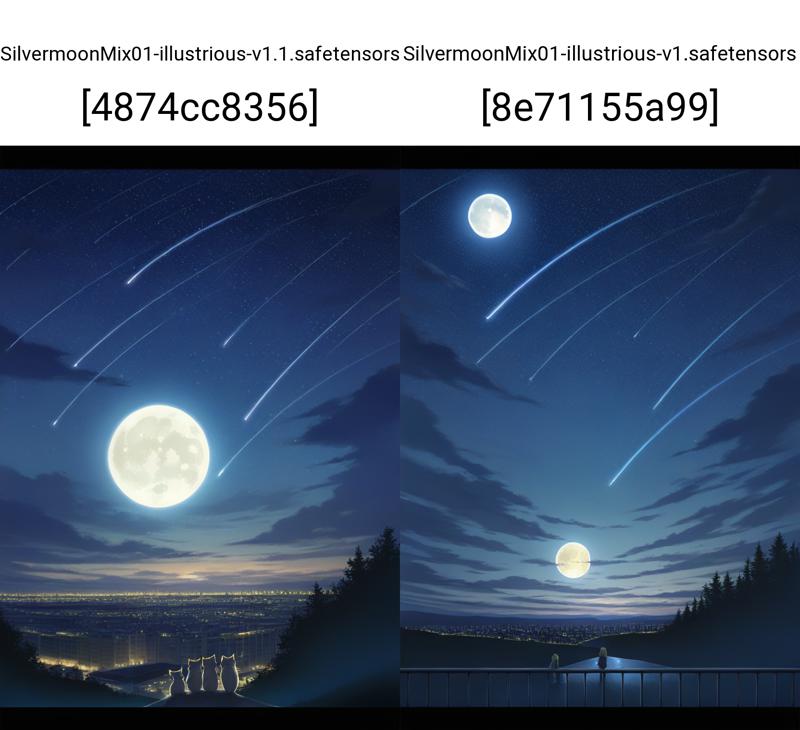
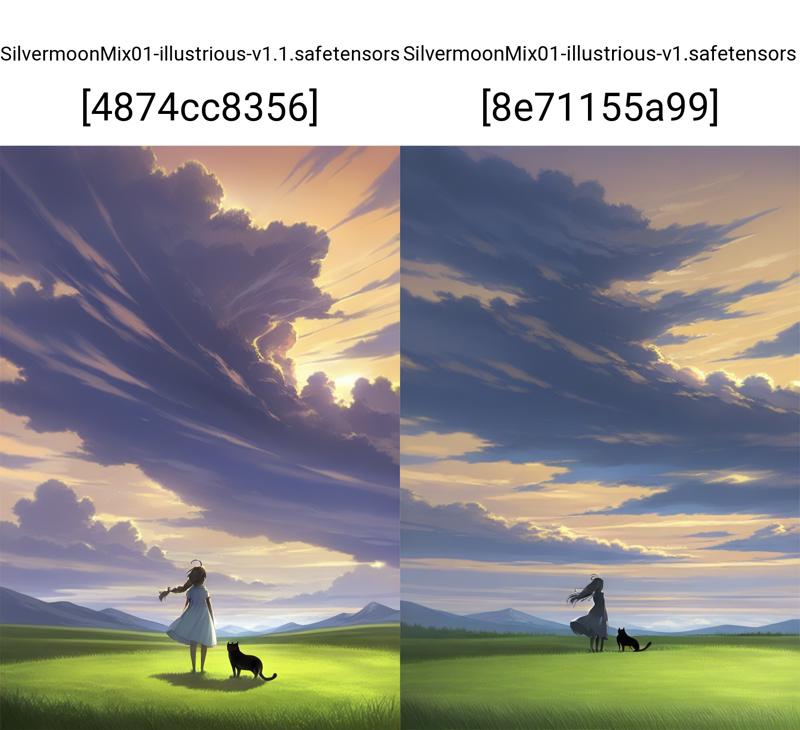
Removed unnecessary skin details. This makes images "cleaner".
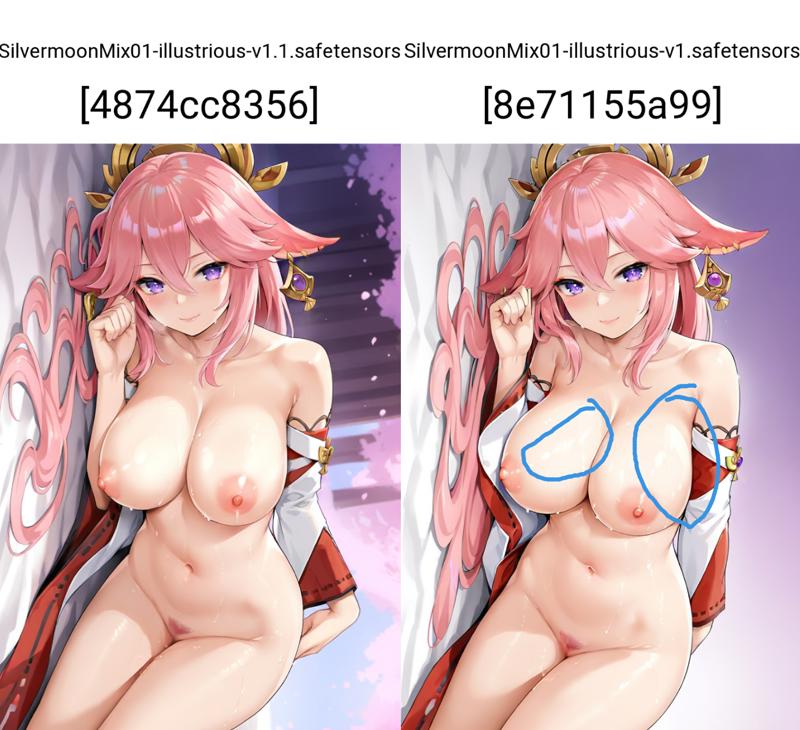
Improved shadows logic.
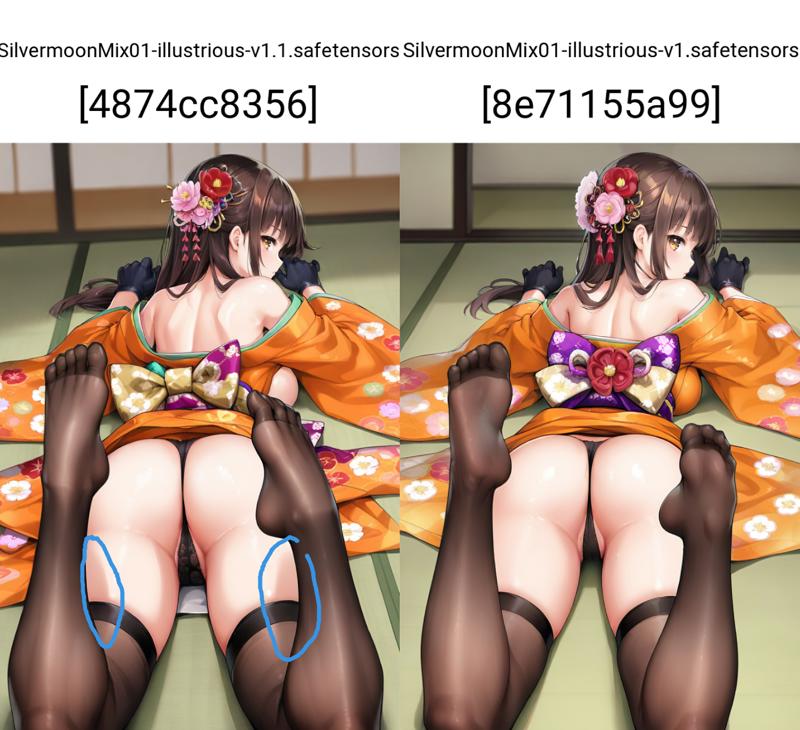
Improved an issue of torso being too long.
v1.0: Fixed underfitting issue.
v0.1: initial release, for testing only. It is currently quite underfitting.
Description
FAQ
Comments (18)
Amazing model! Love your works!
Thank you for your support!
What model is the base for 2.0, Noob? And if so, what version of Noob?
It is Illustrious v0.1
Thank you.
二次放大以后会有些崩坏。。是我哪里没调好嘛
发一张原图给我看看
@silvermoong 我发现是二次放大的时候降噪调高了(到0.7以上),就有机率会出现眼睛或者脸的形状有点问题。是降噪不能调这么高吗?
我该如何给您发图,有什么讨论群组吗。🤗
@kkearby 建议如果是潜变量才0.5以上,其他的0.3左右算了吧(
@kkearby 没错,我一般hires fix不会超过0.4,再放大不会超过0.25
@silvermoong 好的,谢谢你,初学者不知道这些
@A9616777 好的,谢谢你,初学者不知道这些
降噪到0.7?这不等于重新画张图了嘛,除非你原图上有你希望改进的或者想抹去的元素,可以适当调高降噪值,如果你只是单纯想放大,降噪尽量低,0.2左右。另外大多数模型,高清化都有一定几率发生图像崩坏,这和底模还有你使用的高清模型有关。
What has changed with the new version?
Hi. I adjusted the training dataset. Version 2.0 has slightly reduced saturation. The skin tone rendering is improved.
@silvermoong
I see.
I can see that better when I compare the sample image of the red eye girl with the version 1.0.
Thanks.