


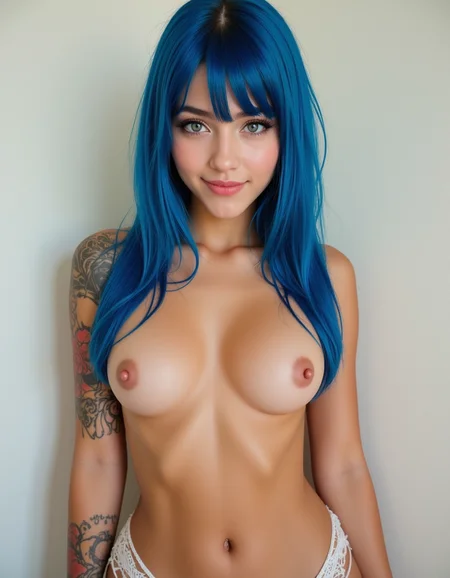
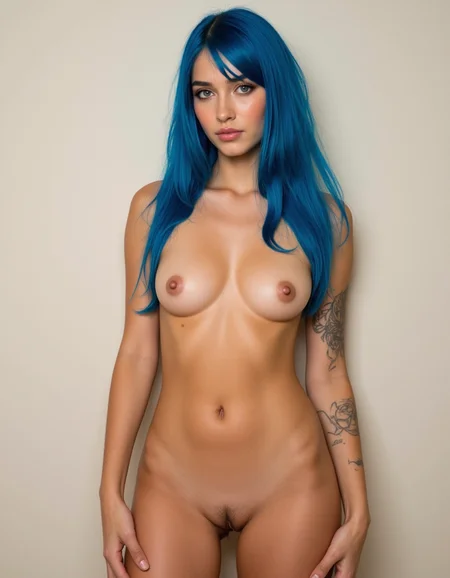
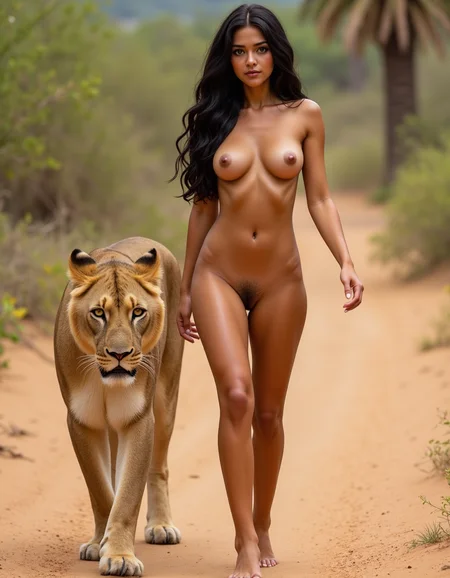


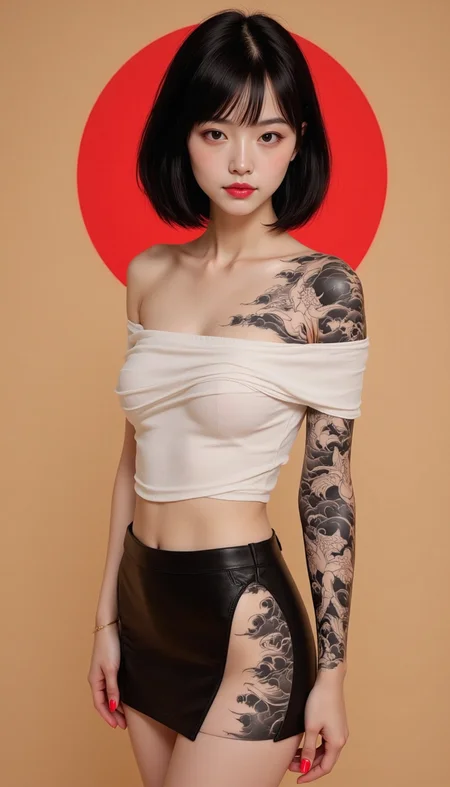

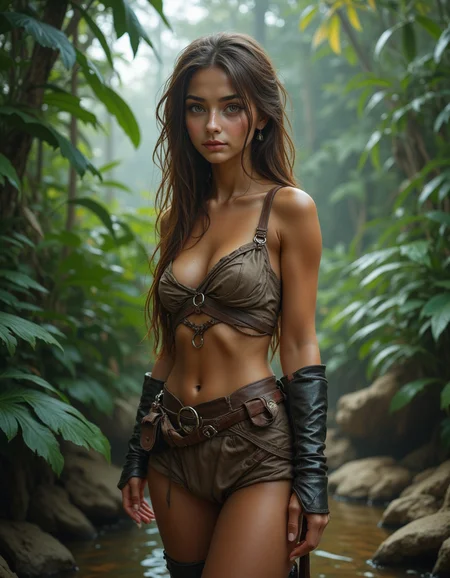


original content based on model definition by @Defozo. this model will hopefully allow users to experience the fp16 model content on lower hardware spec'd computers.
This is a merged model of a base model flux1-dev fp16 and NSFW MASTER FLUX LoRA : https://civarchive.com/models/667086?modelVersionId=746602
Version 1.2 has added PussyDiffusion - Flux Lora merged in to improve vagina detail:
https://civarchive.com/models/983498/pussydiffusion-flux
Version 1.2 hyper 8step models have the content of version 1.2 plus ByteDance Hyper-FLUX Acceleration LoRA has been merged in allowing images to be generated in 8 (sometimes 9 or 10) steps:
https://civarchive.com/models/691446?modelVersionId=774008
NOTE: When ByteDance Hyper-FLUX Acceleration LoRA is merged into a model and the model is converted into fp8 precision, the conversion process screws-up the hyper 8step acceleration blocks from the lora. This causes the model to behave like a standard (non-hyper) fp8 model. The good news is it can still be included in the image prompt and still get the benefit of hyper 8step with fp8 model.
If you like this content, try a version of my other model series:
https://civarchive.com/models/967270?modelVersionId=1171422
To convert and merge, I used scripts from:
https://github.com/kohya-ss/sd-scripts/
To convert to gguf images, I used scripts from:
https://github.com/Zuntan03/EasyForge/
Using --ratios 0.8 in the merging command for version 1.0 and --ratios 0.65 for version 1.1
requires ae, clip_l and (t5xxl_fp8_e4m3fn or t5xxl_fp16) vae/text encoders
creates fairly good nsfw content. no key words. tested with base flux image generation settings.
NOTE: if you're not interested in clothing, use the version 1.0 model. it does a much better job with female anatomy. version 1.1 sacrifices quality to work better with clothed women.
Description
original content based on https://civitai.com/models/701671/nsfw-master-flux-lora-merged-with-flux1-dev-fp16?modelVersionId=785079 saved in fp8 precision for smaller file size.
FAQ
Comments (21)
IMAGES GET GREY BUT I SEE WHEN THEY ARE MAKING OF
do you mean they look sharper/more contrast during render than when they are completed?
yeah, i see it. color looks good right up to the end of generation, then color saturation drops off... i'm not sure what's doing that?
it looks to be occurring when the vae is applied?
It looks like the Lora ruins Flux. The outputs look like SD1.5. Super fake looking.
what do you mean?
@tedbiv I mean that based on the images so far posted to the gallery, it seems to destroy the photorealistic quality that Flux has by default and makes all the outputs look like the fake plasticy skin quality of early SD1.5 models. Being uncensored doesn't really matter if it won't produce realistic results. Just saying that first impression without using it myself, it looks like it ruins the advantage of using Flux.
@AlBat i posted a pair of images of a turkish explorer girl. one with this model, one with flux-dev-fp8. take a look at them, tell me what you think. i think they're pretty close?
@AlBat switching back and forth i see what you mean...
@AlBat although adetailer has no affect on base flux model image. let me turn of adetailer and see if it makes a difference.
@tedbiv I posted a couple of images I made based on the Turkish girl image you posted. Part of it is prompting, part might be the lower resolution you use, part is probably including artist name as that might make it look at it more as a painting than a photo. One image I made with altering the prompt a bit and of course I am using a different version of Flux without that Lora applied. The second image is using my altered prompt and setting doing an img2img of your original image.
@tedbiv I don't know if the images with show up in your gallery but here is a link to them if you want to check them out. https://civitai.com/posts/7052524
@tedbiv I am downloading your model. I will try it out and see if it is more the prompting used in the gallery images. I always find that generating at higher resolution helps the quality too. I always do 1024X1280.
@AlBat hmm... your images 'lost' the whole 'old worldly' feel ... i'm adding an image to the pair with the lora merged at 0.4 instead of 0.8.
@tedbiv I added another one to my same post. It keeps the prompt exactly as you had it but I upped the resolution and changed the steps since I am using an 8 Step model. It kind of splits the difference. Look much more real and keeps some of the "old world" look. I finished downloading your model. I will try it out.
@AlBat i used your prompt. it did make some subtle changes to my image, but not close to your images...
@tedbiv Yeah, different model, so definitely won't get exact images.
https://civitai.com/images/31529260
Strange. Using your model and taking the image directly from PNG info and sending it to txt2img transferring all setting, I still a totally different image that is even more cartoony than the original. It seems Flux is altered a lot more depending on the hardware and software used to generate the images than other previous models like SD1.5 and SDXL. Not sure what you use to generate, but I use Forge.
i am testing a version of this merge at ratio=.65 to try to remove the nipple and vagina bleed when models are wearing clothes. if i drop much below that, the weird 'flux nipples' start showing and defeats the purpose. it also may be my prompting 'realistic clear smooth caramel skin' ? i don't like too many imperfections... :)
@AlBat i use forge also. the current version you downloaded has the merge ratio of 0.8. that's why the nipples bleed through the clothes. vagina does a similar thing. the image i posted was with the 0.65 ratio i'm testing. you'll have to get lucky, or prompt as topless to get a good image with breast covered. it's about 50% hit or miss with current model. the new version fixes that ( i hope )
@AlBat thanks