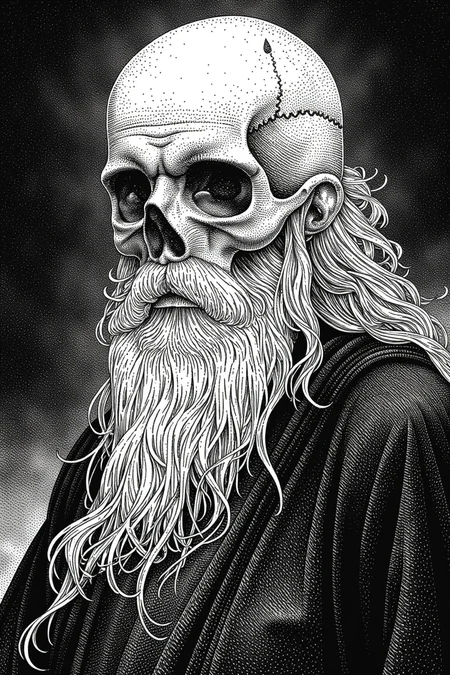
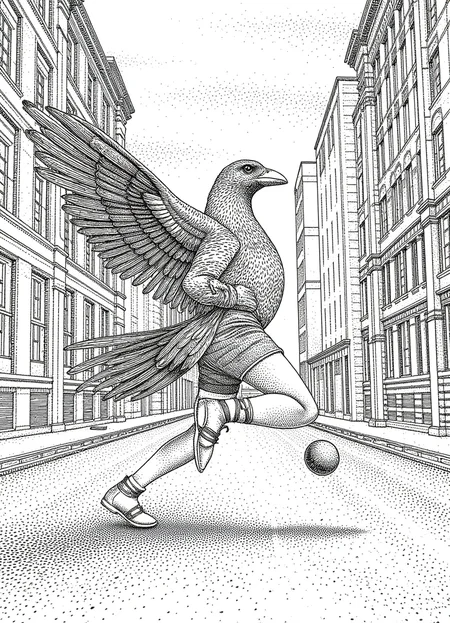
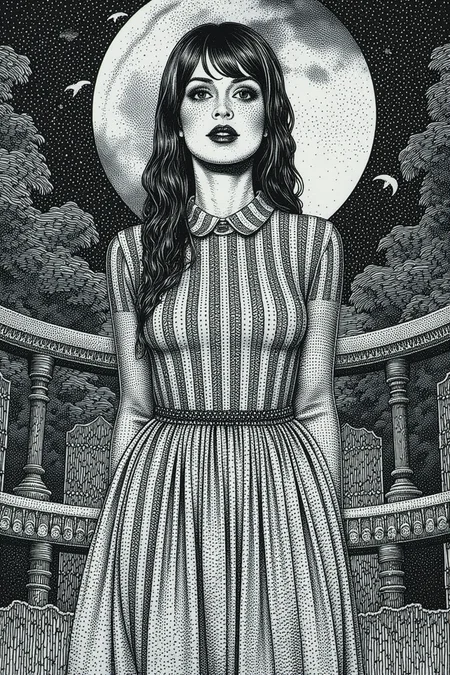
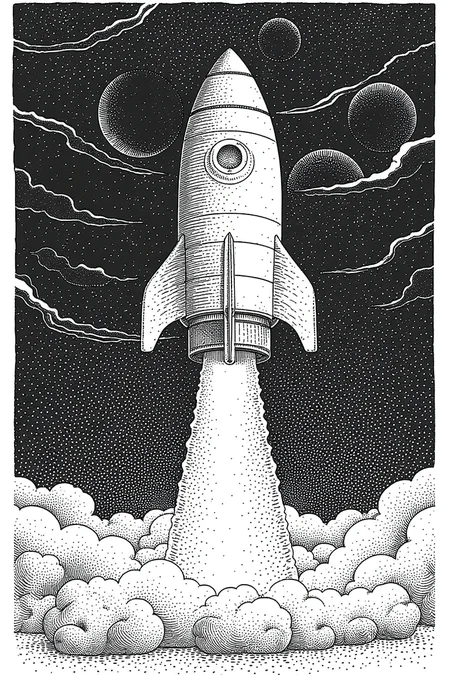
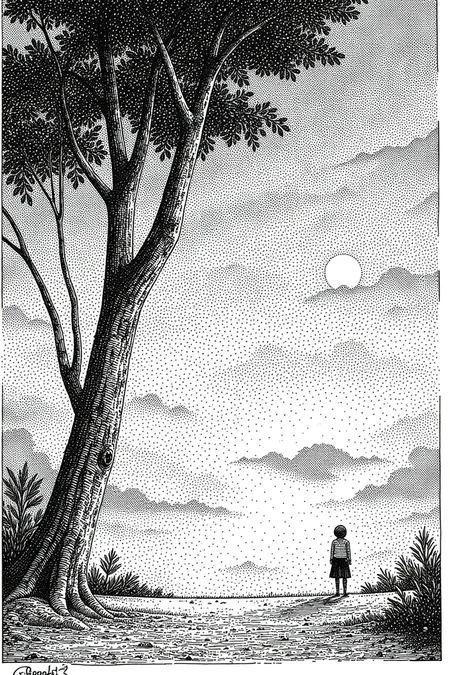
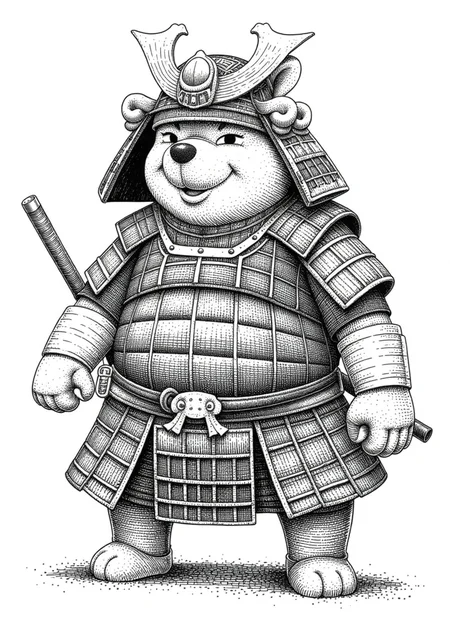
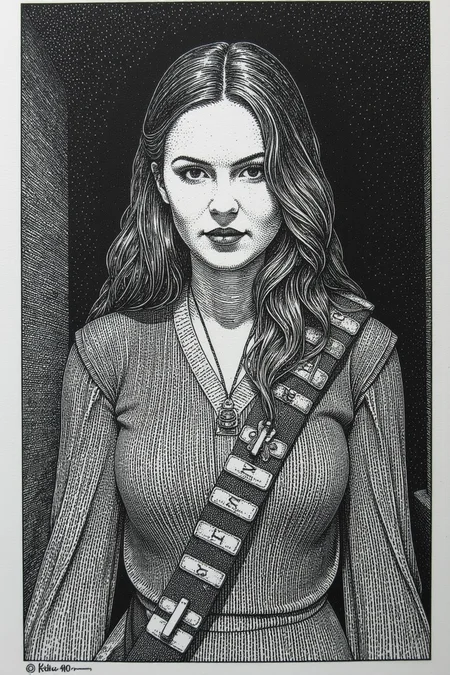
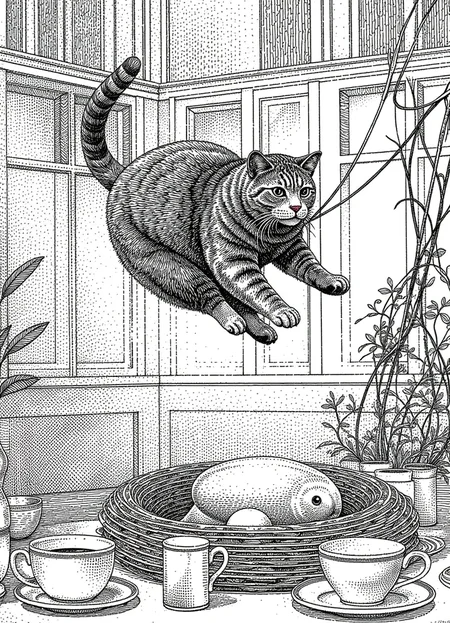
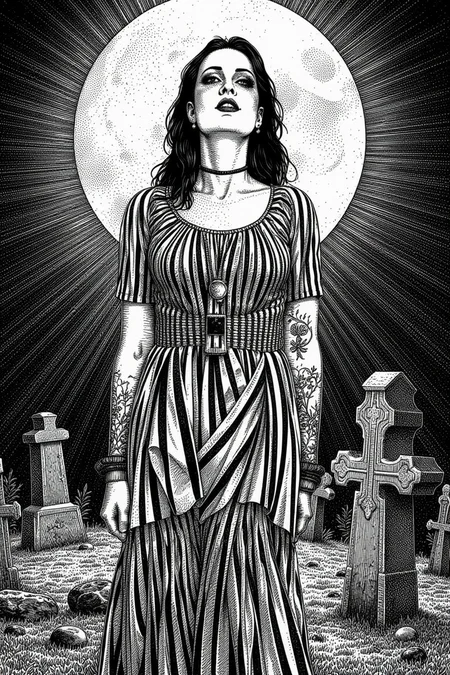
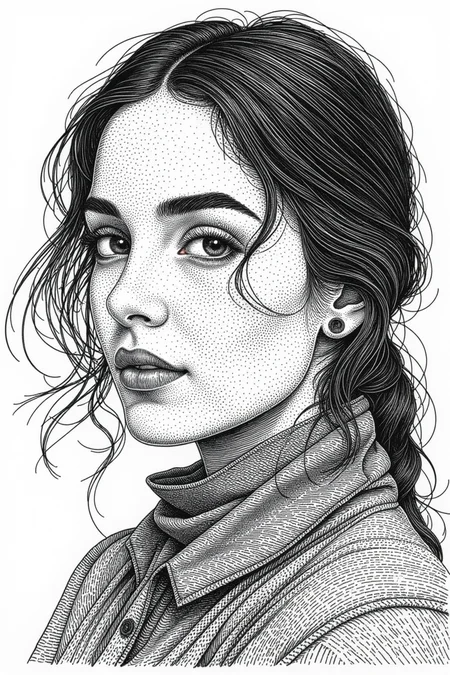
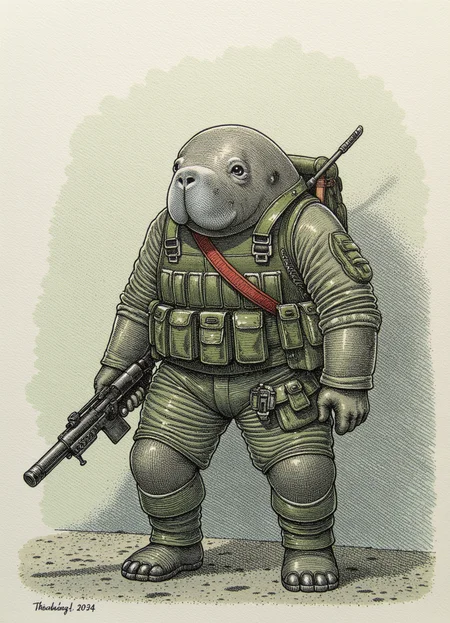
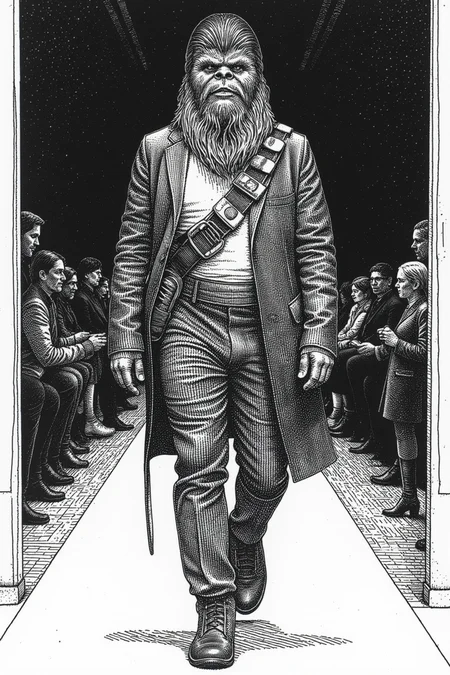
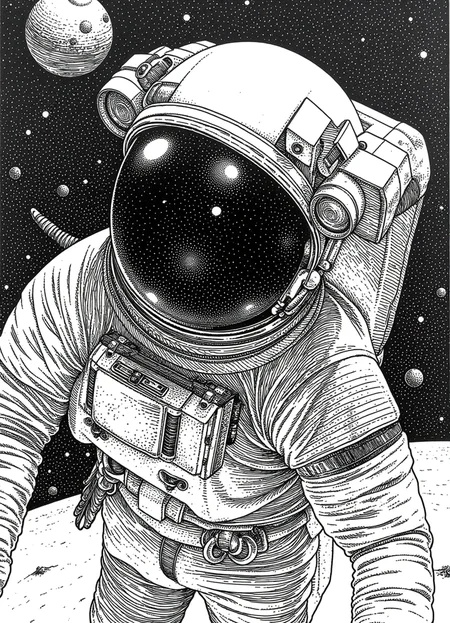
Ink drawing style with stipple shading and hatching.
Trigger: Ink drawing
Helpful keyword: pen and ink realism, detailed linework, stipple shading, crosshatching, black and white ink drawing, detailed linework,
Has a small tendency to be a bit horny because of the training images (blame Robert Crumb and Apollonia Saintclair).
Description
Trigger: Ink drawing
LoRA Strength: 0.7-1.0
Will default to white backgrounds unless prompted for something other.
FAQ
Comments (11)
Such great work! Would love to see old boxing and wrestling posters (1960s, 70s especially) from you, if that's possible :) Thanks.
Oh nice idea! Been trying to do vintage circus posters, but that never turned out interesting.
Some lucha libre would be fun as well :D
@WizardWhitebeard Shame about the circus posters as love them too. Hope the vintage wrestling/boxing ones work. Thanks!
I really like your examples but unfortunately you don't share the settings used so that we understand how to get this result.
For my part, I have strange results using your own images as a base. A deformed or half-in-the-sand woman but mostly white frames in each image.
I'm using Draw Things for MacOS, so it's a bit hard to replicate. But found it helpful to specify the background setting, and using "dark background"
I've mostly used the Hyper 8-step LoRA, Steps: 10, Sampler: DPM++ 2M Trailing or Euler A Trailing (same as SGM Uniform in comfyui), Guidance Scale: 2.5, Shift: 1.37
ah I understand better. Indeed, I am on win11 and comfyUi. There will always be a gap between us (just like between A1111 and ComfyUi), I am getting closer to the quality of your images. I will continue my tests and probably make a Workflow just for this type of rendering hehe
By the way, there is a little girl who asks you to make a Coloring Book version. There you go, message sent. Good luck for the rest and keep it up, you do great work. I really appreciate it.
You need to go to the image, click on the download button on the top and get the PNG. The metadata is in there.
It is not in Automatic1111 or ComfyUI format, so you need to open it up using a text editor to see it.
For people who want to see the metadata in the sample images, just go to the image, click on the download button on the top and get the PNG. The metadata is in there.
It is not in Automatic1111 or ComfyUI format, so you need to open it up using a text editor to see it.
Thanks, didn’t know they survive the upload, civitai doesn’t import any settings from draw things.
@WizardWhitebeard You are welcome. Civitai actually keeps the exact file, bit by bit, of the image uploaded to it.
Civitai basically can only correctly parse and import automatc1111 and very basic ComfyUI workflows.
I understand that it cannot possibly handle all formats, but I wish that the fact that the metadata is still in the PNG is better publicized. It is frustrating to see model creators often being unfairly "accused" of being gatekeeping their generation parameters when they are not 😅
Awesome model you got there, mate! thanks. Please check my model, I made it myself, pretty similar: the engraving pen & ink style.
Details
Files
Available On (1 platform)
Same model published on other platforms. May have additional downloads or version variants.