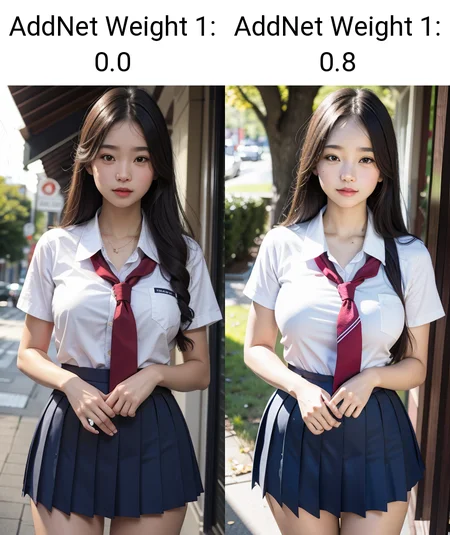
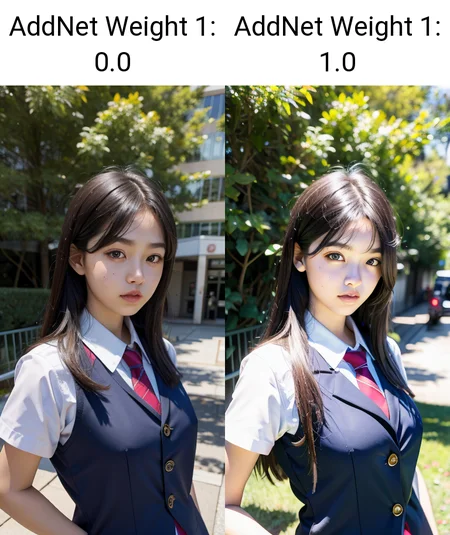
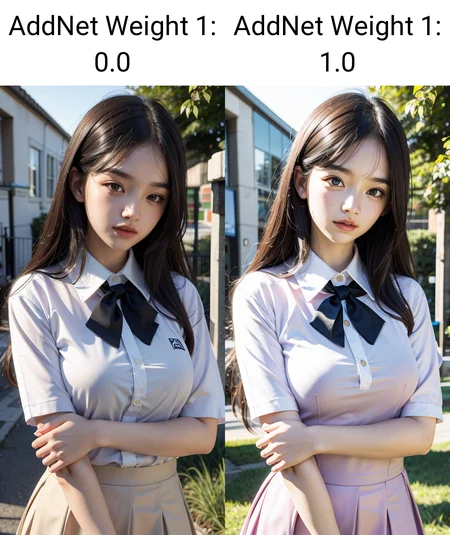
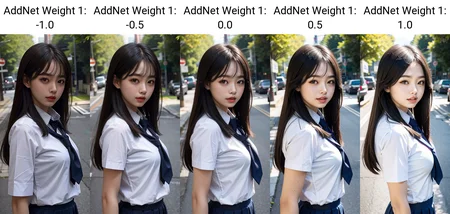
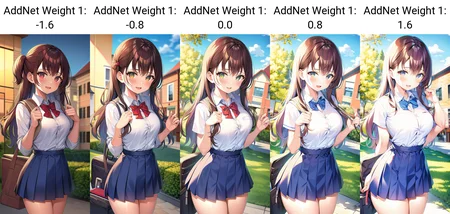
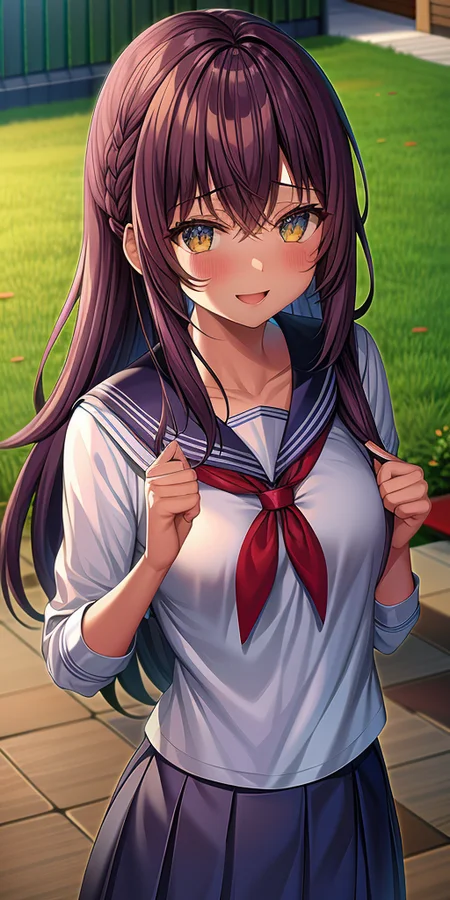
可以配合下方推荐的其他图像调整LoRA一起使用。
【中文】
完全自由的亮度调节工具!
几乎所有大模型都可以用
推荐权重:-2.0~2.0,权重越大,图片亮度就越高。负数就是降低亮度
【English】
A powerful brightness adjustment tool!
This LoRA can be applied on almost all checkpoints.
The recommended weight is about -2.0~2.0. The higher the weight is, the brighter the images will be. (while the negative weight can decrease the brightness)
Description
FAQ
Comments (5)
Somehow interestingly interacts with other lora and for some reason corrects fingers.
It is not a clean lighting solution, but a LORA that increases the light source and brightens the overall image.
This is for those who were not satisfied with the light not illuminating the main subject. That is, me.
对画面改变太多了
很好的模型呀,不知道怎么才能联系您
Why does it have a text encoder?
Works fine if loaded as pure model (no Clip) but gives a ton of warnings.
Details
Files
add_brightness.safetensors
Mirrors
add_brightness.safetensors
add_brightness.safetensors
add_brightness.safetensors
addBrightness.safetensors
add_brightness.safetensors
add_brightness.safetensors
add_brightness.safetensors
add_brightness.safetensors
add_brightness.safetensors
add_brightness.safetensors
add_brightness.safetensors
add_brightness.safetensors
addbrightness.safetensors
add_brightness.safetensors
add_brightness (1).safetensors
add_brightness.safetensors
add_brightness.safetensors
add_brightness.safetensors
style_2.safetensors
add_brightness.safetensors
add_brightness.safetensors
add_brightness.safetensors
add_brightness.safetensors
Available On (1 platform)
Same model published on other platforms. May have additional downloads or version variants.