






Consider following my work on Patreon, where the free tier unlocks everything. Models, Workflows, Research, Process.
Watch a deep dive of the training process here
A year ago, I released version 3, and was surprised to see the volume of both support and criticism. I still stand by my belief that we can not only take control of the technology's potential by training on our own imagery, but also that we can bring an empowering version of the post-AI-visual-sphere into realization through publishing tools made by individuals, not just corporations, and that are accessible to anyone with a laptop, not just those with industy credentials or formal education. The democratic nature of free, open-source tools will inherently create a lot of slop, but I feel expanding the reach of any medium is a net positive.
You can support me on Patreon and get everything for free :)
https://www.patreon.com/CalvinHerbst
Aesthetic Properties of the model:
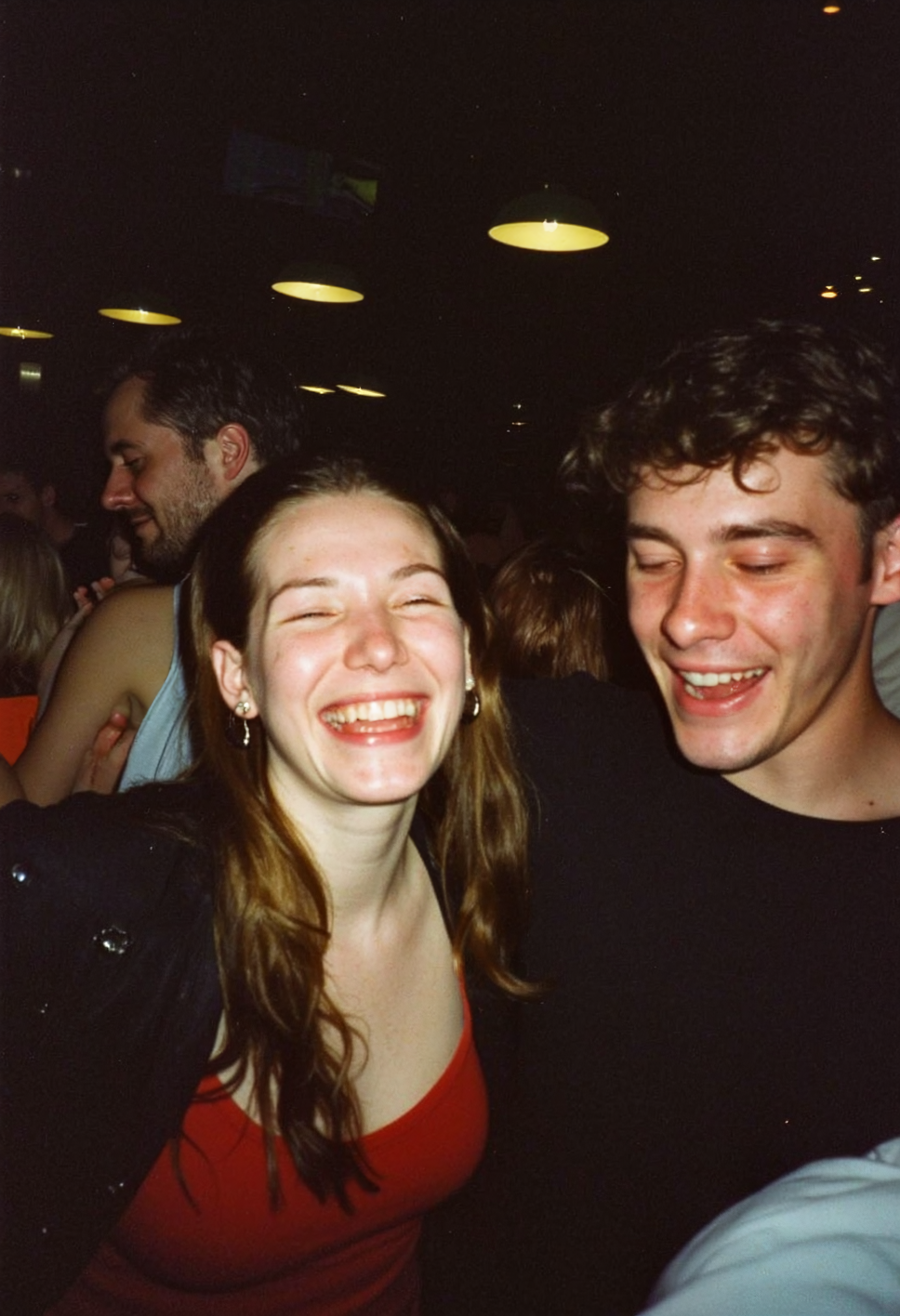
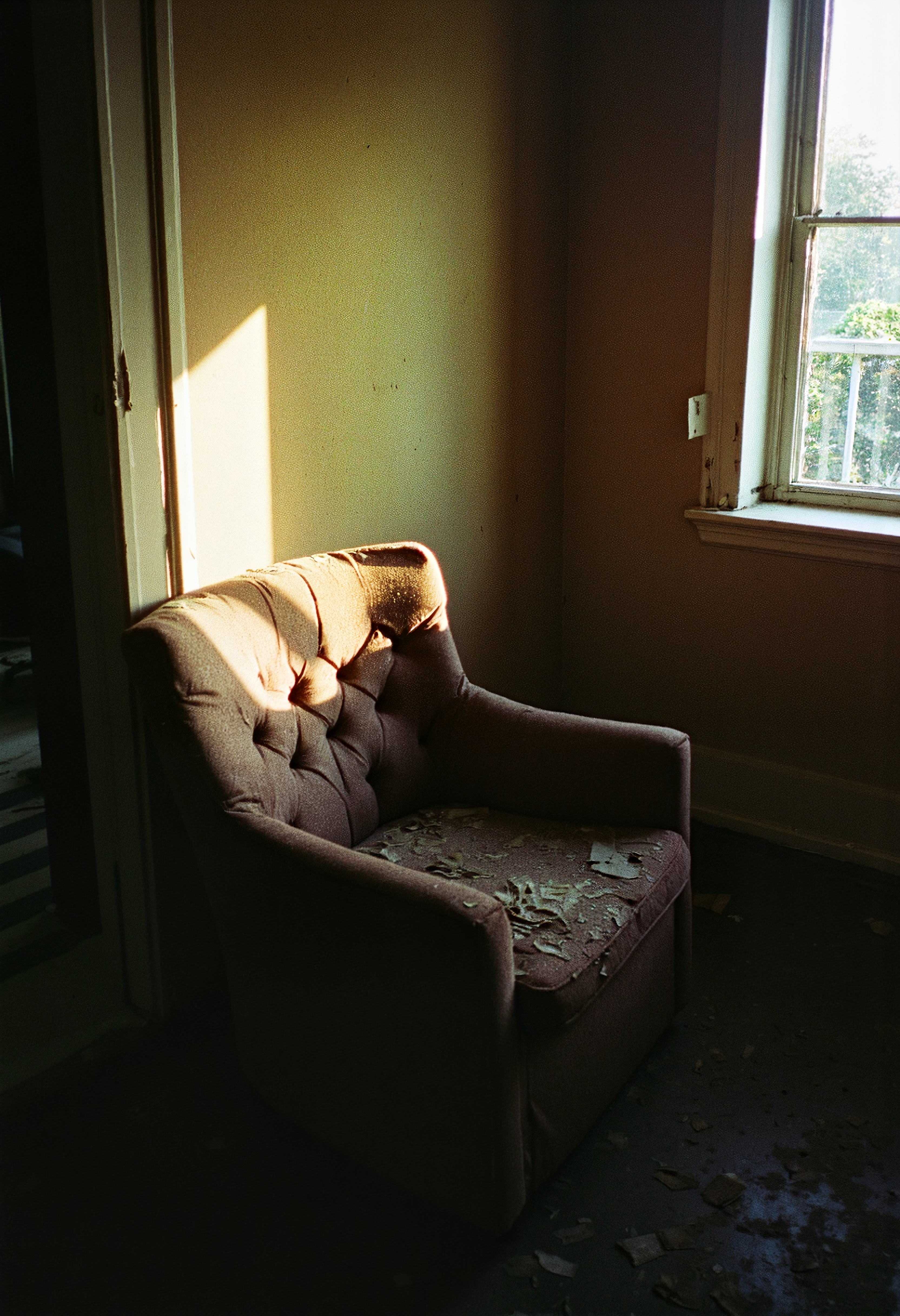
HerbstPhoto_v4_Flux2 produces intensely imperfect images that feel candid and alive. The model creates analog degradation micro-textures that break past the plastic look by introducing filmic softness, emulsion bloom & hailation, optical artifacts - such as lens flares, light leaks, chromatic aberration, barrel distortion - and grain that behaves naturally across exposure levels. Compositions are moody and take form in chiaroscuro light, with dark regions that blanket the frame to create asymmetry and bright slivers that form hotspots to maintain balance. The contrast curve is aggressively low latitude, embracing clipped highlights and crushed shadows, while preserving a high black point to feel true to the celluloid nature of the images the model was trained on.
Version 4 is trained for Flux 2 Dev from @Black Forest Labs because I beleive it’s the best image diffusion model, however it’s a heavy and can take several minutes to generate a single high-res image, so I will also be releasing an updated version for Z-image, Flux 1 Dev, and SDXL in the coming weeks for those who are looking to use less compute or create faster.
Best Practices using the model:
Prompts: Include “HerbstPhoto” in the prompt. Though the Flux 2 Model can handle prompts that are long and complex thanks to its incorporation of the minstral_3_small_fp8 text encoder from @Minstral AI I tuned this LoRA to produce dramatic effects even with simple language writing that does not include style, texture, and lighting tokens.
LoRA strength: 0.4 - 0.75. (0.73 sweet spot) 0.8-1.0 for less prompt adherence and max image texture/degradation.
Resolution: 2048x1152, though the model also produces good results across aspect ratios and sizes up to 2k.
Schedulers and Samplers: I tested every combination of Schedulers and Samplers for Flux 2 (378 total) and can recommend a handful of combinations that I tested on a Pro 6000 WK GPU @ 1024x1024 @ 20 steps that each have different aesthetics and render speeds.
dpmpp_2s_ancestarl + sgm_uniform: Best balance of texture & fidelity. 160 sec. Render
er_sde + ddim_uniform: Good balance of texture & fidelity. 60 sec. render
dpmpp_sde + simple: Softer focus, lower contrast, less artifacts, brighter. 130 sec. Render
dpmpp_3m_sde_gpu + simple: higher contrast, brighter, more chromatic aberrations. 60 sec. render
Ipndm + simple: Higher clarity, less softness, fewer artifacts, cooler. 60 sec. render
dpmpp_sde + ddim_uni: higher saturation, color shifting. 130 sec. Render
Training Process Overview:
I used AI Toolkit from Ostris on an H200 GPU cluster from Runpod to train over 100 versions of the model, all using the same dataset + simple captions. For each run, I changed one parameter to get a clean A/B tests and figure out what actually moves the needle. I’ll share the full research soon :) After lots of testing, I am happy to finally release HerbstPhoto_v4_Flux2.
Coming soon:
HerbstPhoto_v4.1_Flux1Dev
HerbstPhoto_v4.2_ZImage
HerbstPhoto_v4.3_SDXL
HerbstPhoto_v4.4_Flux2_DarkAbyss
HerbstPhoto_v4.5_Flux2_FishEye
HerbstPhoto_v4.6_Qwen_ImageEnhancer
Description
FAQ
Comments (34)
Good effort! Nice to see some analog stuff.
Thank you! If you use it please report back on what the Lora does well and fails at so I can update accordingly.
@calherbst Sure I am trying it right now.
Here are my findings. 1st the lora considerably slows down my system because of its size. 2. it works very well for certain prompts and sometimes not for others. It sometimes seems the captioning wasn't as accurate as it should have been. 3. It took me a while to find the right setting and I found that using it around 0.5 gave me the most reliable results. In conclusion I think that with some fine tunings, trying to shrink it a bit in size, this could be a great lora.
@GodAlMighty Thanks for your feedback, it's very helpful. I just released V2 of the Lora that is much smaller and was trained with captions. I have found this model responds well to the key words: : off center, asymmetrical, backlight, light leaks, grainy, grain, film grain, candid, high contrast, film burn, analog texture, partial silhouette, chiaroscuro, highlight bloom, cinema film color, filmic glow, blown out highlights, moody, light sliver, dutch angle
@GodAlMighty I just released a Lora for 8mm film. Tested the hell out of it. It takes synthetic analog to a new level with flux, I'm pretty sure it is the first 8mm Lora for Flux available on Open Source. Check it out!
This looks fantastic! It's well over a gig though, so is far too big for me to use. I'll be tracking the model though so if you ever release a normal-sized LoRA version, I'd love to download it!
Thanks for your kind words and feedback. I'm not sure why it is so large, I am going to run an alt version that aims for a smaller size.
V2 is up, smaller file size :)
@LatentShadows says it's XL and isn't compatible..? v1 works though
@Narz It's Flux
@LatentShadows Awesome. Thank you!
@Yumeshiro I just released a Lora for 8mm analog film, I'm quite happy with it. if you like the Herbst one you will have fun with this one!
@Yumeshiro Check out version 3!
your loras are not showing up for me in swarm for some reason!
What is swarm?
The metadata as downloaded shows this as a SDXL lora. Just edit the metadata manually in Swarm and make it Flux 1 lora. You should be able to find the lora in your Swarm UI but it will be grayed out until you fix the metadata.
@LatentShadows frontend for comfyUI so its more like forge/A1111
@girlsthatdontexi4130 ah. I Can share a comfy workflow if it that would be a better work around.
@girlsthatdontexi4130 @Jesse - Check out the new 8mm analog film Lora I just released!
I "stole" your photographic art style. Lol, I came from Reddit. Great LORA
Hahaha thanks for stealing, and please share your results! I just released a V3 that is much better :)
Amazing Lora! I would love to add an image to image Node to the workflow, any idea where and how I could do this?
Here's a workflow for Image to Image. Give it a try and let me know how it works. https://drive.google.com/file/d/1fPOVJfJFhR15YhudEJNQLVFIG5oOdk-V/view?usp=drive_link It's pretty simple, just add a load image node and a VAE encode, link the image pipeline, add the exisintg VAE pipeline to the VAE encode, pipe the latent out to the Sampler in place of the empty latent image. Just make sure the input width and height match the aspect ratio of the image that you load for the best results. Share you results!
Sorry, but I can not get any decent image out of this LoRA. Either it does nothing visible, or its effects are overblown immediately. I cannot se what I am doing wrong. I am using Forge. Is this only working in ComfyUI?
Hmm I am not familiar with Forge. Make sure you are using V3, V2 was buggy. Not sure what settings you have control over in Forge, but here is the comfy settings that I tested heavily: Lora strength & Flux guidance.
2.0 is the sweet spot when paired with a Flux guidance of 2.5. This results in the lora having a high strength, giving a balanced amount of imperfections and increasing the tonal difference between shadows and higlights.
.9 is the sweet spot when paired a Flux guidance of 2.0. This results in the lora having a lower strength.
3.0 strength and 4.0 guidance produceces better candid moments, flash photo graphy, and film burns.
3.5 srength and 5.0 guidance produces more abstract images, with blown out highlights and motion blur, while still remaing tasteful
For the strength 0.5 being is the lowest amount to see effects, and 1.5 is the highest without serious changes to the output.
*This version was trained to be quite strong and does not pair well with other loras unless used at it's lowest strength of .9 with a flux guidance of 2.0
I'm not sure why it helps to increase the flux guidance to a ratio of increments of 2:1 to the lora strength. If anyone could elaborate on this concept I would appreciate it.
Scheduler & Sampler
huen & simple - standard baseline
unipc_bh2 & Simple - standard baseline, similar to huen & simple
unipc_bh2 & normal - gives the highest texture by adding contrast and sharpness in the mid tones
unipc_bh2 & ddim_uniform - gives more degredation but tends to alter the output
dpm_fast & sgm_uninform - heavy motion blur and texture but tends to alter the output
Max Shift: 0.0
Base Shift: 8.0 is the sweet spot for 35mm grain texture, 4.0 is a lighter grain, 1.0 is the lightest.
There seems to be some problem with Forge and some LoRAs. See this post: https://civitai.com/models/717449?modelVersionId=821180&dialog=commentThread&commentId=522496
T;LDR: "But I noticed a strange quirk in their behavior on Forge. The other person was complaining that it doesn't work, however with some troubleshooting I found that both of these LoRAs require the FP16 LoRA mode to be enabled in the "Diffusion in Low Bits" section on top."
@NowhereManGo Thanks for the insight. I'm not a Forge user but will test the Lora for bugs there in the future.
@Calvin_Herbst You are welcome. I am not a forge user either, I just happened to chance upon that comment 😅.
I am not sure if that is a bug in the LoRA trainer you used or in Forge though.
It seems to me that if the LoRA works in ComfyUI, then Forge should be able to detect how the LoRA ought to be deployed and set that "FP16 LoRA mode" automatically.
What's the recomended model for this one?
Flux dev full version works best.
@Calvin_Herbst thank you!, will try again cause it's Lora difficult to work with 😅
@P_Universe Let me know if you have any questions. The settings in the description are tried and tested for Lora strength + Flux Guidance + scheduler and sampler combos. Start with either Lora of .9 and FLux Guidance of 2, or Lora of 2 and Flux Guidance of 2.5 for stronger effects. Sometimes it is a matter of running a handful of generations and getting a good seed.
@Calvin_Herbst thank you so much, currently testing to see what's the real effect of the Lora, btw when you said flux full version you mean fp8 or fp32?
Details
Files
Available On (1 platform)
Same model published on other platforms. May have additional downloads or version variants.