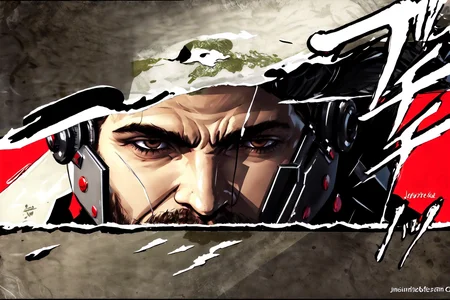
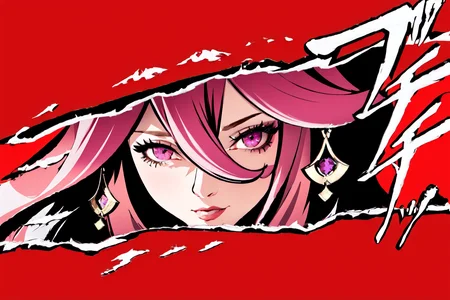


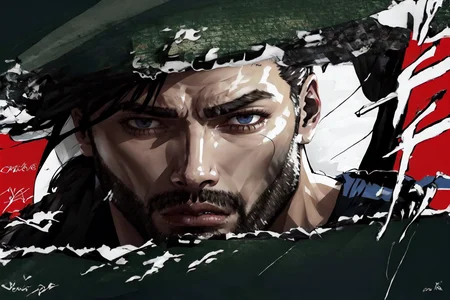
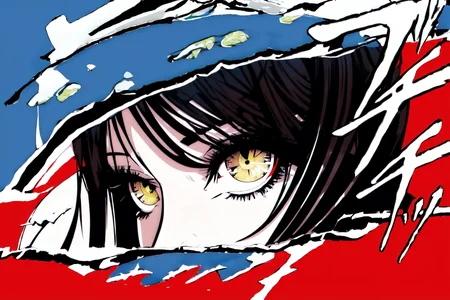
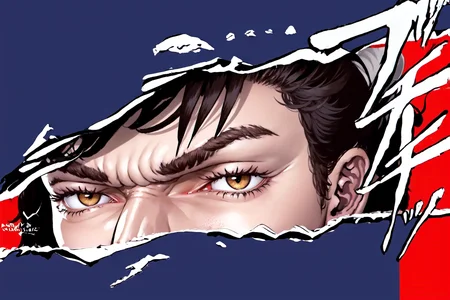
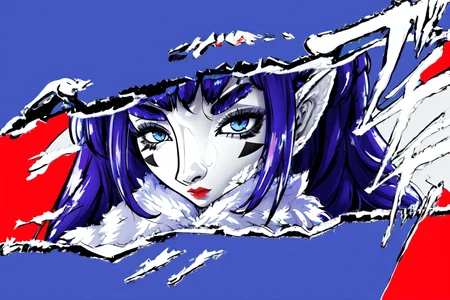
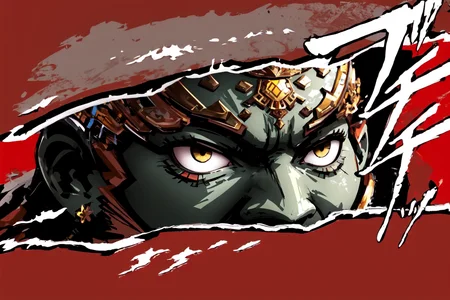
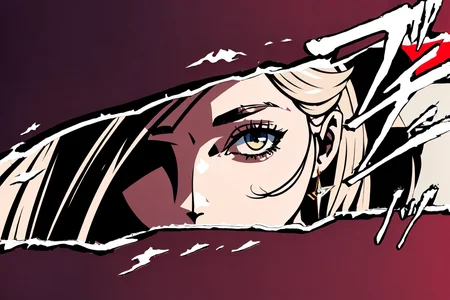
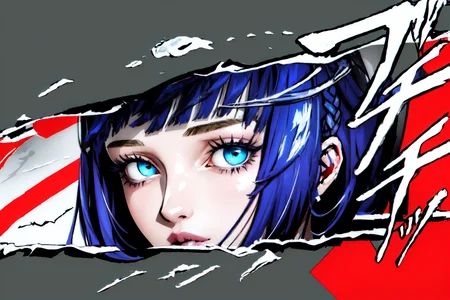
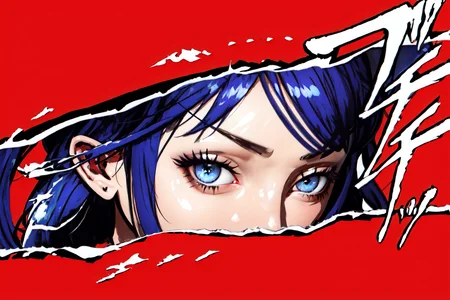
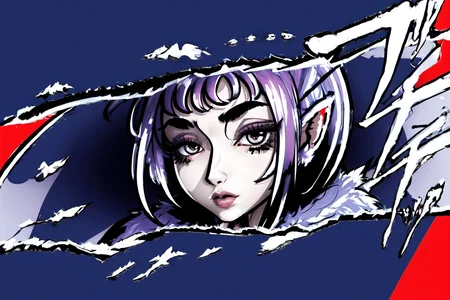
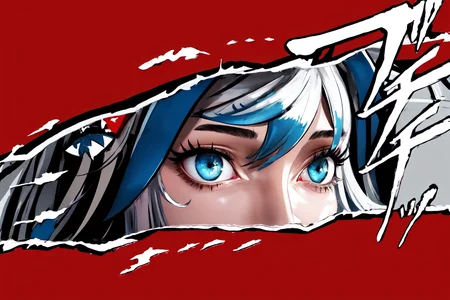
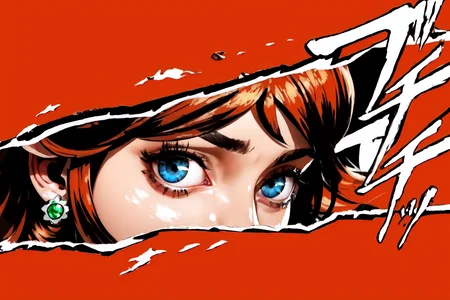
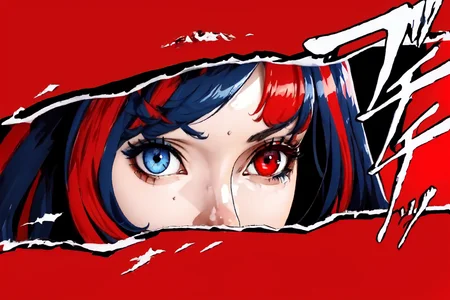
Persona Cut In | Concept LoRA
Weight can go from 0.9 up to 1.0. I recommend 1. Works with almost every Character, every Style and Photorealistic Models.
Use of width 768 and height 512 recommended.
Refer to the version details for Changelog.
V2:
Trigger Word:
IncrsPersCutIn
Helping Prompt:
simple background
V1:
Trigger Word:
Persona Cut In
How to use LoRA's in auto1111:
Download LoRA
Copy the file to
stable-diffusion-webui/models/loraSelect your LoRA and use the triggerword
Make sure to change the weight if needed (by default it's
:1)Have Fun!
Description
FAQ
Comments (3)
Did you train the Lora with "complete" screenshots, or did you somehow mark/delete the middle of it for SD to "get" where to insert the real picture?
You can find the Persona Cut In Animation with green background on Youtube. This makes it easier for the LoRA to understand, what he is dealing with. I also found many Fanarts with this Style and got over 120 images. I did also try with ingame screenshots, but the background gets messy most of the time. I can give you some screenshots of it, it's very funny.
@FallenIncursio Thanks for the background info. I think your Lora is awesome, so I wont be needing Persona screenshots but I'll take a look at the animation with green background to see if I can learn/use something like that for the borders I have in mind :)
Details
Files
Available On (1 platform)
Same model published on other platforms. May have additional downloads or version variants.