

Like what I do? Buy me a coffee https://ko-fi.com/mraclet or donate some buzz!
Open to commission requests
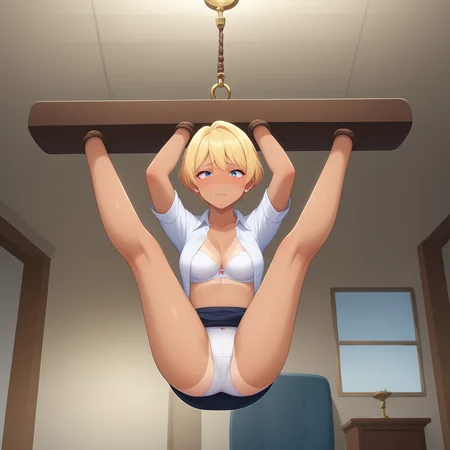
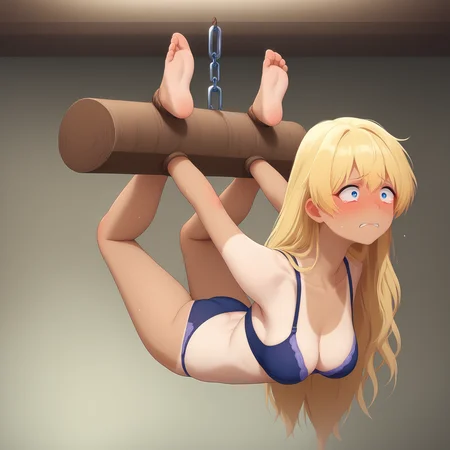
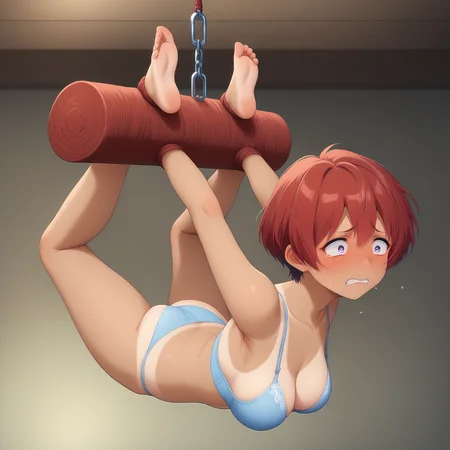
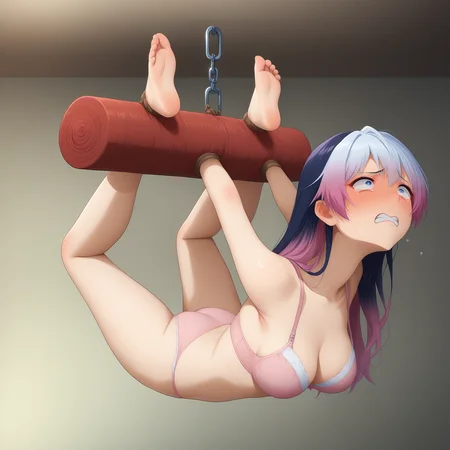
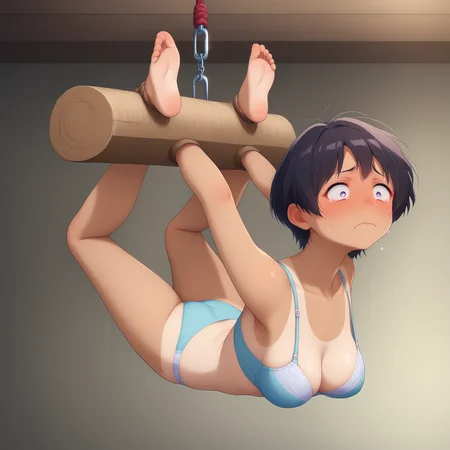
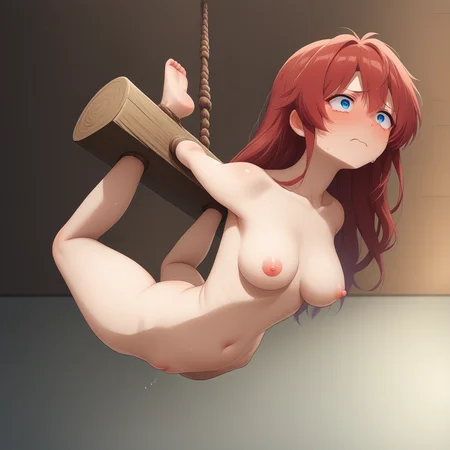
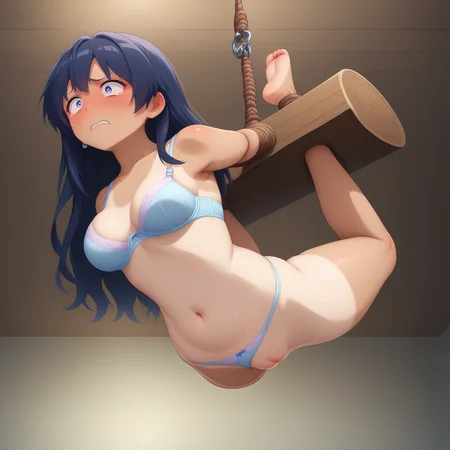
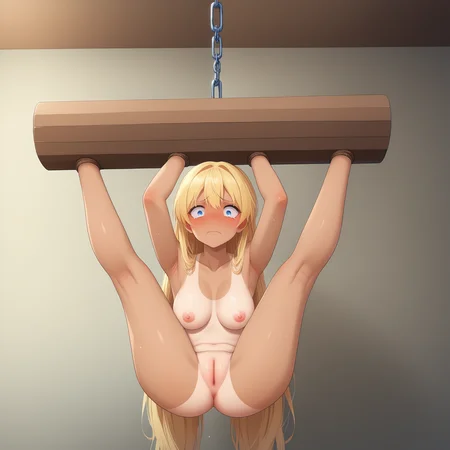
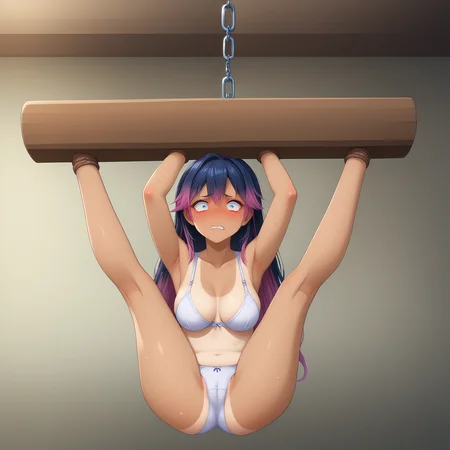
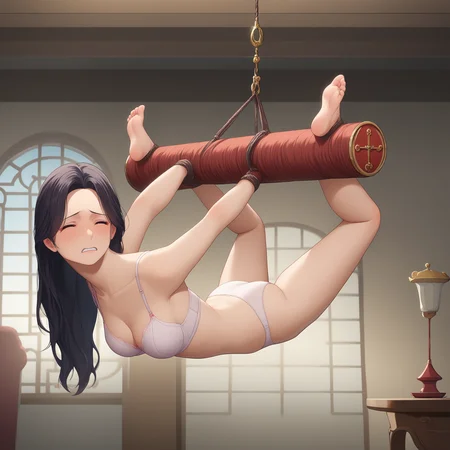
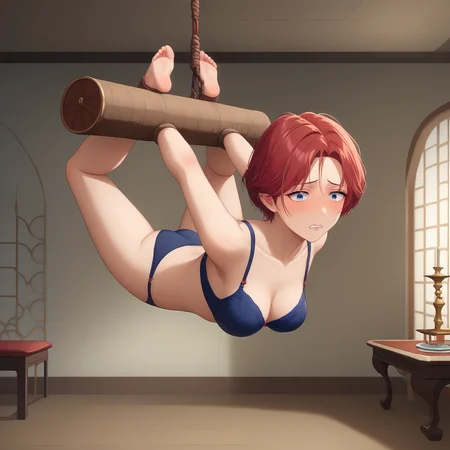
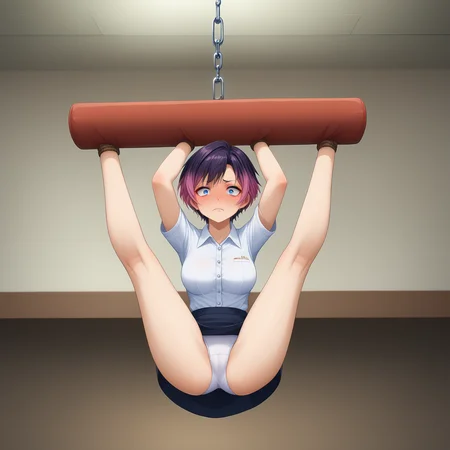
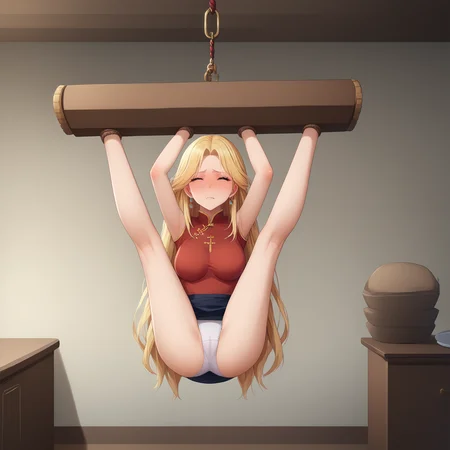
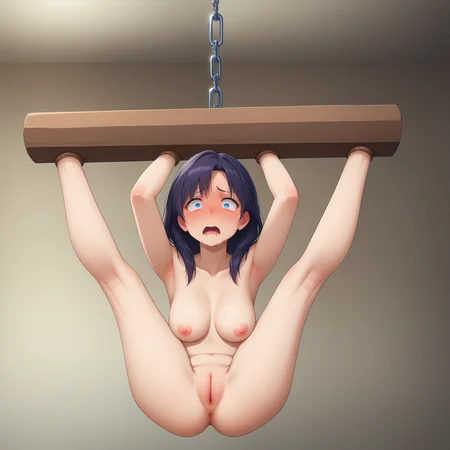
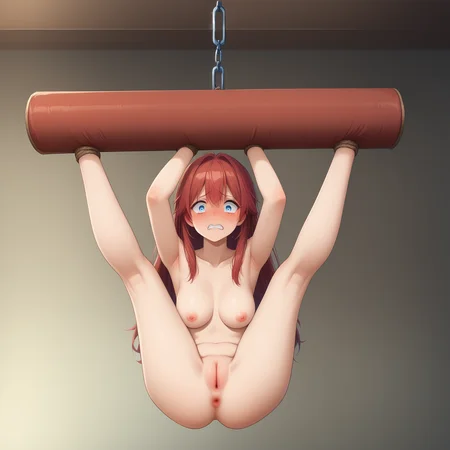
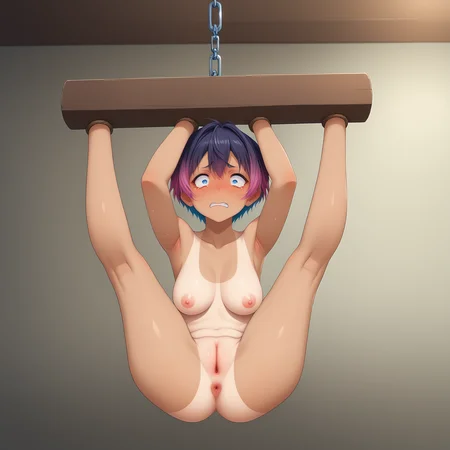
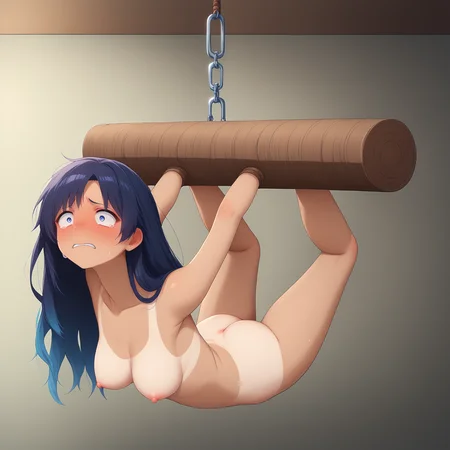
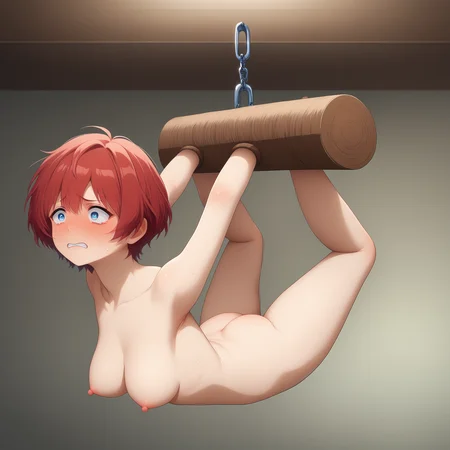
Essential keywords: "Chandelier,suspended,bound"
Recommended weight: 1 (as low as 0.6 but it becomes very unstable, you have been warned)
V2 is now here by request from another user! Added new pose and edison bulbs to legs up pose for extra class! Use key words "splits,light_fixtures,leg_lamps" or "legs up,bulbs,edison_bulbs" for the two poses. Does not support arched back from V1
~~~~~~~~~~~~~~~~
Important keywords to activate the angle/pose you want:
Regular-"hogtied,arched_back
Example "1girl,score_9,medium breasts,chandelier,suspended,bound,hogtied,Arched_back"
From below-"from_below,view_from_below,pussy" add "anus" to negative
Example "1girl,score_9,medium breasts,chandelier,suspended,bound,hogtied,from_below,view_from_below,pussy,"
Legs up-"legs-up,crotch,logtied" Recommend adding "feet" to negative for stability.
Example "1girl,score_9,medium breasts,chandelier,suspended,bound,legs_up,crotch,logtied"
Tips:
-add "barefoot" or "socks" ect.. to ensure feet stick out. add "feet" to negative prompt to hide them
-add "(nude)" to negative and describe clothing, otherwise they will almost surely be completely nude
-Changing the scene is VERY difficult. try a lower weight and emphasizing the scene. Example "((fancy_chandelier,dining room,china cabinet,mansion,rich,high_class,decorations,dinner time,fancy wallpaper,beautiful home:1.2))"
-Poses and angles are not particularly flexible.
This Lora cost me $1 to make, and many many hours to create 3d models and generate images for. If you enjoyed, please like or give me some buzz so I can create more for free. Please share your images too! :)
All characters used in showcase and training are not only over the age of 18, but are also fictional.
Description
FAQ
Comments (16)
Any plan makes another "human furniture"? Like as table or floral vase.
Genius, I think I'll start working on human coffee table immediately. As far as floral vase, not sure I see the vision. like have her bound upside down with flowers sticking out of her vagina? Lmao
@Mraclet Your vision for the floral vase is spot on! Great minds think alike, don't they? 🤣
Thanks for considering making these LoRAs.
@Sivvi Haha and thank you for the killer idea.
My brother, human floral vase is now here. Thx for the idea!
@Mraclet Really? Have you uploaded it? I can't find it from your model page.
@Sivvi https://civitai.com/models/679037?modelVersionId=765437
Gotta click the other version on upside down table. Thought I linked it here, my bad
I just sent you some buzz. And I have more ideas. If you're planning to update this chandelier model, adding some hanging lamps could be a great touch. Here's a quick visual example:
https://elektrykapradnietyka.com/33462/im-gonna-swing-from-the-chandelier/
The lights could be Edison bulbs too.
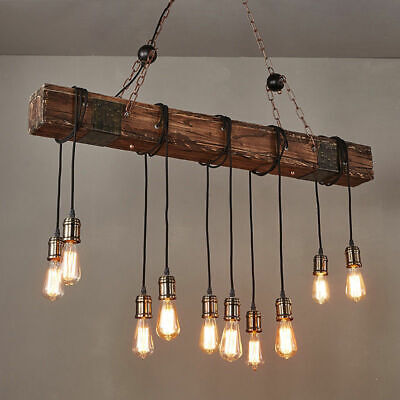
Thx for the tip! Well good of time as any to expirement with updating/merging my existing models. Will try a small data set for this one since Civit charges me 500 buzz per run, will see if I can manage it locally overnight 🤙
I think that first pic style is super doable! the edison lights may be too small of detail for consistent results though, I'll see what I can do.
@Mraclet Oh Idk Civit charges that much per run. I just tipped some more buzz.
I can tip you on Kofi or something else if you prefer cash rather than buzz. I don't have much, but I can tip some bucks.
As for the edison bulbs, I don't really know your workflow when making Lora - but if a big size png image of a bulb would help, just let me know. I have some PNG or PSD images of hanging lamps.
@Sivvi Ah thx for that sir! I can run my training locally but it occupies my GPU for many many hours. Civit frees my rig and only takes about an hour lol. It's https://ko-fi.com/mraclet but no worries, don't feel obligated to tip over that.
As for my workflow...I use Blender and posemyart.com to create scenes and models. I'll export a depth map since depth is the only reliable control net for new concepts in my experience on Pony. This is what I'm working with, and the smaller the details, the less stable my training images become. https://drive.google.com/drive/folders/1l-Ih4vueH9oomvHklHD2ozRtENx1dI5V?usp=sharing
Add too many lights and SD creates horribly bright images so far lol. I'll keep experimenting to see if I can make edison lights work instead what's shown in my example images there.
@Mraclet Thanks for sharing your workflow!
I know just how much work goes into creating something like this, and since I've managed to earn a bit from AI, I really want to give back to the community even just a little. LoRA creators like you are the backbone of the AI world. Some people think AI images are just about typing a prompt and—voilà—you get what you want.
When you mentioned "too many lights," were the lights already "turned on" in Blender? I am not sure the problem you got since I am not familiar with full fledged 3D software.
I just posted an image I generated with this LoRA, added two "turned off" bulbs in Photoshop, and brought it back into SD (img2img), and that's what I got—the AI "turned on" the bulbs, but not too bright. I hope the image helps as an additional reference for you (it's still blocked btw, Idk why - it's been quite sometime since last time I posted image in this site).

@Sivvi After blender, it's just a depth map so it's clean slate for lighting.
The issue... is while this method could definitely work, it'd be a photoshop/inpainting nightmare. I'd have to generate every image with no lights, edit the bulbs in then rinse them again through AI. The problem is I make sure to use many different body types/features ect.. for the subjects in my training data for more Lora flexibility. You noticed how it insists on turning any light source on for some reason... and because of my reliance on fresh image generation to get that dataset, any light source makes the AI go "Oh lights? you must want lighting too!" New subject = new lighting. And it's very difficult mass producing good lighting for the girl when she has light sources next to/around her haha.
I may be able to make smaller light bulbs work with 1 excellent reference image for a second controlnet w/ mask, but the lighting will still be a challenge.
Not giving up yet though...couple more things I can try. Here's the pose that will work if nothing else https://drive.google.com/file/d/1oh_Gbk18DPdlyQwcy0p4NcpyxCKdesJW/view?usp=sharing That what you had in mind for the pose at least? Would you want the "lights" under her like my image or hanging from the arm restraint like yours?
Also that's so wholesome lol.Thanks for supporting the everyday creators out here. Those "AI is just stolen art" people have no clue.
@Mraclet Honestly, both poses work. You could either add some bulbs to your V1 (hanging on the wood) or use the subject's limbs to hang the lamps (like in your current draft). Both options work great. Or you could just release both as different versions—people would go bananas, lol.
The one you created currently looks more fitting as a V3 update—it’s more advanced and definitely more humiliating for the subject, lol. The image already looks fantastic, btw.
@Sivvi lol for sure, I'll throw one of each into a V2, splits pose training already underway. using the existing V1 legs up should help quite a bit toward fixing that lighting issue. Will see what I can do here, I'll keep ya posted brother 🤙