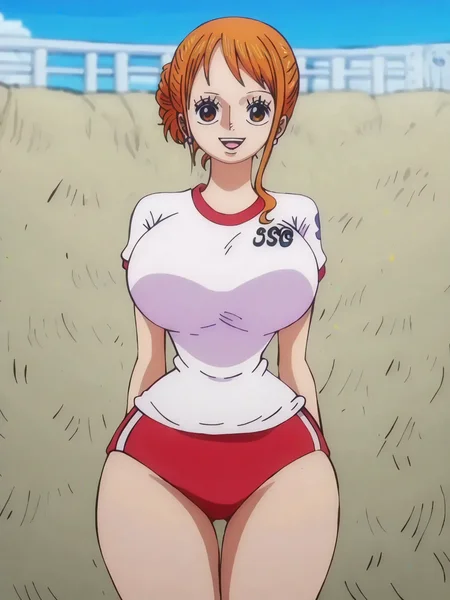
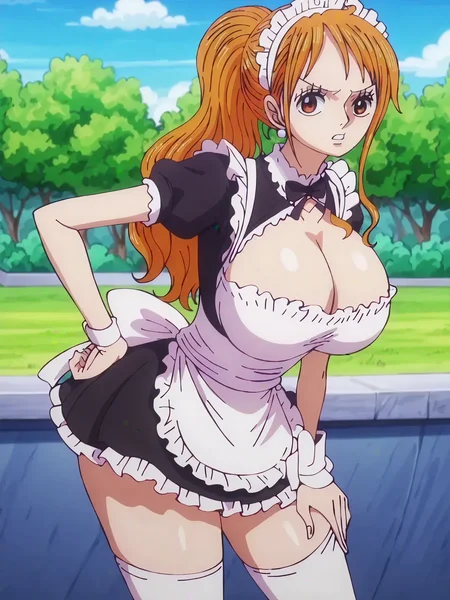
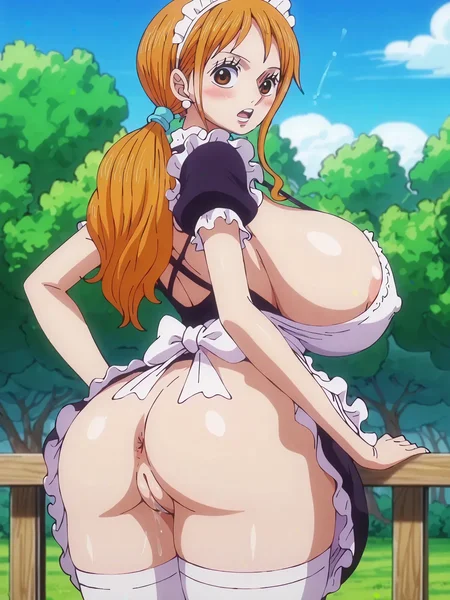

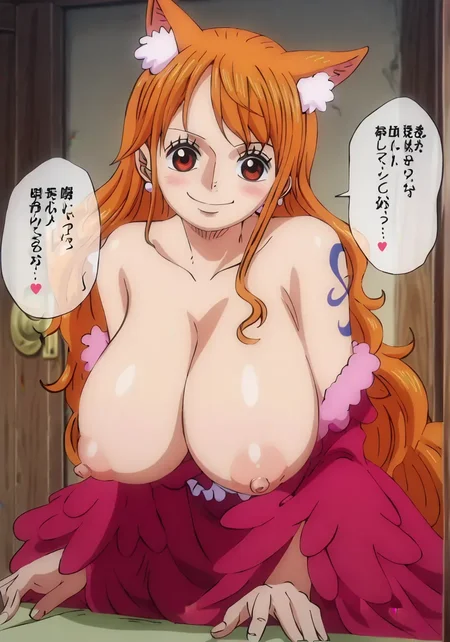
训练集90%以上内容来自动漫剧集截图,剧集范围从和之国篇~蛋头篇
Note: 因为对训练集进行过超分辨率修复,导致训练集分辨率过高,高清修复(Hires Fix)请使用Latent Upscale的方式。
风格触发词:
anime screenshot, wano country arc
anime screenshot, egghead arc
Description
FAQ
Comments (17)
Peak
WOW!! This is 99% accurate to nami in the anime.
please please do nico robin next!!!
Thank you for your kind words😁. I trained these models using free GPU resources. Unfortunately, those resources have run out now, and I'm not sure when I'll be able to train the LoRA model next.
@Recursion that's a shame
may I ask about the process of your training? is there a guide a similar method of what you did? I know there are things like datasets so I assume nami face was trained on screencaps from the anime episodes?
@spoilersmii Sure, here's the general process I follow for data processing: Training set: Bulk scrape One Piece screenshots from fancaps → Use the dghs-imgutils package to filter out Nami's images → Categorize the images into three tiers based on their attractiveness → Perform super-resolution upscaling on medium-tier and above images using the IllustrationJaNai_V1_DAT2 model → Tag the images → Set the number of repetitions, with more repetitions for more attractive images. By the way, due to the filtering by dghs-imgutils, most of the mid-to-high tier images are upper body shots, so I sourced some full-body images from the web to include in the training set. Regularization set: Scrape One Piece images from fancaps but exclude Nami's, for the regularization set (this part could also be chosen as part of the training set). Additionally, to avoid overfitting while increasing the intensity of training, I fetch 500 appealing images from Danbooru to use in the regularization set.
what checkpoint will work good with this? can you please tell me
Looks pretty good. Did you also use fanarts or only screenshots from the anime?
the dataset include some pretty fanarts.
great work !! will you do perona next ?
maybe
great lora, its very amazing
what checkpoint will work good with this? can you please tell me...
I imported your comfyui workflow and managed to make it work, pretty sophisticated and impressive I must say.
I'm having a small issue that I'd like you to help me with, image for clarification: https://imgur.com/a/RrXC4ER
(RIGHT): is how the image look like initially (after clicking queue prompt)
(LEFT): how the final image look like after going through the predetailer
I put a ton of prompts to make sure I get the sleepy squinting eyes look on the right, but I always get a different result as you can see in the final image. I should mention that even the source image has sleepy eyes.
I tried to change up some values in the predetailer window but I'm not very knowledgably in comfyui so I ended up making it worse, any tips to maintain the sleepy eyes expression would be greatly appreciated!
Firstly, your image cannot be opened properly. Secondly, it is quite common for the Pony model not to follow the prompt instructions accurately. Of course, you can also complain that this LoRA has overfitted; however, due to the poor capabilities of the base model used for training, the LoRA model adapted has to take on too much responsibility. Lastly, I have already released the Illustrious-XL version of the LoRA.
What checkpoint did you use to generate the samples?
pony v6
@Recursion thanks a lot
Details
Available On (1 platform)
Same model published on other platforms. May have additional downloads or version variants.