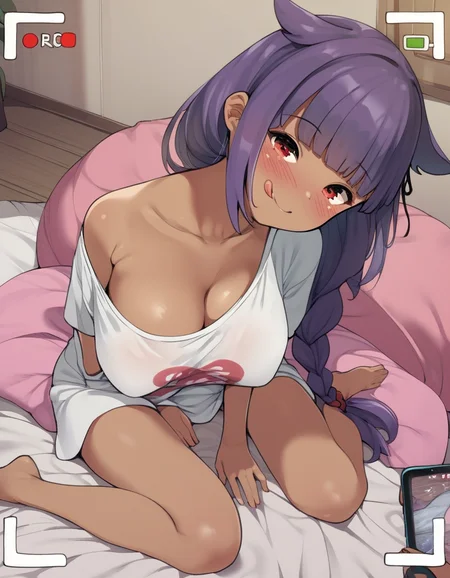
Nekonote art style
Trained at pixai.art
Description
FAQ
Comments (13)
I think too much of the metadata might be missing - A1111 doesn't even show recognise it as being XL compatible.
Only shows up if 'Always show all networks on the Lora page' is enabled in settings, or referencing the LoRA by hand also works.
Ideally you need to add some of the metadata back in (preferably all? there's no real reason to hide it), or if this is a pixai problem, I'd be happy to send you some buzz to retrain it on civit.
Probably also relevant to the comment on your Honeybee model here:
Hello, thank you for your comments and I apologize, I didn't want to hide the metadata of my images from you.
I just couldn't save images with metadata because I'm using openart.ai web ComfyUI which has no storage for generated images.
So I used to just open the image in a new tab and download without metadata. But I found a way that allows me to store basic metadata in the image.
Soon I'll publish a post.
@Mrskel4 It's not the images that are the issue, it's the model itself.
Drop your LoRA file in here and you'll see that there's almost nothing at all in it: https://lorainfo.tools/
A1111 determines which models to show to the user based on whether the metadata declares a model as 1.5 or XL, etc.
In the case of your model, there's no data for it to make that determination, so the models don't show up at all, just like the user on your honeybee LoRA described.
@DrA_263 I thought you were talking about image metadata.
I updated the model metadata and added some fields, but I'm not sure if they will be enough, and I would like to ask you to check.
But don't think that I intentionally removed all metadata as I understood Pixai.art does not add metadata.
Once again, I apologize for the difficulties.
@Mrskel4 No worries, that seems to have worked!
Thanks for taking the time to update it.
@DrA_263 Good to hear, thank you for your help checking it out.
is this nekonote_(neko-no-te92) ?
Yep