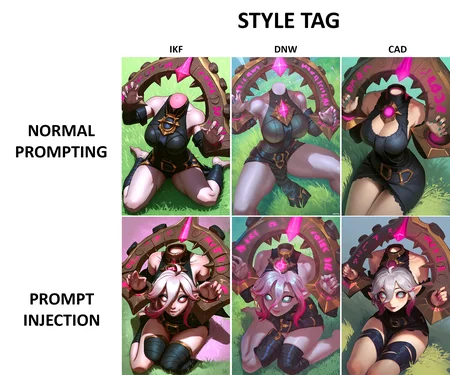
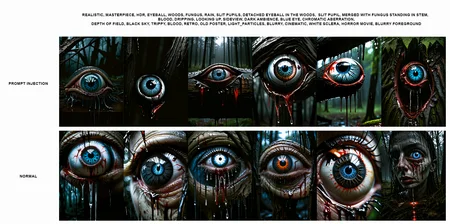
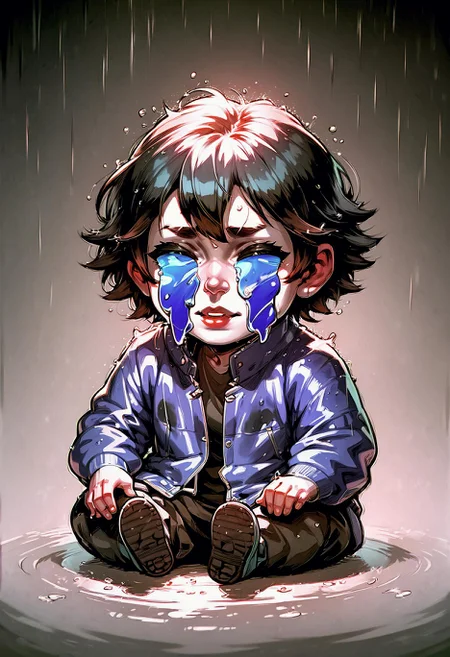
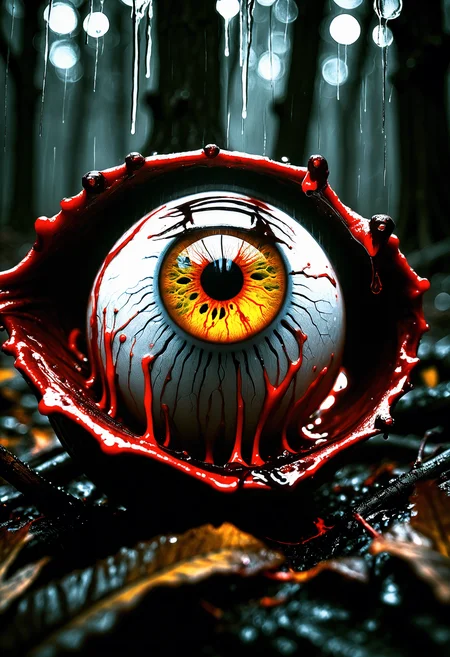


Here's the video where I learned about this: Higher quality images by prompting individual UNet blocks
This research is being on the model: ZavyFantasiaXL - PDXL - v2.0
Sometimes we want more control over the concepts/styles we're trying to prompt, but the bleeding is too high on some concepts or models based on pony. Sometimes the solution is to use different start/end steps for those concepts, but that's not always enough.
I was looking for a solution and found an interesting one. It works by putting a concept in different blocks of the model. The trick is to find which blocks are in charge of your concept.
This technique can be a bit difficult, not perfect, and might become obsolete in the near future, but I want to share my research with you. I don't know the technical details behind this, but maybe someone can enlighten us. Without further ado, let's get to the samples.
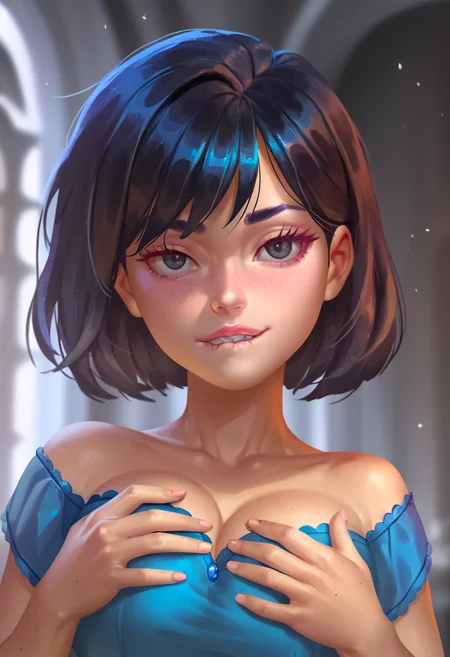
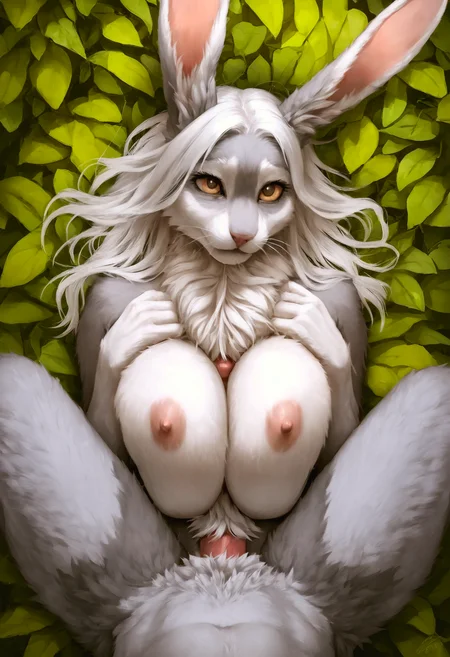
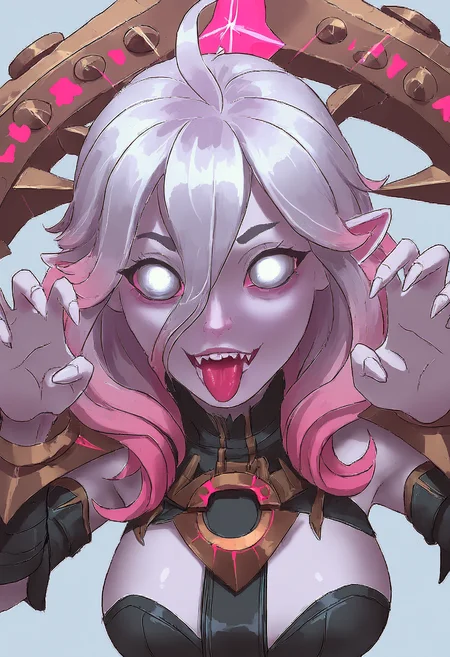
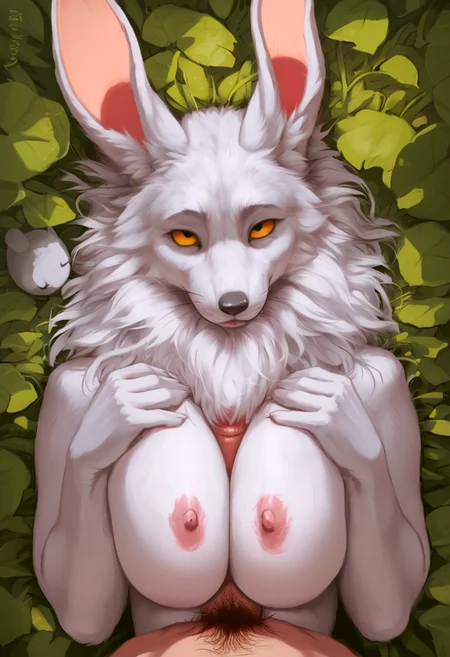
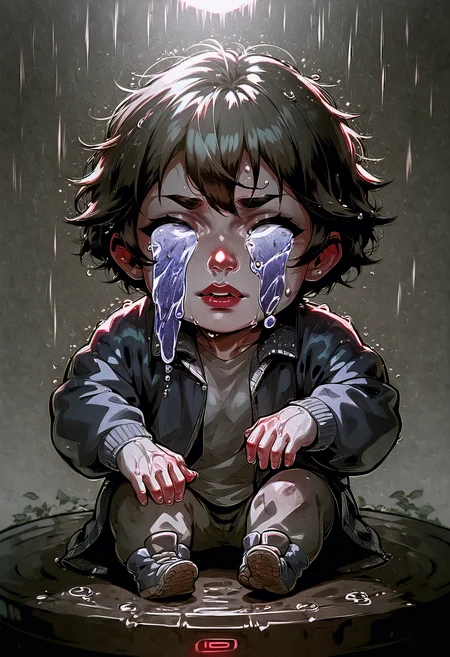
On the left is the normal prompt, and on the right is the prompt injection.
 Positive: score_9, score_8_up, score_7_up, score_6_up, score_5_up, score_4_up, score_safe, solo, upper body, (chibi:1.9), (human:1.8), black hair, black eyes, beautiful eyeline, biting_own_lip, squinted eyes, big breasts, holding breasts, red blouse, dnw, castle background
Negative: logo, print, furry, gloves, nsfw, nipples, score_6, score_5, score_4
Now, I'll list what I found that each block affects in the composition of my image. I need to create more images with different compositions and landscapes for a more comprehensive conclusion, but I hope this helps someone and that you share your own findings too.
IN4, IN7, IN8, MID0, OUT0, OUT1, OUT3, OUT4: score_9, score_8_up, score_7_up, score_6_up, score_5_up, score_4_up, solo
I add my quality tags to all the blocks that affect significant elements.
IN4, IN7, MID0, OUT3, OUT4. Update: I'm doing more research on these blocks, because it looks like they affect the overall style somehow, but not like OUT0.
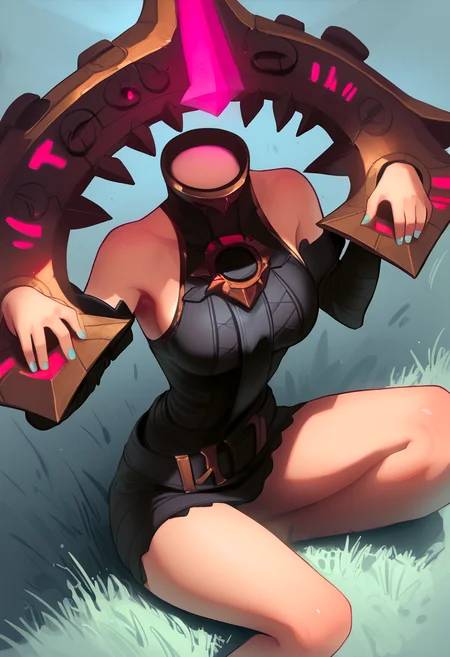
 OUT3, OUT4: It looks like these blocks affect the ambient occlusion or details slightly, because disconnecting them results in this: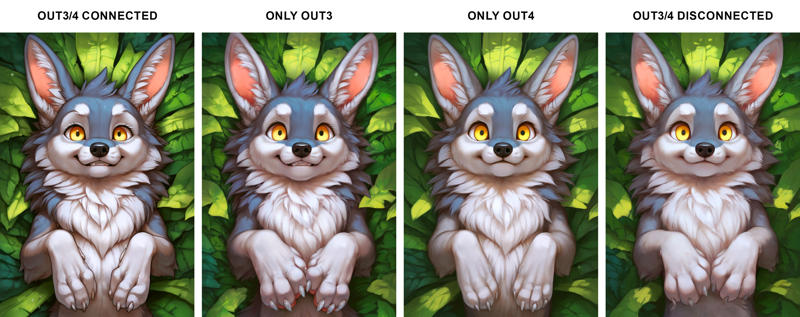
Sometimes prompting in these blocks doesn't make strong changes, and other times it affects your image a lot, so I usually leave these empty. If I need a little change, I add a few random word
IN5, OUT2, OUT5: biting_own_lip, squinted eyes
I not sure which one of these blocks affects the face, but when I add the concept "biting..." it works better than just using the tag on other blocks.
BLOCK IN8: chibi, upper body, blouse, castle
This block takes a brute concept without details, only the things you want to be in your composition.
BLOCK OUT0: score_safe, (chibi:1.9), big breasts, upper body, biting_own_lip, holding breasts
This block affects the body, pose, hairstyle.
BLOCK OUT1: (human:1.8), black eyes, biting_own_lip, red blouse, nipples through clothes, beautiful eyeline, upper body, dnw, black hair, castle background
Here you can be more descriptive. This takes the concepts you add on IN8 and adds the color and style. Since this block has a lot of weight on the composition, I set a start step of 0.10.