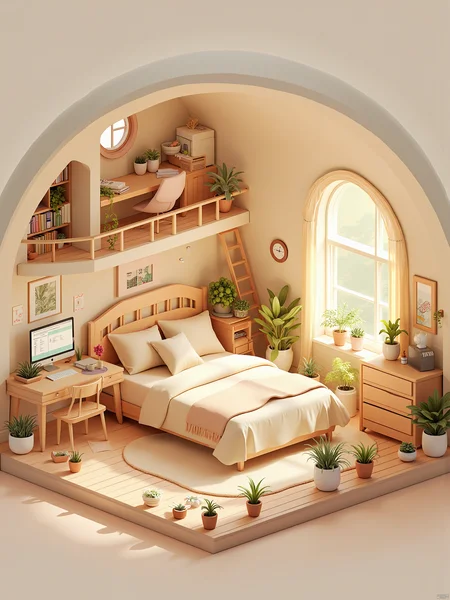
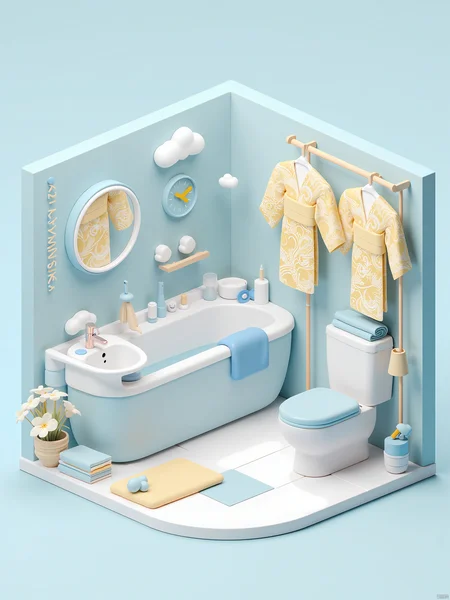

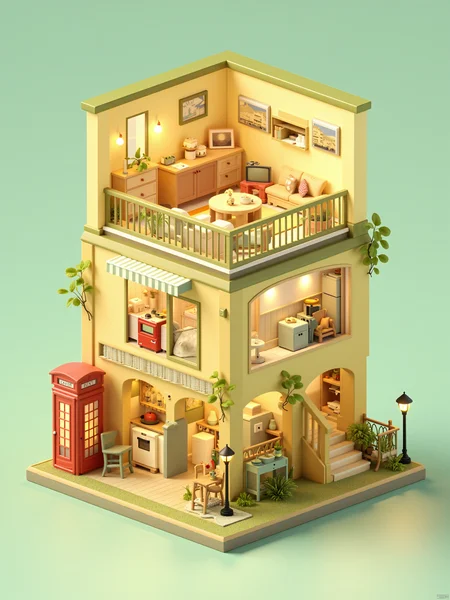
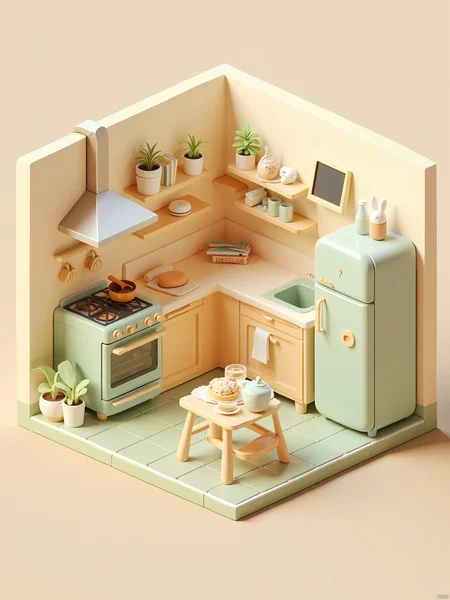
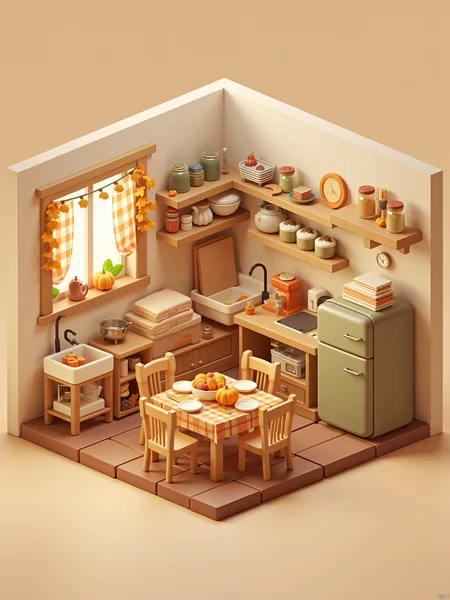
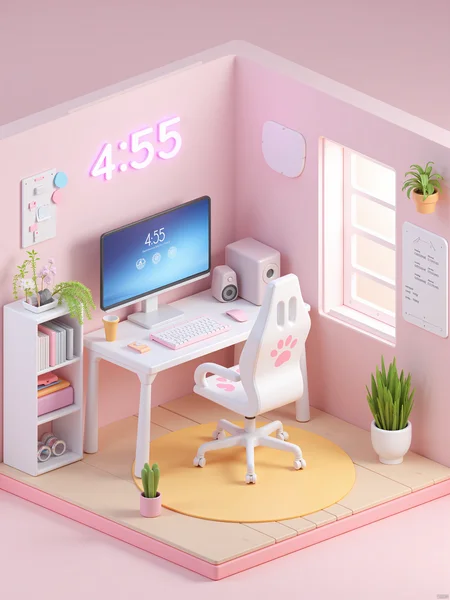
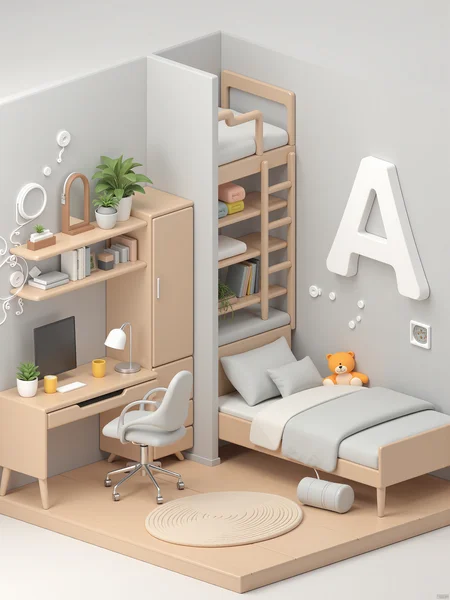
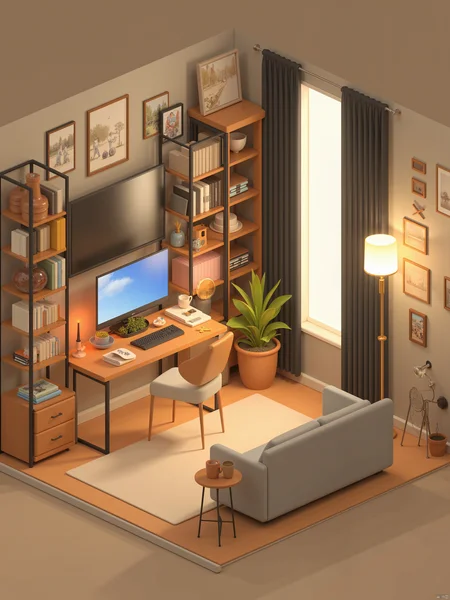
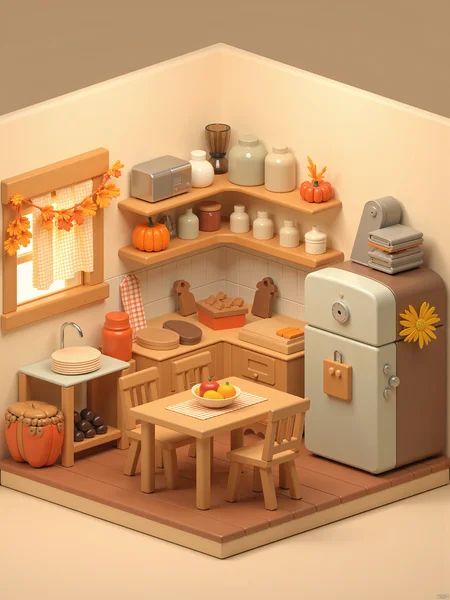
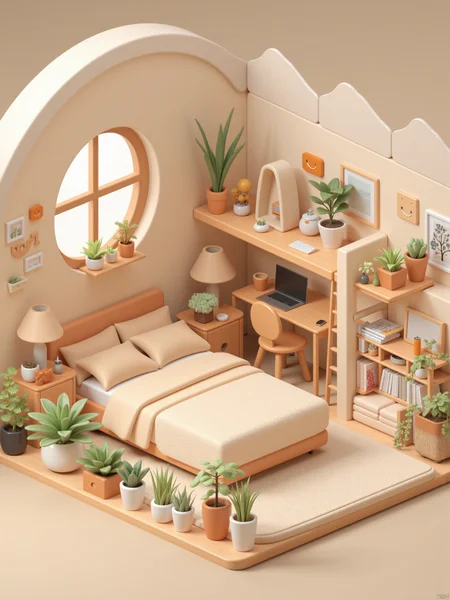

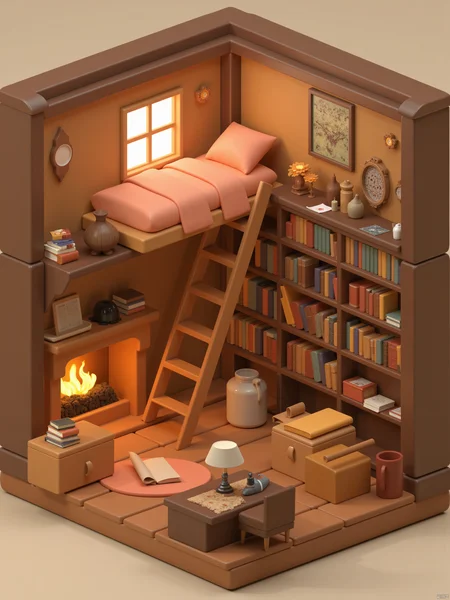

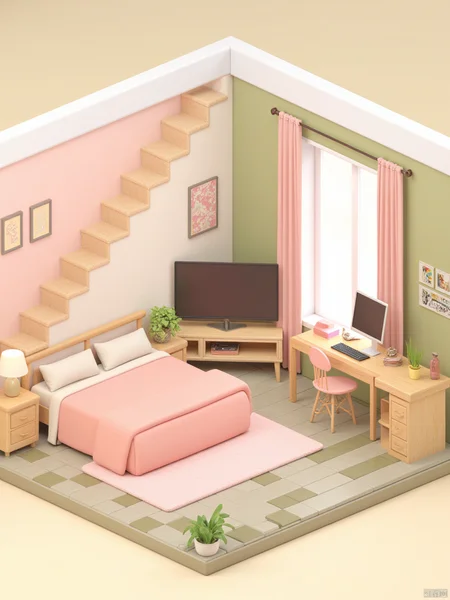
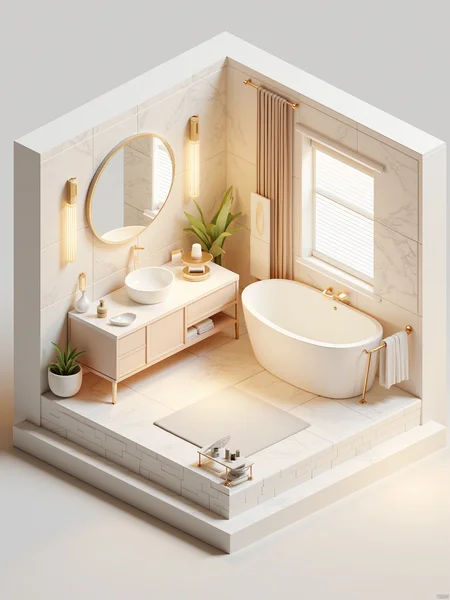
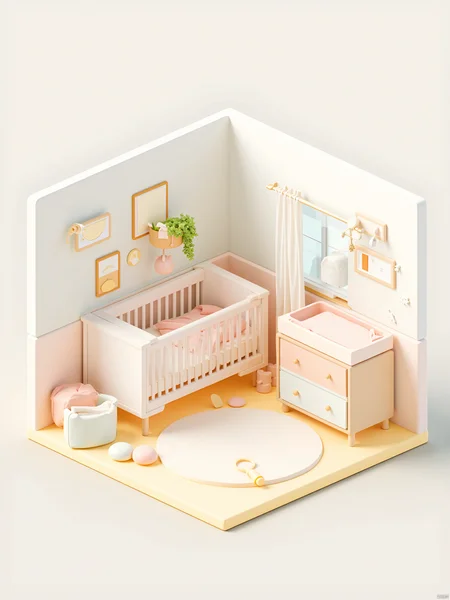
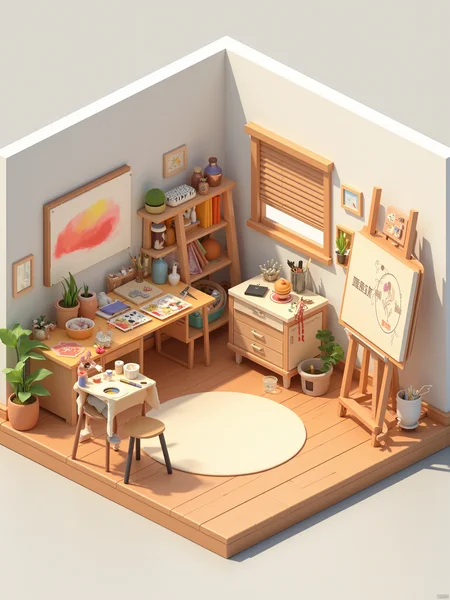
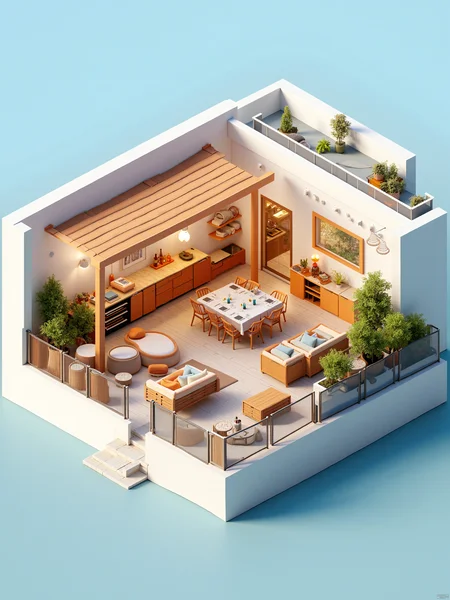
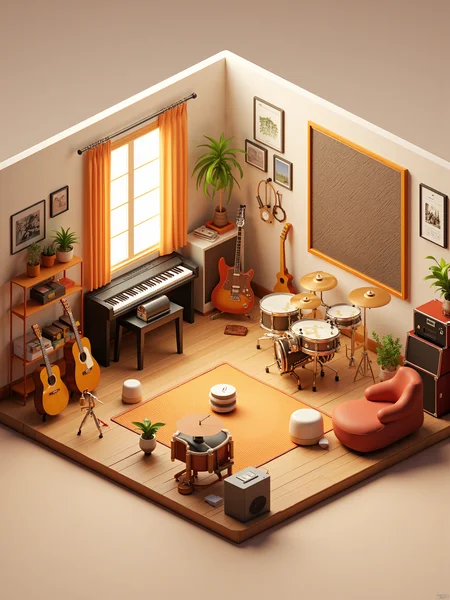
A brand new version of FLUX is coming !!!
It improves the stability of image output, fixes the problem of blurred image quality, removes the close-up perspective, and fixes the angle of image output content to make it more dedicated. At the same time, it improves the expressive power of details.
Come and try it out. Maybe it's also good for commercial use!
To ensure the details of each object in the scene, please enable high-definition restoration. Magnification factor: 2 times. Restoration method: R-ESRGAN 4x + Anime6B.
After a lapse of two months, the 2.0 version of the isometric room is here! (Card drawing is required. The effect is not very stable yet. The repaired version will be launched tomorrow.)
This time, a brand new FLUX large model is used for training, which can well understand the prompt words and correct the spatial distribution of objects. At the same time, it brings better detail performance. The 2.0 version has strengthened the display of close-up scenes and lighting effects, enabling each object to be in an appropriate position in the picture, and enhancing the picture atmosphere.
V1 version isometric 3d room lora description:
This model to indoor 3d isometric perspective, C4D rendering of the model lora. need to open the high resolution fix (Hires. fix) to ensure the quality of the out of the picture, welcome to try to return more pictures ah. Questions can be commented on, see will reply, everyone more anti-picture.
Recommended Parameters
Positive quality word reference:
dengzhou,Octane Renderer,c4d,soft light,solid color background.
Translation: isometric, OC Renderer, C4D, soft light, clean background, these words affect the figure of light and shadow and texture, must be filled in, light can be changed according to the actual situation!
Negative tips word reference:
ntsf, deranged, urved lines, messy, overlapping, distorted, repetitive, proximity, etc.
Big model: sdvn53dcutewave_v10, 3d class all can try down. Model link: https://civarchive.com/models/103178/sdvn5-3dcutewave
lora weights: 1.0
Sampling method (sampler): DPM++ 3M SED Karras (you can choose the sampler according to the actual situation)
Iteration Steps: 20
CFG Scale: 7
Resolution reference: 512*512 is recommended (square map)
High resolution fix (Hires. fix): 1. zoom algorithm: Latent, 2. redraw amplitude: 0.7, 3. zoom speed: 2 times
Description
This version is the FLUX repair version! It improves the stability of image output, fixes the problem of blurred image quality, removes the close-up perspective, and fixes the angle of image output content to make it more dedicated. At the same time, it improves the expressive power of details. Come and try it out. Maybe it's also good for commercial use!
FAQ
Comments (13)
Hi. Can you make a description of workflow for Flux V2. I used example prompts from image but my are distorted. On you images objects are sharp and very nicely seperated.
If the image is distorted, it is because the image resolution is insufficient. You can use high-definition magnification to fix this problem. Magnify it by 2 times and use R-ESRGAN 4x + Anime6B.
@1jiliguala1 Hi. I use Flux dev with 1024x1024. And you say that after that I should use high-definition magnification? What model you use for magnification? Can you give a link with workflow example on openart.ai?
@1jiliguala1 I use comfyui. Can you give a link to image with simple workflow for example image?
Hires resize
1536x2048
Hires steps
20
Hires upscaler
R-ESRGAN 4x+ Anime6B
Just magnify it to twice the original magnification. It is recommended to magnify it to 2048x2048.
You can go to this website to use my online version. It supports high-definition magnification.https://tensor.art/models/772500922480736606/OB-FLUX
@1jiliguala1 Yes. With that link it is working. I have a problem with my ComfyUI to get good result. I'm looking good high-definition magnification workflow for Flux in comfyui to get the same sharp objects.
@ronowe It is still recommended to use online high-definition magnification. This website is good and the price is cheap.
That's cool! Great concept, can I have the dataset? I wanna have a try!
https://www.behance.net/gallery/201857091/3D-Isometric-Sewing-Room-Blender?tracking_source=search_projects|3d+room+blender&l=2Recommendations can be found here.
@1jiliguala1 THX a lot XD!
@Yui9987impolite
Details
Available On (1 platform)
Same model published on other platforms. May have additional downloads or version variants.