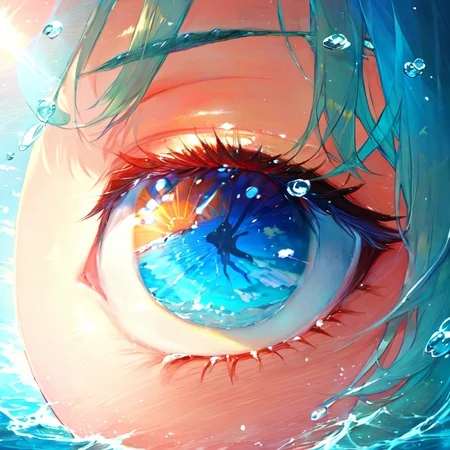
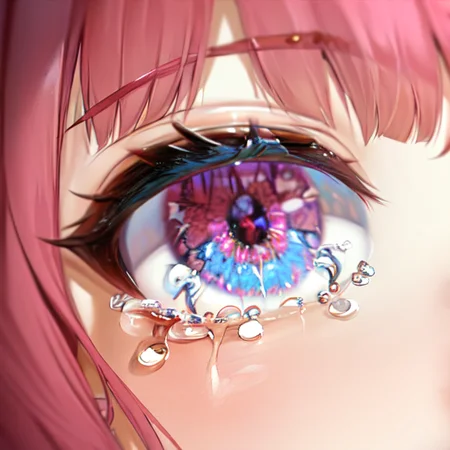
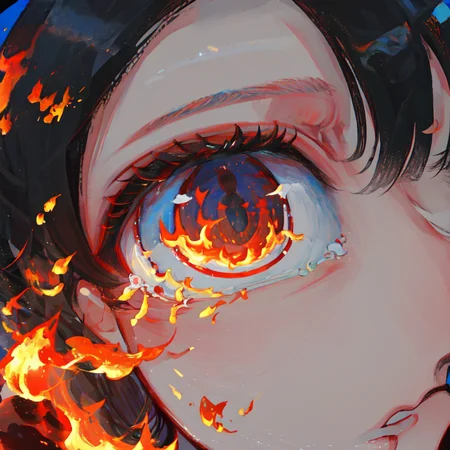
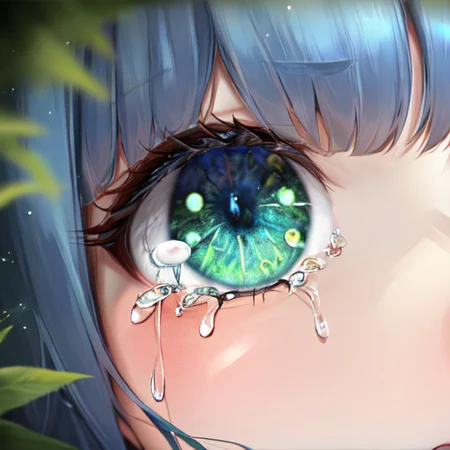
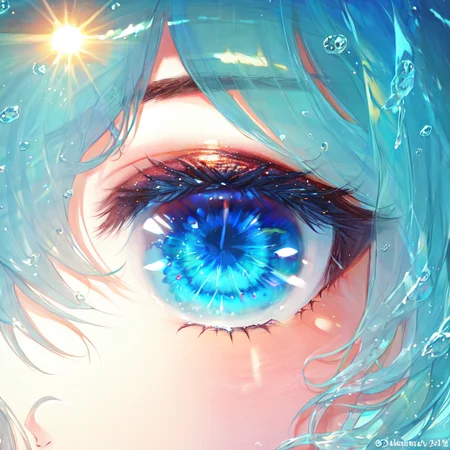
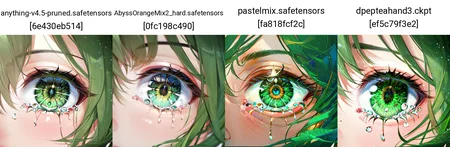
Eyes
Token: loraeyes
Weight: 0.8 [Change according to your usage]
Description
Dataset Image: 110
Image Sources: Pixiv & Pinterest
FAQ
Comments (20)
Does it make both eyes like this or one eye closeup?
I can't do an AI art that has a macro shot on Jaden's/Judai's eye.
I can't speak to Kokoboy's intentions when making this, but I imagine you could use this with InPaint to enhance the eyes on your images, as well as just close-up eye images.
I guess you COULD render a close-up of your character, then zoom-in/upscale JUST the eye as well.
just use ((close-up:1.5)), that will give you a good closeup image, but if you wanna go further, maybe just do, (generate an image of eye, highly detailed, close-up:1.5), and use the add_details lora, and then the loraeyes, that can make a really macro-style image, let me know! :)
This has a female bias and even with negative embedding it will make it female
Can you share the parameter Settings for the first picture? Thank you!
Thanks for sharing the training data. It explains why it does nothing for realistic "photo"(the preview images were good hints for that though)
I am so close to getting the same result, everything looks good except the depth of color. Mine is very subtle, I need to get the vibrant, fresh and glossy look.
the best "Eye Fixer" LoRA on Civit
Does anyone else has issues with this LoRA generating just big eyes? Happaned to me on the new version of th Forge UI, but was working fine before.
Why i can't download it?
Raised Support Ticket to Civitai, hope they fix it
@Kokoboy Is there a huggingface or git?
Details
Available On (1 platform)
Same model published on other platforms. May have additional downloads or version variants.