


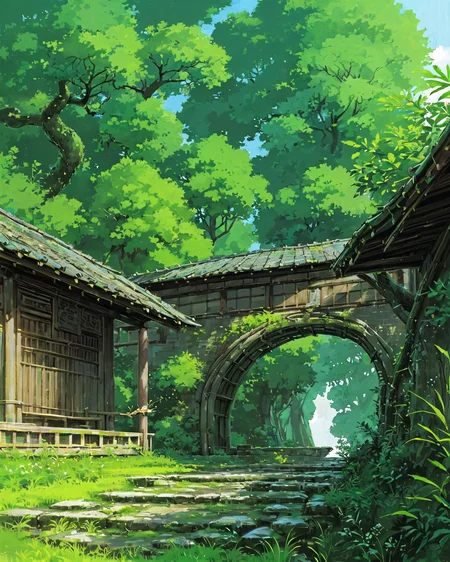
((Please download the counterfeitv2.5 model and clearVAE before using it )) !!!
If you are interested in the field of AIGC design, please join my channel to discuss it
Discordhttps://discord.gg/rX3UwAkQN2
QQ群607134175
The site preview image will compress the image quality, please double-click to view the original HD image
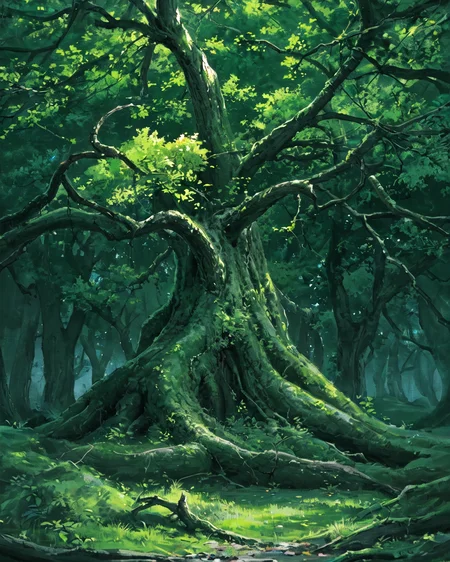
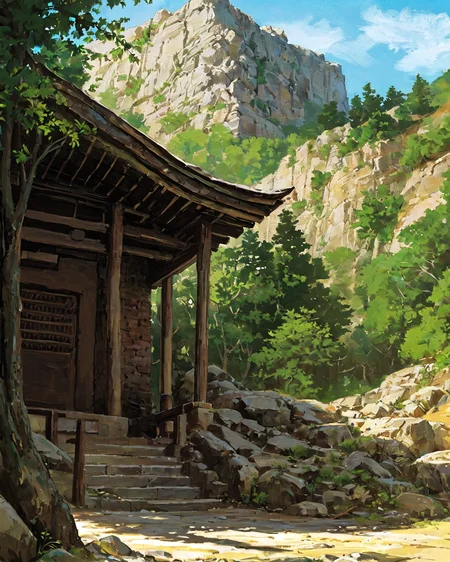
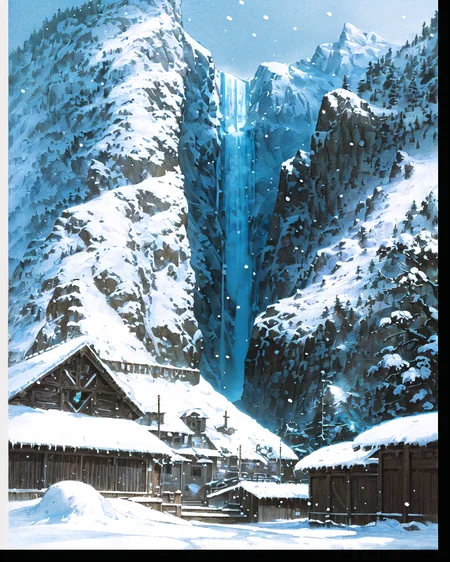
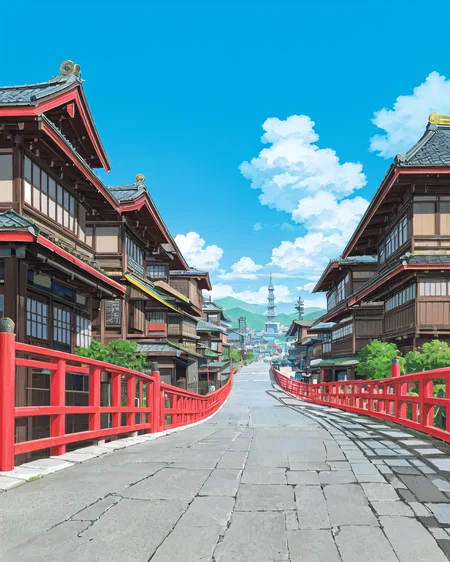
The beautiful Ghibli scene has a powerful expression for both architecture and landscape
v5.0 update
Updated more training sample set parameters, wider generalization, optimize the performance of the built environment,this is the best Ghibli style model you have ever used, beautiful watercolor style
if you like my model, please pay attention or give feedback below, I will continue to update
The model prohibits commercial use, handling, and any blending, and the author retains ownership of the model
该模型禁止商用,搬运,以及任何融合行为,作者保留模型所有权
Description
FAQ
Comments (8)
This last one seems pretty stunning, but images could have used metadata
Just in case you or anyone else didn't know, there is in fact metadata for the shown images. Made me double check the previous versions and yes, there is for those too. For one reason or another, it just isn't being displayed on the site properly.
In Automatic1111, there is the tab "PNG info" which will display the metadata of whatever image is dragged into it. Somewhat counterintuitively, it accepts all the image types I've seen generated, not just png as the name would suggest. Jpg and jpeg still work as expected with their metadata perfectly viewable.
Im sure that the other stable diffusion UIs have their own method to accomplish this for the most part, but in case whatever you might be using does not have this capability, you can use this website to view a generated images metadata. https://www.sdimage.info/
@Particleking yes
I think this cannot work well,
Could you show the prompt?
Just in case you or anyone else didn't know, there is in fact metadata for the shown images. Made me double check the previous version from this author and yes, there is for those too. For one reason or another, it just isn't being displayed on the site properly.
In Automatic1111, there is the tab "PNG info" which will display the metadata of whatever image is dragged into it. Somewhat counterintuitively, it accepts all the image types I've seen generated, not just png as the name would suggest. Jpg and jpeg still work as expected with their metadata perfectly viewable.
Im sure that the other stable diffusion UIs have their own method to accomplish this for the most part, but in case whatever you might be using does not have this capability, you can use this website to view a generated images metadata. https://www.sdimage.info/
I can't seem to find a working link for clearVAE. When I try to download through https://civitai.com/models/22354 , the only hit on civitai, it says file not found. Any work around for this?
For some reason this LoRa just doesn't work, especially if you try to use it with a Character LoRa
I don't know what kind of big model it should go with
Details
Files
Ghibli_v6.safetensors
Mirrors
Ghibli_v6.safetensors
Ghibli_v6.safetensors
Ghibli_v6.safetensors
Ghibli-3.safetensors
Ghibli_v6.safetensors
Ghibli_v6.safetensors
Ghibli_v6.safetensors
Ghibli_v6.safetensors
Ghibli_v6.safetensors
Ghibli_v6.safetensors
Ghibli.safetensors
Ghibli_v6.safetensors
Ghibli_v6.safetensors
Ghibli_v6.safetensors
Ghibli_v6.safetensors
Available On (1 platform)
Same model published on other platforms. May have additional downloads or version variants.