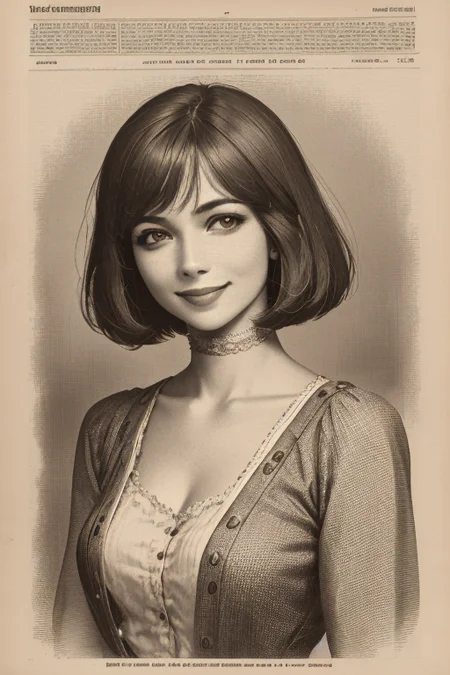
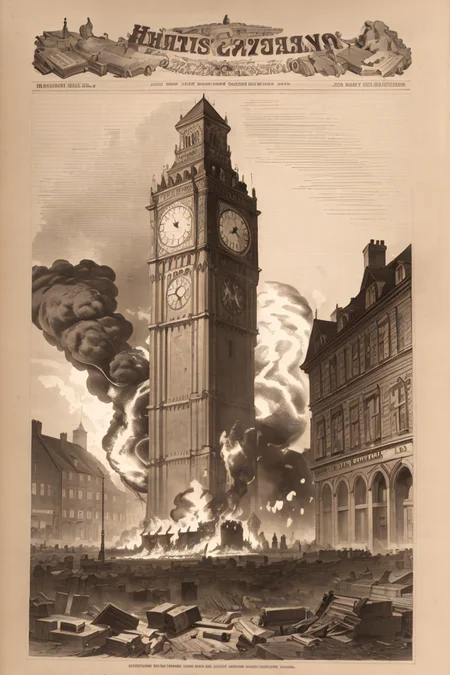
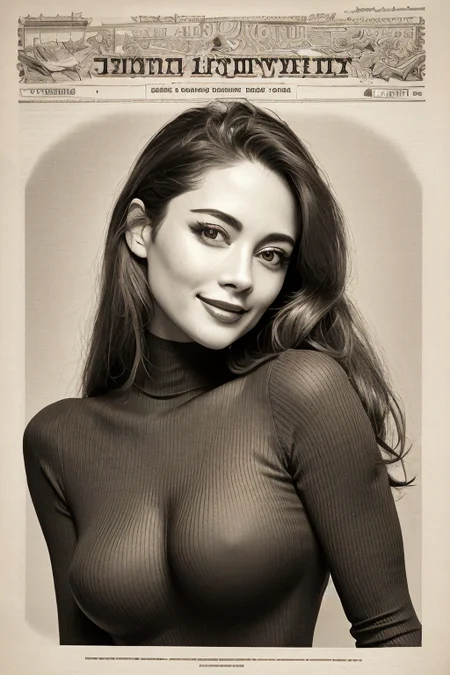
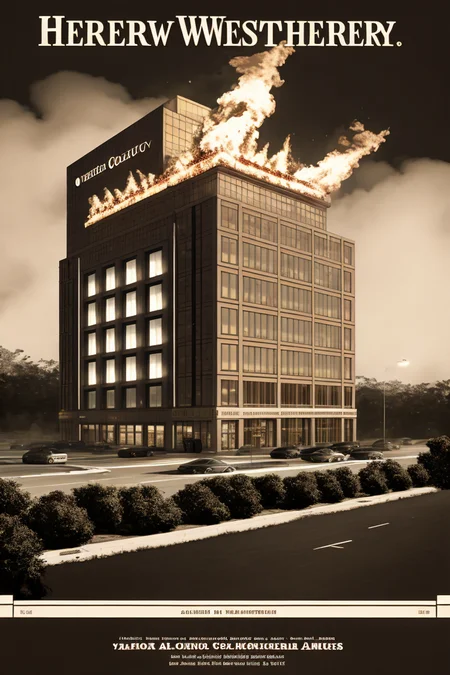
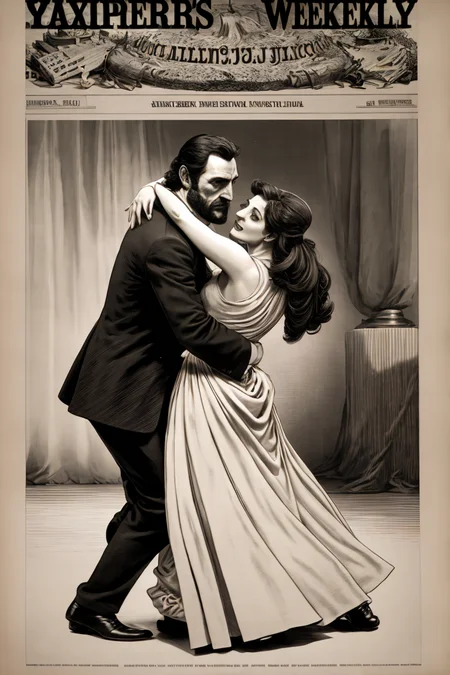
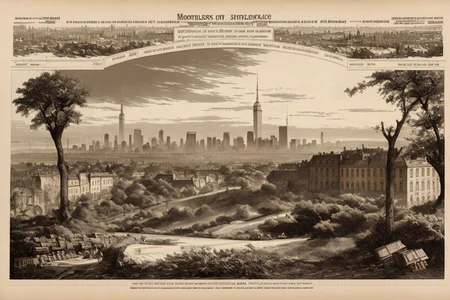
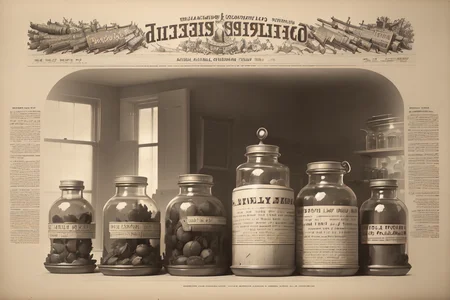
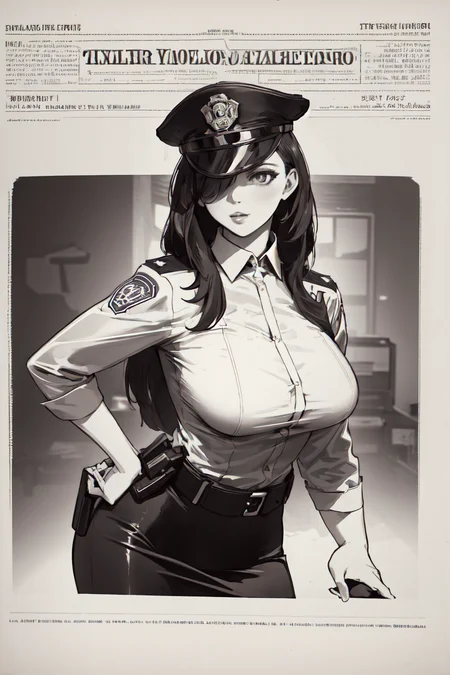
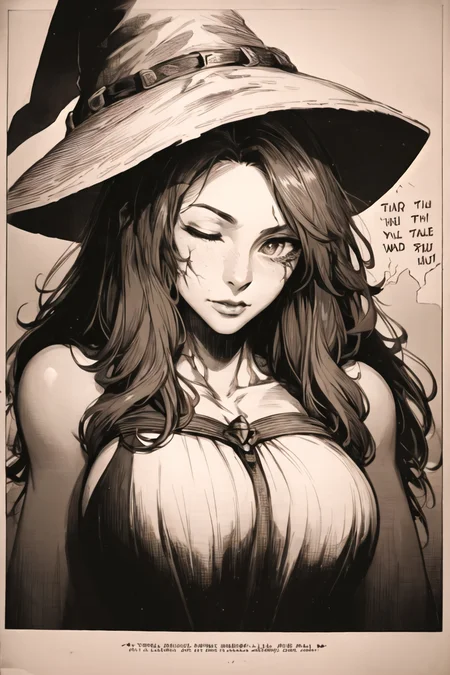
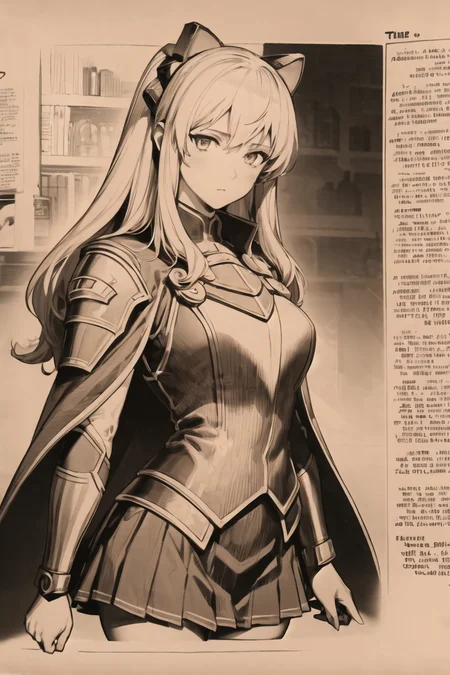
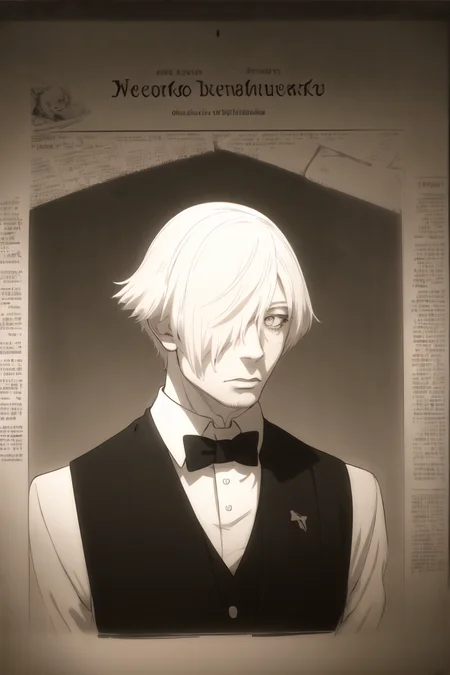
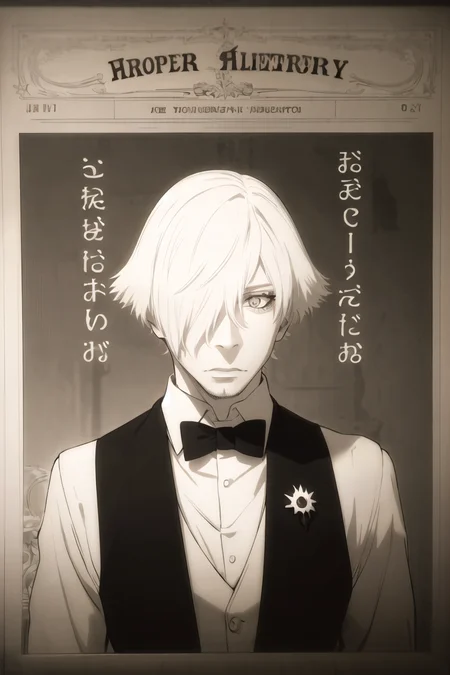
This is a style LoRA that will give your images a old newspaper front page look. Header on top, text around the frame, where your object/subject will be inside the frame or with text accurately around your object/subject.
I want to thank @Hollowstrawberry for the collab he made. And also @rockerBOO, @ChameleonAI, @zykurv, @IndolentCat for their tips and tricks! Please check their creations as well!
The reviews and feedback will be very valuable for me.
Trigger word:
The main trigger word for style is npzw. You will additionally need to add to prompt the next words: (text), monochrome, or sepia. Keep in mind that depending on the model you using you may need to adjust weights of those words. Most often for anime models you want like: (npzw:1.1), (text:1.1) at least. Adjust that depending on your results.
And most important remove text, monochrome, sepia, greyscale from your negative prompt. Because a lot of people using those words in negative prompt.
Avoid using colors other than black or white in prompts.
Red eyes will give your image a hue that will ruin the purpose of this style in my opinion. However feel free to do so if you want. Also if 1girl / 1boy doesn't work for your character LoRA try using woman / man instead.
Use additional modifiers to frame the body of person: full body, upper body, cowboy shot, portrait
Weights:
This LoRA was trained on SD1.5. So it works with weight :1 absolutely fine. Adjust it if needed when combining with other LoRAs.
I'm not sure what name LoRA will get on downloading, so please make sure you using the proper name in prompt of the file that you downloaded if you going to copy prompts from previews.
Negative embeddings:
I think i used only one negative embedding during testing:
AuroraNegative, you can find download link for it in description on this page: https://civarchive.com/models/40199/aurora
Description
Initial release.
FAQ
Comments (12)
It seems like the site parser still can't detect additional LoRAs used. Here are the links for them, please check them as well:
- https://civitai.com/models/36863/ranni-the-witch-or-elden-ring
- https://civitai.com/models/48908/tio-plato-or-kiseki-games
- https://civitai.com/models/48132/ironcatlora-7-decim-or-death-parade
I think it picks them up on filename rather than hash, and since you appear to have saved them with categories in the filenames that aren't from the site, the parser seems to be having trouble with them.
Just a guess though.
@FlynnDork56ish it might be the case, i just tried renaming them, but it seems they should be renamed on initial upload. i'm still not convinced to install civit team extension, just to be able to detect the resources i used, but i was talking with team member, ability to past hash for resources will be coming in future.
It should pick them up based on the hash of the things you used. Unfortunately at this time that requires the Civitai extension. We’ve got adding name based detection on our todo list.
@justmaier noted.
It would be also cool If you could make lora for WANTED poster the same way.
i will think about that, thanks for idea!
Couldn't find Lora with name oldNewspaperStyle_v10
Doesnt seems to work. Just creates a monochrome image without newspaper
@witchyknight Are you copying prompts from preview images? If yes, you need to edit the name accordingly to the file that you placed in your Lora folder \stable-diffusion-webui\models\Lora\ and most likely change the prefix to <lora:yourfilename:1.0>
Easiest way to add a LoRA to the prompt is by using Extra Networks button in web-ui:
https://cdn.discordapp.com/attachments/1037799583784370202/1077803463930544208/image.png

What model did you use for training?
it's written in the description.
this lore is still relevant and damn good, thank you
Details
Available On (1 platform)
Same model published on other platforms. May have additional downloads or version variants.