


Edit: added a version trained on Animagine v3.1
I have no idea how to prompt with Animagine, so sample prompts are pluck from Animagine samples.
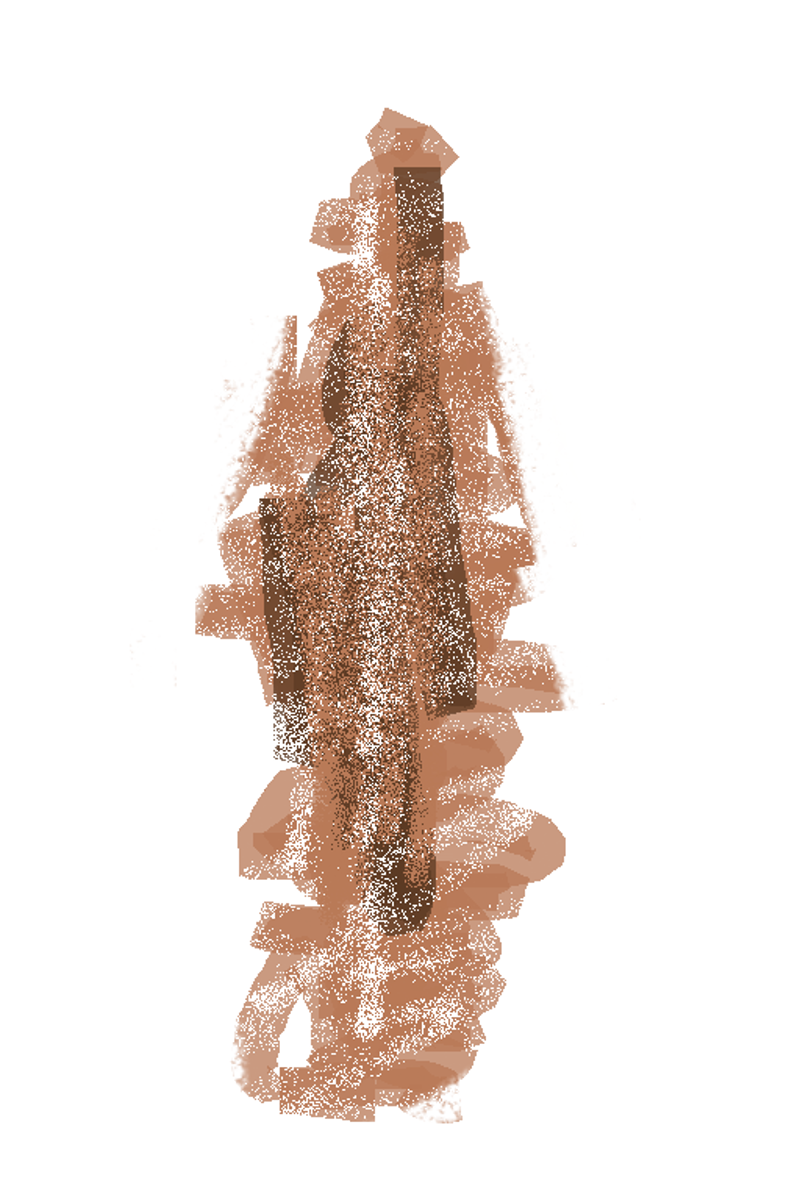
My attempt at creating a tachi-e lora for PonyXL checkpoints (basically a full body character drawing on white or transparent background) . Version 0.2 are retrained with more "faux figurine" images.
Trigger:
tachi-e, full body, simple background, white backgroundMight best be "primed" by using seed images and 0.85~0.95 denoise.
Below are some I usually use.

Description
Retrained with more faux figurine images, should allow environment elements more easily.
FAQ
Comments (11)
Awesome work thank you <3 Also can you like Circular background on white backgrounds? e.g ocean in circle and white background. Anyways thank you for great work
Thanks for commenting. I'm not sure what you mean, if it's a perfect circle then 1 minute in Photoshop should do the trick.
Alternatively, (the result won't be a perfect circle), but with a bit of luck you could img2img a blue circle on white background to optains some interesting results. I just added some image to the post to demonstrate the technique
@colliecollie It should be a perfect circle, just like the example, thank you for demonstrating though <3
This is the great standing Lora I wanted, thank you!
It would be great if you could also make an animagine3.1 version, when you have time to spare.
Thanks, I'll check it out.
I would like to copy& paste your sample image from comfyUI's Workflow to mimic the environment and generate the image, but I don't know what the custom node "LoadOffset" is. (I can't find it in git either)
Can you tell me what this is?
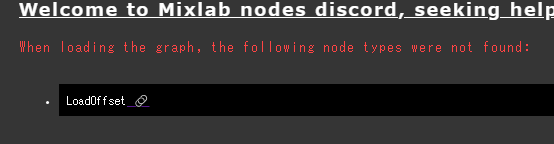
It's a custom node that basically pipe together built in comfy nodes to load the seed images as latent. (Load image, VAEEncode, Latent upscale, Repeat latent batch). You could just use these nodes to achieve the exact same result.
Or if you trust my code, here's the custom node: https://pastebin.com/te9dEUm0
To replicate my result you'd also need to merge base pony model with AiPonyAnime - v2 (simple model merge node in comfy, ratio 0.75 base pony)
@colliecollie
Thank you! I will give it a try.
Regarding the merge model, is it correct to say that ponyDiffusionV6XL_v6StartWithThisOne (0.75) + AiponyAnime-v2?
@mumumu1295 use Comfy's built in ModelMergeSimple node (double click on canvas -> search), with ponyDiffusionV6XL_v6StartWithThisOne as model1 and AiponyAnime-v2 as model2, ratio 0.75
You can just copy paste the python file into Comfy's custom_node folder. Remember to restart Comfy for it to take up new node. Good luck.
@colliecollie Thank you for the clear explanation! I will try again.
@colliecollie Nicely done, thank you so much. I am sure I will enjoy your future works much more!