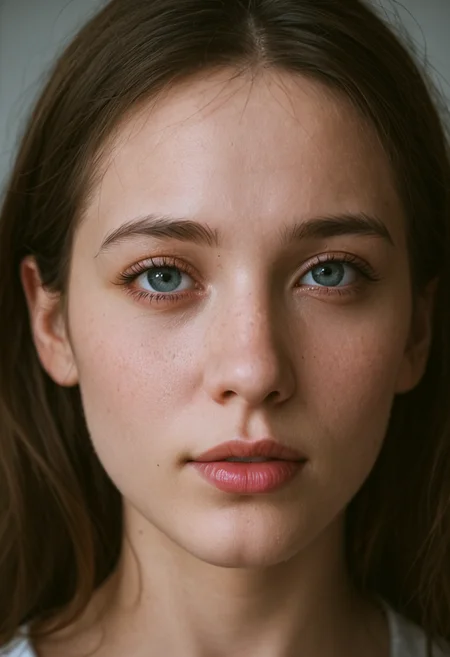
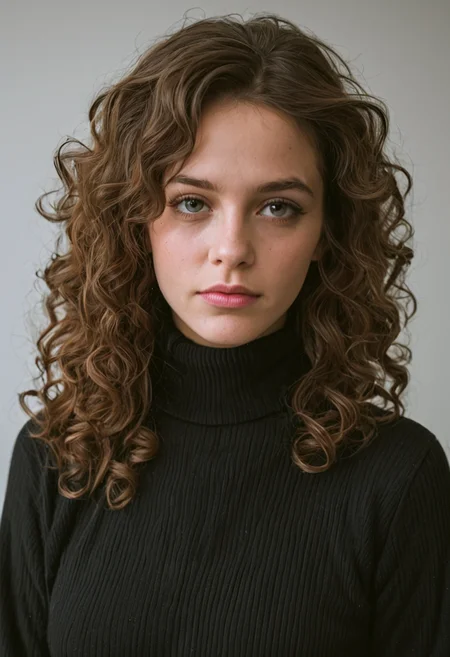

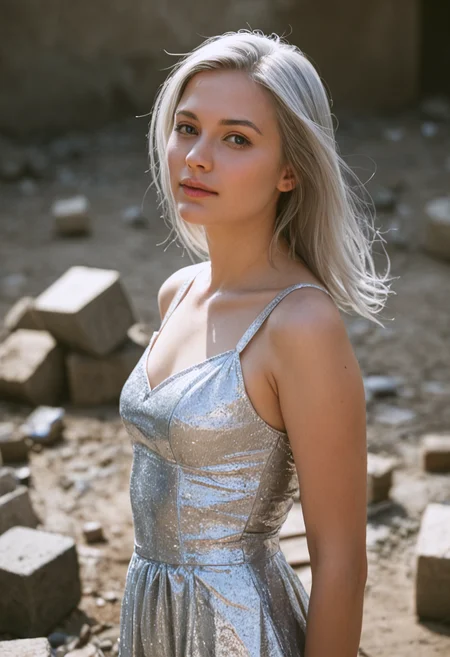
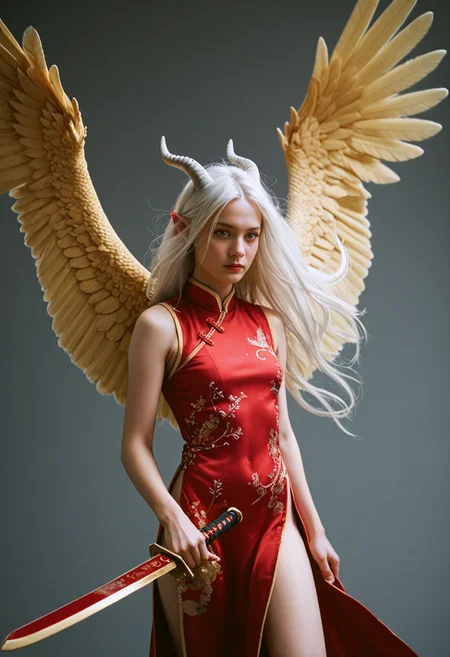
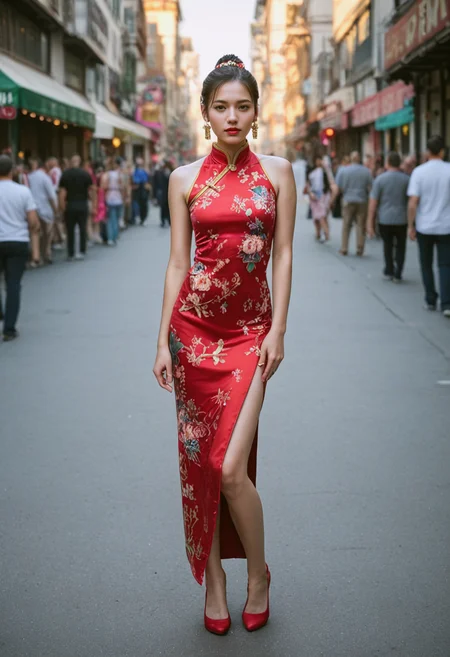
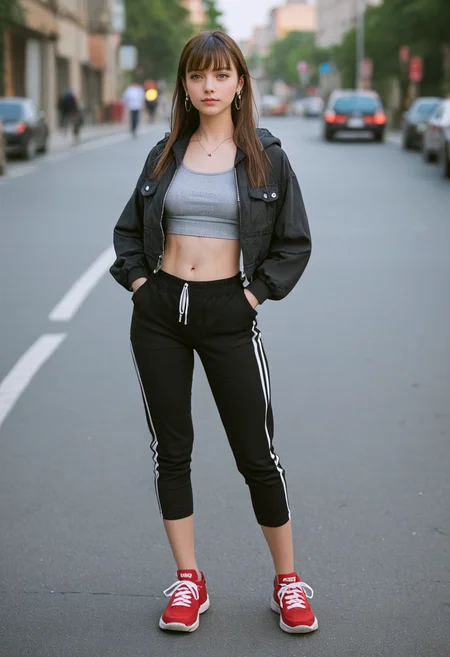
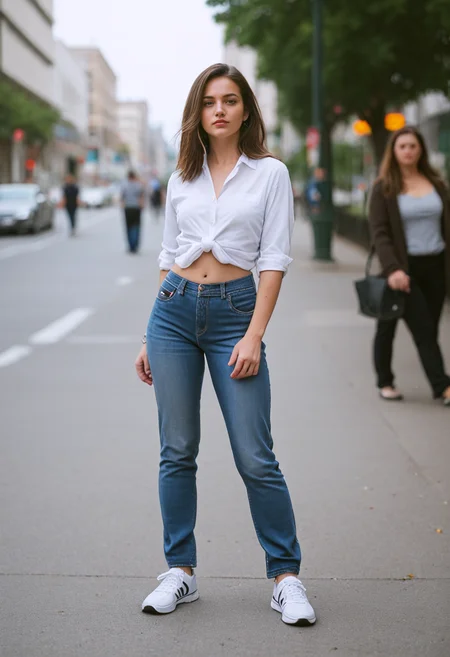

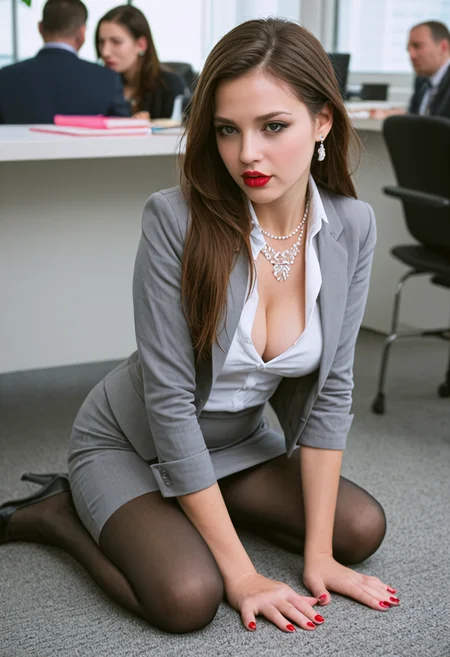
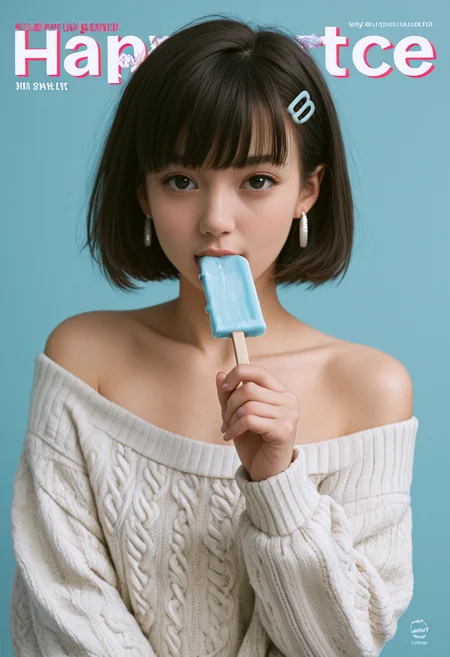
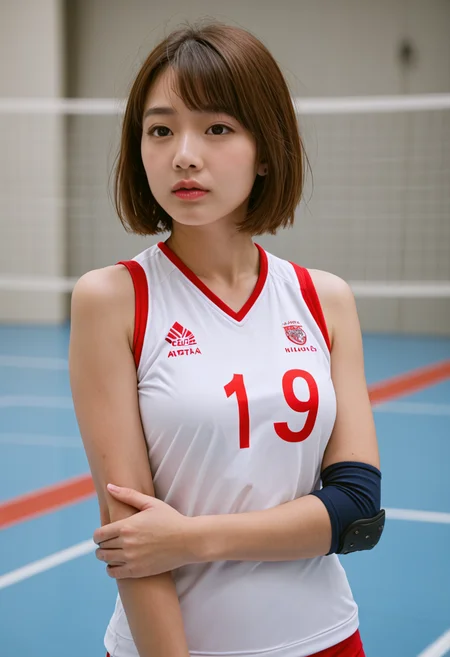
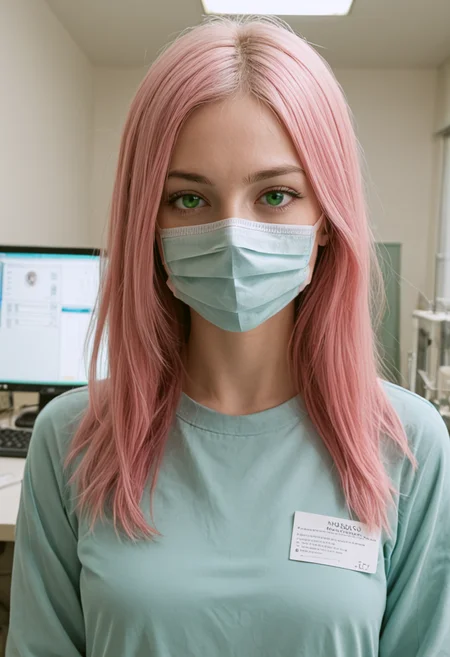
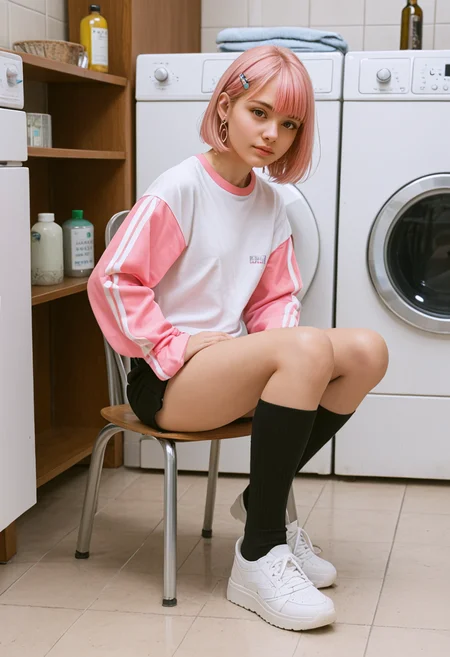
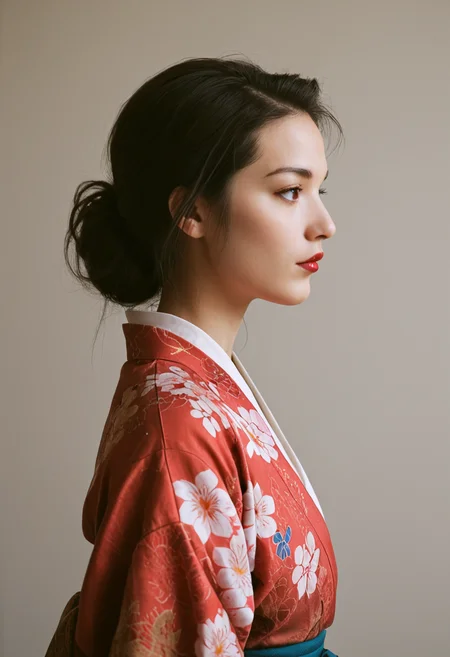
Rebranding my AI model due to a naming conflict. The new name "AutHuman", I hope you like it. (I couldn't change the filename, but you can rename it after downloading.)
Recommend using ADetailer.
Sampling method: DPM++ SDE, DPM++ 3M SDE Exponential, Euler a (for R+)
My preferred VAE is: https://civarchive.com/models/152040?modelVersionId=360299
V2.5 is a beta version aimed at better matching the prompt descriptions in the generated images. However, I currently don't have much time to test its accuracy. I would greatly appreciate it if everyone could download and test it, and provide me with some feedback.
The new version V3.0 aims to primarily enhance the background and lighting effects, with a focus on improving the depth and realism of shadows and highlights.
If you're interested in exploring more of my experimental models, please feel free to visit my Tensort.Art profile page.
Description
FAQ
Comments (18)
I didn't use the old versions, but I'm very happy with the v2.5. Sometimes there are bad pictures, nothing unusual here (fingers), but the good ones are awesome! Btw a lot of checkpoint merges hit a wall when they try to do too much realism, because they lose the model capabilities. Merges can just go to a point.
Thank you for sharing your experience. I appreciate your insights regarding the v2.5 version.
You make an excellent point about checkpoint merges potentially sacrificing core capabilities when pushed too far towards realism. Finding the right balance is key. I'm glad we're on the same page about managing expectations around these models' current limitations while still being impressed by their strengths.
@chatgpt2023126 No problem, I feel like your model and your work deserves better understanding and better recognition. It's not easy.
Update: V2.5 seems to fix prompting issues that V2 had. It now follows prompt really well. Anatomy and skin are good.
Thank you very much for your feedback.
It seems that I have a strange bug. The Image is rendering normally and it looks normal right until the end, then the image is saved with a grey veil over it and with white dots.
The issue is due to not using a VAE. Please select a VAE of your choice to adjust it. You can use the VAE recommended by this model, or you can choose another VAE to solve this problem.
Cant fix it ((( tried recomended VAE in Automatic 1111 and ComfyUI interfaces (tried different VAE too)
Same problem. I try different VAE and still the same problem in it.
I haven't encountered this issue with my A1111 setup. Perhaps you could try this VAE: https://huggingface.co/madebyollin/sdxl-vae-fp16-fix.
same issue
Same issue here, initially. I tried a few of the VAEs that I already had, and found that the standard sdxl_vae.safetensors and also taesdxl resolved the problem.
Same issue in ComfyUI, even used the recommended vae
When I use it in Fooocus it automatically loads 'ponyDiffusionV6XL_vae.safetensors' as the VAE.
v2.5 follows my prompt well
Thank you very much for your feedback.
probably my favorite realistic PDXL. does follow most prompts fairly well.
however, just like pretty much any other realistic Pony model, it is near impossible to get anything other than perfect studio lighting. it also struggles with different camera angles and facial expressions, sometimes requiring weights of 2 or higher to get anything but neutral expressions or slight smiles.
Thank you for testing the model and for your valuable feedback! We're glad you find it useful. We appreciate your insights about the lighting, camera angles, and facial expressions. Your comments are incredibly helpful for us as we work on improving future versions. Please feel free to share any other thoughts or suggestions you might have!