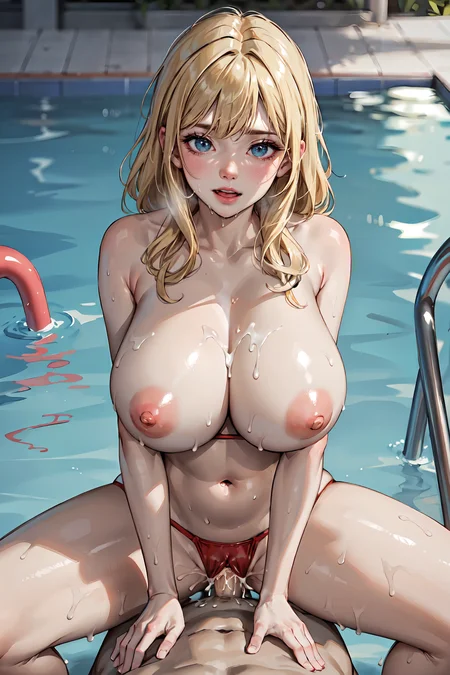
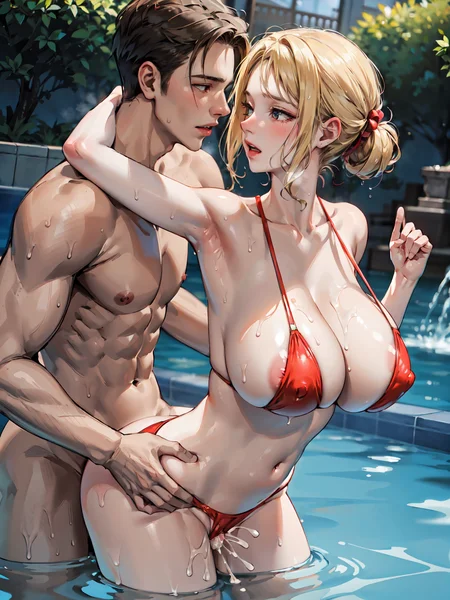
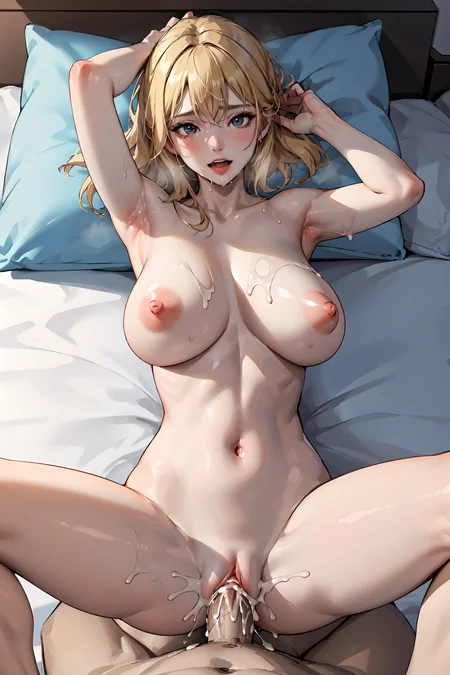

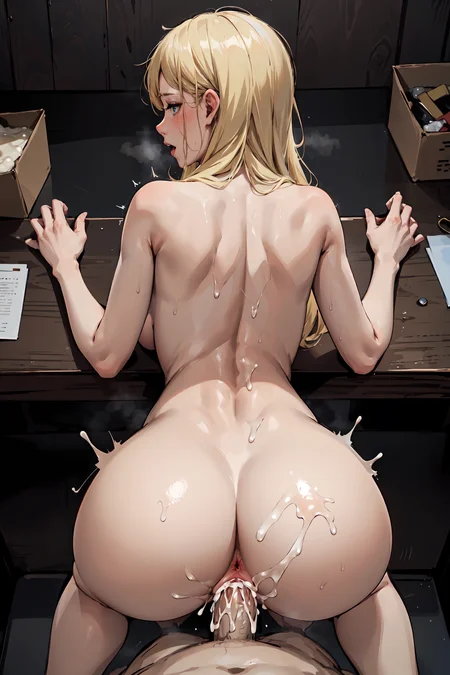
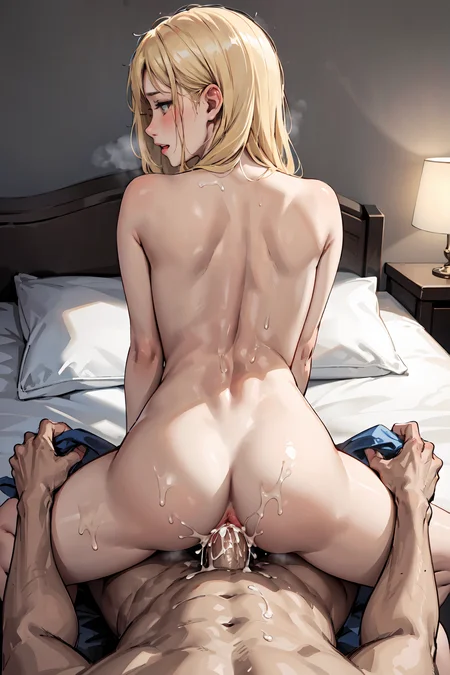
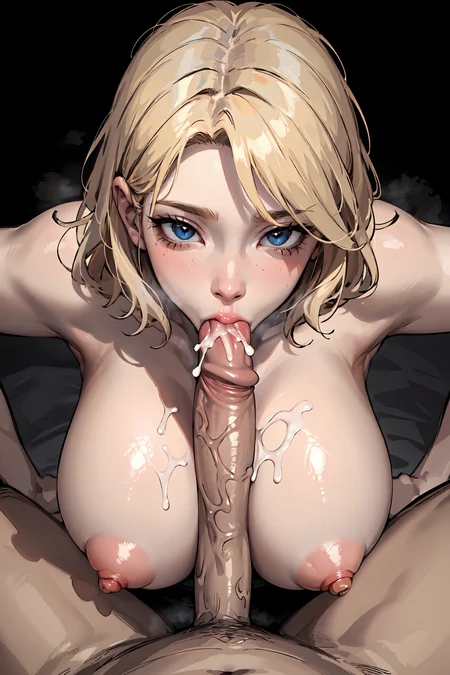
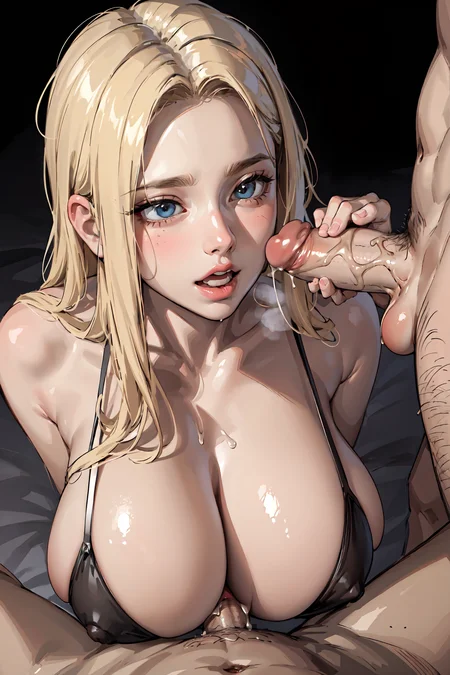
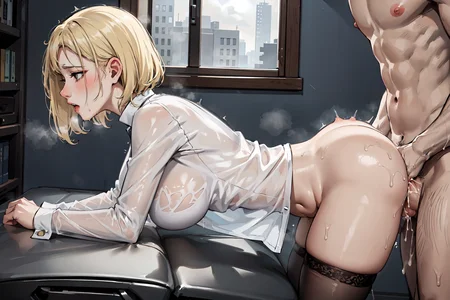
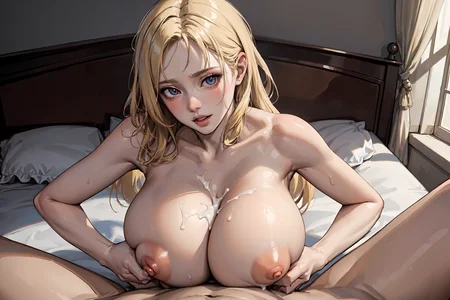

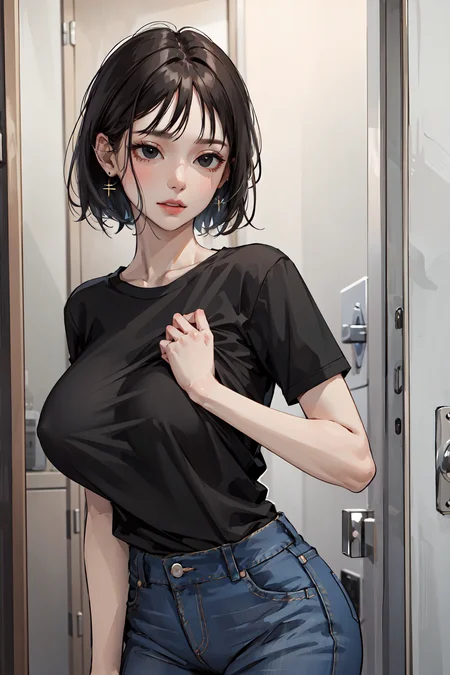


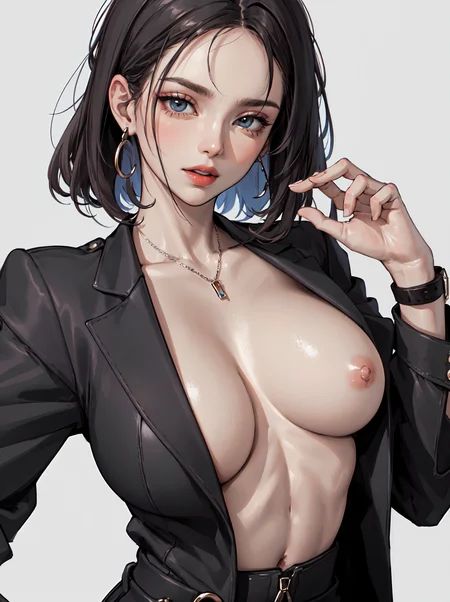
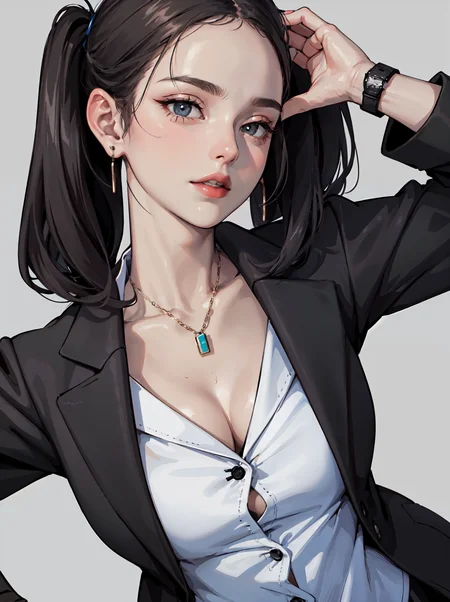
CamelliaMix Variation model
Simple nsfw model
Recommended setting
Sampling method : DPM++ SDE Karras
Clip skip : 2
Hires.fix upscaler : R-ESRGAN 4x+Anime6B
CFG Scale : 7~10
Recommended prompt
Prompt : (masterpiece:1.2, best quality)
Negative : (worst quality, low quality:1.4), EasyNegative
Textual Inversion : EasyNegative
Description
FAQ
Comments (20)
love this model! can i ask which VAE you use? my images are coming a little greyscale
Recommended 'VAE' is kl-f8-anime2
@Mods13 i tried that one. :( do you have any other tips?
I was having the same issue but I figured it out. You have to place the VAE file into the VAE folder, then go into settings > stable diffusion and manually select it as the VAE.
@t3g you can also rename the vae to match the model, i.e. ModelName.safetensors and ModelName.vae.pt or ModelName.vae.safetensors (depending on what filetype the vae is) and put them both in the stable-diffusion folder next to each other.
Welcome back 👋
Having trouble with my renders actually generating a male figure. thoughts on that?
Are you having trouble getting male characters when generaiting nsfw pic?
If so, please copy the prompt in example picture
I can't generate even half the quality these images are :( what am I doing wrong?
Or is it because I'm not enhancing it, (does enhancing (or whatever that is called) improve image quality and lightning drastically?)
Start with 512x768 or 768x512 resolution
Set hires 1.5 to 2.
Do SDupscale on i2i with images that generated. Setting value 1.5 to 2, denoise 3.5 or less
Using the true vae,friend!
Welcome back, dude!
Does it merge the CamelliaMix_v2 model?
Only CamelliaMix v1 was merged. V2 will be updated quite later
I set the same parameters, but the color still comes out grayish with low saturation, why? What am I not setting correctly? Please help me, thank you!
My problem is solved, it turns out that the VAE is not set, thanks for the model, I really like it!
@black23 Yep, with these Camellia models, you have to have the VAE. I had the same issue with another version.
i am new and i have been trying all the models from this website, can say, this one and the camelliamix original is definitely my favourite.
请问出图画面泛白怎么解决呀?
May I ask how to solve the whitening of the picture?
If your images look faded, change the vae (kl-f8-anime2.vae)
Details
Files
camelliamixNSFW_v11.safetensors
Mirrors
camelliamixNSFW_v11.safetensors
camelliamixNSFW_v11.safetensors
CamelliaMIx_NSFW_V1.1.safetensors
camelliamixNSFW_v11.safetensors
CamelliaMix_NSFW_v1.1.safetensors
camelliamixNSFW_v11.safetensors
camelliamixNSFW_v11.safetensors
camelliamixNSFW_v11.safetensors
camelliamixNSFW_v11.safetensors
camelliamixNSFW_v11.safetensors
CamelliaMIx_NSFW_V1.1.safetensors
CamelliaMix_NSFW_v1.1.safetensors
CamelliaMIx_NSFW_V1.1.safetensors
CamelliaMix_NSFW_v1.1.safetensors
CamelliaMIx_NSFW_V1.1.safetensors
CamelliaMIx_NSFW_V1.1.safetensors
CamelliaMIx_NSFW_V1.1.safetensors
CamelliaMIx_NSFW_V1.1.safetensors
c7.safetensors
CamelliaMIx_NSFW_V1.1.safetensors
CamelliaMix-NSFW-v1-1.safetensors
CamelliaMix-NSFW-v1-1.safetensors
CamelliaMIx_NSFW_V1.1.safetensors
CamelliaMIx_NSFW_V1.1.safetensors
camelliamixNSFW_v11.safetensors
Available On (1 platform)
Same model published on other platforms. May have additional downloads or version variants.