
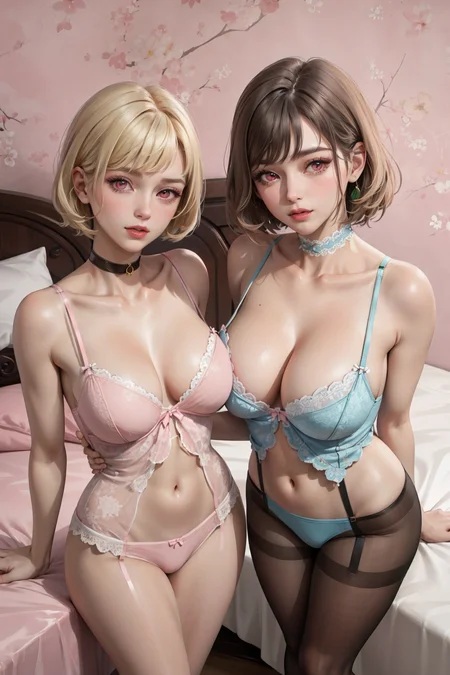
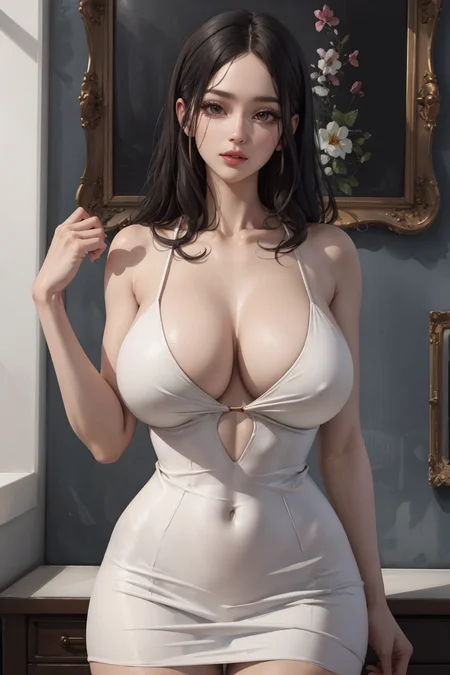
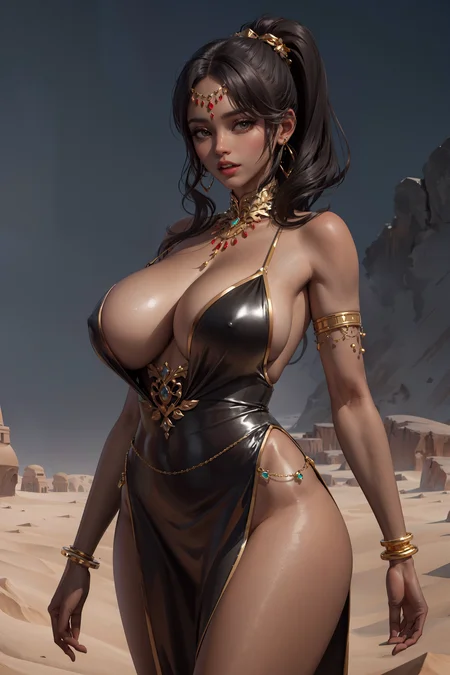
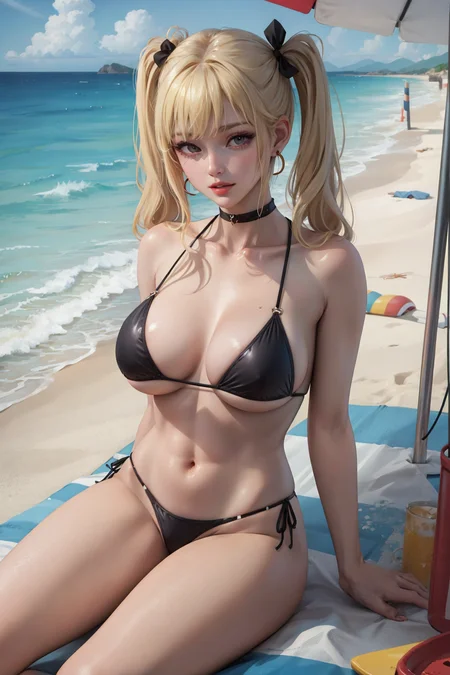
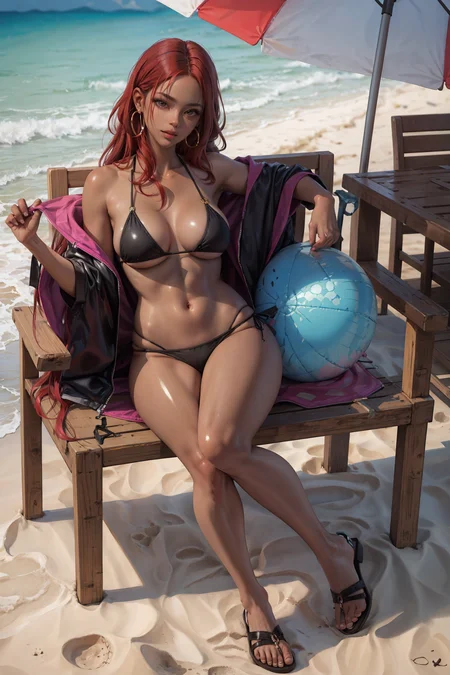

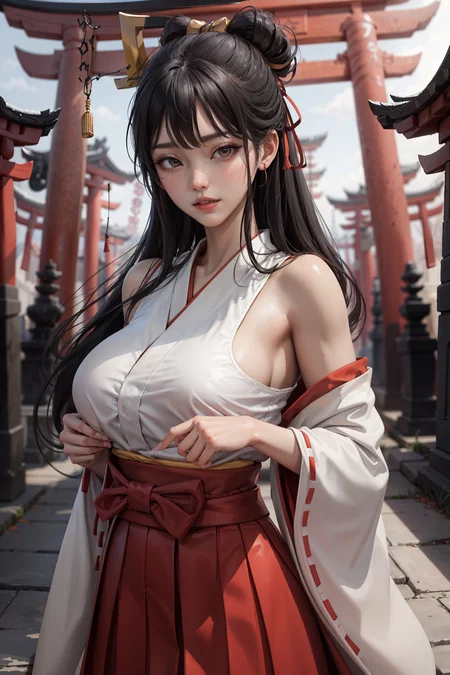
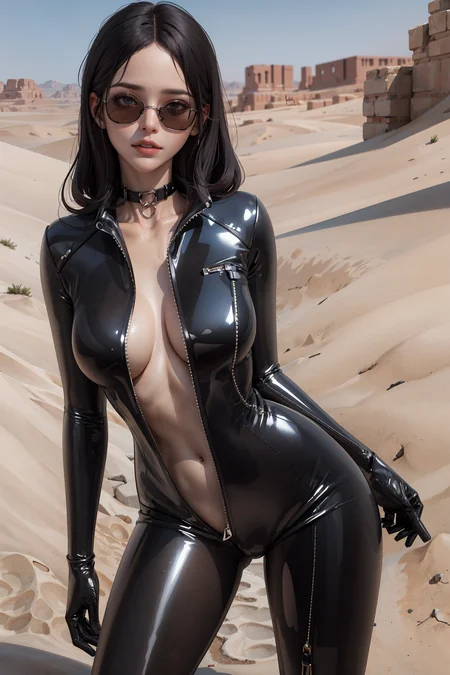
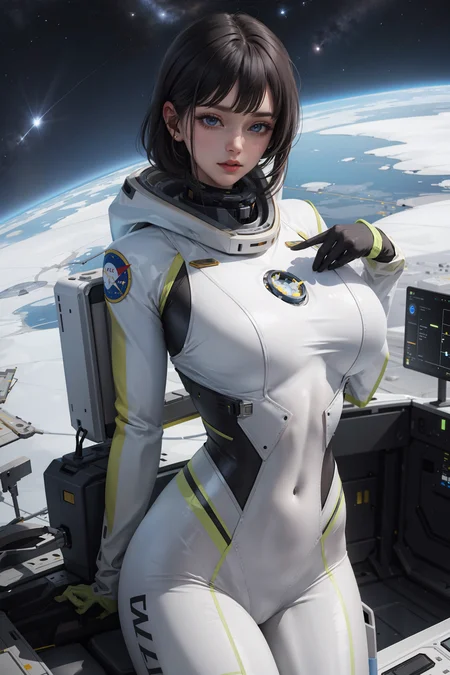
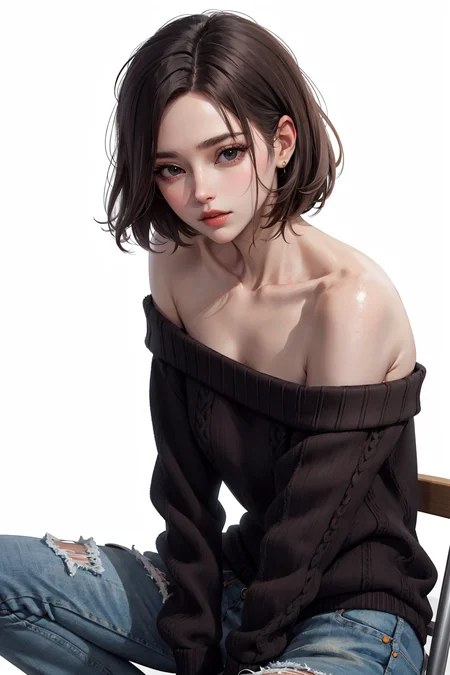

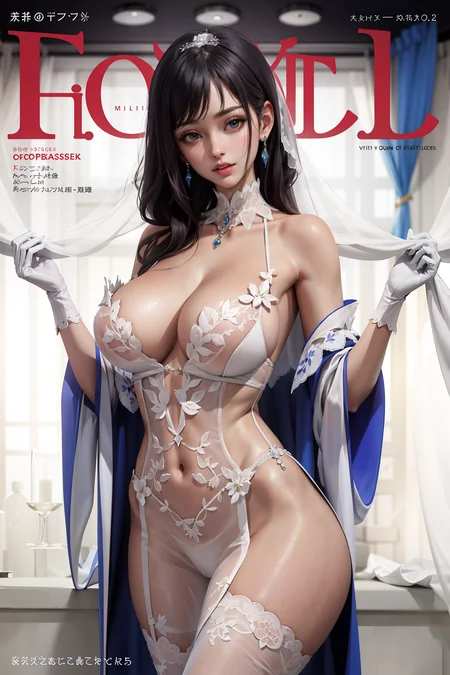
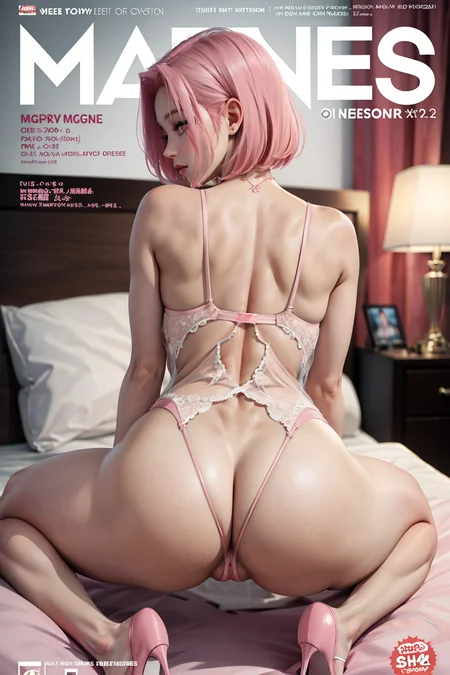
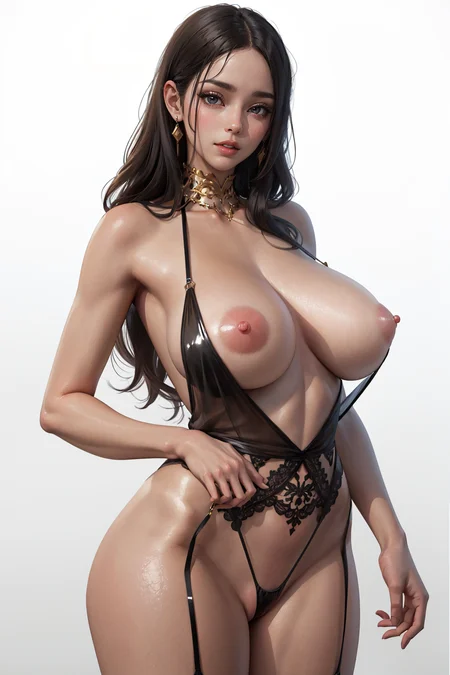
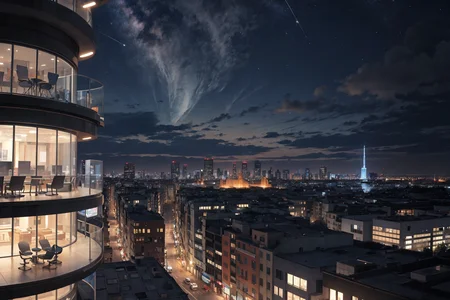
[Some example images have gone through SDupscale process]
V2 update
Little more realistic texture and more natural face shape
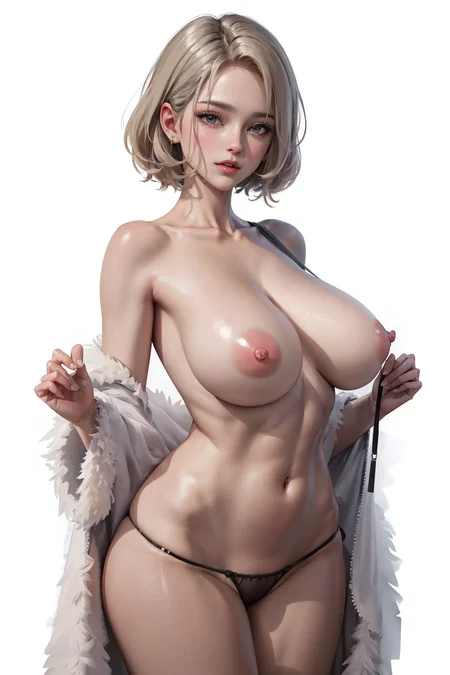
It's semi-realistic model and Good for making a female character with sexy body
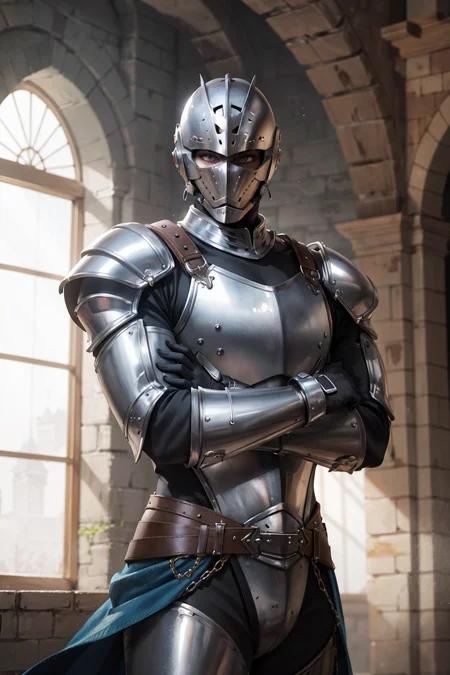
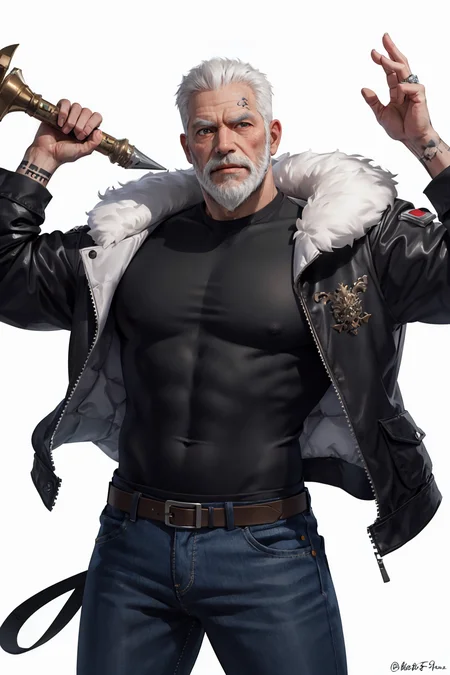
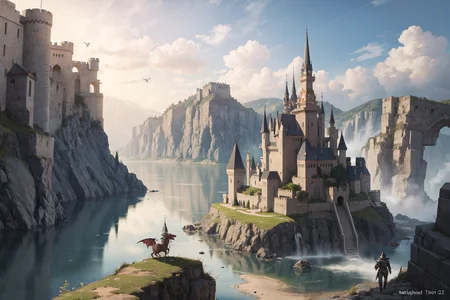
Can generate NSFW image, male characters and Landscape
▼Please check settings and prompts▼
Merge model
ZemiHR
dalcefo_v4
Process
0.7(ZemiHR) + 0.3(revAnimated_v11) = A
0.85(A) + 0.15(dalcefo_v4 =B
B + 0.15(Pastel-Mix LoRA) + 0.2(Hipoly 3D Model LoRA V2) = C
0.9(C) + 0.1(cetusMix_Version35) = ZemiHR V2
Recommended setting
Sampling method : DPM++ SDE Karras, (DPM++ 2M Karras, DDIM)
Clip skip : 2
Hires steps : 13
Hires.fix upscaler : R-ESRGAN Genaeral WDN 4xV3, (R-ESRGAN 4x+Anime6B)
CFG Scale : 7~10
VAE : vae-tf-mse-840000
Recommended prompt
Prompt : (masterpiece:1.2, best quality)
Negative : (worst quality, low quality:1.4), negative_hand-neg, verybadimagenegative + (blush, see through:1.2)
Textual Inversion : negative_hand-neg, verybadimagenegative
Description
FAQ
Comments (10)
How do you get these beautiful backgrounds with a beautiful girl it dosent come out right away just inpaint?
check to the settings written in description.
Or check out exmple image's png info.
wow. it is amazing model. thanks for sharing !!
I really like this model, but I want to say that your recommended positive prompt has wrongly written weight, I noticed you wrote it that way on the pages for all your models - you might be using a different UI, but at least in Automatic1111 the weight must always be adjacent to the right bracket as follows:
(word:1.2),
but in your example:
(masterpiece:1.2, best quality),
the weight for "masterpiece" is ignored and counted as only part of the word. You can test this by giving it a huge weight (like 100.0) which should normally destroy the image, but in this case it just changes it slightly.
Aha. Thank you for good tip.
Actually that recommended prompt is one I've been using since beginning.
So I'm using this prompt as a fixture, but actually I was using this prompt without much thought.
Um... What I want to say is that don't have to put much meaning on quality prompt.
But thanks to you, I knew something new.
I'll find a new fixed prompt.
I was wondering where to get and install the "R-ESRGAN Genaeral WDN 4xV3" upscaler. Thanks!
Setting -> Upscaling -> Check "R-ESRGAN General WDN 4xV3"
I think this is one of the best models out there, the only problem is that it often generates images that look like they have low resolution, adding "lowres" to the negative prompt only partially solves the problem.
I have no idea how to properly train the models, and I don't know how you trained this model, but perhaps the solution is to use higher resolution images (or upscaled versions of them?) for training.
Looking forward to version 3 :)
even while using the recommended VAE, my images still lack saturation. how do i fix this?
Can you make this available for the onsite generator?
Details
Files
zemihr_v2_full_fp32.safetensors
Mirrors
zemihr_v2_pruned_fp16.safetensors
Mirrors
zemihr_v2.safetensors
ZemiHR_V2-fp16.safetensors
zemihr_v2.safetensors
zemihr_v2.safetensors
zemihr_v2.safetensors
ZemiHR-v2_fp16.safetensors
ZemiHR_V2-fp16.safetensors
ZemiHR-v2_fp16.safetensors
zemihr_v2.safetensors
漫画图片剧情zemihr_v2.safetensors
zemihr_v2.safetensors
ZemiHR_V2.safetensors
ZemiHR_V2-fp16.safetensors
ZemiHR_V2_fp16.safetensors
ZemiHR_V2-fp16.safetensors
Available On (1 platform)
Same model published on other platforms. May have additional downloads or version variants.