Intro : Some notes on you using it : What I use it for : My default Style : Example Images
Be gentle on me guys, it's my first time... uploading a Lora or really anything generation wise...
But anywho, I figured it's been well over a year so, I might as well contribute something...
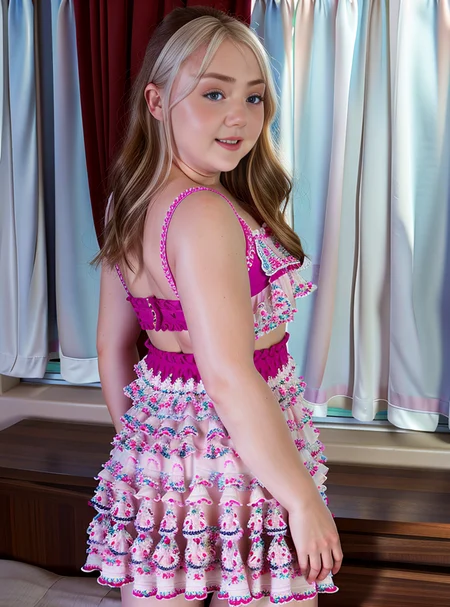
So this is Eva Nyx, a LoRA I made a while ago, its was one of the ones that actually looked somewhat like the person it was trained on... and yeah... here is my contribution!
Intro : Some notes on you using it : What I use it for : My default Style : Example Images
Some things to know about this here LoRA, the way I use it, the keywords are
Chubby EvaNyx
And the LoRA is set to 1.3 as it's weight, it's what seems to work...
so, "<lora:EvaNyx:1.3> Chubby EvaNyx"
Intro : Some notes on you using it : What I use it for : My default Style : Example Images
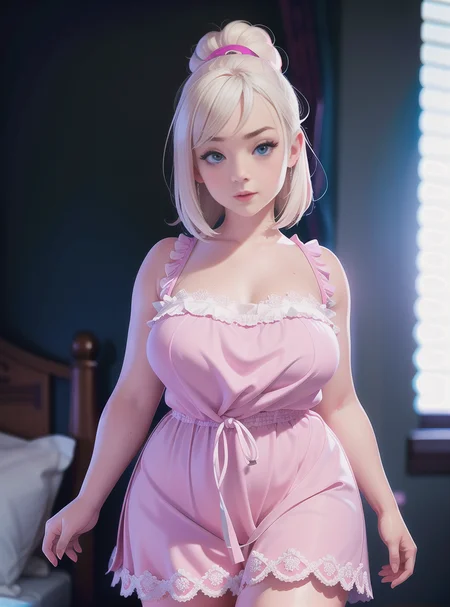
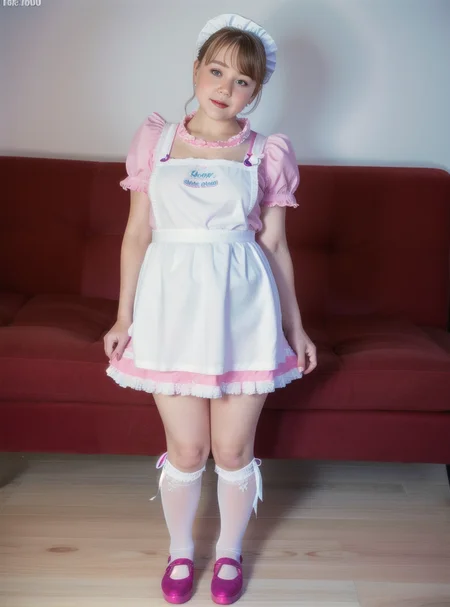
The main thing I use this LoRA for isn't for making images of Eva Nyx... she's a porn star, if I wanted sexy pictures or vids of her... well... the internet exists... So, I use it for people mixing, an example would be:
<lora:EvaNyx:0.55> Chubby EvaNyx, <lora:WhitishCherry:0.35> WhitishCherry, <lora:KatrinPorto:0.4> KatrinPorto
then add some spice
<lora:jyoji fuku v18.0:0.5> jyojifuku, frills, apron, thighhighs, sock, shoes
and my default style (Mentioned below) and you get the last image in the set of images above.
A side note: For people mixing, as I have demonstrated above, the total weights should not exceed a certain number, between 1 and 1.3 I find is the sweet spot. So, as you can see from above, if you add the people I am mixings weights together, they equal 1.3, mainly I came to that number because all the default weights for the LoRA's I used are 1.3... so I figured it would be a good number... YMMV... experiment, have fun... or don't, I'm not your dad...
Intro : Some notes on you using it : What I use it for : My default Style : Example Images
Pretty much every image I generate using SD has the same style applied to it, like the style is added when Auto's loads up, and that is:
Positive:
"(best quality, masterpiece:1.2), photorealistic, ultra high res, intricate detail, Exquisite details and textures"
Negative:
"cartoon, anime, manga, comic, animation, 3D, (yellow, gold, grayscale:1.5), (monochrome:1.5), Paintings, sketches, (worst quality, low quality, normal quality:2), lowres, (6 more fingers on one hand)"
Intro : Some notes on you using it : What I use it for : My default Style : Example Images
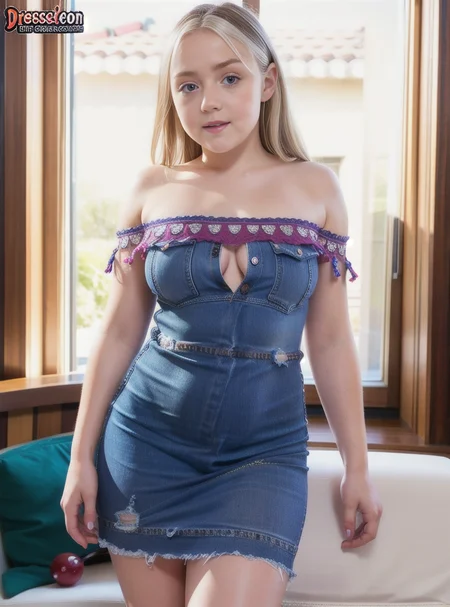
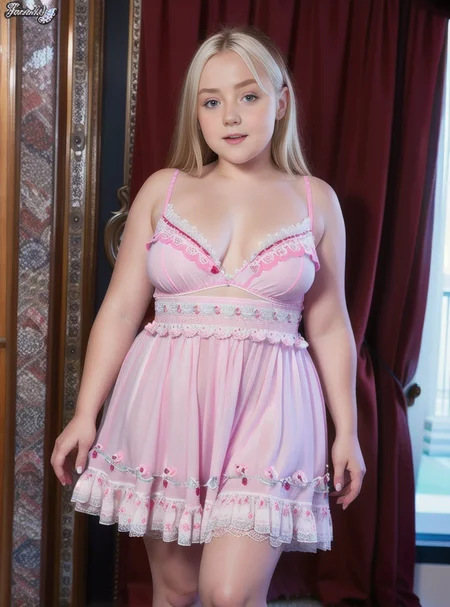
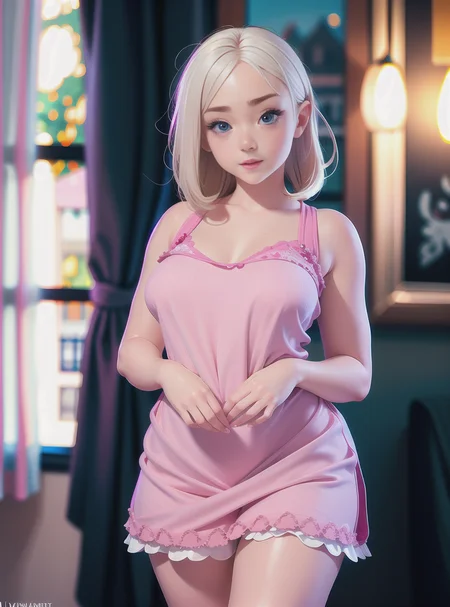
The example images I posted are from 3 models:
One that you used to be able to get from here, but is now gone, I don't know why...
One is from an unreleased checkpoint of my own mixing, that I mixed a very long time ago and don't want to post as I can't remember what's in it... and I don't want to step on anyone's toes... so I won't upload it (Also, it's not that great)
And the last model is through a quick filter of most downloaded models, the most downloaded model...
All of the images used the same prompts, I didn't change anything except the model.
Also, I generated 2 images, changed model, generated 2 more, changed model and then generated the last two... that's the images I uploaded, no edits, not cherry picking.
But yeah, that's it for my mindless rambling... I hope someone, somewhere, can get something they want from this... if not... er... sorry?
Description
You can drop the "Chubby" tag if you want, it's just that's how I have it on Auto's... and I know it works...
FAQ
Looks like we don't have an active mirror for this file right now.
CivArchive is a community-maintained index — we catalog mirrors that volunteers upload to HuggingFace, torrents, and other public hosts. Looks like no one has uploaded a copy of this file yet.
Some files do get recovered over time through contributions. If you're looking for this one, feel free to ask in Discord, or help preserve it if you have a copy.