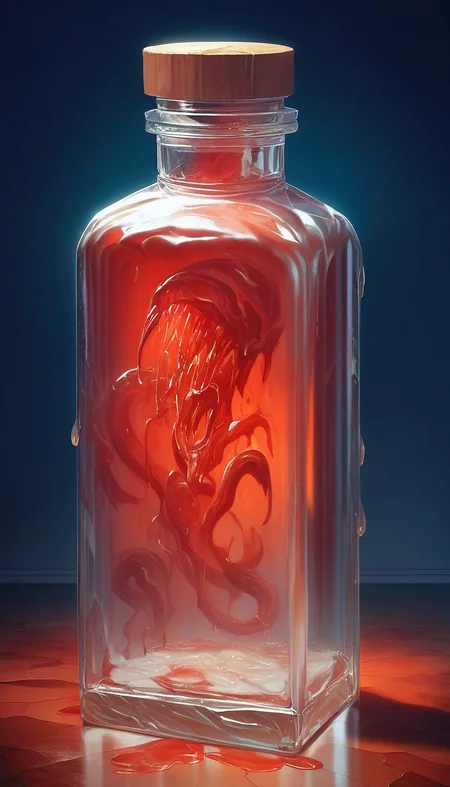



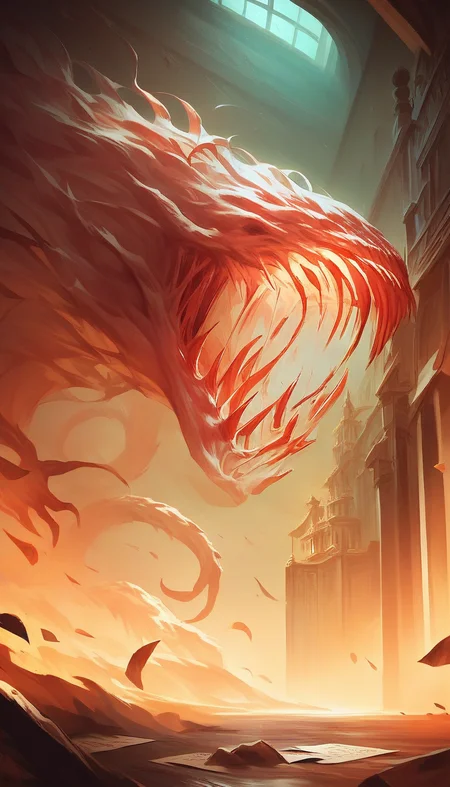



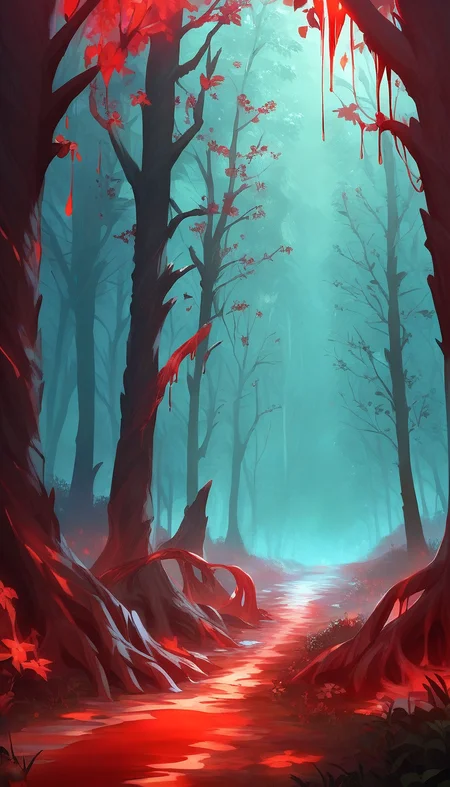

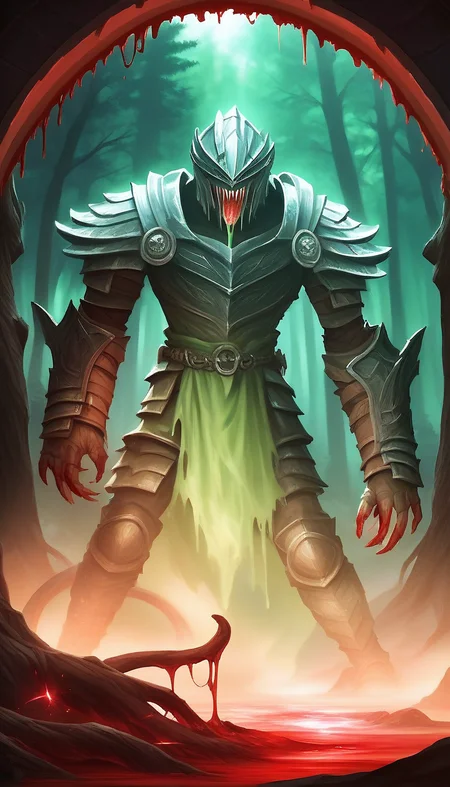

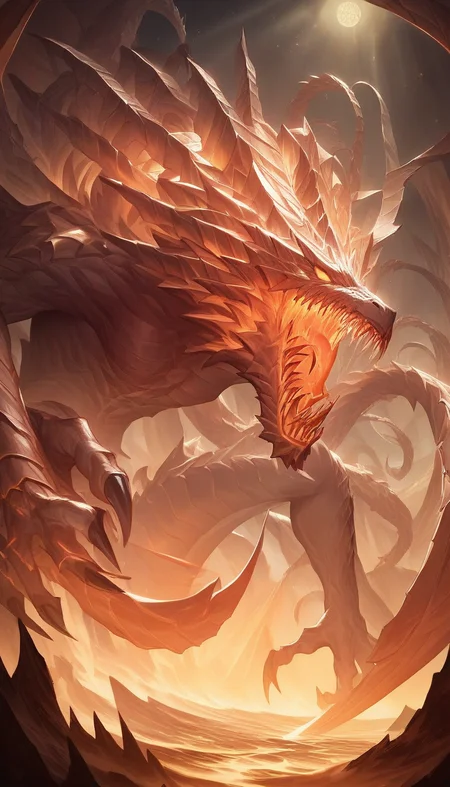






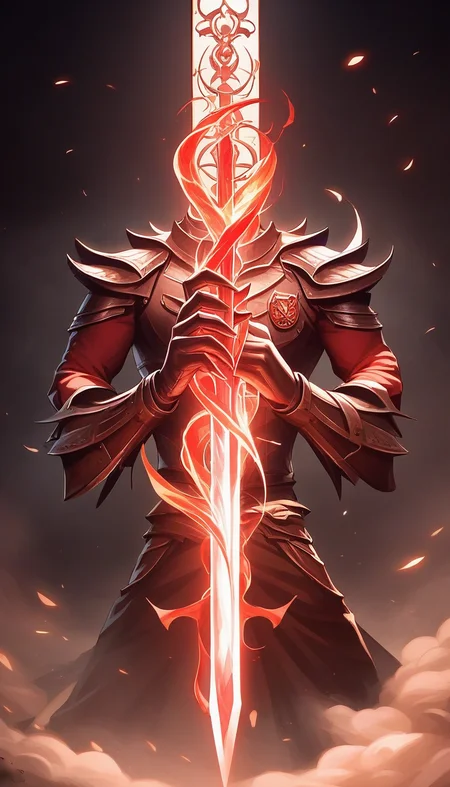
MAXIMUM CARNAGE!
Usage
Use the trigger word: "CarnageStyle" along with the LoRA to activate it.
Example prompt: gory, bloody, messy, CarnageStyle assassin kitten <lora:CarnageStyleXL:1.5>
This LoRA supports RGB color changes. Simply prompt any color after the activation keyword, and before your subject, as seen from the examples.
Note:
I may be using the following extensions in the reference images: FreeU or ADetailer / Face Editor. I may also be using a specific Hires Checkpoint (swaps to another model when doing the hires steps). If your results don't match mine exactly, this may explain why.
Tips and tricks
Here's a list of keywords you can use to enhance the different effects of the model.
blood
gore
liquid
wet
red slime
vore
splatter
organs
guts
goo
glowing
luminous_red
black
ebony
abyss
dark
mouth
maw
teeth
incisors
tongue
tendrils
feelers
evil
darkness
spiral
spirals
mutilation
mutation
horror
terror
scary
killer
bloody
hemoglobin
life-fluid
fluid
bodyfluid
slaughter
gruesome
moist
drenched
crimson
malevolence
wickedness
abyss
deformation
alteration
frightening
ominous
macabre
Training Data attached.
Like it?
Description
FAQ
Comments (9)
this looks badass, id u dont mind can i make a version for 1.5 using ur dataset?
Go for it!
Feel free to use my existing model also:
https://civitai.com/models/142146/carnage-style-blood-and-gore-nsfw-nsfanywhere
Or the SDXL version (although it's not as good):
https://civitai.com/models/347751/carnage-style-sdxl-blood-and-gore
it looks so cool ^^
Is this actually the same model as the SD 1.5 version? The examples and user examples mostly look better on SD 1.5, but maybe that's just a coincidence. Just wondering if it has the same capabilities.
Good question!
It's trained on the same data, but the models "learned" very differently from it.
SD1.5 is superior to me, but of course, not usable with Pony.
Different base models needs different trainings on the model, you cannot convert them (not reasonably).
So in the end it depends on what you want to create.
SD1.5 model is the goriest and most realistic.
SDXL is the most tame and mostly just learned the shape.
This Pony version is in the middle, but if you look at some of the pictures others have created, you can get some decent stuff from it.
@mnemic Touche. Yea, I've been learning a little about model creation myself. Slow process, cuz I'm still in the process of learning how the image generators work. I finally got A1111 functioning a few days ago, and I've been going ham on that. It's SO damn superior to ED.. I mean, I did get some alright images outta ED, but auto is just so much more.. more.. More options, extensions, tweaks.
Though it does seem to have issues with showing all my Loras in the Lora tab. It's nothing wrong with the Loras themselves. I am able to run them by typing them into the prompt, even if they don't show in auto. I also find that it's random to what shows up. I couldn't get most of my Pony to show up before, and now most of my SD1's are hidden but my Ponys are showing. >,<
Also, the img2img in auto is insane, perfect replication of images with next to no tweaking required. So I'm gonna have a lot of fun with that, I can literally take an image of any person and make them do whatever I want, lol..
@Lazman I think there's a setting in A1111 to hide/unhide models (like LoRAs) based on the checkpoint. So if you have an SDXL model (like Pony), I think it should filter out all SD1 models for you.
Search in Settings for this: "Always show all networks on the Lora page (otherwise, those detected as for incompatible version of Stable Diffusion will be hidden)"
Remember that many LoRAs require "trigger words" (i.e. words it was commonly trained on) to activate the trained data of the model.
In A1111 you can add this trigger word to your LoRA's config file, so that it's automatically inserted when you click on a LoRA.
Click on the WRENCH ICON at the top right corner of a LoRA in the LoRA gallery. In there you'll have a row for that. You can also set the thumbnail for the model.
And there's also this extension, which lets you automatically download both thumbnail, trigger word, and other information from CivitAI:
https://github.com/zixaphir/Stable-Diffusion-Webui-Civitai-Helper
Details
Files
Available On (1 platform)
Same model published on other platforms. May have additional downloads or version variants.