









Kohaku XL εpsilon
The best example of tuning t2i model at home with consumer-level hardware
join us: https://discord.gg/tPBsKDyRR5

Introduction for Rev2
Resumed from Kohaku XL Epsilon rev1
1.56M images, 5epoch
Trained on selected artists' artworks and images about selected series/games
Trained on PVC figure photos, can generate PVC style without any additional models
Introduction
Kohaku XL Epsilon, the fifth major iteration in the Kohaku XL series, features a 5.2 million images dataset, LyCORIS fine-tuning[1], trained on comsumer-level hardware, and is fully open-sourced.
Benchmark
CCIP score on 3600 characters
 (0~1, higher is better)
Clearly, Kohaku XL Epsilon is way better than Kohaku XL Delta
Usage
<1girl/1boy/1other/...>,

<character>, <series>, <artists>,

<general tags>,

<quality tags>, <year tags>, <meta tags>, <rating tags>
Kohaku XL Epsilon has mastered more artists' styles then Delta. But it also increases the stablility when combining multiple artist tags together. Users are encouraged to make their own style prompts.
Some good style prompts:
ask \(askzy\), torino aqua, migolu, (jiu ye sang:1.1), (rumoon:0.9), (mizumi zumi:1.1)ciloranko, maccha \(mochancc\), lobelia \(saclia\), migolu, ask \(askzy\), wanke, (jiu ye sang:1.1), (rumoon:0.9), (mizumi zumi:1.1)shiro9jira, ciloranko, ask \(askzy\), (tianliang duohe fangdongye:0.8)(azuuru:1.1), (torino aqua:1.2), (azuuru:1.1), kedama milk, fuzichoco, ask \(askzy\), chen bin, atdan, hito, mignonask \(askzy\), torino aqua, migoluTags
All the danbooru tags with at least 1000 popularity should work.
All the danbooru tags with at least 100 popularity can possibly work with high emphasis.
Remember to remove all the underscore in tags. (Underscores in short tags are not be removed, which are very likely part of emoji tags.)
Remember to use xxx\(yyy\) when tag have bracket and you are using sd-webui.
Special Tags
Quality tags: masterpiece, best quality, great quality, good quality, normal quality, low quality, worst quality
Rating tags: safe, sensitive, nsfw, explicit
Date tags: newest, recent, mid, early, old
Quality Tags
Quality tags are assigned based on the percentile rankings of the favorite count (fav_count) within each rating category to avoid bias on nsfw content (Animagine XL v3 have met this problem), organized from high to low as follows: 90th, 75th, 60th, 45th, 30th, and 10th percentiles. This creates seven distinct quality levels separated by six thresholds.
I lower the threshold since I found that the average quality of images in Danbooru is higher than I expected.
Rating tags
General: safe
Sensitive: sensitive
Questionable: nsfw
Explicit: nsfw, explicit
Note: During training, content tagged as "explicit" is also considered under "nsfw" to ensure a comprehensive understanding.
Date tags
Date tags are based on the upload dates of the images, as the metadata does not include the actual creation dates.
The periods are categorized as follows:
2005~2010: old
2011~2014: early
2015~2017: mid
2018~2020: recent
2021~2024: newest
Resolution
This model is trained for resolutions from ARB 1024x1024 with minimum resolution 256 and maximum resolution 4096. This means you can use the standard SDXL resolution. However, opting for a slightly higher resolution than 1024x1024 is recommended. Applying a hires-fix is also suggested for better results.
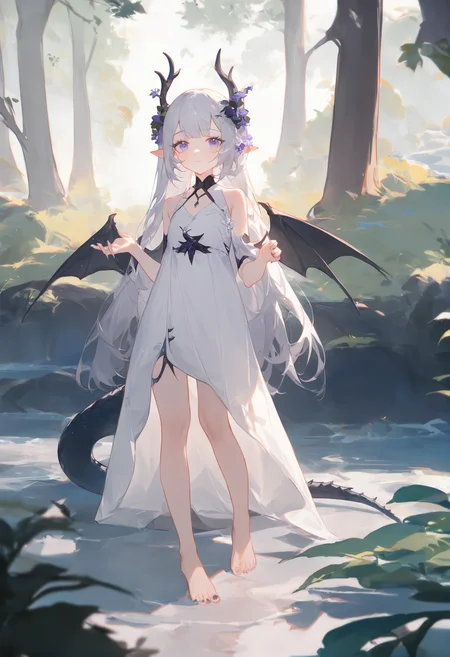
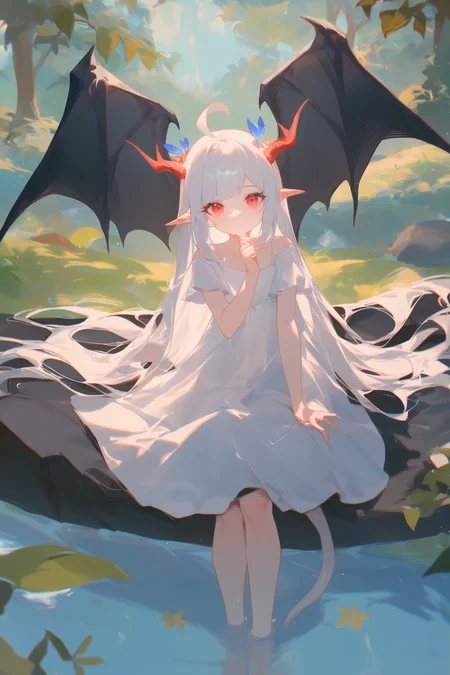
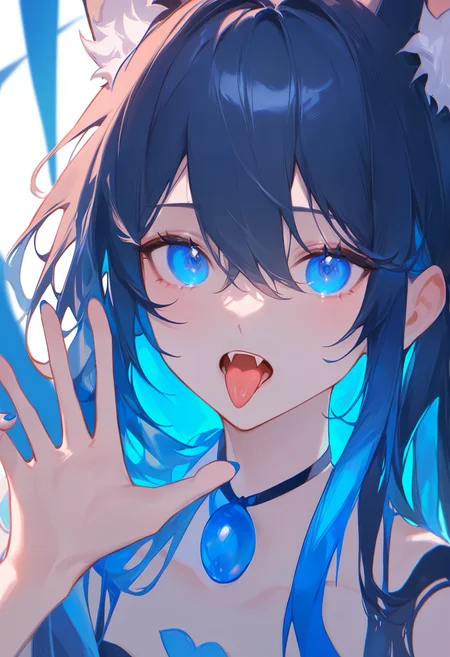
For more information, please check out the sample images provided.
How This Model Came to Be
Why Epsilon
Same as Delta, just a test for new dataset and it is good.
The outputs are also very different (compare to Delta).
Dataset
The dataset for training this model was sourced from HakuBooru, comprising 5.2 million images selected from the danbooru2023 dataset.[2][3]
A selection process was employed to choose 1 million posts from IDs 0 to 2,000,000, another 2 millions from IDs 2,000,000 to 4,999,999, and all posts after ID 5,000,000, totaling 5.35 million posts. After filtering out deleted posts, gold account posts and those without images (which could be GIFs or MP4s), the final dataset comprised 5.2 million images.
The selection was essentially random, but a fixed seed was utilized to ensure reproducibility.
Further Process
Shuffle tags: The order of general tags was shuffled in each step.
Tag dropout: Randomly, 15% of general tags were dropped in each step.
Training
The training of Kohaku XL Epsilon was facilitated by the LyCORIS project and the trainer from kohya-ss/sd-scripts. [1][4]
Algorithm: LoKr[7]
The model was trained using the LoKr algorithm with full matrix triggered and a factor of 2~8 for different modules. The aim was to demonstrate the applicability of LoRA/LyCORIS in training base models.
The original LoKr file size is under 800MB, and the TE was not frozen. The original LoKr file also be provided as "delta-lokr" version.
For detailed settings, refer to the LyCORIS config file from Kohaku XL Delta.
Other Training Details
Hardware: Quad RTX 3090s
Num Train Images: 5,210,319
Total Epoch: 1
Total Steps: 20354
Batch Size: 4
Grad Accumulation Step: 16
Equivalent Batch Size: 256
Optimizer: Lion8bit
Learning Rate: 2e-5 for UNet / 5e-6 for TE
LR Scheduler: Constant (with warmup)
Warmup Steps: 1000
Weight Decay: 0.1
Betas: 0.9, 0.95
Min SNR Gamma: 5
Noise Offset: 0.0357
Resolution: 1024x1024
Min Bucket Resolution: 256
Max Bucket Resolution: 4096
Mixed Precision: FP16
Other Training Details For rev2
Hardware: Quad RTX 3090s
Num Train Images: 1,536,902
Total Epoch: 5
Total Steps: 15015
Batch Size: 4
Grad Accumulation Step: 32
Equivalent Batch Size: 512
Optimizer: Lion8bit
Learning Rate: 1e-5 for UNet / 2e-6 for TE
LR Scheduler: Cosine (with warmup)
Warmup Steps: 1000
Weight Decay: 0.1
Betas: 0.9, 0.95
Min SNR Gamma: 5
Noise Offset: 0.0357
Resolution: 1024x1024
Min Bucket Resolution: 256
Max Bucket Resolution: 4096
Mixed Precision: FP16
Warning: Versions 0.36.0~0.41.0 of bitsandbytes have significant bugs in the 8bit optimizer that could compromise training, so updating is essential.[8]
Training Cost
Utilizing DDP with four RTX 3090s, completing 1 epoch across the 5.2 million image dataset took approximately 12 to 13 days. Each step for an equivalent batch size of 256 took about 49 to 50 seconds to complete.
Training Cost Rev2
Utilizing DDP with four RTX 3090s, completing 5 epoch across the 1.5 million image dataset took approximately 17 to 19 days. Each step for an equivalent batch size of 512 took about 105 to 110 seconds to complete.
Why I publish 13600step intermediate ckpt
The training progress have crashed when between 13600step~15300step. And kohya-ss trainer didn't implement resume+step skip before.
Although Kohya and I figured out how to do it correctly and did some sanity check on it. I still cannot fully ensure the final result is correct. So I publish the final intermedate ckpt so if anyone want to reproduce the training. They have chance to figure out the problem of final result.
What's Next
I am focusing on making new dataset (targeting 10M~15M images), and wait for SD3 to see if it is worth trying.
I may also do some small FT on Epsilon and publish them as rev2/3/4… but dataset still my main focus now.
Special Thanks
AngelBottomless & Nyanko7: danbooru2023 dataset[3]
Kohya-ss: Trainer[4]
AI art should be looked like AI, not like humans.
(Some fun fact: this slogan come from my personal homepage. Lot of ppl like this one and put it in their model page.)
Reference & Resource
Reference
[1] SHIH-YING YEH, Yu-Guan Hsieh, Zhidong Gao, Bernard B W Yang, Giyeong Oh, & Yanmin Gong (2024). Navigating Text-To-Image Customization: From LyCORIS Fine-Tuning to Model Evaluation. In The Twelfth International Conference on Learning Representations.
[2] HakuBooru - text-image dataset maker for booru style image platform. https://github.com/KohakuBlueleaf/HakuBooru
[3] Danbooru2023: A Large-Scale Crowdsourced and Tagged Anime Illustration Dataset. https://huggingface.co/datasets/nyanko7/danbooru2023
[4] kohya-ss/sd-scripts. https://github.com/kohya-ss/sd-scripts
[7] LyCORIS - Lora beYond Conventional methods, Other Rank adaptation Implementations for Stable diffusion. https://github.com/KohakuBlueleaf/LyCORIS/blob/main/docs/Algo-Details.md#lokr
[8] TimDettmers/bitsandbytes - issue 659/152/227/262 - Wrong indented lines cause bugs for a long time. https://github.com/TimDettmers/bitsandbytes/issues/659
Resource
Kohaku XL beta. https://civarchive.com/models/162577/kohaku-xl-beta
Kohaku XL gamma. https://civarchive.com/models/270291/kohaku-xl-gamma
Kohaku XL delta. https://civarchive.com/models/332076/kohaku-xl-delta
License
This model is released under "Fair-AI public license 1.0-SD" License
Please refer to original License for more information:
Description
FAQ
Comments (31)
It's a great model.
Amazing work.
非常好的模型,使我头部旋转
我希望有一个非常好的底模
非常好底膜爱来自中国
图片全都乱码
換VAE
選None
@kblueleaf 3Q so much, problem has solved
@kblueleaf 请问一下在comfyui上怎么选
@f0rp3op1e490 comfy不用選
直接model loader拉出來的vae直接用
我换vae none还是乱,,反而通过拉大分辨率解决了
@CHHde 如果你遇到的是類似馬賽克的效果
記得要將scheduler換成exponential或者rho=0.666的polyexponential
非常好的模型,使我的色胆旋转
虽然没用多久,虽然不太理智,但就目前来说,这是我用过的四十多个SDXL模型里最好的。
而且我相信它在现在开源社区的二次元SDXL里是最好的
萌新请教一下大佬这个怎么用。。
@ljl172145 虽然我对其不吝赞美,但不得不承认这不是一个简单就能用好的模型,我自认掌握的程度也不算很高,所以真要问我怎么用我也只能提供一点基本的建议。
首先就是要严格遵从模型作者给出的框架来写提示词,这么做不一定会让你出的图非常好,但起码会保证不算太糟。
在了解了基本框架后我建议你去返图区域里“抄”别人的原图,通过复现与调整进一步了解各种提示词与参数对模型的影响。
最后就是画师串,这个就几乎只能靠自己摸索了。除了下面的返图,我只能想到去找nai3画师串碰碰运气这种歪门邪道。
总而言之,想要会用,用得明白,还是要靠多尝试
加载的好快啊,而且16g内存没占满,我用SD其他xl很容易跑到15.5g然后等几分钟,而这个40s。这是什么原因,好神奇
So how to know the artist tags and character tags this model can use?The autofill plugins of SD-Webui is too outdated to use.
Check the docs.zip file I uploaded
It have full list of artists tags and characters tags which have been appeared in my dataset
The number alone with tag means how many image have it, usually you can assume img count>500 is high enough for character, especially with DTG
For artist the thing becomes tricky, img count>200 are worth trying but hard to say the effect, some artists style us very close yo average style so model cannot learn well
@kblueleaf THX I have found the file in Huggingface.That's my problem that only focusing on here and not discovering that there are more and possibly more important resources on Huggingface.
Do you have a list of illustrators who can represent you? I couldn't find it on danbooru.
模型很好,但是在组合艺术家tag使用时老是画不好肚脐就很奇怪,感觉是hirefix的问题,有人有好的建议吗?
在我的理解中,这个模型的优点之一是包含了很多画师的画风并可以进行融合。不过我对画师不了解,几乎不知道任何画师的名字。用来跑例图虽然不错,但也仅限于此,没办法进行变换风格的创作。想请教一下,像我这种用户,该如何正确使用此模型的各种风格或者引用各种人物呢?或者说如何正确发挥此模型的特长呢?
可以尝试去d站搜收录数量靠前的画师,然后用d站的标在这个模型上当提示词组合试试效果
Details
Files
Available On (15 platforms)
Same model published on other platforms. May have additional downloads or version variants.