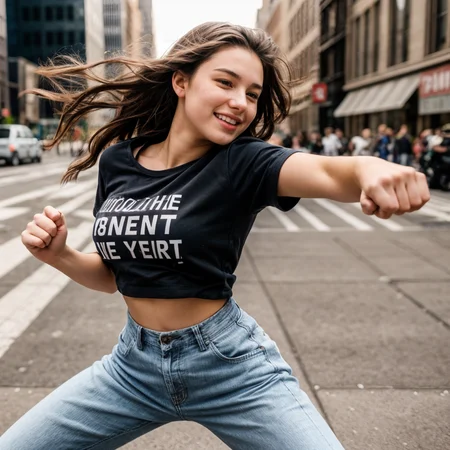
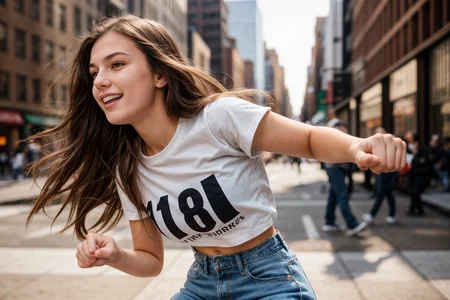
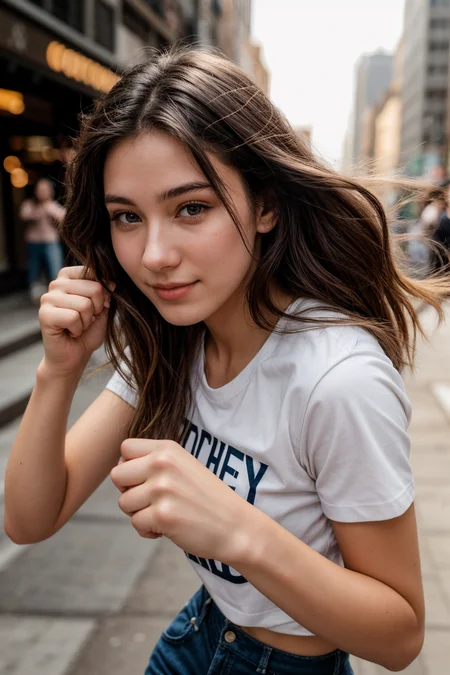
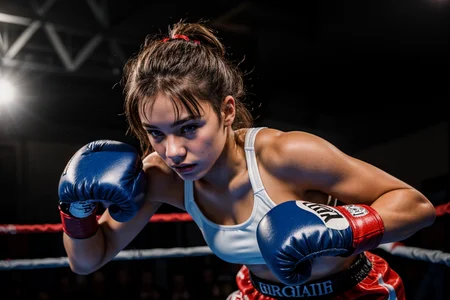
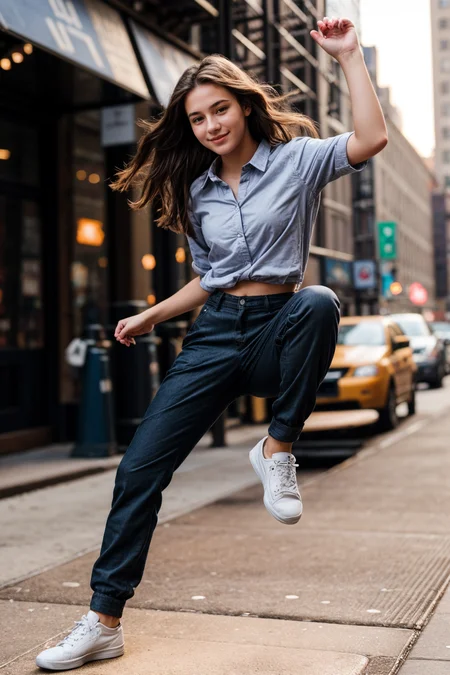
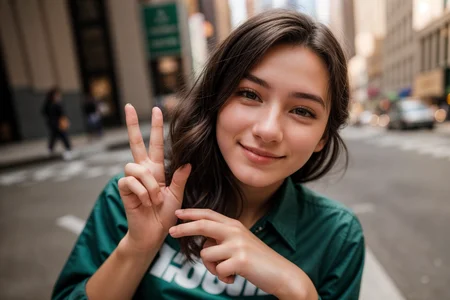
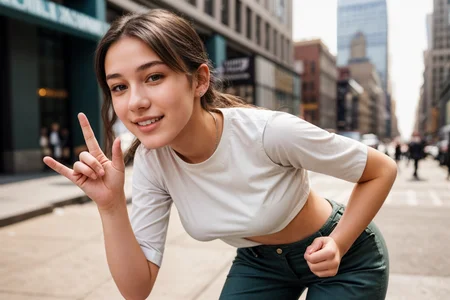
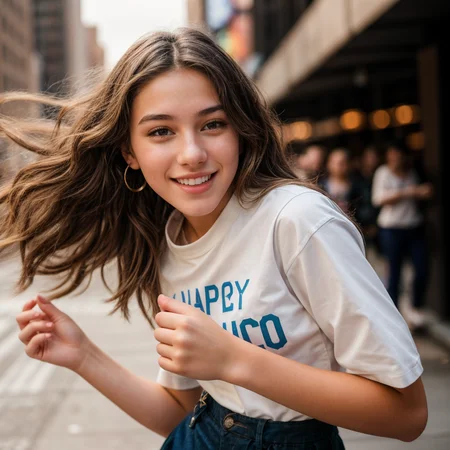
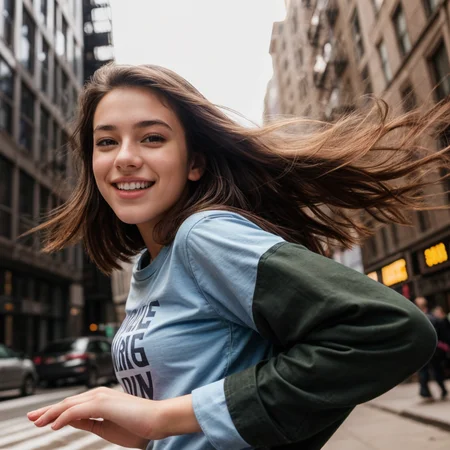
F1, update pose as below, 2024/06/08,
balancing 70 (=61+9)
ballet 125 (=123+2)
counting down 8 (=0+8)
dancing 235(=138+97)
from behind 60 (=58+2)
hands on hips 53 (=46+7)
jumping 89 (=87+2)
kneeling 42 (=38+4)
OK gesture 9 (=0+9)
other 19 (=18+1)
rock paper scissors 8 (=0+8)
running 54 (=23+31)
sitting 117 (=110+7)
standing 73 (=33+40)
think mark meme 12 (0+12)
walking 49 (=44+5)
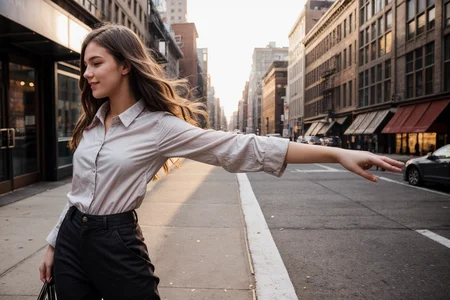
waving 94 (=92+2)
Comyui, Chilloutmix t2i workflow*1
After 6 months, SFW pose package is finally done now, enjoy!
Modify Image Composition Through OpenPose .json File,2024/03/18.
-->This article is showing the way to modify image composition through .json file.
This is SFW pose package collection.
Most poses have openpose,depth,lineart and .json file
Prompt example included (txt file)
Only 3 image size included, 512*512, 512*768, 768*512
No example image included
Openpose (weight 1) + Depth or Lineart (weight 0.3~0.5) is recommended
From below/from above/side view/from behind may be necessary for some poses
To specify subject outfit and background is required when depth/lineart is applied
In worst case, you may need openpose 1 + depth 0.3 + lineart 0.3 to reproduce the pose
Pose List:
walking, 44 poses, 3/19
standing, 33 poses, 3/19
balancing, 61 poses, 3/19
fist bumping, 26 poses, 3/19
jumping, 87 poses, 3/19
leaning forward, 67 poses, 3/19
arm crossed, 5 poses, 3/19
hands in pocket, 32 poses, 3/19
adjusting hair, 21 poses, 3/21
climbing, 33 poses, 3/21
dancing, 140 poses, 3/21
clapping hands, 33 poses, 3/21
floating, 59 poses, 3/21
flying, 48 poses, 3/21
hands on chin, 52 poses, 3/21
hands on hips, 48 poses, 3/21
high five, 48 poses, 3/21
hurdle race, 51 poses, 3/21
waving hands, 93 poses, 3/21
ballet, 124 poses, 3/21
skiing, 43 poses, 3/23
skating, 319 poses, 3/24
surfing, 102 poses, 3/24
squatting, 81 poses, 3/29
kneeling, 40 poses, 3/30
sitting, 111 poses, 3/31
bird on her arm, 5 poses, 4/4
riding, 4 poses, 4/4
rest, 16 poses, 4/4
trapeze, 26 poses, 4/4
thumbs up, 20 poses, 4/4
stairs, 18 poses, 4/4
running, 23 poses, 4/4
saulting, 23 poses, 4/4
from side and behind, 59 poses, 4/4
hands on the table, 9 poses, 4/7
all fours, 32 poses, 4/7
basketball, 75 poses, 4/7
soccer, 36 poses, 4/7
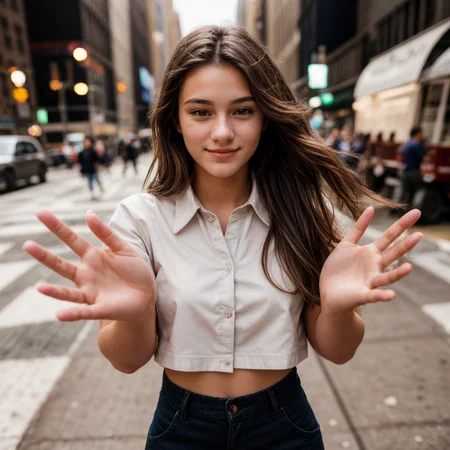
pointing at viewer, 39 poses, 4/7
hands on waist, 13 poses, 4/7
leaning against something, 41 poses, 4/7
diving from the sky, 233 poses, 4/14
gym, 16 poses, 4/21
gymnastics, 22 poses, 4/21
yoga, 55 poses, 4/21
selfie, 21 poses, 4/21
push up, 15 poses, 4/21
martial arts, 91 poses, 4/21
parkour, 225 poses, 4/21
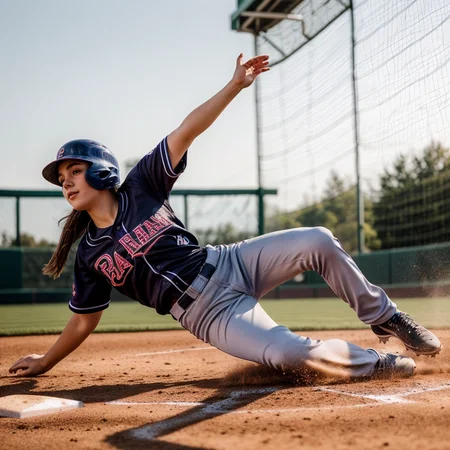
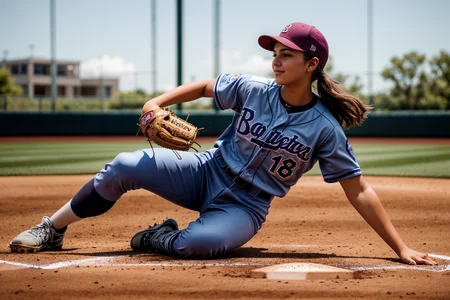
sliding, 18 poses, 4/25
punching viewer, 65 poses, 4/25
boxing, 72 poses, 4/25
victory, no prompt example, 13 poses, 4/25
YA pose, no prompt example, 7 poses, 4/25
others, no prompt example, 18 poses, 4/25
lying (excluded, move to NSFW pose package)
Description
Final update, add 193 poses, total 3111 poses.
FAQ
Comments (2)
How to use openpose/depth/lineart file?
1. Install ControlNet extension
2. Find ControlNet interface
3. Select ControlNet Unit 0
4. Select "Enable" and "Pixel Perfect"
5. Select Resize Mode as "Just Resize"
6. Select openpose or depth or lineart
7. Import openpose or depth or lineart file
8. Change preprocessor to "none"
9. In case you want to use second openpose or depth or lineart file together, select ControlNet Unit 1, and repeat step 4 to step 8
10. ControlNet weight suggestion: Openpose weight 1, depth/lineart weight 0.3 to 0.5
11. Set your image size same as openpose or depth or lineart file
12. Positive prompt suggestion: include pose, outfit, background in the prompt
13. Generate image
Note: For step 8, when you import "photo" instead openpose or depth or lineart file, preprocessor shall not be "none".
Why I don't share image example for each pose? The nude showcase here could give you the idea, that's my raw image, I got 2500+ in my SSD...