
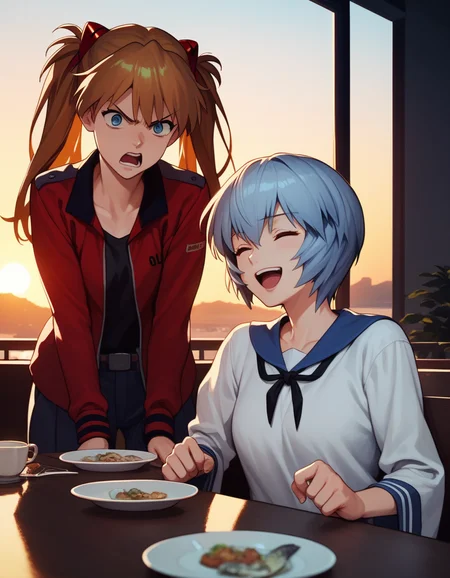
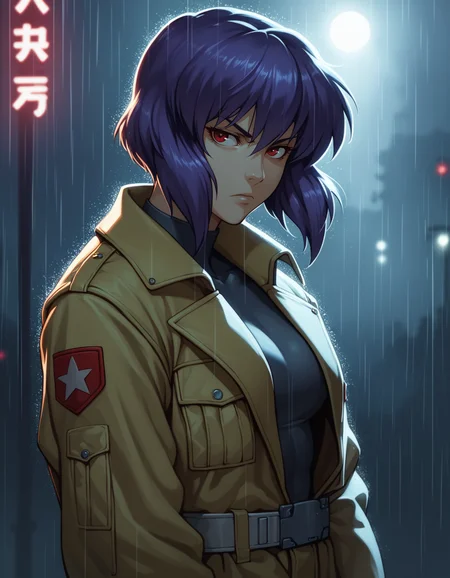

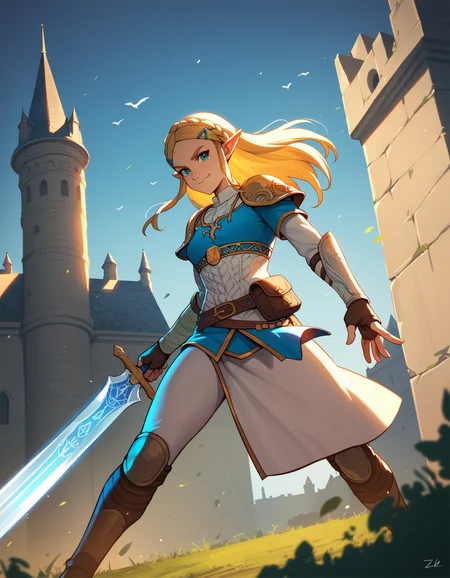

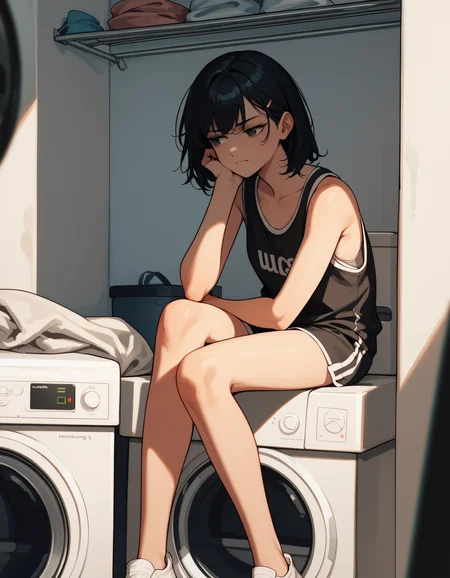
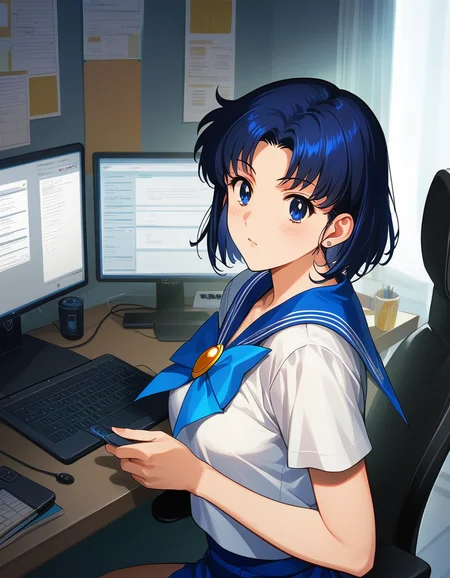
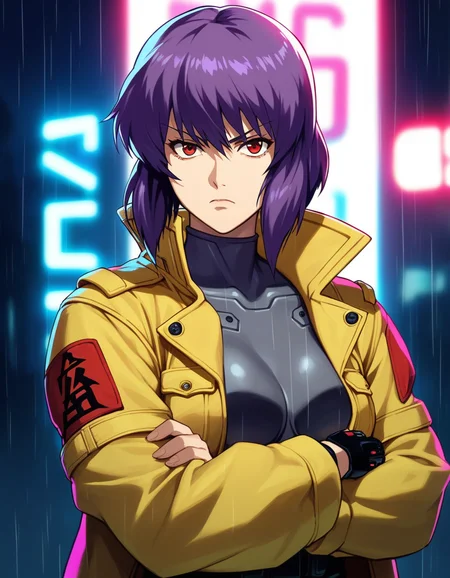
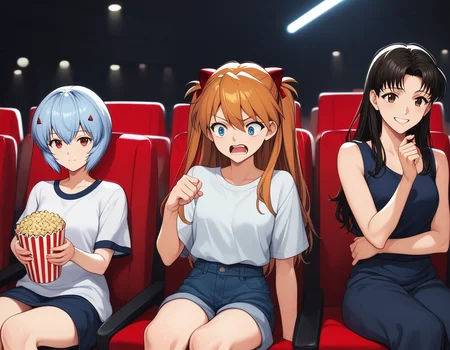
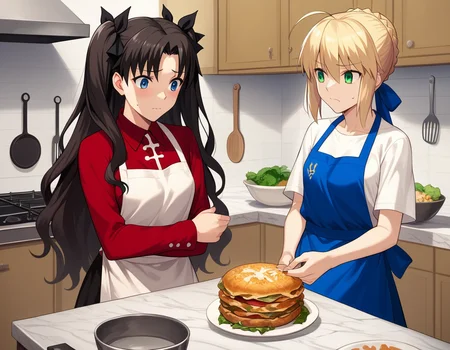
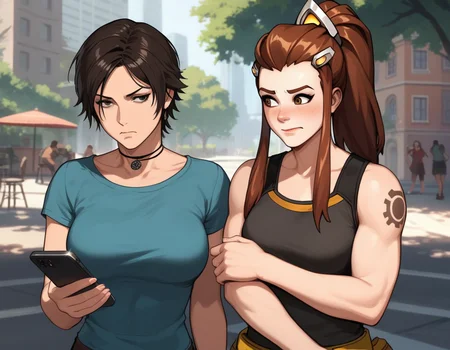
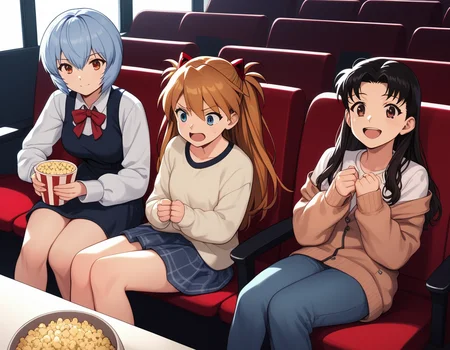
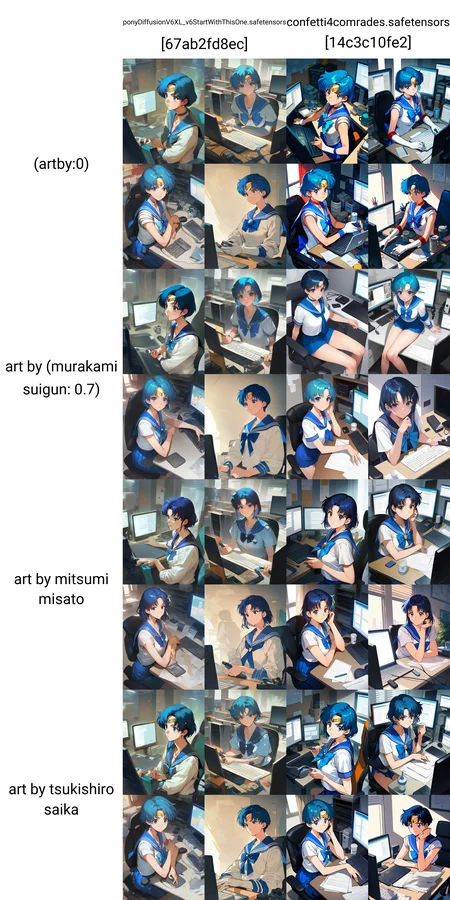
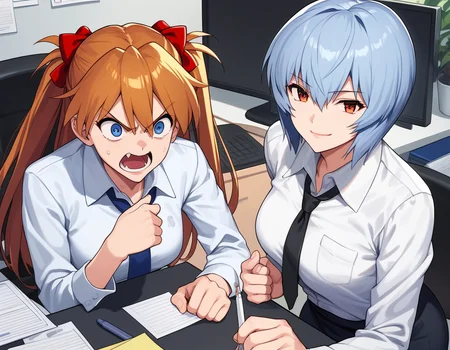
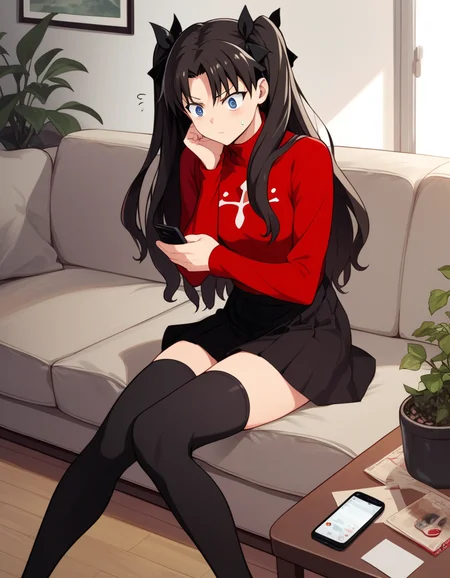
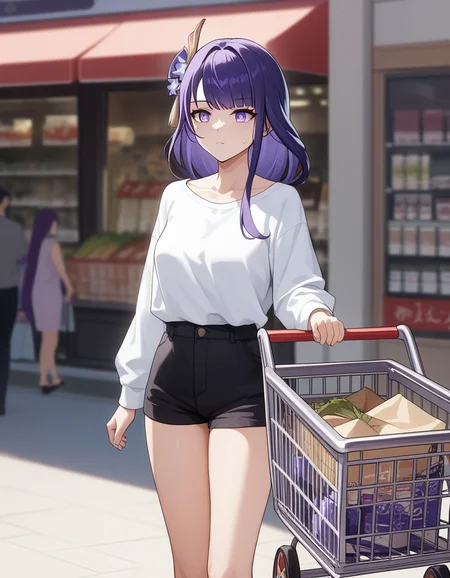
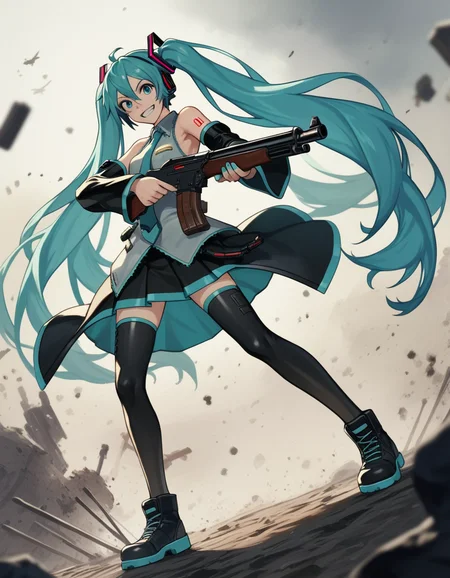
Provides more defined characters and backgrounds and can improve character/style LoRA accuracy compared to the base Pony V6 model.
Characters included in the base model have their own style which you can override with artist prompts or style loras.
Recommended positive prompt: score_9, score_8_up, score_7_up, source_anime
For western style replace source_anime with source_cartoon
If using a character or style LoRA and its style is not preserved remove source_anime. Can also remove score_8_up, score_7_up if the LoRA style is still too weak but this usually simplifies the image too much.
To use artist tags shown in the examples use art by followed by the artist name.
v2 is a 50/50 merge of confetti4you and Comradeship v5a DPO. v3 is the same but with Con5tiXL. Some prefer the 2D style of v2. v3 seems to work better with character LoRA especially with 3D ones.
This model is also available as a LoRA extract designed to be used with the base Pony V6 model.
All images are generated with Euler A sampling method, 6 CFG Scale using WebUI Forge.
WebUI Forge is built on top of Automatic1111's backend but has lower VRAM usage and higher performance. Try it out!
Description
Use Confetti4You instead of Anim3Confetti in merge. Changes image composition slightly.
FAQ
Comments (8)
i was impressed by the first mode art still. v2 look like any other anime model in CIVITAI but i have to think you for your efforts.
Thanks for this! Confetti Comrade Mix is a popular model, but the original creator didn't respond to my request to upload newer versions, so I hope fans will see this updated one.
I uploaded this model after seeing your comment so thank you!
@tappy That's awesome! Cheers!
Hi! I forgot to mention. Due to an error in Pony, quality tags need full string, which is:
score_9, score_8_up, score_7_up, score_6_up, score_5_up, score_4_up
Negative prompt (optional):
score_4, score_5
All these go in the beginning of prompts. The author of Pony has said that "these tags are less useful in negatives; you can still use score_4/5 in negative, but they will not push you away from really bad images."
I dragged your example images into A1111 with the full string and negative 4/5, and the image quality improved greatly. Hope that helps!
Thanks for sharing.
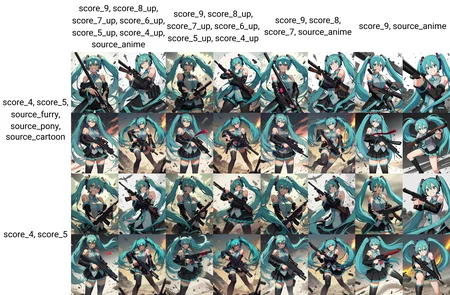
I tried an x/y plot with different quality tags (x axis is positive prompt and y axis is negative prompt):
https://civitai.com/images/7111341 (sailor mercury)
https://civitai.com/images/7112208 (tohsaka rin)
https://civitai.com/images/7112212 (athena cykes lora)
Using the score up tags in some cases made the composition more detailed. With the sailor mercury and lora examples it also gives the character a more western comic-like appearance.
When performing the same test with tohsaka rin the composition and artstyle changes are much smaller.
Since the results are different for each character I'm not sure which tags are better. I assume the training data has a stronger style baked into certain characters which is affecting the results. But I will edit the description to suggest trying different quality tags.
As a side note, with this positive prompt:
score_9, source_anime
The image received a strong low detail anime style and the background and composition became simpler which is visible on the far right column here: https://civitai.com/images/7113269
@tappy I am so sorry about this late reply. I had told myself, "I'll do a lot of testing when I have enough time" but nearly forgot. Finally, I've done it and found the best solution!
Obtain anime style without sacrificing composition or quality.
Positive prompt:
score_9, score_8_up, score_7_up, score_6_up, score_5_up, score_4_up, a sentence describing what you want, tag1, tag2, rest of tags
Negative prompt (required!):
ugly, sketch, 3d
Avoid using tags like "1girl," "masterpiece," etc.
Men benefit from "male focus" tag early in prompt.
For a more flat 2d style, also add "realistic" tag to end of negative prompt.
The source_ tags didn't seem to produce better quality images, so I left them out this time. I also never got quality results from altering or removing score_ tags.
I tested this with a variety of simple prompts and drag-dropping some of your example images into Forge UI. Those X/Y grids you provided helped me out, and please let me know if you have any questions, because I really enjoy this model!
@heathergreen95 it's interesting to see how those tags affect the artstyle. Thanks for sharing. here's a plot demonstrating those prompts: https://civitai.com/images/7559185.
Details
Files
animeConfettiComrade_v2.yaml
Mirrors
animeconfettitunexl_dep.yaml
dDBattlemapsSDXL10_v10.yaml
maleaiPonyIllustriousNoobai_v10.yaml
animeconfettitunexl_depAnim3conf3tti.yaml
animeconfettitunexl_depConfetti4you.yaml
animeconfettitunexl_con5tixl.yaml
animeconfettitunexl_dep.yaml
maleaiPonyIllustriousNoobai_v12.yaml
homosimileAgainPony_v10.yaml
maleaiPonyIllustriousNoobai_v10.yaml
chloeBennet_v10.yaml
animeConfettiComrade_v2.yaml
maleaiPonyIllustriousNoobai_v11.yaml
dDBattlemapsSDXL10_upscaleV10.yaml
ishikeiStyleAnimagine_v10.yaml
homosimileAgainPony_v10.yaml
animeconfettitunexl_depLifeissuffering.yaml
animeConfettiComrade_v10.yaml
animeconfettitunexl_dep.yaml
Available On (1 platform)
Same model published on other platforms. May have additional downloads or version variants.