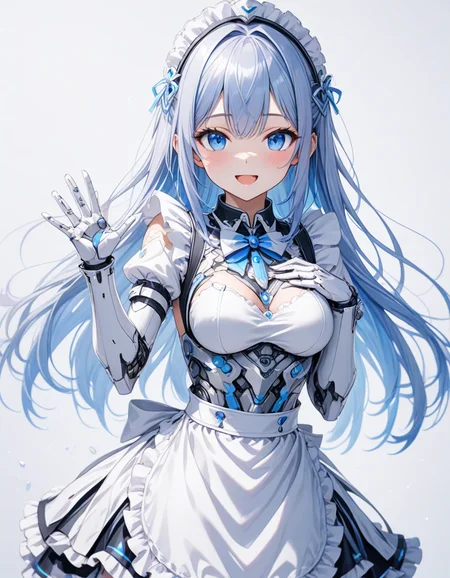
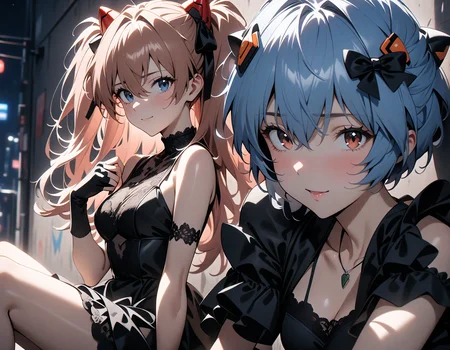
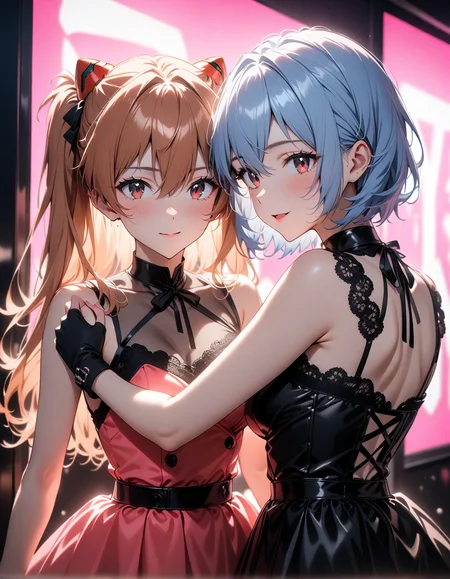
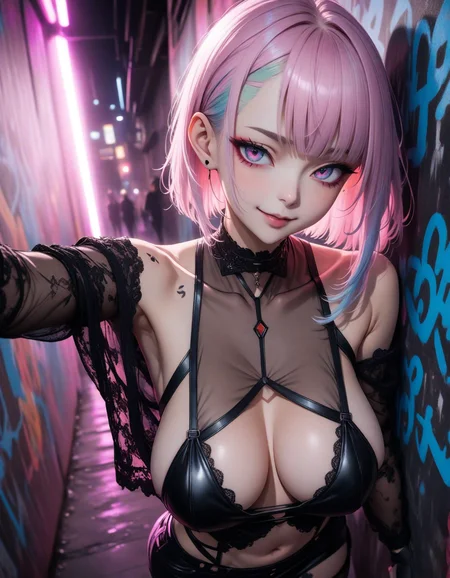
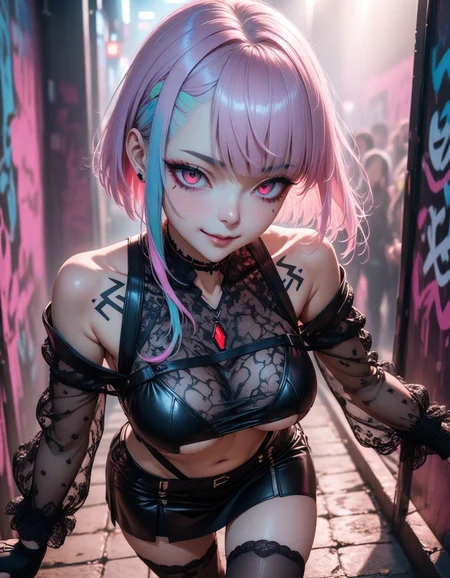
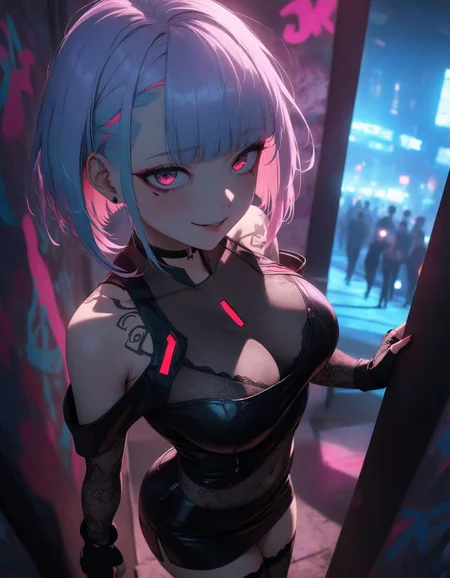
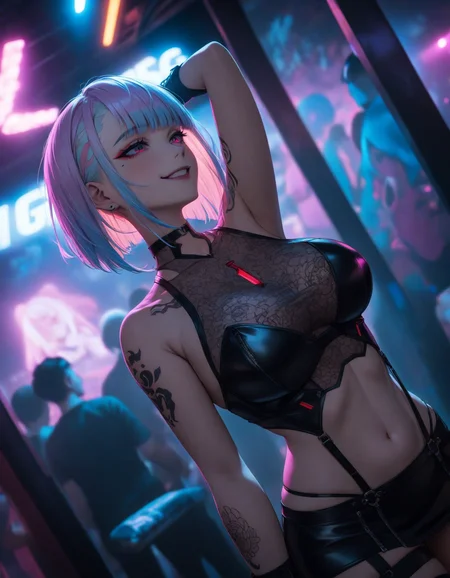
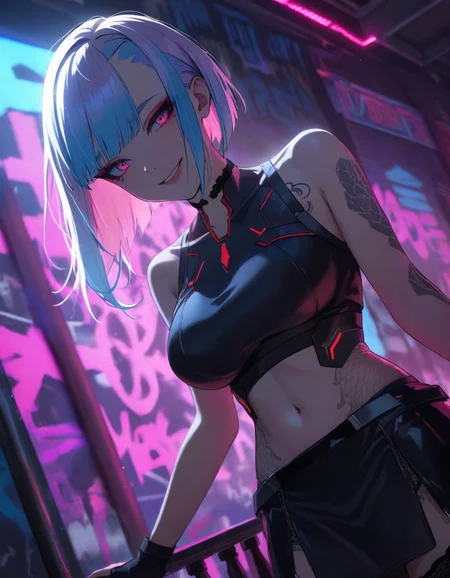
I DO NOT authorize PixAI & Yodayo (and other users) to transfer this model from Civitai.
PixAI users who wish to use this model can do it by using the uploaded one on my PixAI profile from the link below :
https://pixai.art/@vxp/artworks/models
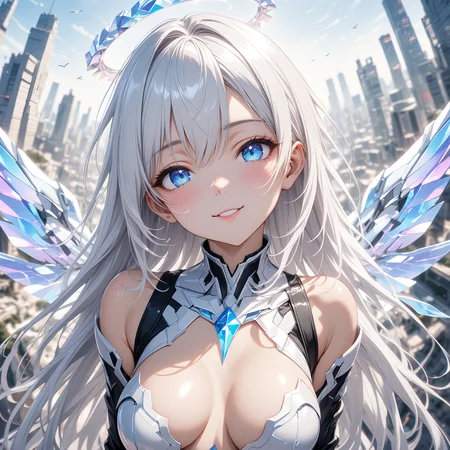
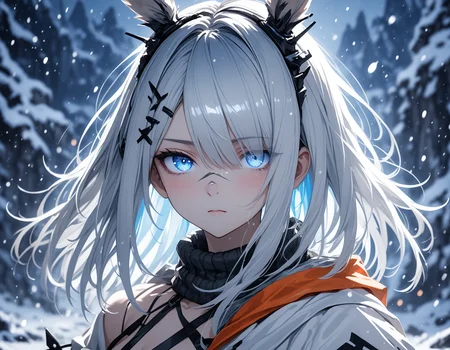
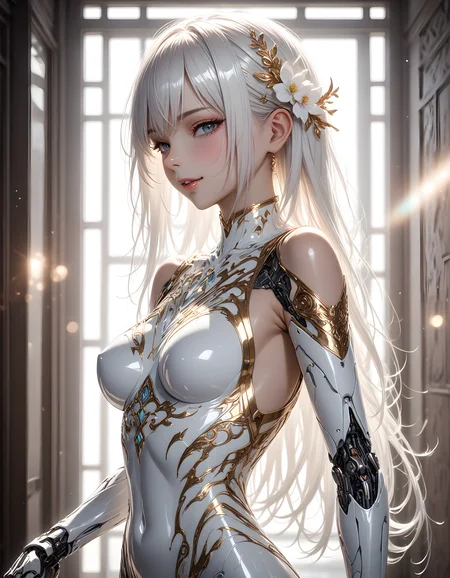
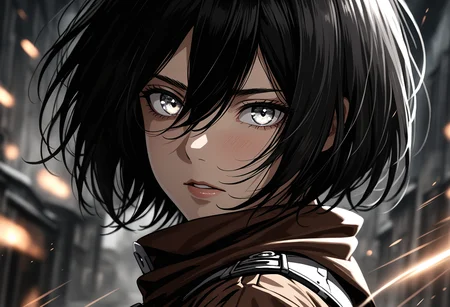
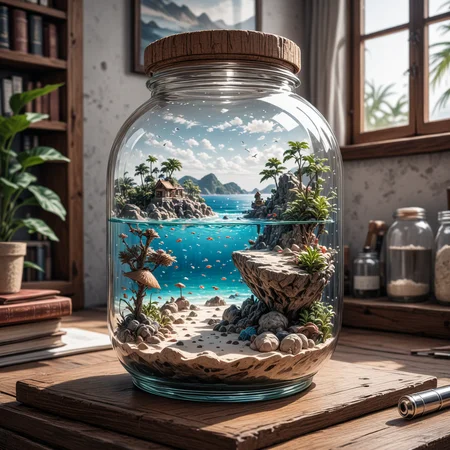
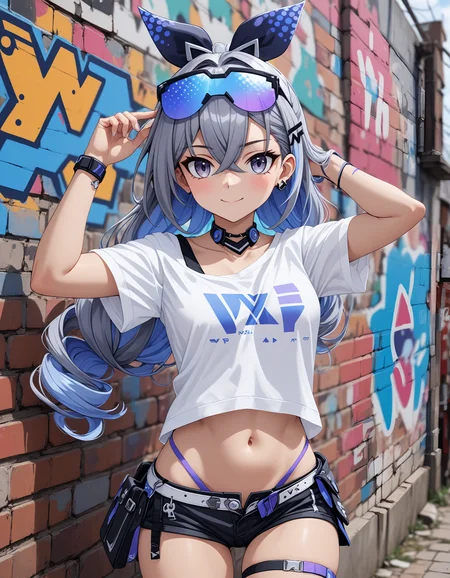
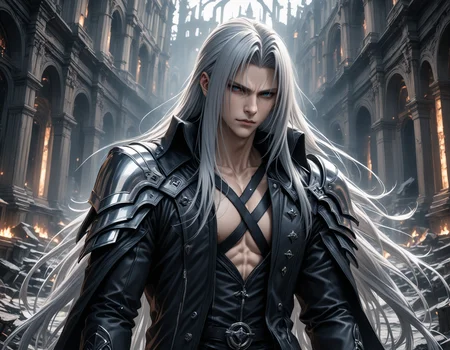
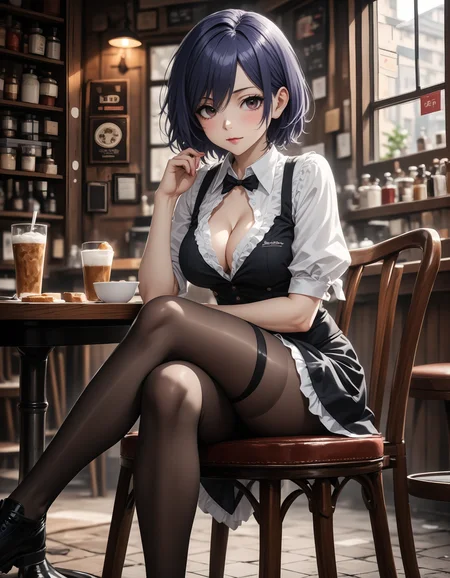
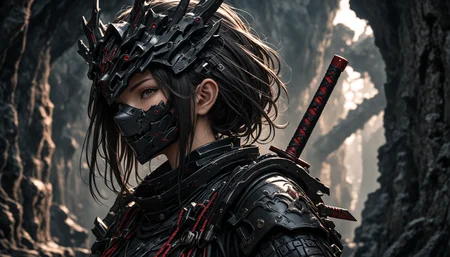
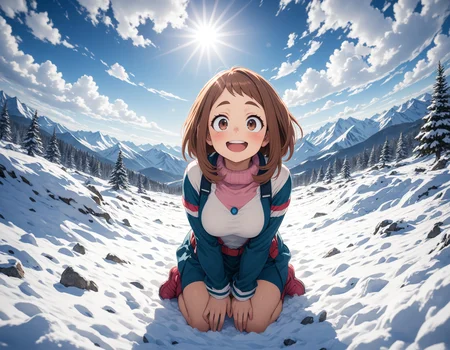
this model generates high-definition Anime-style images.
Great for characters and ambients.
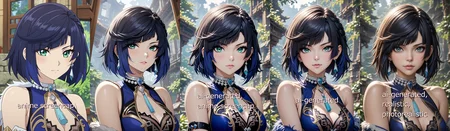
via prompt you can vary the graphic style:
using "ai-generated" prompt you will obtain high detail picture.
omitting it and using "anime style" you will obtain a more simple style.
thanks to TURBO technology it takes only a few steps.
Suggested settings: (see below)
Euler A with 5~8 steps
CFG 1.3 ~ 2.5 (1.3 ~ 1.5 for realistic style, 1.5 ~ 1.8 for semi realistic style, 1.8 ~ 2.5 for anime style)
Suggested prompts : "(masterpiece:1.2), (best quality:1.2), (very aesthetic:1.2), (absurdres:1.2), (detailed background),newest,ai-generated,"
add "intricate" to enhance fine details.
remove "ai-generated" to have more anime style picture.
Suggested negative prompts : "nsfw, lowres, (bad), text, error, fewer, extra, missing, (worst quality), (low quality),jpeg artifacts, watermark, unfinished, displeasing, oldest, early, chromatic aberration, signature, extra digits, artistic error, username, scan, abstract, bad anatomy, bad hands, bad feet, bad hand, bad hands, bad finger, bad fingers, extra finger, extra fingers, split finger, split fingers, extra digits,"
Description
this version is an evolution of v1.5, this time I included Hyper technology.
This model is capable of handling a wide range of image styles, from a simple anime style to a detailed realistic style, all manageable with just prompts.
the Base model is AnimagineXL 3.1, so you can use all 4900 character stored on Animagine.
FAQ
Comments (15)
One of my absolute favorite models! Would you be able to upload this on yodayo? My computer isn't powerful enough to run this, so I'm stuck only making a few pics on pixai
Hello! I uploaded to Yodayo too 😉
Thank you for using my model!
@VXP I'm so excited, thank you!
Really want to test this model but struggling for ComfyUI. any chance you have a guide for Comfy users?
Hello, how can I help you? Did you followed the suggested settings?
@VXP yes I did. because Comfy understands weights differently the images get very distorted. or hyper saturated. I've tried lowering weights and tried using settings and prompt structures from other turbo style checkpoints and have had no success with anything. Not sure if you have used comfy or if anyone else will come along with some suggestions.
@mace267 Hello I'm ComfyUI user but didn't have problems🤔
The sampler is Euler Ancestral?
CFG should be very low like 1.5 (or in some case less), steps should be around 7.
Image size is the correct one? XL need 1Mpixel as size (W x H =1Mpixel)
@mace267
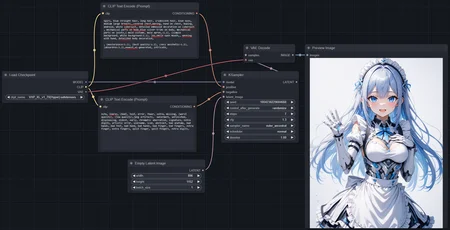
https://civitai.com/images/13428660
here is a link with flow that I used (it's a basic flows), but as you can see the model work fine with ComfyUI.
the Hyper or non Hyper, the difference is only in CFG and Steps needed.
be sure to apply the correct settings, CFG, STEPS, Sampler, resolution, prompts and negative prompts.
and for the emphasis, start with a low value and gradually rise it.
If you don't mind, I'd like to ask you a question.
“Do I need ‘BREAK’ or ‘AND’ to use your model?”
I'm not familiar with the prompt grammar in Stable Diffusion, and the ones I've found and learned on my own are outdated, so I'm having trouble using your model. I'm also not sure how to stay informed about these new trends.
I'm not asking you to tutor me on prompt grammar, nor am I asking you to create a guide to prompt grammar for me to use the model. I just want to ask the minimum number of questions I need to ask.
Do I need 'BREAK' or 'AND' to use the model? I've tried adding and subtracting 'BREAK' from the prompt while using the model, but I'm having trouble understanding the nuances, and I haven't even tried 'AND'.
So please, kindly let me know if using 'BREAK' and 'AND' helps or hurts both positive and negative prompts, it would be nice to know their usage.
Models will just work regardless. BREAK basically tells SD to stop the tokenizer then and there and load a new one behind it, it can be useful for separating background from the foreground or the character details from the wider composition of the image. For the most parts, without any additional tools that leverage off of it, like regional prompting, their impact can be minor. AND Specifically works with latent couple iirc.
Any chance of getting version 1.9 uploaded here?
yes tweaking in progress, I'll upload it ASAP :)
@VXP Thank you so much! If you don't mind me being a little greedy...............any chance you can upload the DetailerXL and ModelBoosterXL from Pixai? Thanks again for everything you do for the community, love your model!
@TheKite hello! v1.96 online :) have fun!!
@VXP Thank you so much for uploading it and letting me know! :D