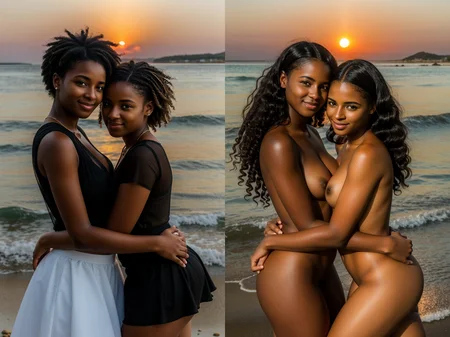
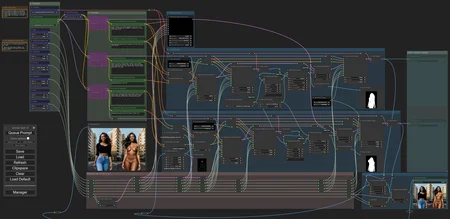
(check v1.0 page for more images)
This workflow generates a person twice, on the same background at the same pose, and concatenates pictures together. Possible applications:
Show person clothed/nude
Compare different outfits
Compare characters
Test LoRAs
Installation and dependencies
Install Impact pack custom nodes;
Install ControlNet Auxiliary Preprocessors custom nodes;
Download ViT-H SAM model and place it in "\ComfyUI\ComfyUI\models\sams\";
Download ControlNet Openpose model (both .pth and .yaml files), and put it into "\comfy\ComfyUI\models\controlnet";
Download and open this workflow.
Resources
Any model, any VAE, any LoRAs. If you choise SDXL model, make sure to load appropriate SDXL ControlNet model.
How to use
Write prompt and negative for background. Keep everything not related to person there, including tags like "masterpiece" or "raw photo";
Write prompt and negative for left person;
Write prompt and negative for right person;
Select model, tune settings if you want;
Run it!
OnOff_Upscaler
In archive, there is the companion workflow called "OnOff_Upscaler". It splits your OnOff picture in two, upscales both, and conjoin them back. It will load prompts automatically.
Install WAS Node Suite custom nodes;
(optional) Install prompt-info custom nodes;
Notes
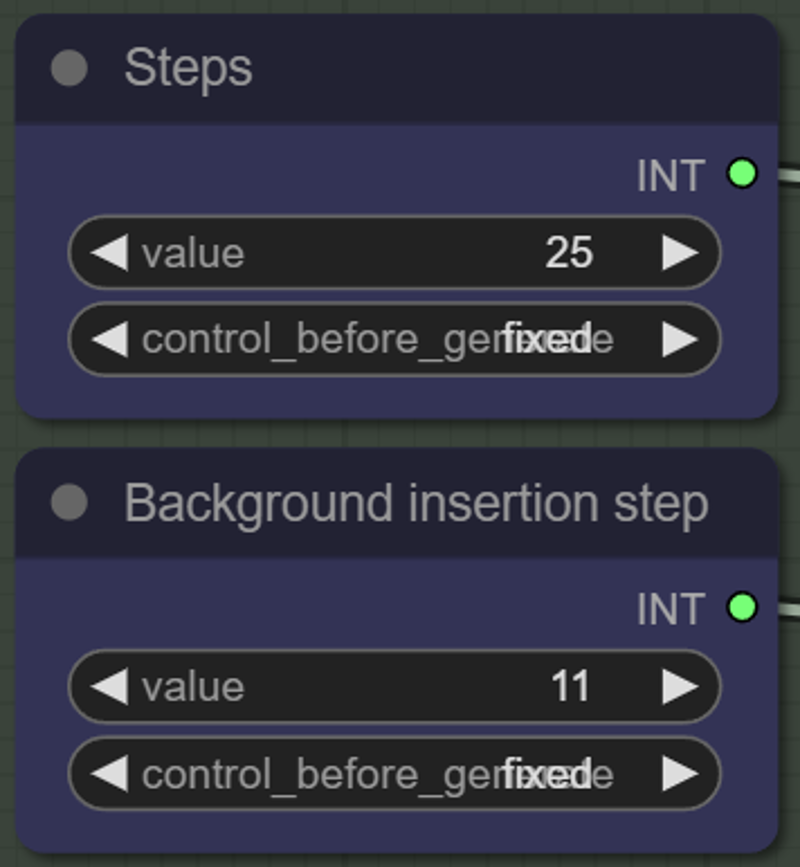
In the workflow you can find the variable called "Background insertion step". Increase it if background feels inconsistent, and decrease if persons look copy-pasted;
OpenPose ControlNet struggles with anime, latex and obscured bodies. If clothes is skintight, you can use Depth ControlNet instead, it will work great;
Left image is generated first. If you want to swap them at the end, just do it on the second to last node called "ImageCompositeMasked". Useful with LoRAs forcing specific pose.
If you only want to join two different pictures together, without control, look for simplistic BeforeAfter workflow instead.
Sometimes, there is a bug with loading values in primitives. Default values are:
OnOff workflow:
Steps: 25
Background insertion step: 11
CFG Scale: 6.6
Sampler: dpmpp_sde_gpu
Scheduler: karras
Width: 512
Height: 768
OnOff_Upscaler workflow:
Upscale method: bilinear
Steps: 27
CFG Scale: 8.0
Sampler: dpmpp_2m
Scheduler: karras
Denoise: 0.41
Description
Automatic prompt read for OnOff_Upscaler. 22.02.2024
FAQ
Comments (3)
I'd really appreciate a quick tutorial around this workflow, I can't even find where to upload an image lol
I cant find which nodes for uploading source image? if I want to clothed an source image
What models did you use?
Looks like we don't have an active mirror for this file right now.
CivArchive is a community-maintained index — we catalog mirrors that volunteers upload to HuggingFace, torrents, and other public hosts. Looks like no one has uploaded a copy of this file yet.
Some files do get recovered over time through contributions. If you're looking for this one, feel free to ask in Discord, or help preserve it if you have a copy.