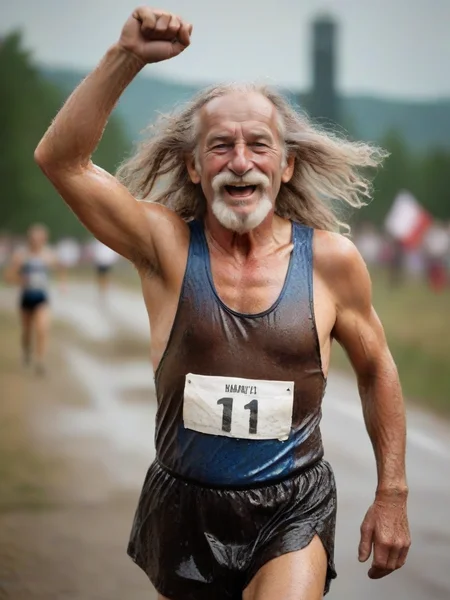

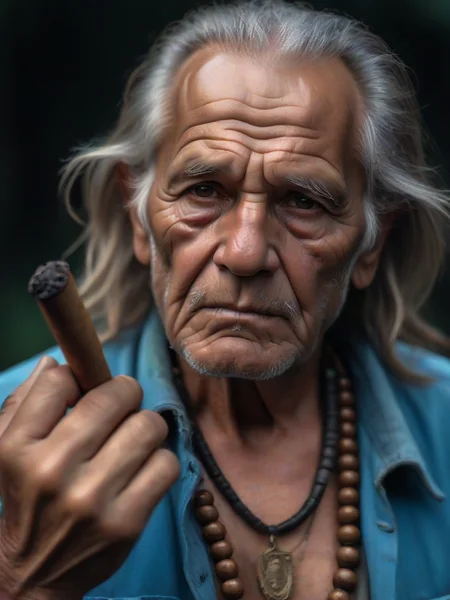

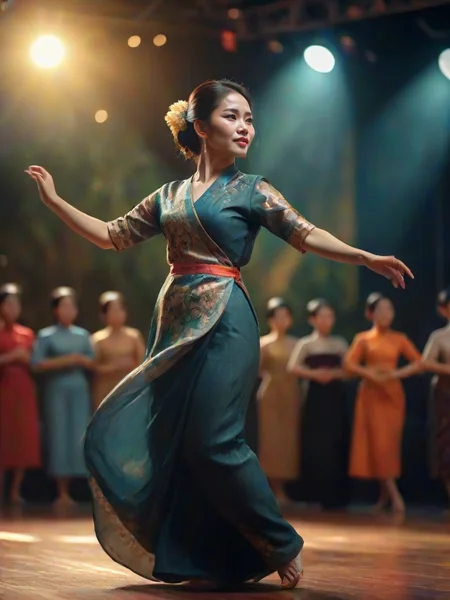
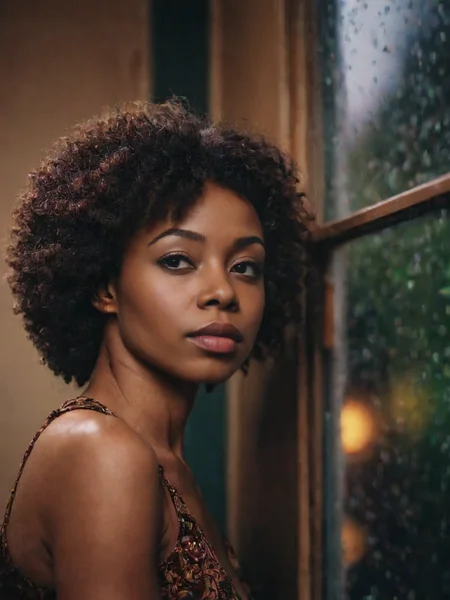


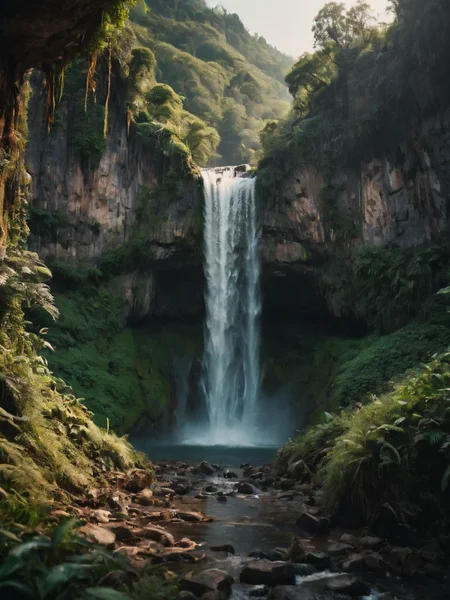


Cinematix Inpainting (NEW)
In Forge, set XL as your model type and select cinematix.inpainting.safetensors as your model. Go to Img2img tab to Generation/Inpaint. Load your image and mask the area you want to change. Set a simple prompt describing the changes. Generate. Change the Denoising strength if you want a stronger effect. You should get nice outputs right away.
Experiment with Inpaint area Whole picture/Only masked. If using Whole picture, set the image size to your input image aspect ratio.
Also worth checking out:
Cinematix CosXL EDIT is realistic SDXL Pix2Pix model for editing. It uses a different workflow and you can find it here:
https://civarchive.com/models/396070/cinematix-cosxl-edit
Cinematix L8 Inpainting
Use CFG 1.5-4 for 10-20 steps, Euler A, DPM++2Sa + SGMUniform schedule
Created for Flux experiments, check also Photomatix SD Inpainting model for fast sketches
Cinematix L8
Performs better in upscaling, needs more steps. Cinematic photo style.
Lightning Model, Use CFG 1.5 for 10-12 steps
For more steps, adjust CFG proportionally (~ CFG 2 for 24st., CFG 2.5 for 36st)
Works best with Euler A + SGMUniform schedule
Cinematix L4
Scenes should be better defined when using cinematic styles.
Lightning Model, Use CFG 1.5-2
Steps 7-12 for Euler A, DPM++ 2S a, and similar samplers for a nice single-pass image (should generate a nice picture with minimum artifacts)
More steps can be used for the LCM sampler
Recommended 'Euler A SGMUniform' sampler (Forge)
For best details, experiment with a 2-pass workflow (in A1111, use Hires fix tweaks and LCM in the second pass)
Cinematix Lightning
Use CFG 1.5
steps 5-12 in a single pass for a nice picture
LCM or Euler A SGMUniform sampler (standard samplers can/will output strange colors or artifacts)
2-pass can use 3-4 steps + 3+ steps in Hire fix, Denoising strength around 0.5
Note that SDXL-Lightning performs best in resolutions around 1024
More about the workflows in this article on [sandner.art].
Cinematix SDXL v1
Cinematix is a very fast realistic SDXL model. Read more details in an extensive article on my pages.
You may use standard samplers with lower steps 5+ (but you should go higher), recommended 12 steps for most scenes
Samplers: DPM++ 2S a, LMS Karras, Euler a (LCM not performing well in low steps)
You may use Photomatix and Animatix experimental styles for great results. Download them here. Read the instructions first. There are classic SDXL styles for your reference tests too.
You may use higher CFG (4-7+), instead of the usual LCM CFG 1.5.
An extensive negative prompt is NOT needed. Actually, in most cases, the negative prompt is not needed at all. Check the gallery for examples.
You may be very brief when prompting. Examples in the gallery are for comparison with my previous checkpoints and posts.
If you create something interesting with it, post a review.
Cinematix was created by merging and experimenting with these models:
StabilityAI SDXL
SDXL-Lightning https://huggingface.co/ByteDance/SDXL-Lightning, https://arxiv.org/abs/2402.13929
L8:
Description
v1 pre CX experimental
FAQ
Comments (2)
Why are the configs so different from the usual LCM's? ie no LCM sampler, higher config and higher step?
The recommended configs are for the best results, you may use LCM but outputs are not as great as some standard samplers, especially in detail. The model produces noisier and darker results for my experiments with HDR, maybe that is the reason why the LCM does not perform (in other words, I was doing the tests with some selected samplers when finetuning this, I did not use LCM as a goal or reference). Maybe I will try to fix this in a future release if possible change will keep the style. Also, the recommended number of steps is due to my use of the extensions controlling diffusion. You can go lower in some subjects, but it depends on the workflow.