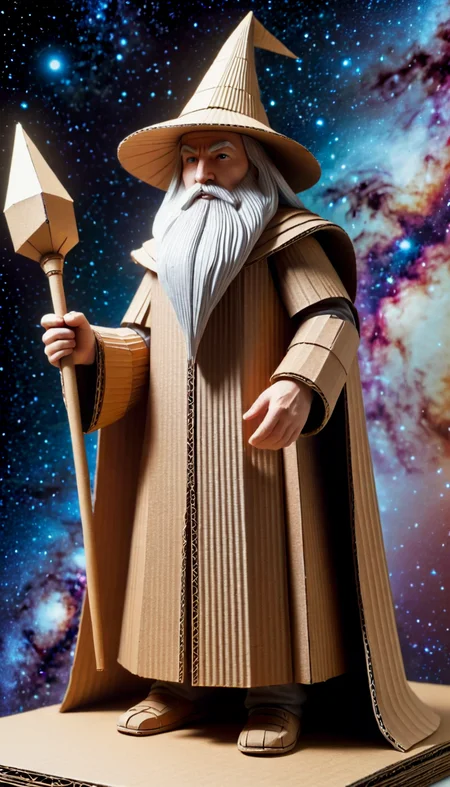




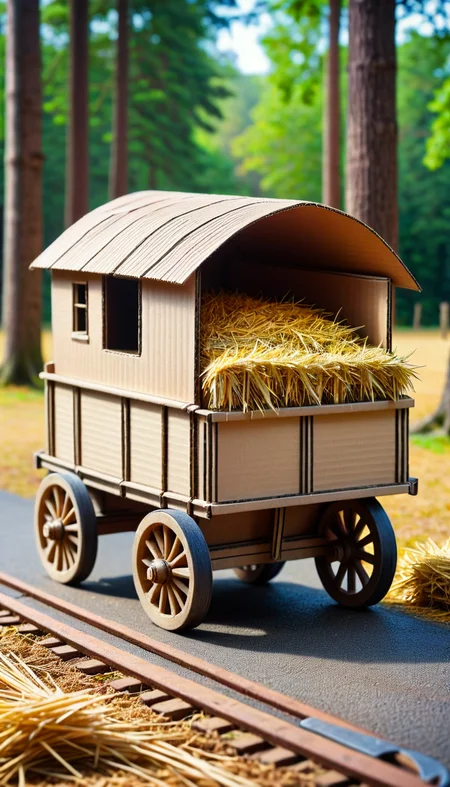
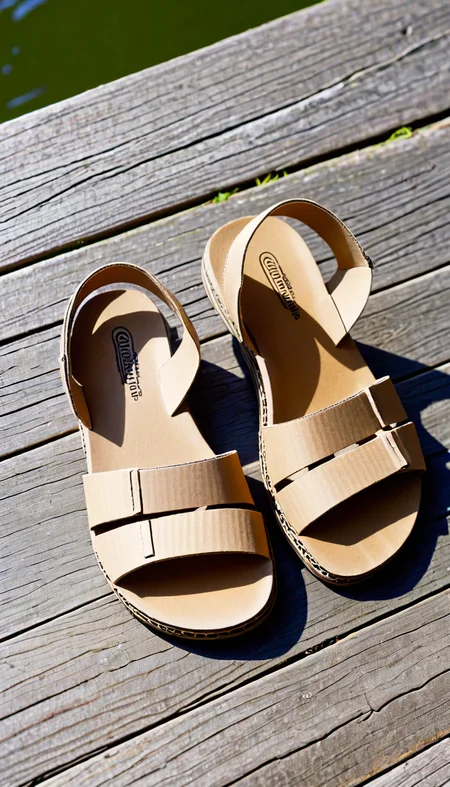

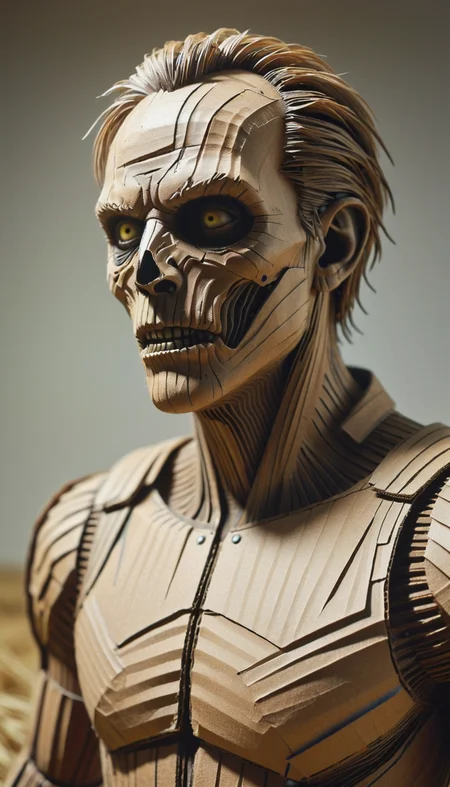
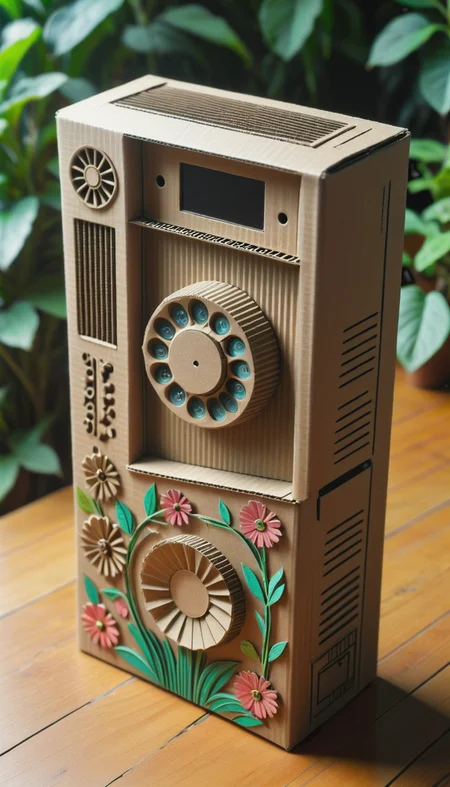
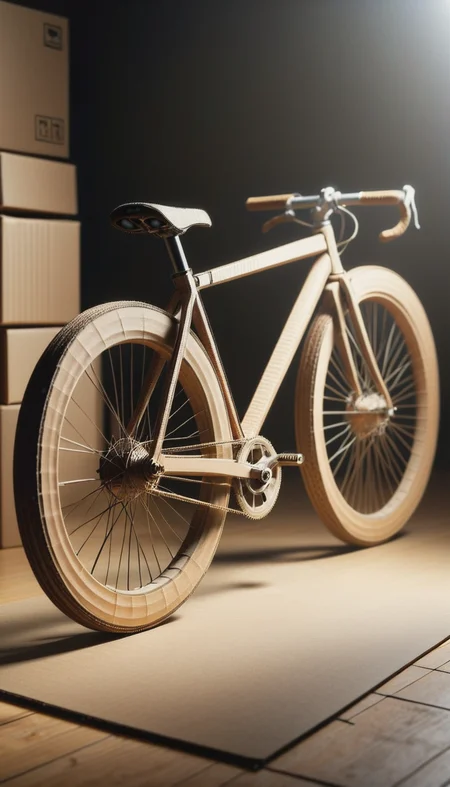

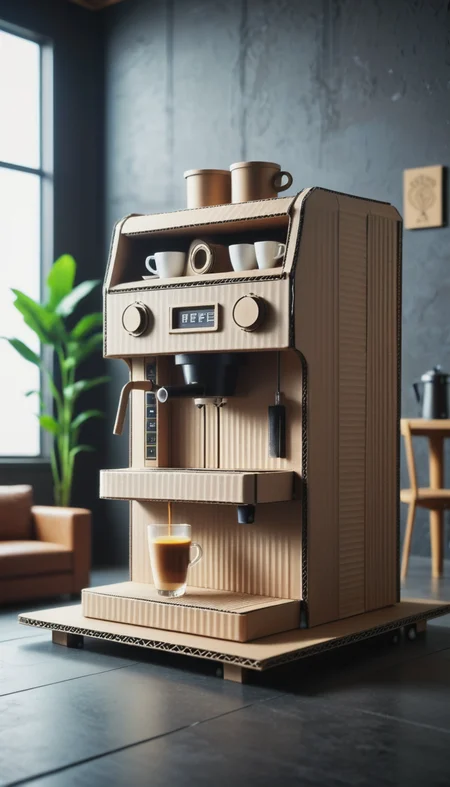
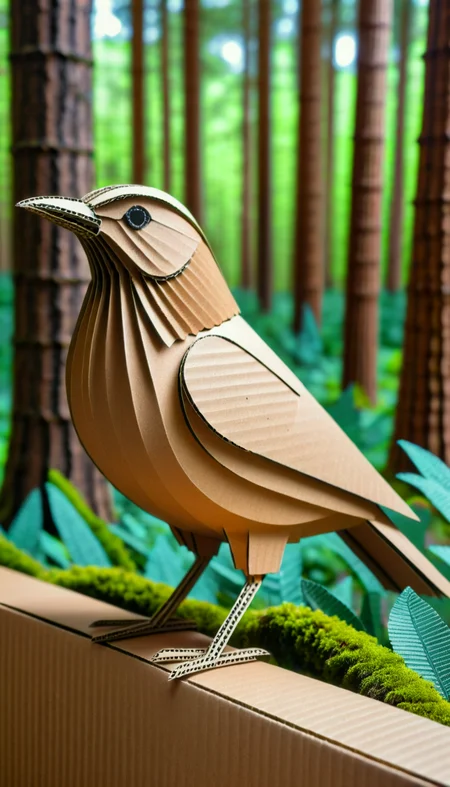
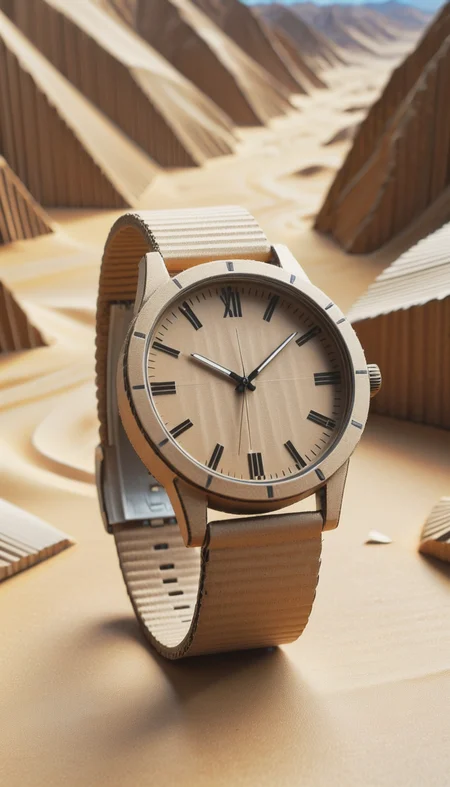


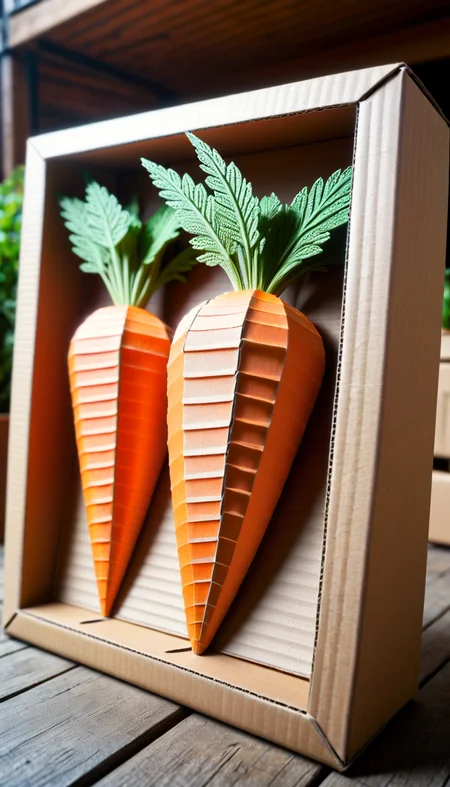

Get crafty with your generations! Cut and fold pieces of cardboard into your generations.
Usage
Use the trigger word: "CardboardStyle" along with the LoRA to activate it.
Example prompt: CardboardStyle wheelchair <lora:CardboardStyleXL:1>
I've found that most settings work well with this model. No special samplers or CFG-scale.
Note:
I may be using the following extensions in the reference images: FreeU or ADetailer / Face Editor. I may also be using a specific Hires Checkpoint (swaps to another model when doing the hires steps). If your results don't match mine exactly, this may explain why.
Tips and tricks
Here's a list of keywords you can use to enhance the different effects of the model.
a cardboard model of
simple
basic
corrugated
cardboard
texture
crafts
fold
Training Data included
Like it?
Description
FAQ
Comments (8)
Your SDXL option is showing SD1.5 as the base.
Thank you for reminding me. Fixed <3
Looking beautiful!!!
This looks great @mnemic , I was about to ask you if you were going to train the SDXL version or not, good job. Thank you for releasing the training data, much appreciated, it's going to help me with a LORA I'm working on.
I have found an SDXL training that works for me now, so I'll be experimenting and doing more with SDXL from now on.
I'll still always release the training data of course.
Very effective and consistent LoRA works exactly as advertised. Add "a cardboard model of . . . " to your prompt to get impressively realistic looking cardboard models. Without it you get interesting scenes and figures made of cardboard, or a real/cardboard blend. Every checkpoint and every prompt I tried worked well. Excellent LoRA.
Details
Files
Available On (1 platform)
Same model published on other platforms. May have additional downloads or version variants.