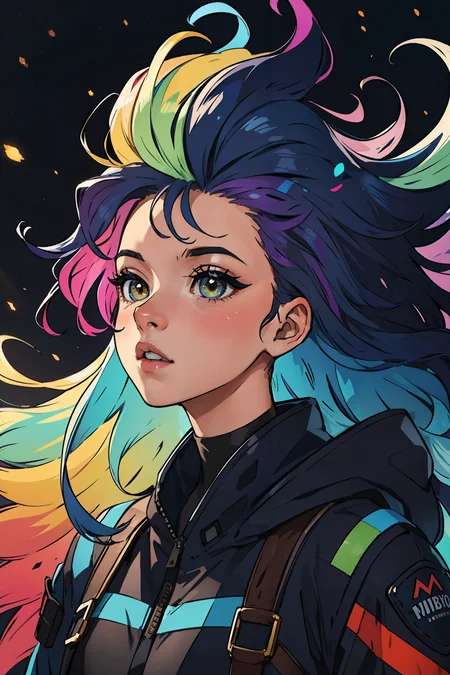
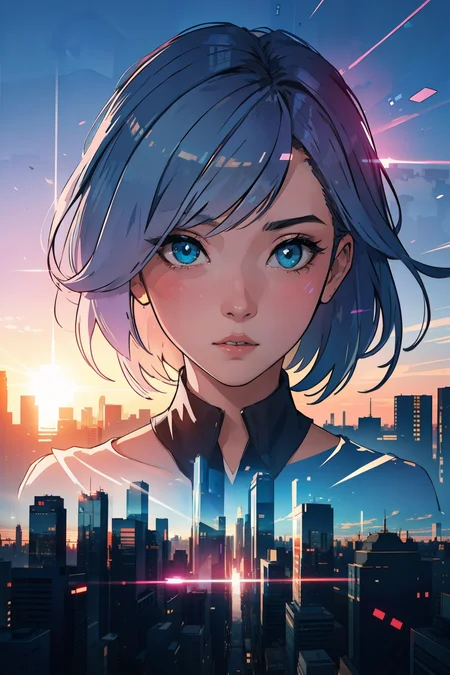
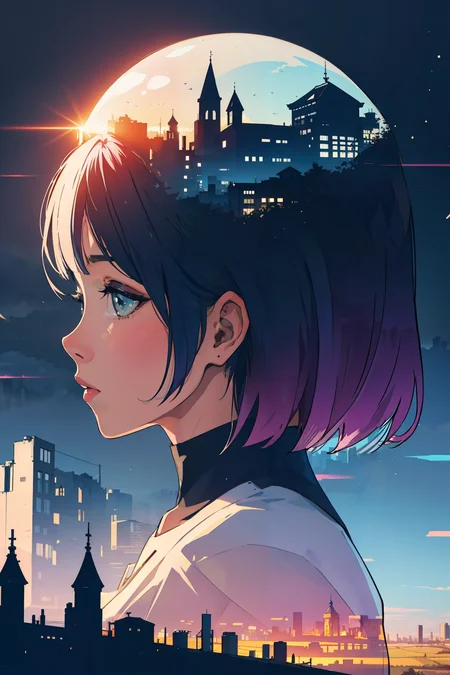
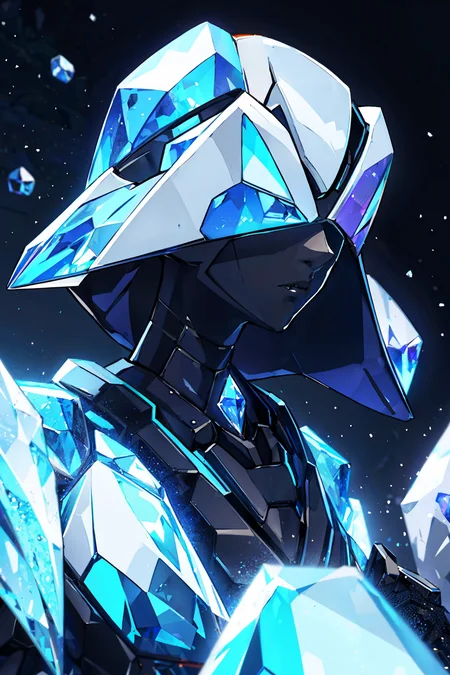
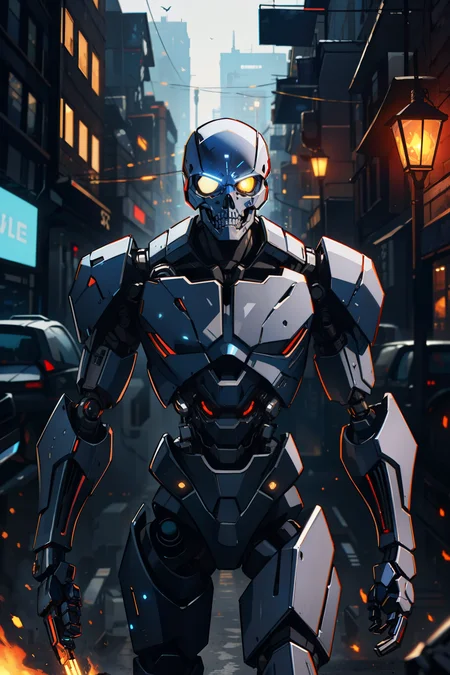
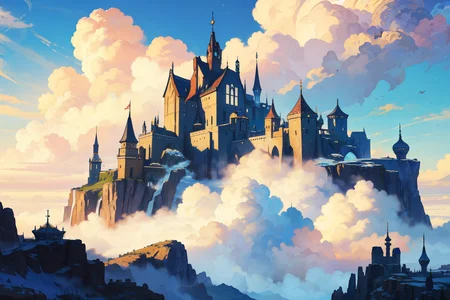
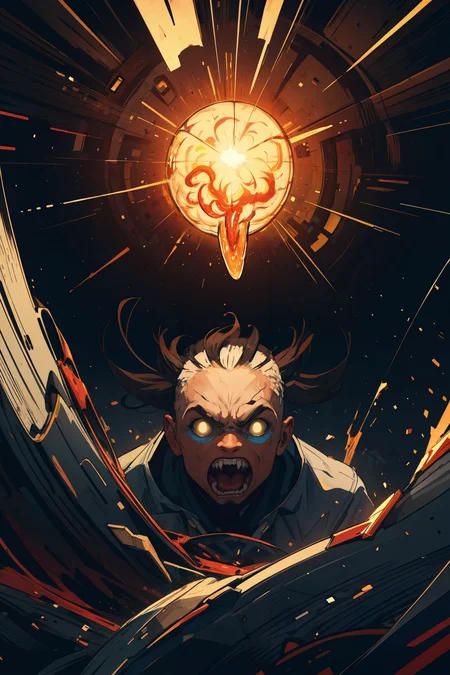
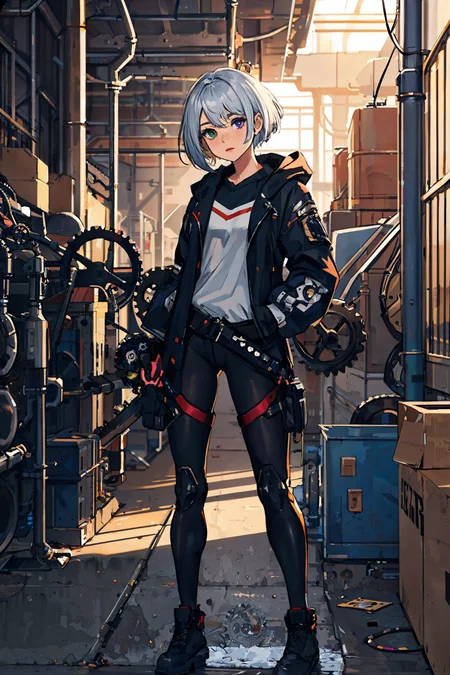
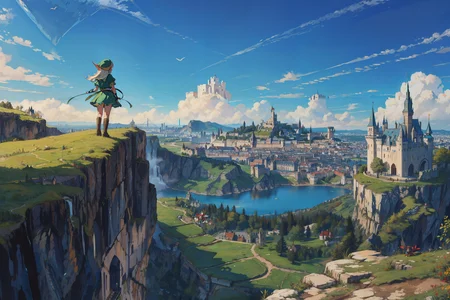
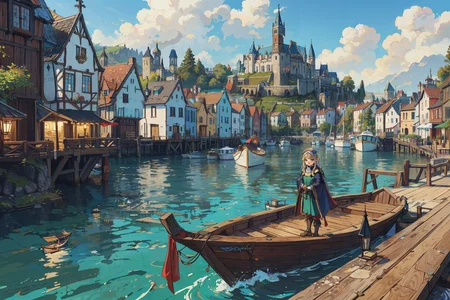
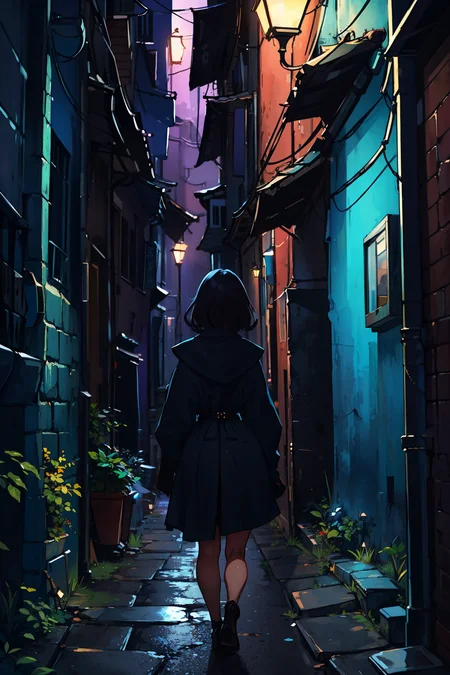
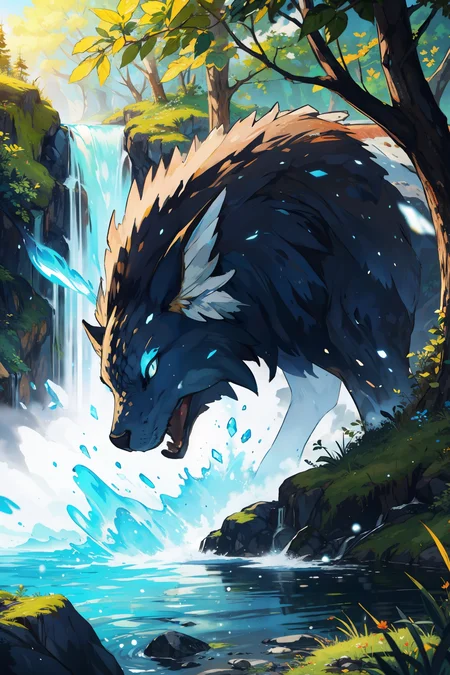
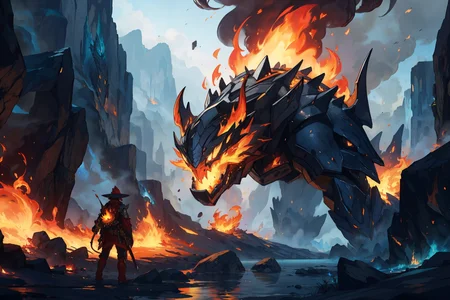
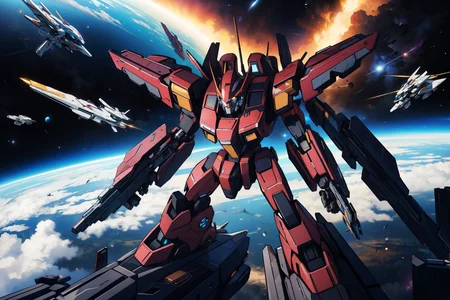
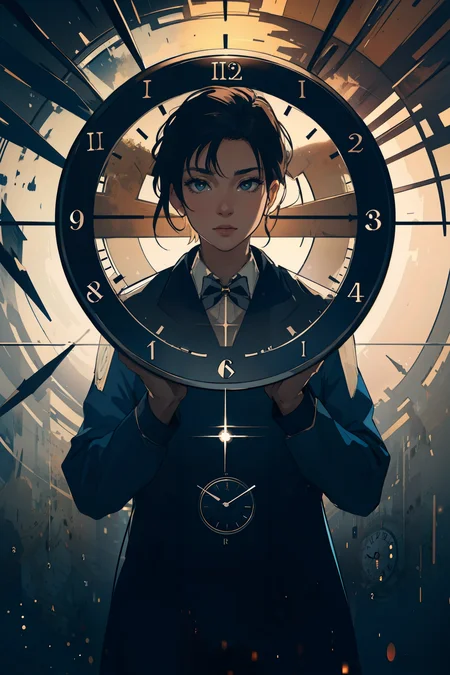
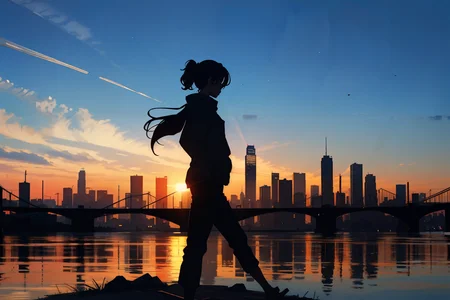
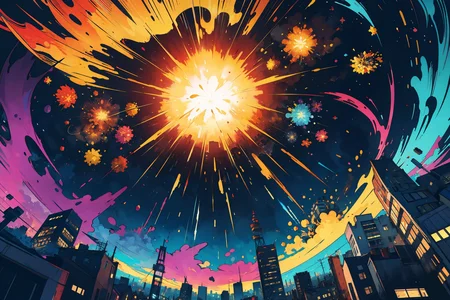
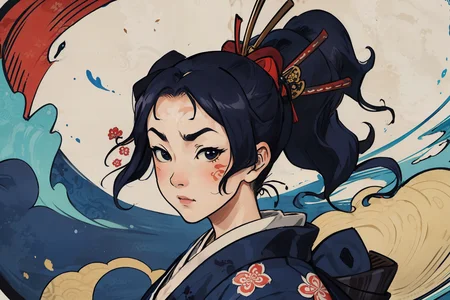
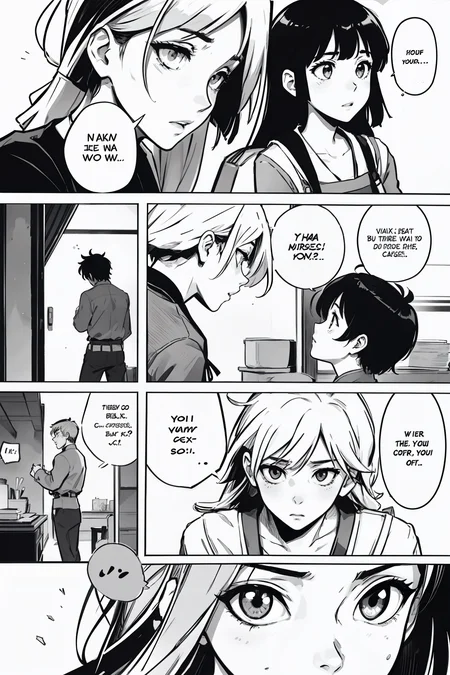
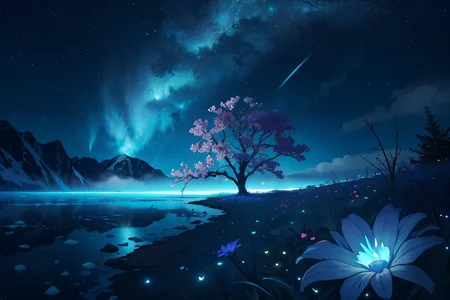
Anime style version of my other mix, CarDos Animated.
Very versatile, can do all sorts of different generations, not just cute anime girls. But it does cute anime girls exceptionally well.
For v1: Using vae-ft-ema-560000-ema-pruned as the VAE. CLIP 1.
For v2: Using vae-ft-mse-840000-ema-pruned as the VAE. CLIP 2.
Negative embeddings used in almost all images: easynegative, bad-hands-5
Description
More stylized than v1, more versatile, more better.
FAQ
Comments (22)
Can someone explain to this stupid what full and pruned model mean? Does both models produces the same result?
Pretty much, yes. There are very slight variations in the outputs like a strand of hair or a background detail being different, but for the most part they produce the exact same result.
Thanks. So, I should prefer more downloading pruned models?
@Kaikuu Sure, it saves disk space.
You can not re-educate pruned versions.
anyone else unable to download the full model? when I attempt to download it the link just takes me to the pruned version :(
I've just noticed this too. I filed a bug report, hopefully it'll get fixed!
Edit: It's finally fixed!
Trying to add it to Draw Things app on my Mac. Keeps crashing the app. Anyone else have this happen?
Can't help you there unfortunately, did you manage to make it work?
@charsheetanon Nope. But the Draw Things developer I found on Twitter. he said my machine didn't support float 16 and that was my issue. Recently got an iPad though with an M processor so just run it up on that in Draw Things. Working except I can't get even one result like you've demo'd.
@photodarren Glad it's working somewhat at least. I put all the generation settings as comments on the images, did you use those? Also not sure if you can set CLIP skip in the Draw Things app but if you can, set it to 2 if you're using CarDos Anime v2.
CAN IT do NSFW?
yes
It can, but it gets a bit tricky sometimes...
In my case for example, when I'm trying to do some references, it starts to draw clothes or at least parts of them (especially parts of swimsuits or stockings), even when I promted "nude" or "naked" as positive, and clothes as negative. I'm trying to not overload promt with tags, but it seems like this model not always easy to promt, or I didn't figured out where's the problem. Because changing the order doesn't help much.
I don't have such problem with some other models, but I like this one better (funny, but due to better clothing results, when I actually need them, lol), so I'm always trying to get rid off "artefacts", when I encounter them. With various level of success though.
This is one of the best models available on the platform. It is very versatile and useful.
When I use Cardos Anime, everyone comes out with like a grey film grain... like the saturation is turned WAY down.. not sure what's happening.
You need to use a VAE. I have linked the VAE I use right here on the model page.
这个模型我特别喜欢,什么时候可以更新3.0啊,如果能再增加一些场景就好
can you add text to the output? like alphabets?
Any recommendations on upscaling with CardosAnime? I’ve used a few different methods but can’t get anything super clean like some of the preview images.
would be lovely if a new version came out, just a thought, great model!
Download long ago, but I still continue using it. its one of my all time fav checkpoints, thanks so much for sharing it! :D
Details
Files
cardosAnime_v20_pruned_fp16.safetensors
Mirrors
cardosAnime_v20.safetensors
cardosAnime_v20.safetensors
cardosAnime_v20.safetensors
cardosAnime_v20.safetensors
cardosAnime_v20.safetensors
cardosAnime_v20.safetensors
cardosAnime_v20.safetensors
cardosAnime_v20.safetensors
cardosAnime_v20.safetensors
cardosAnime_v20.safetensors
cardosAnime_v20.safetensors
cardosAnime_v20.safetensors
cardosAnime_v2.safetensors
cardosAnime_v20.safetensors
cardosAnime_v20.safetensors
cardosAnime_v20.safetensors
cardosAnime_v20.safetensors
cardosAnime_v20.safetensors
Available On (2 platforms)
Same model published on other platforms. May have additional downloads or version variants.