
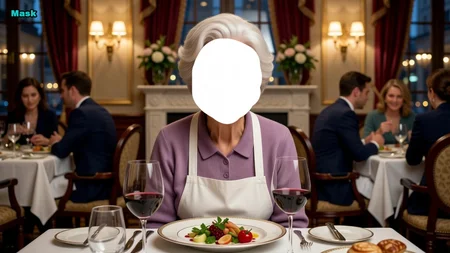
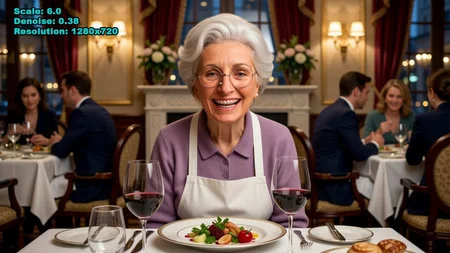
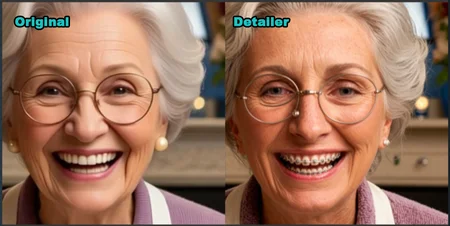

The workflow rediffuses part of given image to gain better details using SDXL models.
The workflow is tested on recent ComfyUI version and recent versions of nodes with configuration PyTorch 2.9.0+Cu130, Python 3.13.11, RTX5090, Windows 11.
How to use:
1) Upload image
2) Specify (or leave default) Denoise strength
3) Specify (or leave default) Scale
4) Select mask area in Mask Editor to rediffuse that part of image
5) Specify the prompt to guide diffuser.
Optional:
6) Using a lora you can do an inpaint
PS. Maintain Scale parameter to give resolution <= 2048. Bigger can do a mess.
Description
Basic functionality.
Comments (1)
To avoid mask clipping just put one pixel dot in upper left corner in a distance from the main mask and in the right lower corner in a distance to extend the area.