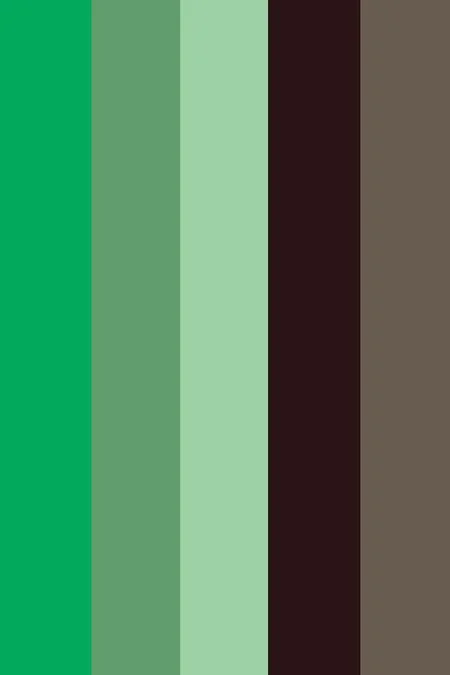

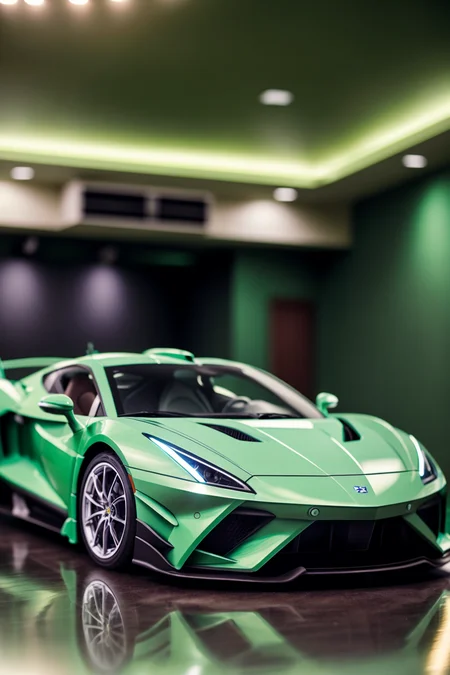
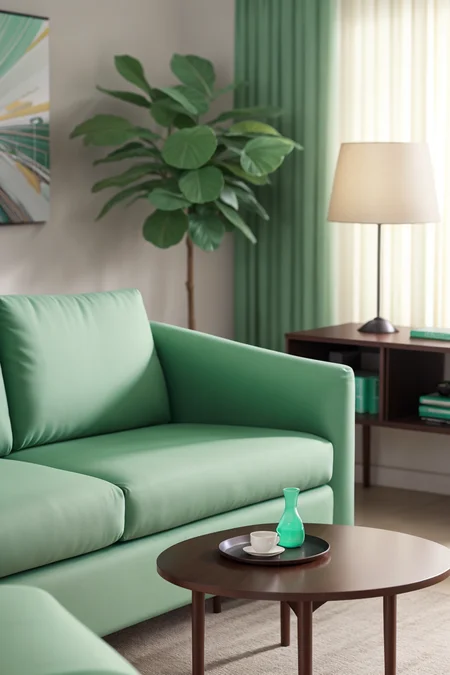
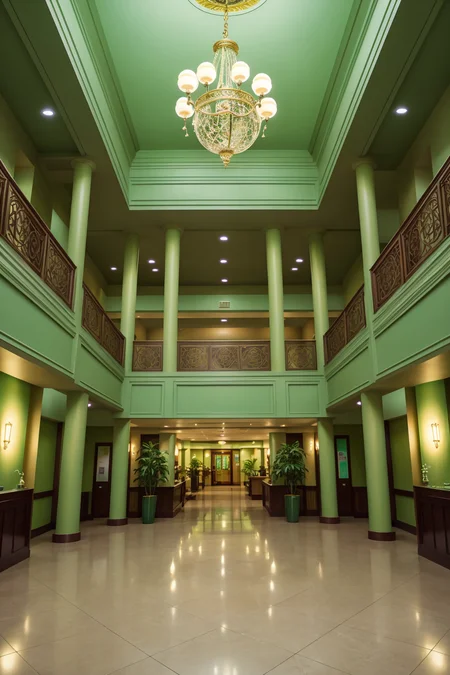
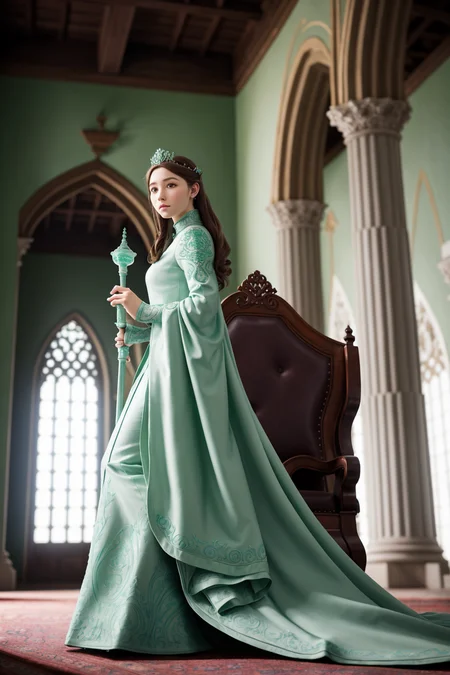
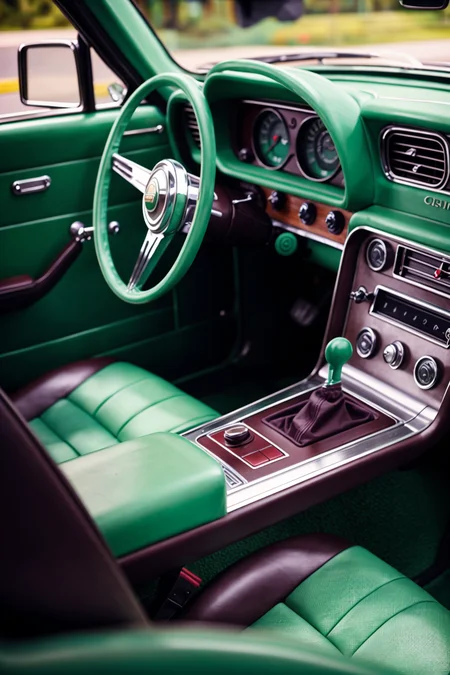
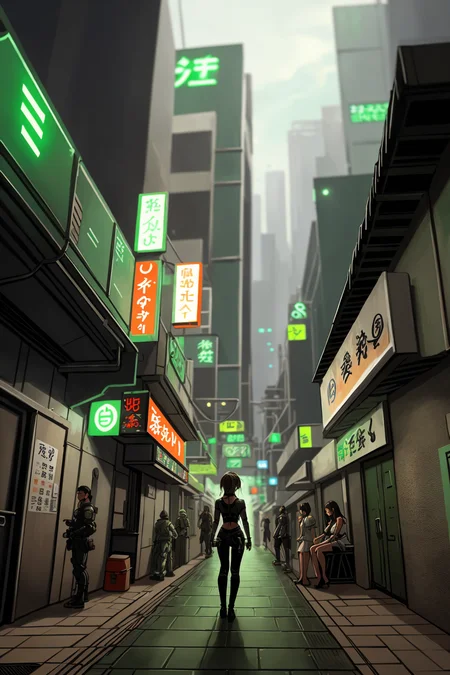
Easy one-click color palette for your images. No need to argue with the AI if an orange is a color or a fruit, everything is setup for you automatically.
Follow me to make sure you see new tools like this, or new styles, poses and Nobodys when I post them. More Clutter series coming too. Things move fast on this site, it's easy to miss.
How to use: Just place the trigger word in your positive prompt ranging from strength 0.1 to 1.5. You can removed or lower the strength of certain colors by typing the color name in the negative prompt.
Reds Black and Whites (download)
Cyberpunk (download)
Retro Primaries (download)
Purple to Yellow METALLIC (download)
Kill Bill (download)
Bronzy Blues (download)
Neutral Orange (download)
Mint Chocolate (download)
Do you have requests? I've been putting in many more hours lately with this. That's my problem, not yours. But if you'd like to tip me, buy me a beer. Beer encourages me to ignore work and make AI models instead. Tip and make a request. I'll give it a shot if I can. Here at Ko-Fi
Description
FAQ
Comments (23)
These are AMAZING!! how did I not know about these. Thank you for this work!
Black red silver
Black red gold
blue/pink/orange neon retrowave
blue/green/teal metallic like an iridescent beetle or butterfly wing.
red/white/blue
hey thanks!
can you share the traing data set pls/
you mean images? nah. I didn't use images to train this embedding. concat training of tokens so there's no style injected into the model
@Zovya If you don't mind, can you elaborate a bit on "concat training of tokens"? Or how you made these embeddings? Googling didn't help.
@nymical If I may take a guess, it means that they added the token values together, most likely using hex codes as the color tokens as well as the given name of the embedding. That way one word calls the action of multiple tokens that already exist without having to actually train anything new. There’s an embedding tool as an extension that will allow you to do this. Ive done it this way before. It may not be the way Zovya does it.
@djnastymagic Thank you! I didn't quite understand what you said, though I'll try to understand by experimenting myself. Can you please tell me what that extension is called?
And, does SD even understand hex codes of colors?
I would love to know the process to create my own .pt palettes :)
SICK color selection !!!! versatile
Is it will be hard to transfer this embeddings from 1.5 to xl?
Looking forward to the SDXL version of these. I have the two you currently have posted and love them!
how can one train an embedding like this?
You have to train a lora on swatches. The names of the colors have to unique (Not common like orange). Then you need to create a wildcard list. Am in the process will update once ready.
@AnshumanAI Thankyou so much... Looking forward for a Video tutorial ... Would be really helpful for beginners
Not requesting but asking for clarity, is it possible to make a lora or plugin that does this with any color?
I was going to ask the same question. I am in the process of making a lora. The problem with colors is that some names of colors also mean other things like orange. So you have to train the lora on custom names. Will be able to give more details when I have done some tests
@AnshumanAI maybe use a prefix like x_ -> x_orange
Hi Zovya! Are you going to make the other color palettes for SDXL? How much "buzz" do you need to get them going? :)
I'd love to know how to do it myself. Could you go into a little more detail on how token training works and your workflow with it?
May I please request an RGB (red / green / blue) palette? As you probably already know, these are the colors that our eyes detect and what monitors emit. I can think of all kinds of use cases for this.
Hi, that s awesome, I would love to participate en this kind of lora creations.
I could provide you new palette to publish in exchange of the process ?
Details
Files
Available On (1 platform)
Same model published on other platforms. May have additional downloads or version variants.