


🌟 ThisIsRealXL, Epic Realism and Ecchi Elegance Checkpoint
“A fusion of cinematic photorealism and seductive, tasteful ecchi aesthetics, built to make SDXL previews look premium and alive.”
🎨 What is ThisIsRealXL?
ThisIsRealXL is a high quality SDXL 1.0 based checkpoint, tuned for realistic, cinematic imagery with crisp textures, natural skin rendering, clean lighting, and confident sensual styling. It shines in portraits, fashion shots, fantasy realism, and cyberpunk scenes, delivering strong composition and polished detail without needing high CFG.
💎 Features
Ultra realism detail, skin texture, pores, fabric micro detail, sharp eyes
Cinematic lighting, soft bounce light, controlled highlights, deep contrast
Tasteful ecchi aesthetics, sensual posing, elegant lingerie and styling
Color control, rich tones, minimal clipping, no oversaturation
Versatile themes, modern, fantasy, sci fi, cyberpunk, lifestyle, studio
⚙️ Recommended Settings - Version 3.0
Sampling Method: DPM++ 2M SDE Karras
Steps: 30 to 35
CFG Scale: 5,5 to 7
Width: 1024x Height 1536
⚙️ Recommended Settings - Version 2.0
Sampling Method: DPM++ 2M SDE Karras
Steps: 30 to 35
CFG Scale: 3,5 to 5
Width: 832x Height 1216
⚙️ Recommended Settings - Version 1.0
Sampling Method: DPM++ 2M SDE Karras
Steps: 20-25
CFG Scale: 7
VAE: sdxl_vae.safetensors
🎯 Negative Prompt Recommendation
(worst quality, low quality, lowres:1.2), bad hands, bad anatomy, ugly, deformed, deformed eyes, bad eyes, face asymmetry, eyes asymmetry, deformed mouth, cgi, 3d, render, digital, airbrushed, painting, drawing, sketch, cartoon, anime, manga, watermark, signature, text, logoDescription
About this version
More details in the face
More realistic representation of people
Better incidence of light on the body
FAQ
Comments (9)
awesome!
Why are the generated images black? I have loaded thisisReaSDXL.safetensors in the checkpoint and sdxl_vae.safetensors in the VAE. However, it only works if I remove the 'CLIP Set Last Layer' node from your workflow. What could be the issue?
With version 2 you don't need a VAE, it works without one, but which VAE are you using? If you're using sdxl_vae.safetenors, it works for me.
@ChangeMeNotI opened your workflow and loaded the thisisrealSDXL_v20.safetensors checkpoint, but I'm still getting black pictures. Could you please provide a link to the checkpoint files you used?
@ChangeMeNot Oh, it works now! I deleted two other ae. But after generating, the quality and detail don't look as good as yours. Are you using some kind of upscale? Look on my profile, i upload image.
@antonioespana91448
These are my settings; the images are not upscaled.
Sampler: DPM++ 2M SDE Karras
Steps: 35
cfgScale: 3.5
Width: 832 Height: 1216
These are my results with my settings:
https://i.ibb.co/gMMZgktW/00013-1676921809.png
https://i.ibb.co/SqDpcPM/00014-1133144881.png

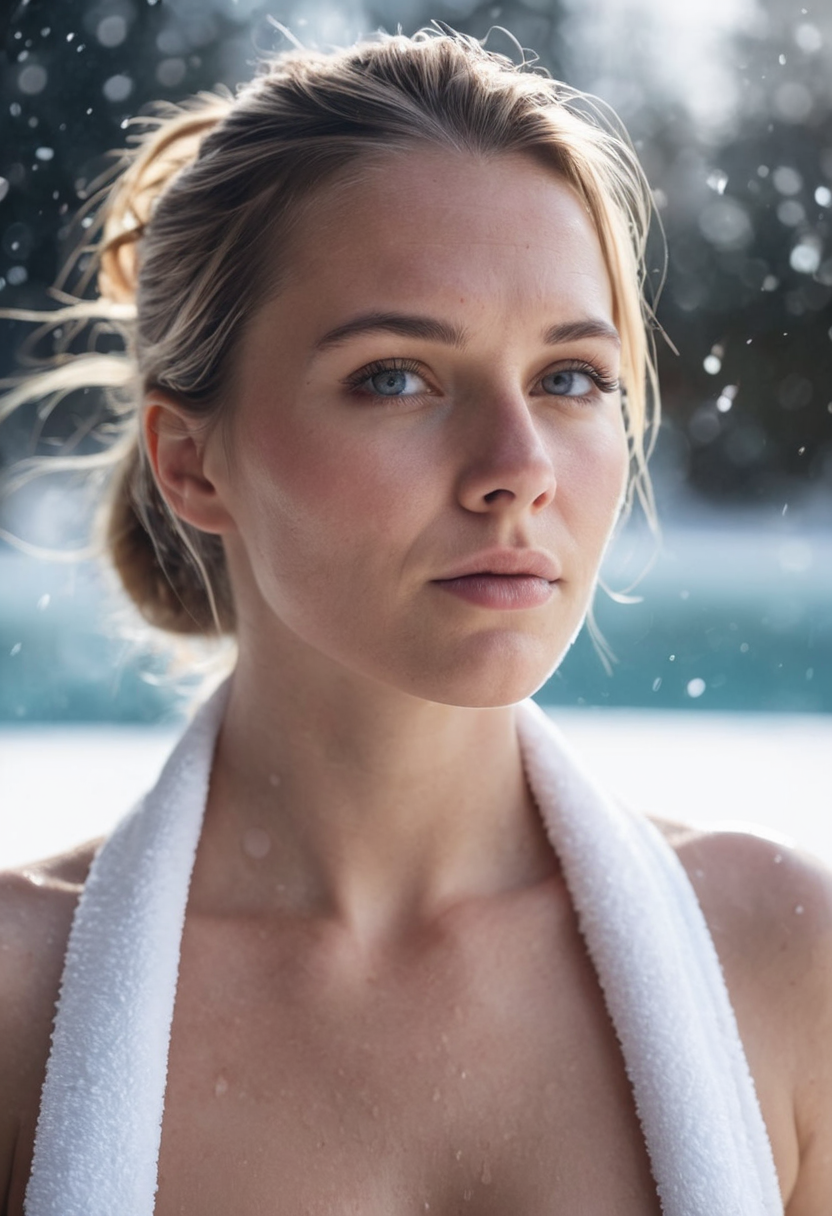
@ChangeMeNot i just deleted node "CLIP Set Last Layer" and problem solve. High quality picture. Thanks.
@antonioespana91448 I'm happy, have fun with my checkpoint ^_^
What am i doing wrong? I have used 3 of the image/workflows from the gallery below. They are simple workflows. All the images produce black. If i bypass the loras and change clip set to -2, low quality images. Set to -1 with no lora =. bypass the clipset and the images suck. So basically i have the workflows and all the nodes that are used, but i can't produce a good image. This happens on 4 different workflows all from this page/gallery