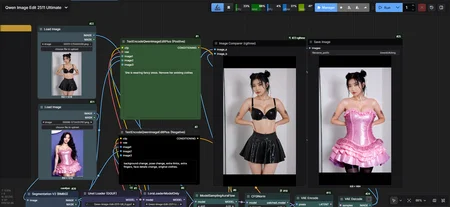
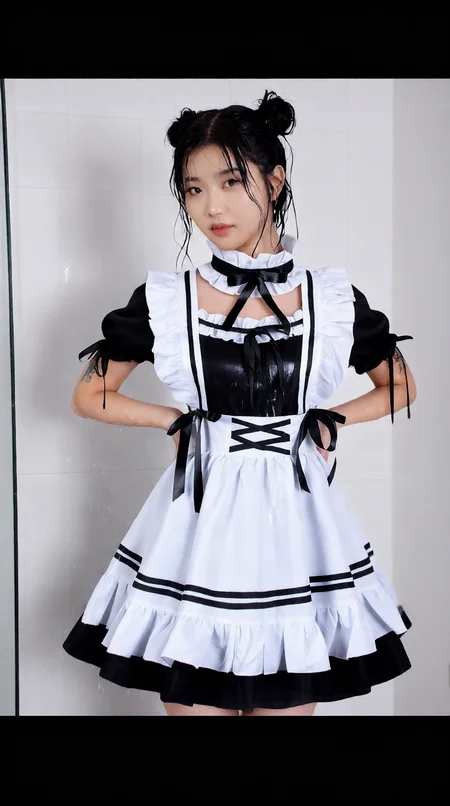
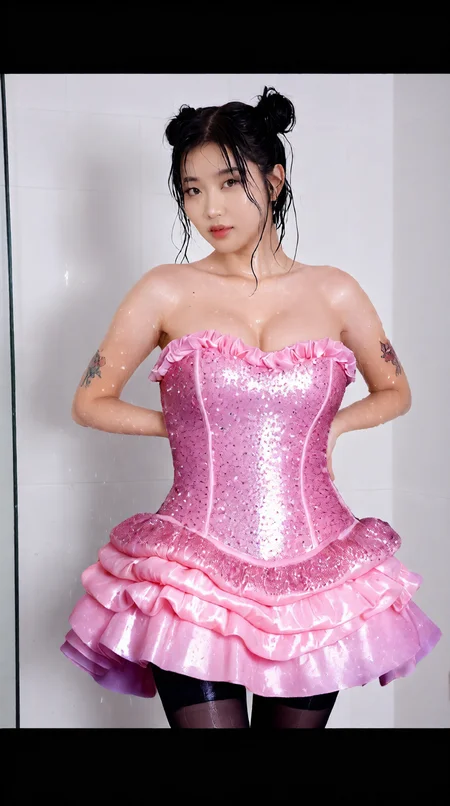
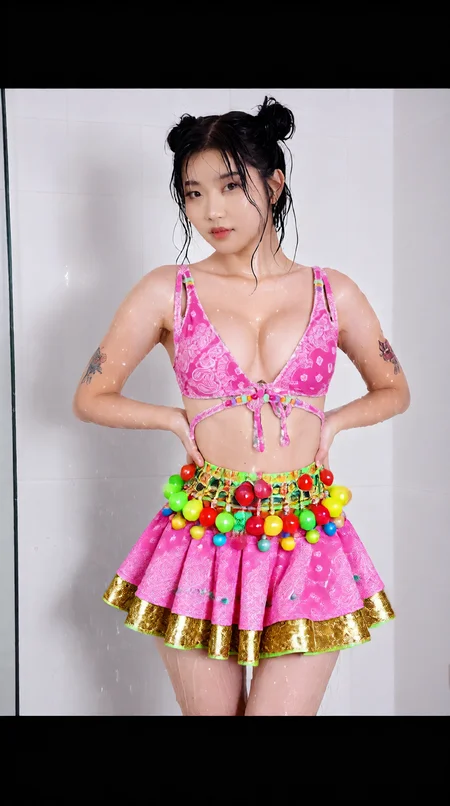
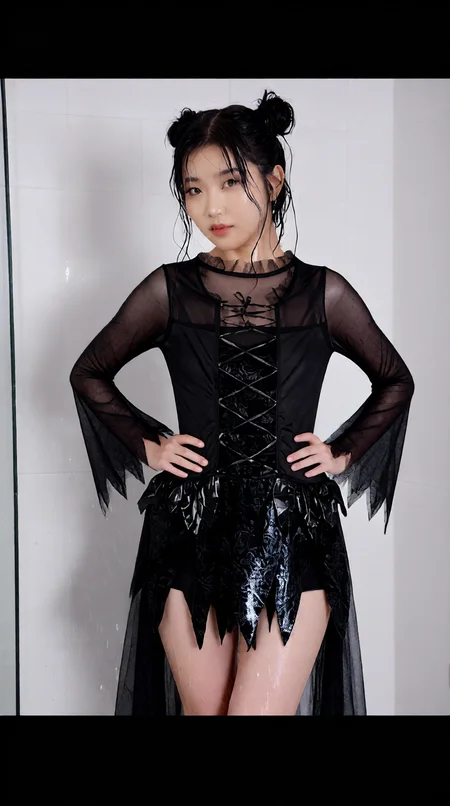
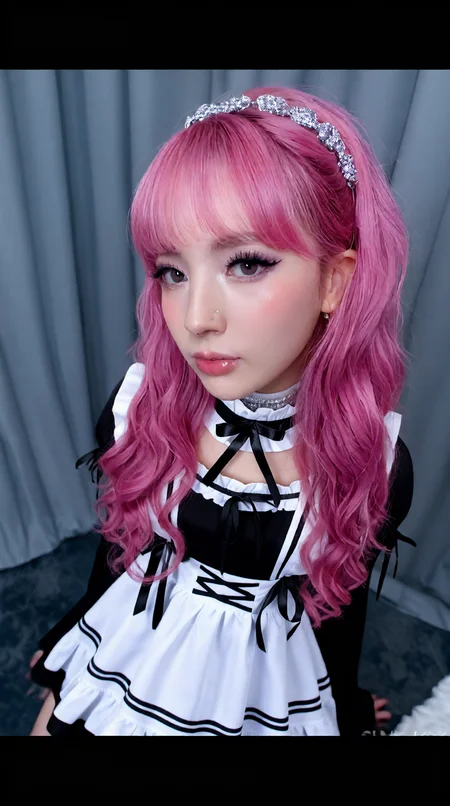

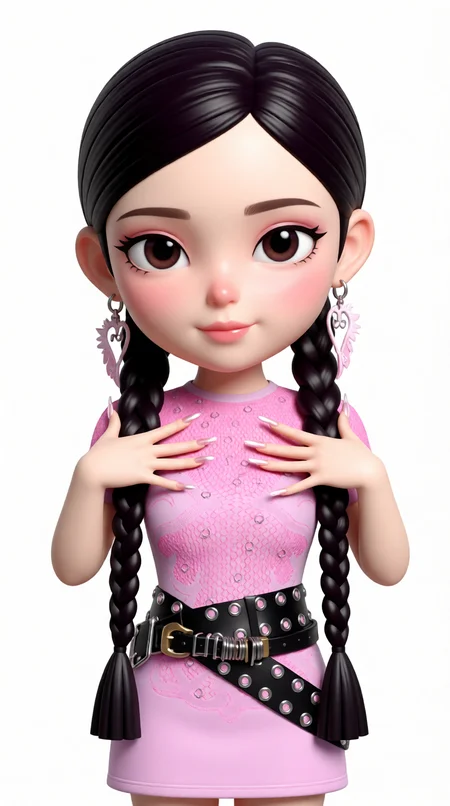
Qwen Image Edit 2511 — 2-Image Edit Workflow (Base + Reference)
This workflow uses Qwen Image Edit 2511 to perform two-image guided editing: you provide a Base Image (the image you want to edit) and a Reference Image (the image that guides style, clothing, identity cues, composition, or the specific edit you want). The model blends your prompt with the reference guidance to produce controlled edits while keeping the base image structure intact.
Worflow Tested On
GPU: Nvidia RTX 4060ti 16GB
RAM: 64GB DDR5
Generation Time: 90-150 seconds (4-6 steps)
What this workflow is for
Outfit / style swap using a reference image
Background replacement guided by reference
Face/detail enhancement (with deblur LoRA)
Product/mockup edits with consistent lighting/style
“Make my image look like this” edits without completely re-generating from scratch
Inputs (2 Images)
Base Image (Required)
The original image you want to modify.Reference Image (Required)
The guiding image: style, clothing, pose cues, composition, material details, or “target look”.
How it works (high level)
The workflow loads:
Qwen Image Edit 2511 diffusion model
Qwen 2.5 VL text encoder
CLIP Vision for image understanding
Qwen Image VAE
Both images are encoded and used as conditioning:
Base image anchors structure and layout.
Reference image drives the requested changes (style/appearance/details).
Prompt controls what to keep vs what to change:
Use “preserve” language to keep base details.
Use “apply from reference” language to pull details from the reference.
Prompting tips (works insanely well)
Structure:
Keep / preserve: what must stay from base image
Apply from reference: what to transfer
Constraints: realism, lighting, material, no extra changes
Example prompt:
Edit the base image. Preserve face identity, skin texture, and body proportions from the base image. Apply hairstyle, outfit design, and accessories from the reference image. Keep the same camera angle and pose as base. Photorealistic materials, clean lighting, high detail, no extra accessories.
Negative prompt ideas:
blurry, low quality, extra fingers, warped face, deformed, wrong outfit details, inconsistent lighting, text, watermark, logo
Recommended starting settings
Steps: 4
CFG: 1
Denoise/Strength: 1
LoRA usage (optional but recommended)
Lightning 4-Steps LoRA
Great for faster edits and stable results at low steps.Deblur LoRA
Use when details look soft, especially faces/textures.
Keep LoRA strength modest to avoid over-sharpen artifacts.
Best practices
Use a clean, high-res reference image with clear outfit/details.
If the model changes too much of the base image: reduce denoise.
If the model ignores the reference: increase denoise slightly and clarify “apply from reference”.
For consistent results, keep lighting constraints in the prompt (e.g., “same lighting as base”).
Output
Produces an edited image that keeps the base composition while applying changes guided by the reference image + prompt.
Description
FAQ
Comments (19)
Out of curiosity, are you able to explain or point me in the direction of an explanation of what the "Clip Vision Encode/UnClip Conditioning" portion is doing in this WF? I've never seen these nodes before, specifically in a Qwen Image Edit WF. Just wondering what their purpose is and how much they truly matter in the overall edit.
Great WF btw! works very well from the handful of images I've tested thus far.
Qwen2.5-VL (7b params) is used to understand what is happening in an image at a high level, but because it is a distilled model it can miss small visual details and focus more on meaning than exact appearance. CLIP Vision, on the other hand, does not describe the image in words but encodes it into a rich visual representation that preserves structure, layout, and fine details. UnCLIP Conditioning combines Qwen’s semantic understanding with CLIP’s detailed visual embedding into a single conditioning input for the diffusion model, so the model knows both what the image is about and how it actually looks, resulting in image generation or editing that keeps the original structure and details while still following the intended meaning.
Basically it has major impact on how your final render will look. Especially on low VRAM systems.
@KonoTheSavage Oh wow! Going to have to play with this and see how it could impact other aspects of my WF. Thank you for the response!
Top workflow, insane how good it is
Thanks
help, where do you get the qwen image edit 2511!?, i just found the 2509 one
Check the markdown note in workflow. I've added a direct link to download it :)
All model links
Diffusion Model
Qwen-Image-2512 (GGUF)
CLIP (Text Encoder)
Qwen 2.5 VL 7B (fp8 scaled)
qwen_2.5_vl_7b_fp8_scaled.safetensors
CLIP Vision
CLIP-ViT-H-14 (laion2B)
CLIP-ViT-H-14-laion2B-s32B-b79K.safetensors
Upscaler
Real-ESRGAN x4
VAE
Qwen Image VAE
LoRAs
Qwen-Image-Edit-2511 Lightning (4 steps)
Qwen-Image-Edit-2511-Lightning-4steps-V1.0-bf16.safetensors
Qwen Image Edit Deblur
qwen-image-edit-deblur.safetensors
CivitAI LoRA #1
CivitAI LoRA #2
Do you know what's going on with this? It's what I get using your unmodified workflow.
If I just change the nodes to text to image, same models, it works fine, but no matter what I try with image edits, one or two reference, it always puts an oversaturated image in a smaller frame, with semi-normal stuff in the borders. Very strange and I can't find anything about it. Tried the other qwen clip node, tried matching exact resolutions on all images, tried without loras and more steps, and other things, nothing works.
Ok, so, I don't think the qwen image 2512 model you link to actually works for editing. I downloaded qwen edit 2511 and it works.
oh damn I've linked wrong model. Instead on Qwen edit it's Qwen image. My bad changing it now.
The model you need is https://huggingface.co/vantagewithai/Qwen-Image-Edit-2511-GGUF/resolve/main/Qwen-Image-Edit-2511-Q8_0.gguf not Qwen Imge
I have updated it now. :)
Hello, I wanted to let you know that this isn't the correct workflow. The one available for download is for video. Could you please provide me with a link to the correct one? Thank you.
Hello @delavachefrancis2268 , I've updated the link.
Thank you, that's very kind.
Fantastic, thank you VERY much!