


The 2509 Workflow and LightX2v 8 Steps LoRA are compatible with this version.
LoRA: Qwen-Image-Edit-2511-Lightning-4steps-V1.0-bf16 | 850MB
LoRA: Qwen-Image-Edit-2511-Lightning-4steps-V1.0-fp32 | 1.7GB
BF16 on 10GB VRAM + 64GB RAM: Workflow in the zip file. First, install SageAttention and Triton for your Python environment.( look for compatible precompiled wheels )
Online Demo | HF | GH
Improvements Over Previous Versions (2509)
Significantly better overall consistency in edits, addressing drift issues.
Expanded multi-image capabilities.
Native LoRA integrations for enhanced effects like realistic lighting and viewpoint shifts.
Added support for industrial design and geometric reasoning, broadening use cases beyond basic editing.
Examples
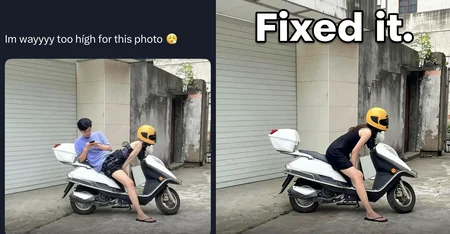
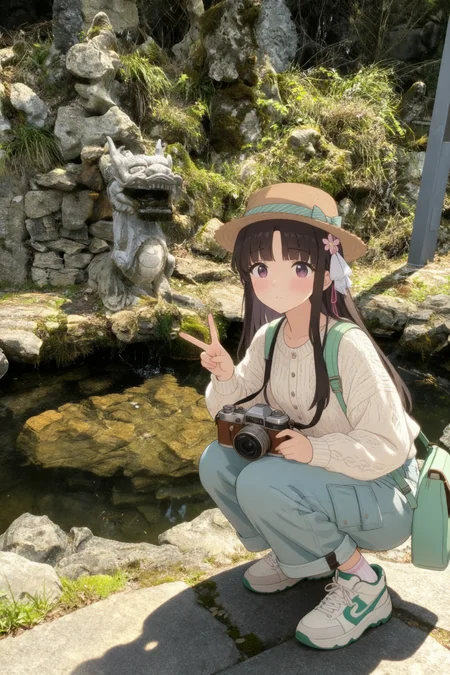
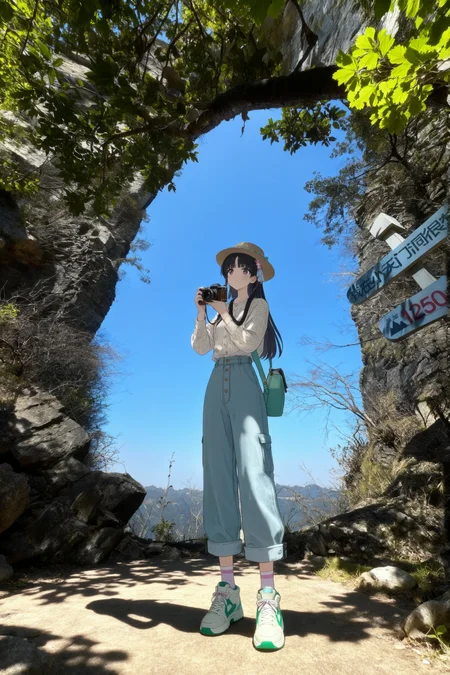
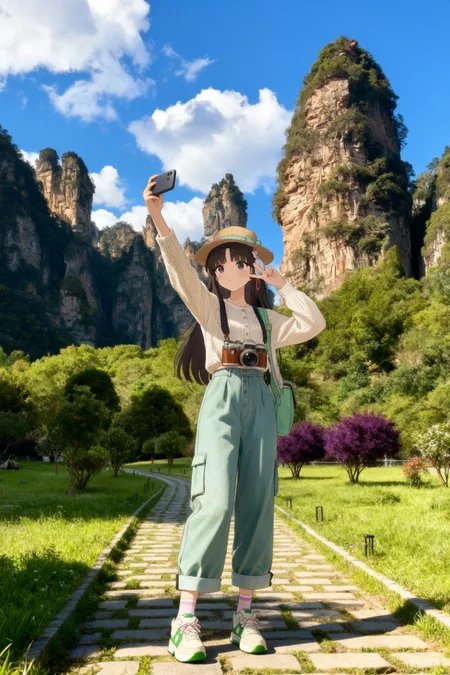
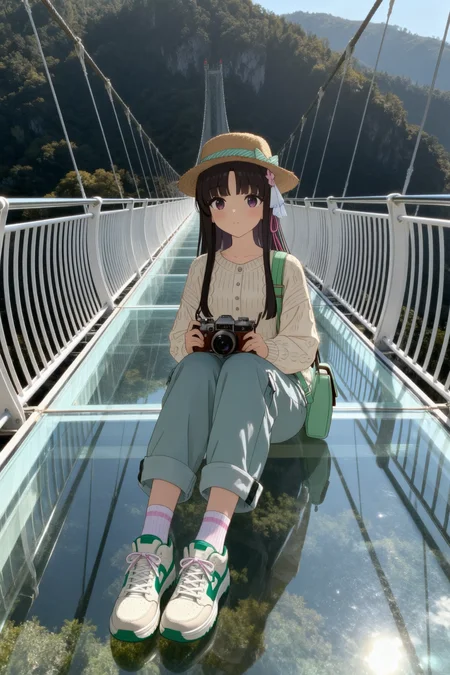
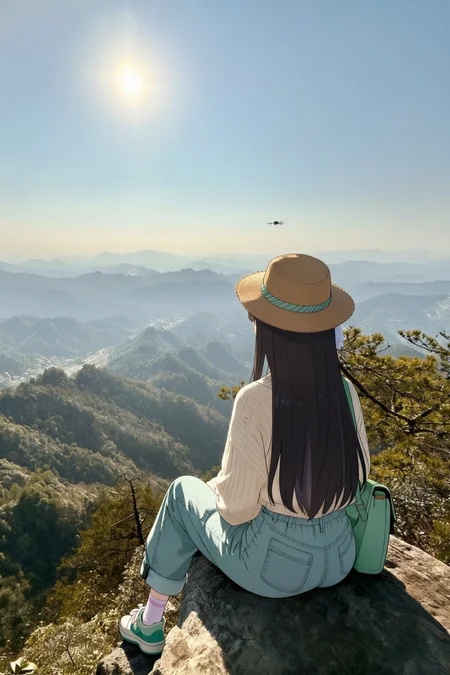
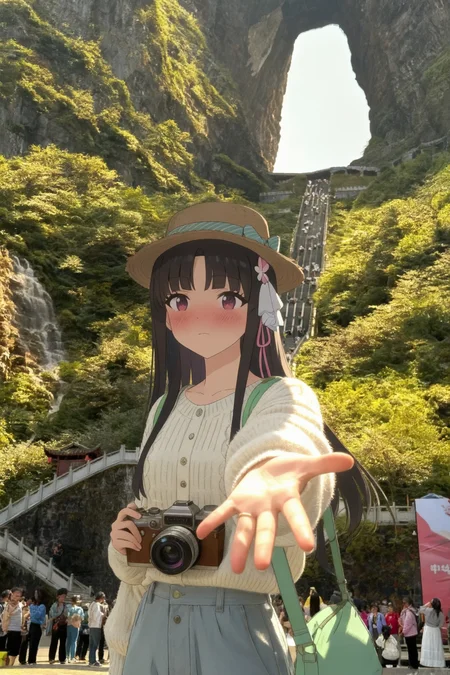
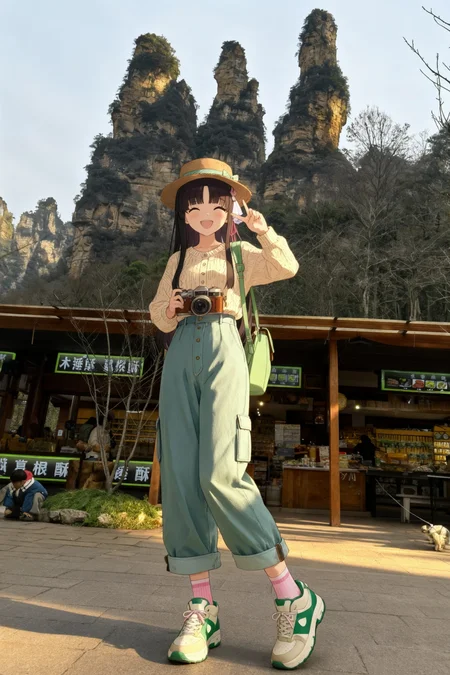
Character Consistency: Edit a portrait to change clothing or pose while keeping the face identical.
Multi-Person Fusion: Merge two individual photos into a group shot in a shared scene.
Lighting Enhancement: Apply realistic lighting using the integrated LoRA.
Viewpoint Generation: Create new angles of a subject without retraining.
Industrial Design: Batch-generate product variations and swap materials (e.g., change metal to wood).
The model is mirrored here for convenience.
Description
FAQ
Comments (9)
Fantastic results. Welcome back to the game.
Может workflow у меня неправильный, но консистентность даже по сравнению с 2509 намного хуже
FP8 or BF16? They’re really great at preserving character and facial details, however, I noticed a loss of detail with unsupported image sizes. Try adding a resize node to resize the image before letting the model see it, and play with the shift value too.
Shift 1-3: The model says, "I’ll try to do what you ask, but I think it would be better if I did it like this.(rewrites your prompt)"
Shift 5-8: The model says, "I MUST do it exactly as the user wants (your prompt is very important), even if I don’t like it.".
Remember, you're dealing with VLLM, (Qwen2.5 VL) not T5!
does anyone get edit angles working? I have tried a million times, and the best I can get is 45 degrees or sometimes 60 degrees rotation, but mostly it ignores the prompt (even in chinese) or simply rotates the entire image 90 degrees but not the perspective.
"Rotate camera" tokens when used - in most cases rotates image clockwise or counter clockwise not the camera. 2509+multiple angle lora still works better for me
Great model for edits, thanks friend!!!🙌🙌🙌
I can't figure out what it is. It doesn't work at all without any loras. A prompt that works fine with 2509 does nothing with this model.
Details
Files
qwenImageEdit2511_bf16.safetensors
Mirrors
Qwen_Image_Edit_2511_BF16.safetensors
qwen_image_edit_2511_bf16.safetensors
qwen_image_edit_2511_bf16.safetensors
qwen_image_edit_2511_bf16.safetensors
qwen_image_edit_2511_bf16.safetensors
Qwen Image Edit 2511 [BF16].safetensors
qwen_image_edit_2511_bf16.safetensors
qwen_image_edit_2511_bf16.safetensors
qwen_image_edit_2511_bf16.safetensors
qwen_image_edit_2511_bf16.safetensors
qwen_image_edit_2511_bf16.safetensors
qwen_image_edit_2511_bf16.safetensors
qwen_image_edit_2511_bf16.safetensors
qwen_image_edit_2511_bf16.safetensors
qwen_image_edit_2511_bf16.safetensors
qwen_image_edit_2511_bf16.safetensors
qwen_image_edit_2511_bf16.safetensors