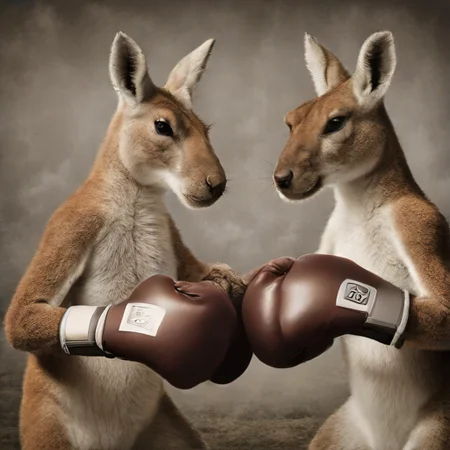
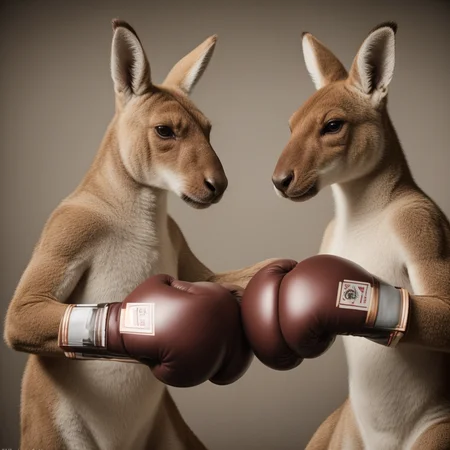


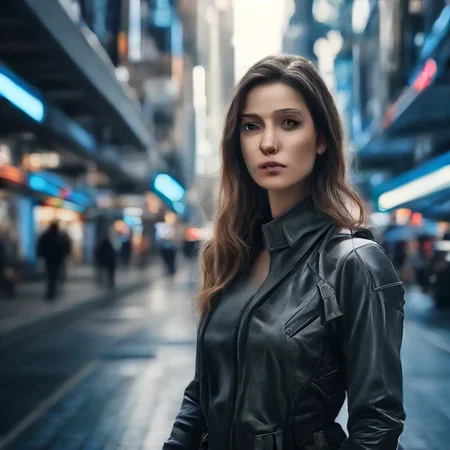

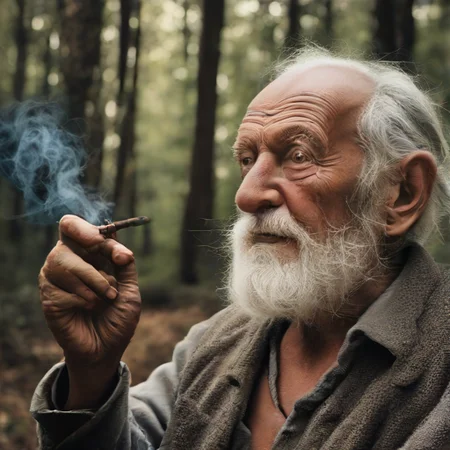
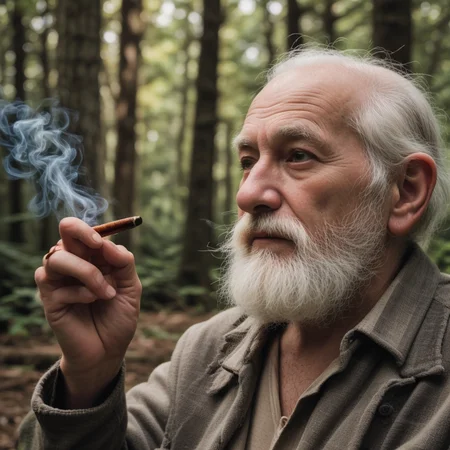



Super simple comfy workflow for quick Turbo generations with rapid SD1.5 refinement. Built with the intention of producing high quality photo real images quickly.
----------------------
General Notes
----------------------
For "Load Turbo Checkpoint": Only use Turbo or Turbo-merged checkpoints like SD_XL_Turbo, TurbovisionxlSuperFast, or Pixelwaveturbo.
If you wish to try merging your own Turbo finetune, turn off bypass the "Load SDXL Checkpoint - Merge" node. Then use whatever finetuned SDXL model you wish to merge with. You may find that for finetuned Turbo models (like TurboVision) you will have better results at a higher step count (~5 to 6).
I've included a lora stack on the Turboside, but if you are producing at below 5 steps with base SDXL Turbo, it will be largely useless. Best to be used at step 6 or above when working with a finetuned TurboXL model.
Only upscaled images are automatically saved. All other images are preview only, so you need to manually choose to save anything you generate for TurboXL or SD1.5.
----------------------
Requirements
----------------------
1. Taesdxl VAE: https://github.com/madebyollin/taesd
(download both the XL encoder and decoder files and place in "models/vae_approx")
2. rgthree custom node: https://github.com/rgthree/rgthree-comfy
(download and unzip, then place in "/custom_nodes")
3. SD1.5 LCM lora: https://huggingface.co/latent-consistency/lcm-lora-sdv1-5
(download and place in "/models/lora")
4. Tile Controlnet: https://huggingface.co/lllyasviel/ControlNet-v1-1/blob/main/control_v11f1e_sd15_tile.pth
(download and place in "/models/controlnet")
5. Upscale model: Whatever model you prefer. I use "4xNMKDSSuperscale" which can be found here: https://huggingface.co/uwg/upscaler/blob/main/ESRGAN/4x_NMKD-Superscale-SP_178000_G.pth
(download and place in "/models/upscale_models")
----------------------
LIVE IMAGE COMPOSITION
----------------------
If you wish to use Turbo for live image composition, Set seed to "New Fixed Random". Disconnect the reroute underneath the seed node and set SDTurboScheduler steps to 1. In the side menu, check "Extra options", and then turn on "Auto Queue". Then press "Queue Prompt". Type away.
TIP: IF USING A CLOUD GPU SERVICE LIKE COLAB, GO INTO COMFY SETTINGS AND SET YOUR PREVIEW IMAGE TO "WEBP;50" FOR QUICKER LOAD TIMES ON PREVIEW IMAGES.
Once you have finished your prompt work, you can turn off "Auto Queue", turn steps back up (3 is my preferred setting), then reconnect the reroute node under seed and queue prompt again to transfer the composition over to SD1.5.
----------------------
Stable Diffusion 1.5 path
----------------------
This path is optimized for LCM. If you want to use it, you must include the LCM Lora as part of the workflow. Feel free to use other samplers if you wish to try other methods, but expect a slowdown in generation speed.
Included in this section are "Additional Prompt" nodes for the SD1.5 generation. If you add text here, it will append it to the end of the original prompt.
----------------------
UPSCALING
----------------------
Upscaling is turned on by default, but you can disable it by right-clicking on the group and selecting "Set Group Nodes to Never". To turn it back on, right-click and select "Set Group Nodes to Always".
I've set upscale with its own Checkpoint Loader and Lora Loader, so you can use a different model with modifications if you wish to get funky. Please be sure to continue to include loading the LCM Lora here though if you wish to take advantage of LCM speeds for upscaling. If you don't care about using a different model for upscaling, please feel free to remove these nodes and simply connect the upscale model to the SD1.5 model/lora output path.
IMPORTANT NOTE: UPSCALE WILL ONLY WORK WITH SD1.5 MODELS AS IT REQUIRES THE USE OF THE TILE CONTROLNET MODEL WHICH IS ONLY COMPATIBLE WITH SD1.5.
There are also "Additional Prompt" nodes for upscaling too. Note that these will append to the end of the original prompt only, so any additional prompts you may have included under 1.5 will not be included automatically.
Description
Barebones organized workflow. SDXL Turbo at 1 step via Euler. Followed by SD1.5 at 3 steps via LCM Sampler. 1 Lora node. No upscale.
FAQ
Looks like we don't have an active mirror for this file right now.
CivArchive is a community-maintained index — we catalog mirrors that volunteers upload to HuggingFace, torrents, and other public hosts. Looks like no one has uploaded a copy of this file yet.
Some files do get recovered over time through contributions. If you're looking for this one, feel free to ask in Discord, or help preserve it if you have a copy.