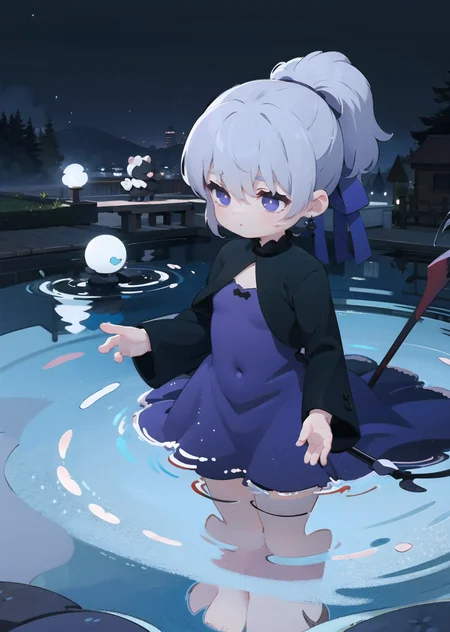
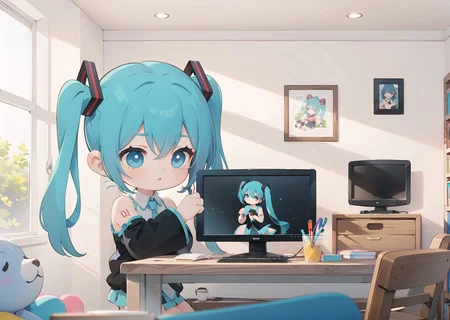
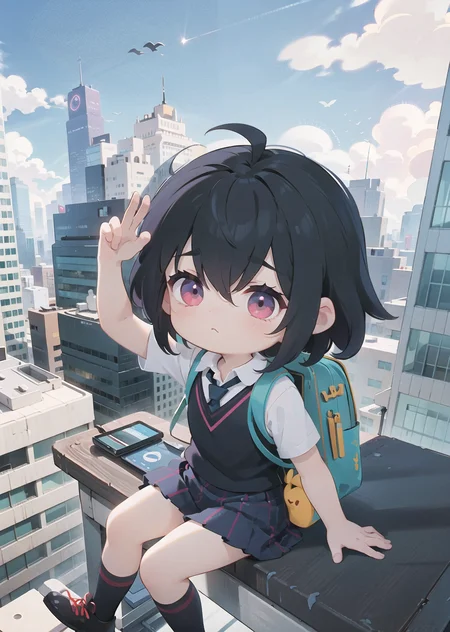
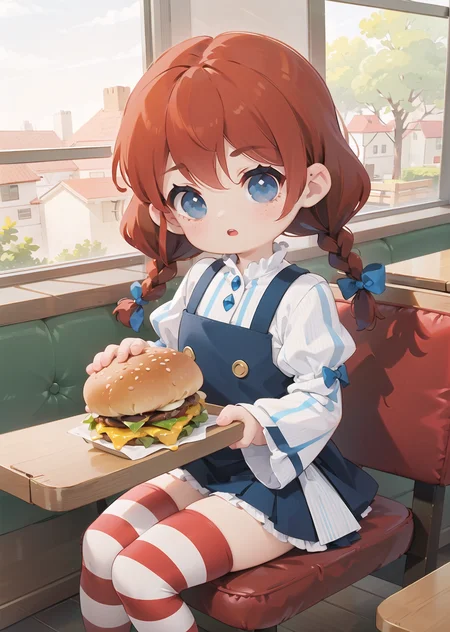
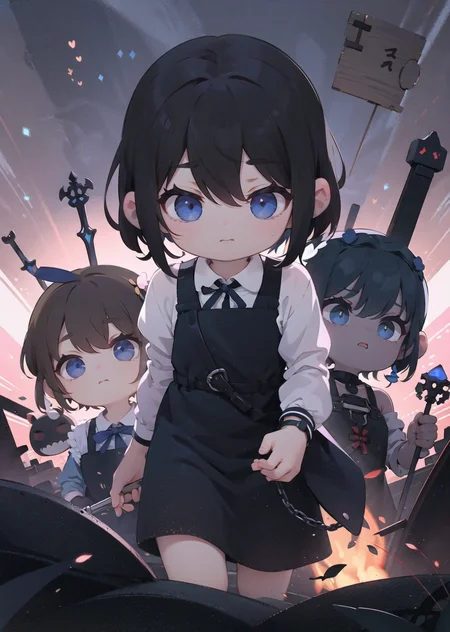
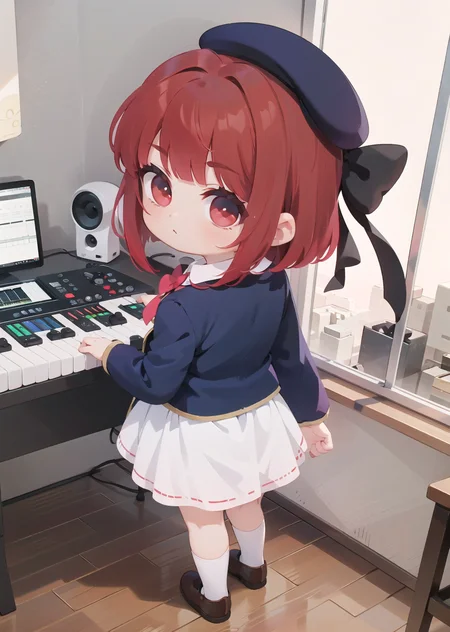


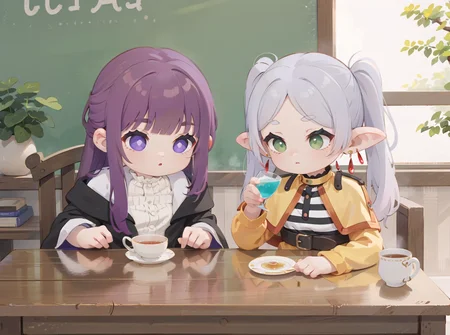
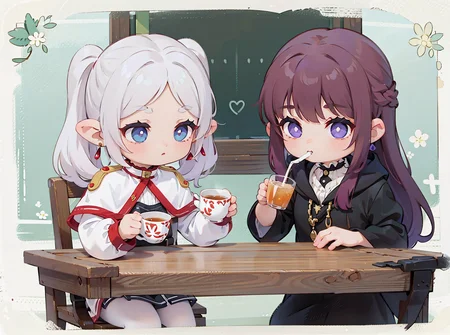
I create this model with the goal of get the most cutest, fluffiest, kawaii, and sugary style that I can. I blended a bunch of styles until I got one that could induce a full-on diabetic coma or heart attack. (OMFH stands for "Oh My F...reaking Heart").
v1
It merge use the composition model as base (the same of the semirealistic merge), for that, the background could look so realistics in comparition with the characters.
Recommends
Use loras weight as low possible to don't overwrite the style
Try keep simple the promp to keep the color scheme and style (if not, use add-detailer lora in negative)}
Add border to neg promp, there is an style that add it, but sometimes it generates great compositions with it
Configs
Works well since 20 steps
Animefull vae for softer colors
Description
Very first version
FAQ
Comments (10)
Thank you, please consider HF as an alternative ;)
For posting this if it gets taken down?
@xSatouMatsuzakax Generally as a second source :)
@malikxseto That's valid
No matter what I do, the images never turn out ass good as yours. I tried lowering the weights, tried the VAE, clip skip 2... I even tried no lora to try and see if it would improve anything. It didn't do too much for me.
It's so cute and i wanna utilize it, but I also cannot in paint because it never corrects it no matter the weight. I don't know what's wrong with it...
If I could get pointers and explainers on how you got the results you did, I would appreciate it.
Can you try to publish an image using the same prompt and spects from a showcase image? maybe the hatsune miku one, that doesn't have any other lora and post it (as general, try to use a 512px x 768px) is the most common config actually in the lora training
@Konoko I can get decent quality but when I look at your showcase images meta data, it says LLuL enabled: True and LLuL OUT and like other LLuL stuff... I'm not entirely sure what that is what extension that would be. Love the mix by the way
OK so, I've taken the time to look at my image vs yours in metadata. Reason yours is fuzzy isn't the model, it's on your end. You aren't using hires-fix. Regardless that your metadata says denoise 0.75 you somehow have mask blur:4?? You aren't supposed to have mask blur unless you're inpaint. So I'm not entirely sure how you managed that. Maybe you need to update your auto1111. I've also glossed over your other images you've uploaded from other areas of this site, same issue. missing hires fix. You MIGHT be able to get better quality lowering the lora weights and using clear vae, but hires-fix is your main issue. MOST models here kind of need it.
@Light7799 LLuL is an extension that adds more details to an image in a section, is not necessary to get good results, but in some cases is helpfull to change some places of the image... I forgot disable it
https://github.com/hnmr293/sd-webui-llul
@Light7799 Interesting. I will try that and see if it makes it significantly better.