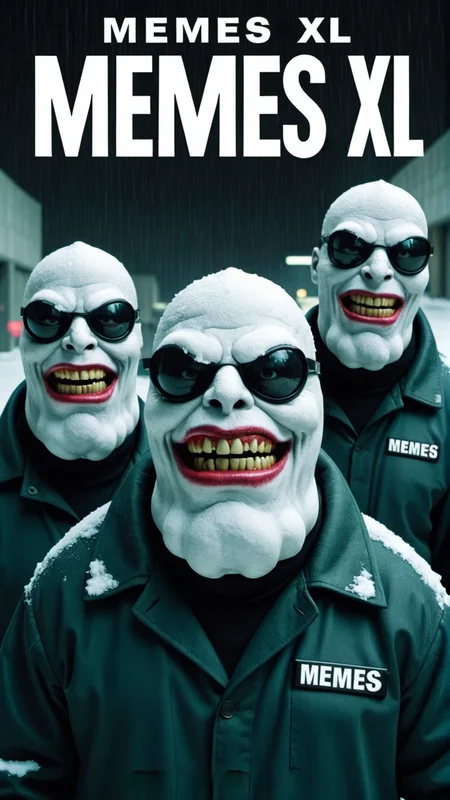
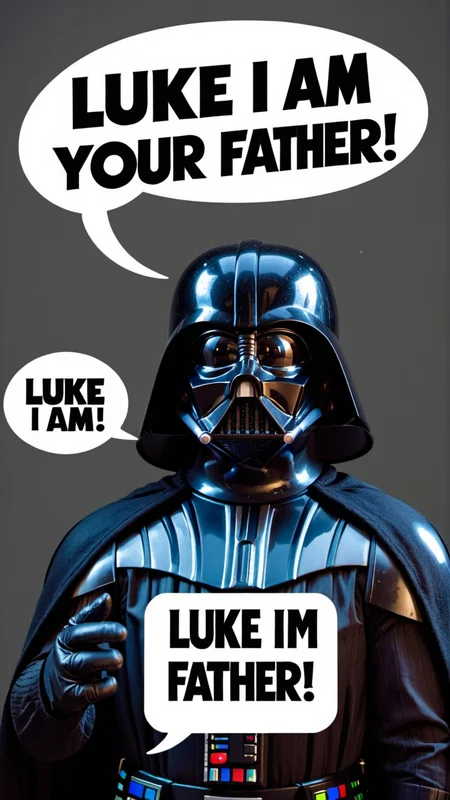
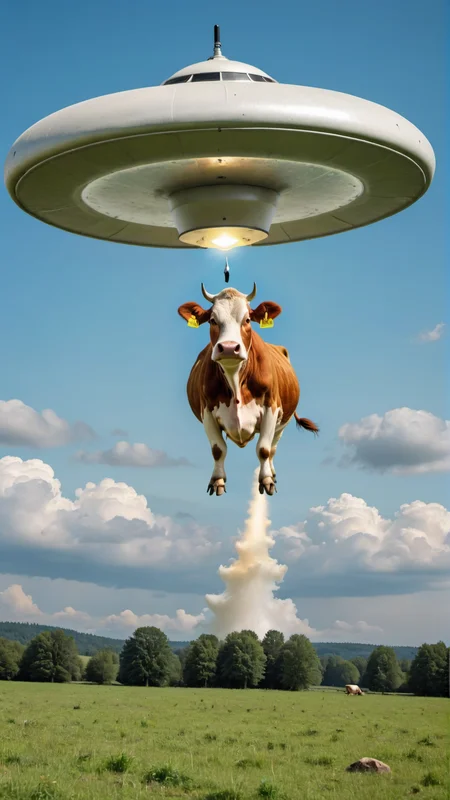
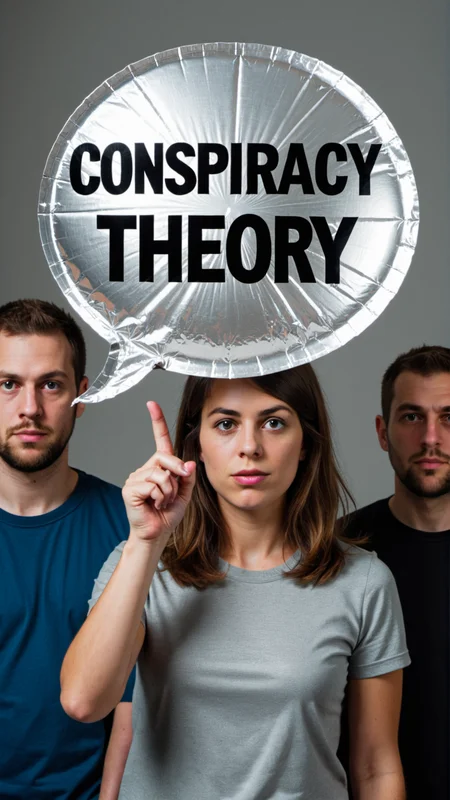
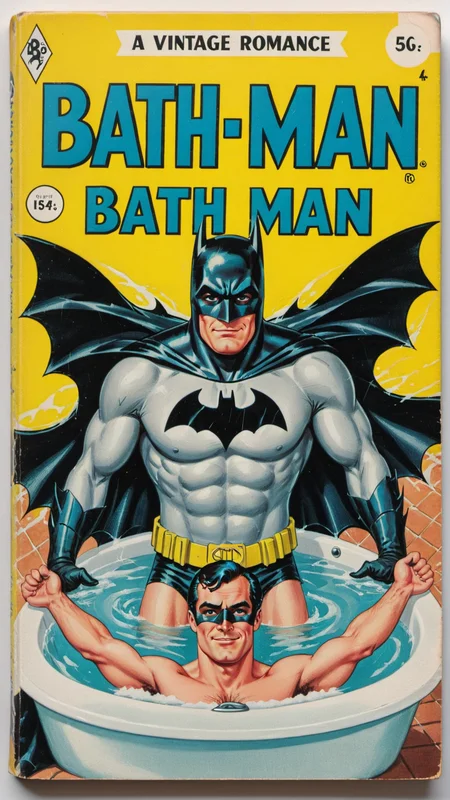
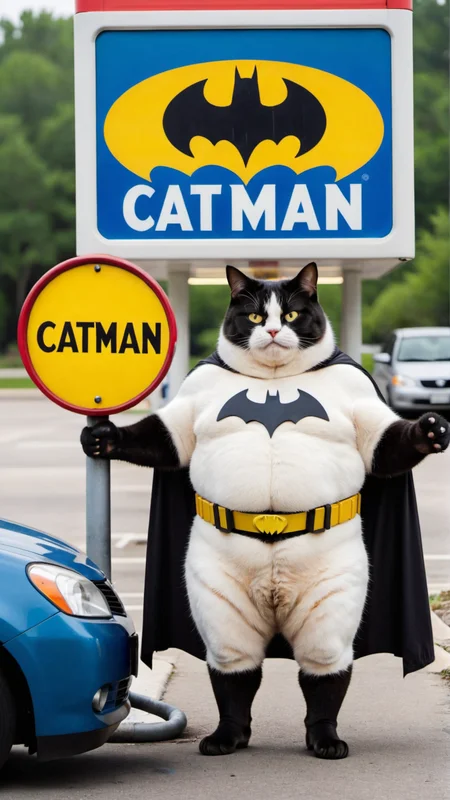
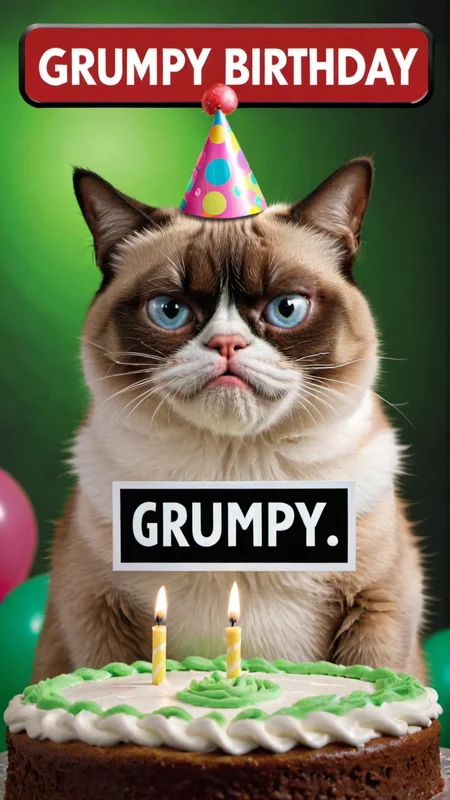
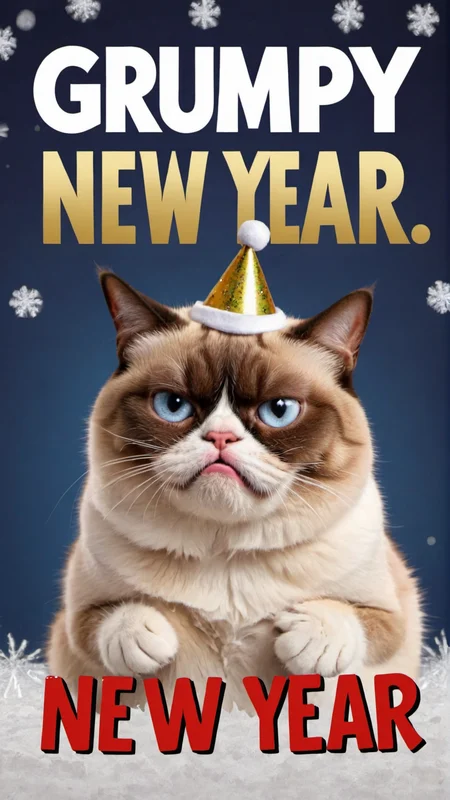

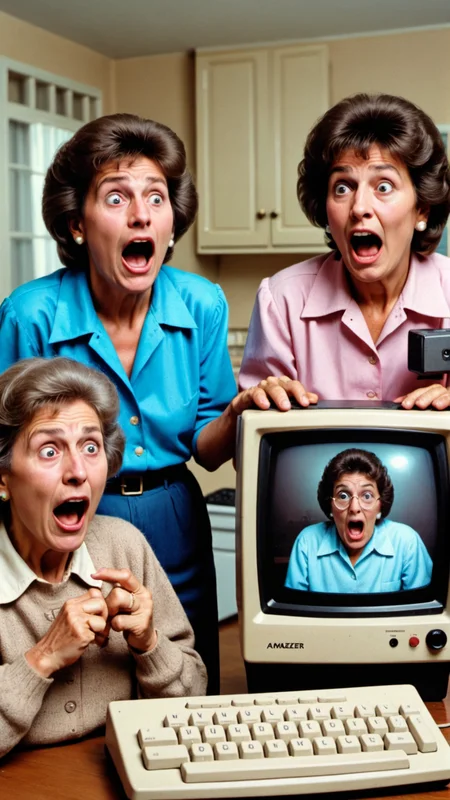
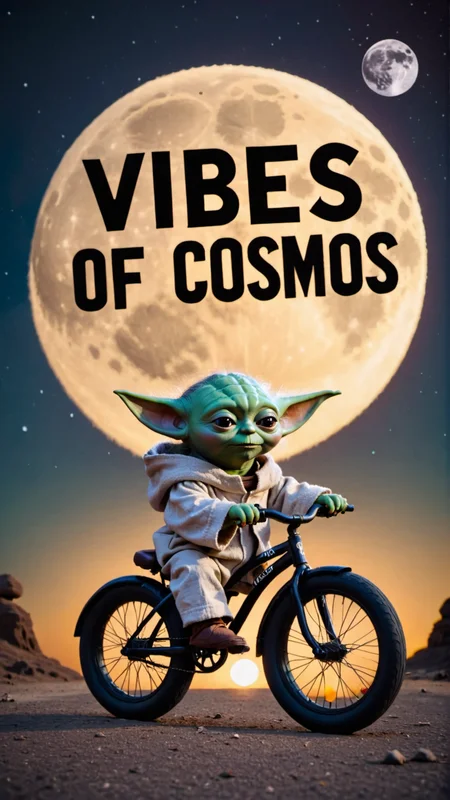
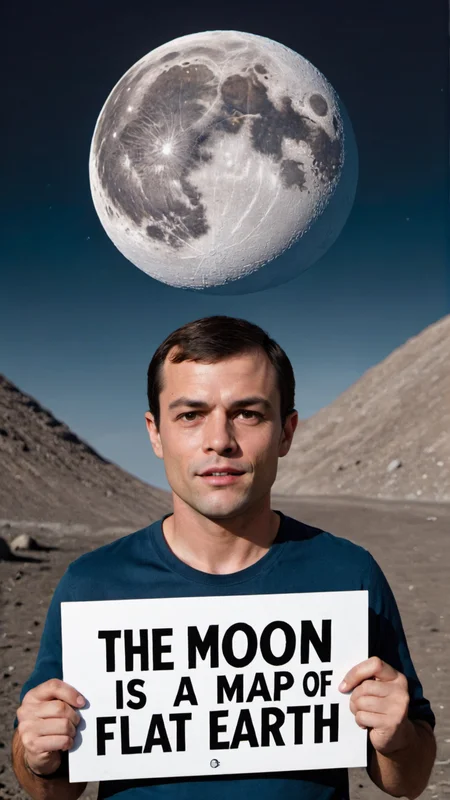
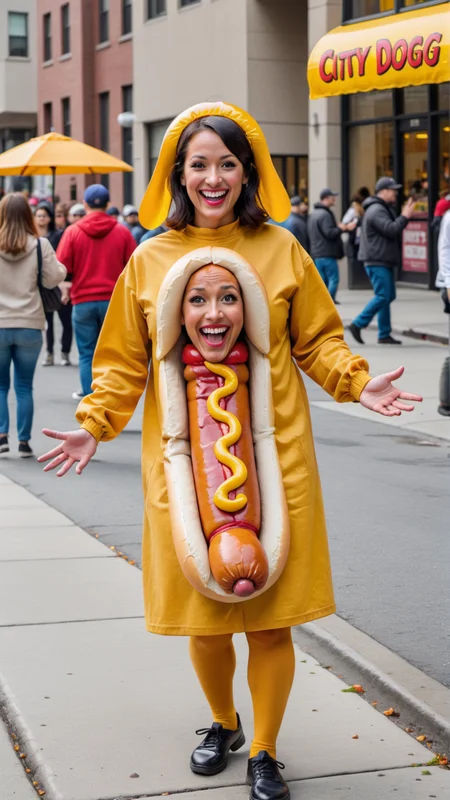
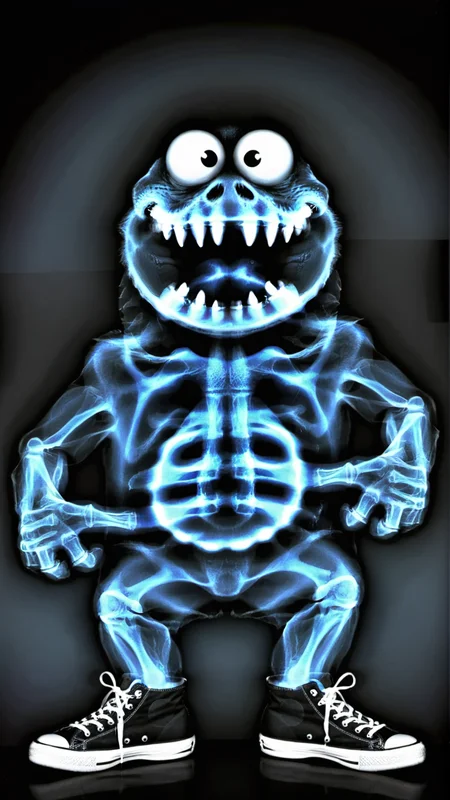
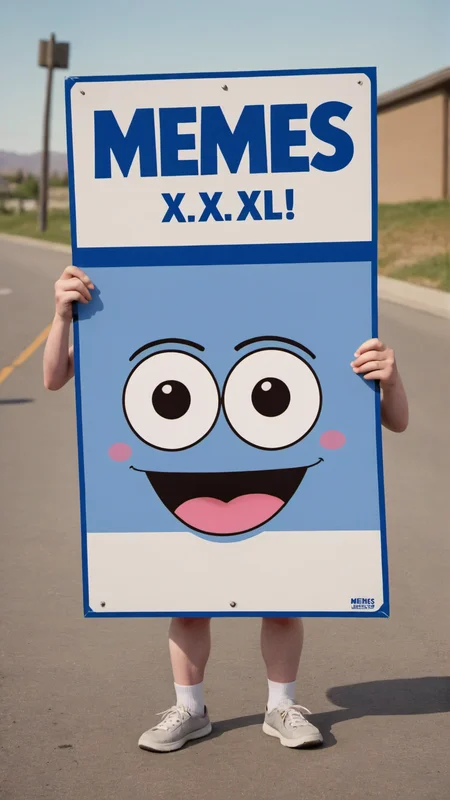
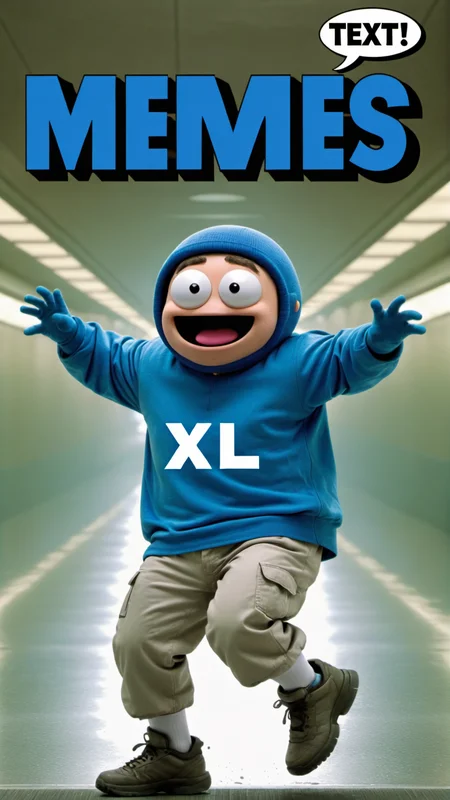
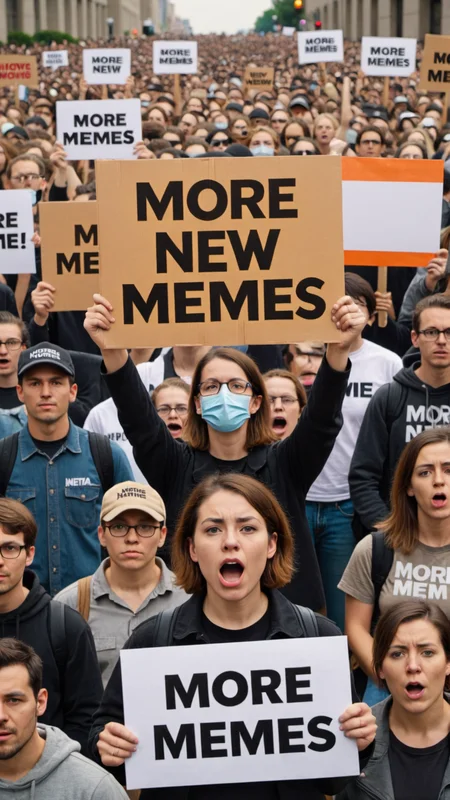
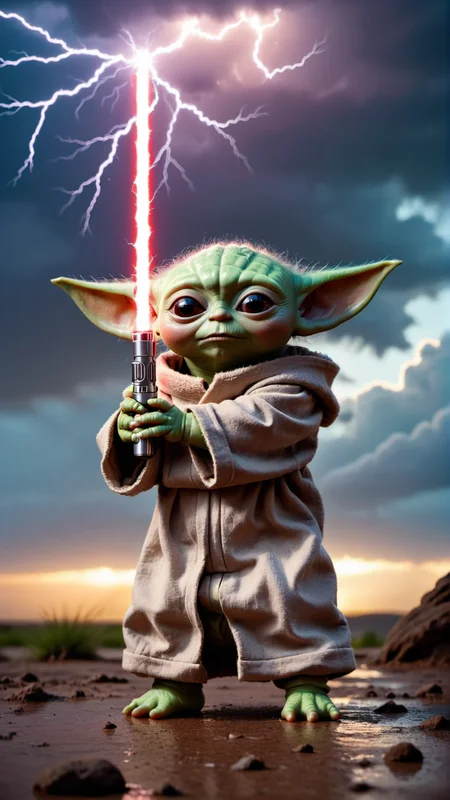
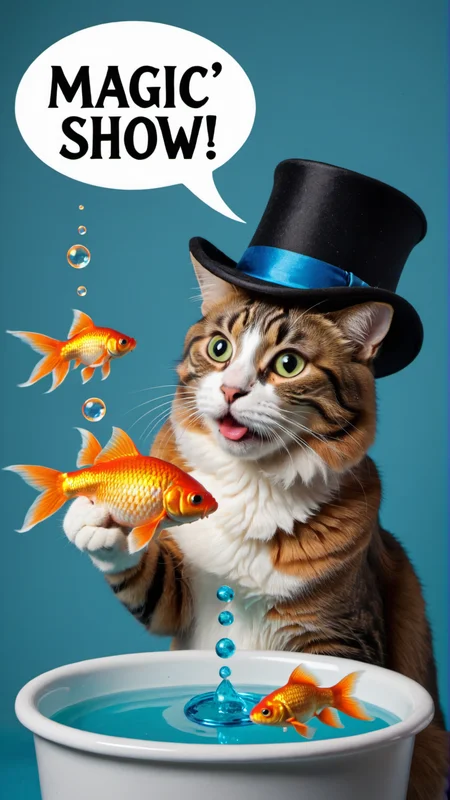
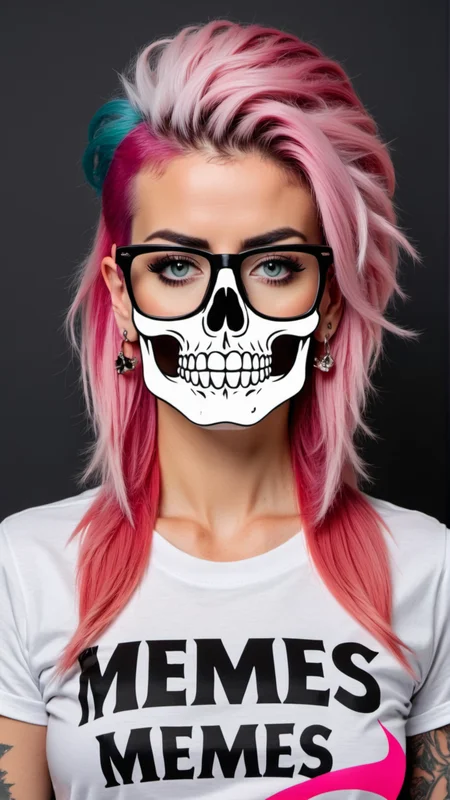
Have some fun with Memes XL!
This checkpoint was created to make it easy to have text generate more accurately and create funny quotes on funny pictures with Ai. It is not always accurate, but it is way better with words than base SDXL. Other checkpoints have different priorities and we wanted to create a Meme Generator to make you laugh. Sometimes Ai has a crazy way with words and a great sense of humor. Not just sometimes, Ai is funny all the time!
Example prompt to cut and paste:
Photo of Darth Vader with text bubble that says "Look Sleep Walker!"
Simple prompts work well without negative prompts. Easy to create memes for beginners. There is a sweet spot in the prompts that when found can make almost every picture have amazing quotes. The trick to getting great pictures is in the prompts and learning about all of the variables in the settings. Having extra punctuation or words does affect results. This checkpoint taught me how to change the prompts with the results to get better text than I have ever seen with Ai competitors.
This is my first upload and I don't know all of the settings on SDXL or this website yet. Using Loras at full strength might make images blurry or words less accurate. They might work better at lower strengths. Try different picture sizes for different results. You can repeat same seed number as previous image and change the CFG to fine tune an image that is close but letters are off a little and it might fix word errors. If you have suggestions for better settings, please let us know in the Comment Section.
Recommended SDXL settings:
Clip skip: 1
Sampling method: DPM++ 2M Karras, DPM++ 3M SDE Karras, DPM++ 2S a
Sampling steps: 30-80
CFG Scale: 7-11
Width x Height: 1344x768 landscape, 768x1344 portrait, etc.
Hires fix steps: 30 Denoising: 0.5
Upscaler: R-ESRGAN 4x+ or 4xUltrasharp
Upscale to 1920x1080 landscape or 1080x1920 portrait.
Use SDXL Refiner if you want.
Please Donate $5 with Paypal on pumpkinsanta.com if you had fun with Memes XL.
Thank you!
Description
Checkpoint file name:
memesXL_v20.safetensors [92acaca650]
It works great without the trigger words and even better with: IN MATRIX
FAQ
Comments (4)
It tends to put "Matrix" almost in every text... am i doing something wrong ?
It wasn't supposed to do that automatically. I edited the description and fixed it. Thanks for letting me know and thanks for the positive review.
After further investigation, it turns out Model Keyword (https://github.com/mix1009/model-keyword) extension is to blame. In the case of memesXL it adds what i call a "ghost token" IN MATRIX in front of every prompt. Except you won't see it in the prompt, only while reviewing it in prompt history.
So it's definitely not a model or a me issue :)
Someone else may find this info useful...
Apologies for sort of abusing your model. Not my fault it's so damn good.
I find the results of silly prompts to be quite pleasant.
Random prompts give really surprising humoristic results.
Photorealism is really good in regular image creation as well.
It also knows so many characters, it's actually scary.
Really interesting model.
Details
Available On (1 platform)
Same model published on other platforms. May have additional downloads or version variants.