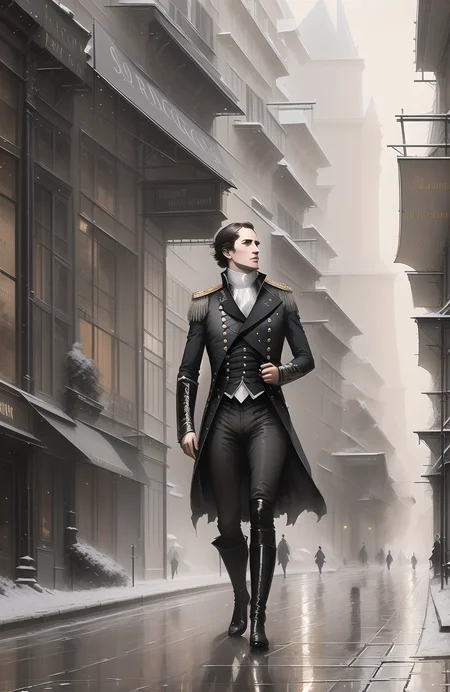

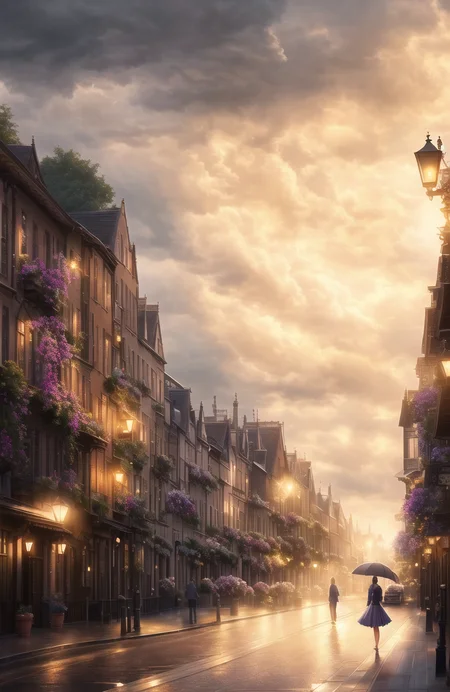

This is a DreamArtist Textual Inversion Style Embedding trained on a single image of a Victorian city street, at night. You can get amazingly grand Victorian stone buildings, gas lamps (street lights), elegant interiors, and candle-lit scenes in your images by calling Style-Empire in the positive prompt, and if you want to temper the effect, also call Style-Empire-neg in the negative prompt.
If you'd like the effect to come through stronger (some models need it), try bumping up the emphasis on Style-Empire - see the images below.
Description
FAQ
Comments (20)
So I've been playing with this using the prompts provided and I feel like I'm missing something. I've had success in getting the same result from the prompt set up, but can't seem to get the same, I guess 'softness' in the 'lighting' of your results. Is there some setting I've forgotten to modify which will affect this? Many thanks, awesome images.
Hi! Thanks for the review! I think Civitai images are meant to give you an idea of what's possible - but maybe not be 100% reproducible. You'll get close, but as with many of the prompts on Civitai, you'll never get 1:1. There are so many variables in the Web UI which just aren't captured in the image details here on the site. For example, some of my standard settings include ETA Noise Seed Delta: 31337, Sigma Churn: 0.33, I upscale the latent space image while doing the highres fix, my ETA noise multiplier for ancestral samplers is 0.3 - the list goes on. All these combine to produce the images you see in all my posts. I do explain some of these settings on my Patreon - shameless, I know! Thanks again :)
Base model?
Trained on NAI + F222. Works on pretty much every model though.
Hello,
all my generations get a run time error saying
"RuntimeError: Sizes of tensors must match except in dimension 0. Expected size 768 but got size 1024 for tensor number 1 in the list."
if I use negative prompts that include brackets().
example - "Deformed, blurry, bad anatomy, disfigured, extra limb, ugly, poorly drawn hands, missing limb, blurry, floating limbs, ((mutated hands and fingers)), ((anthro)), ((animal)), hat, crown, flowers, candle"
why is that happing and how do I fix this?
thank you.
Are you using SD 2.0 or 2.1? This is a Textual Inversion trained on SD 1.5, and will only work with SD 1.5 derivatives and merges. You'll find that all the embeddings trained on SD 1.5 won't work on SD 2.x, and vice versa, unfortunately.
I am working on some 2.x embeddings, but I don't have any ready yet! Sorry!
I had same error. Think its the Anthro embedding ((anthro)), take that out and it doesn't crash, but gives an empty street instead of the sample image. anthro is built on 2.1, so not sure how OP got it to work with 1.5 base (Model hash: 53d4559a)?
How do you train your models, any reference guide?
Hi, I have a tutorial/walkthrough of my process on Patreon, along with a whole bunch of other tutorial content and exclusive TIs. patreon.com/theally
Did you knock out that background and animate it in photoshop/after effects or something? Cool looking model can't wait to download it and post a review!
The animated background is created with with Depth Maps script extension for Auto1111's Web UI. It builds a 3d inpainted polygon model which you can open in Blender, and also use to generate some camera movement.
@theally That’s awesome I’m going to have to check that out thanks!
Nice
What are people using to do the moving backgrounds? Photoshop or some phone app? I used a phone app once, but forgot the name.
Well, this one in particular is done with the Auto1111 Depth Map extension, generating depth maps and 3d inpainted mesh. I have a tutorial up on the Patreon - it's quite simple, the most annoying part is the time it takes to generate the mesh. You can also load the mesh into Blender (with a plugin for Blender) and do all sorts of cool stuff with it.
@theally Very Impressive. Though I'm broke as a joke and can't financially support atm.. Still... Super cool. Hope you get all the support and growth possible :)
Please, fill the Model Info for -neg.
Hello, how do I install this style? which folder do I put it in?
This would go in the Embeddings folder and called by adding Style-Empire to your prompt.
@theally thank you!
Details
Files
Available On (1 platform)
Same model published on other platforms. May have additional downloads or version variants.