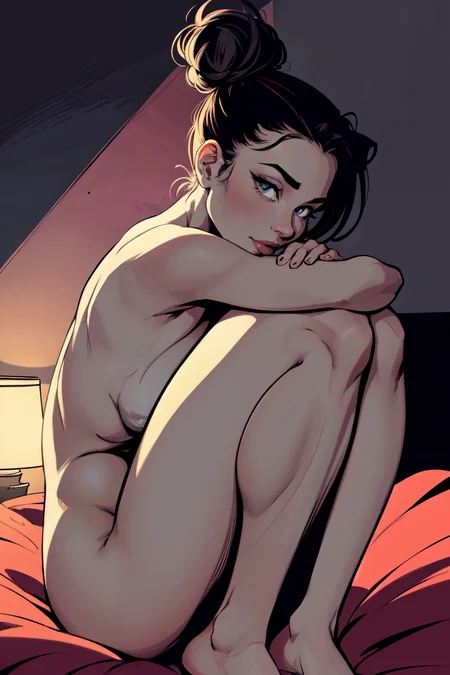
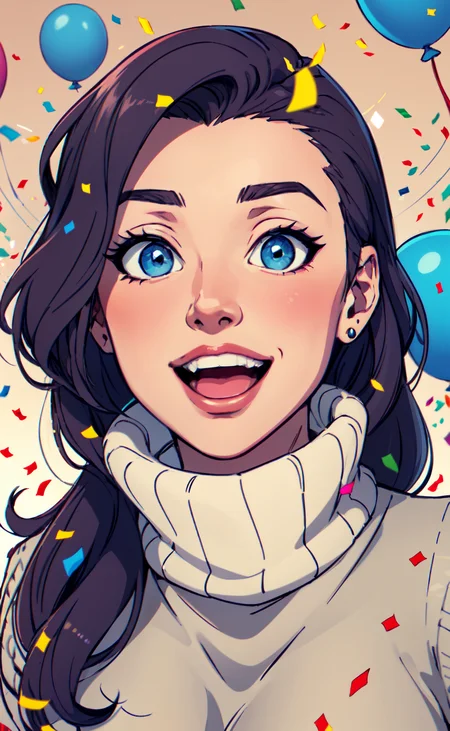
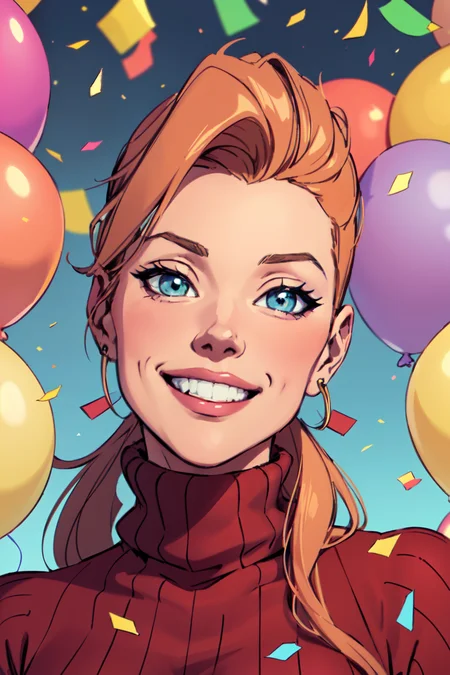
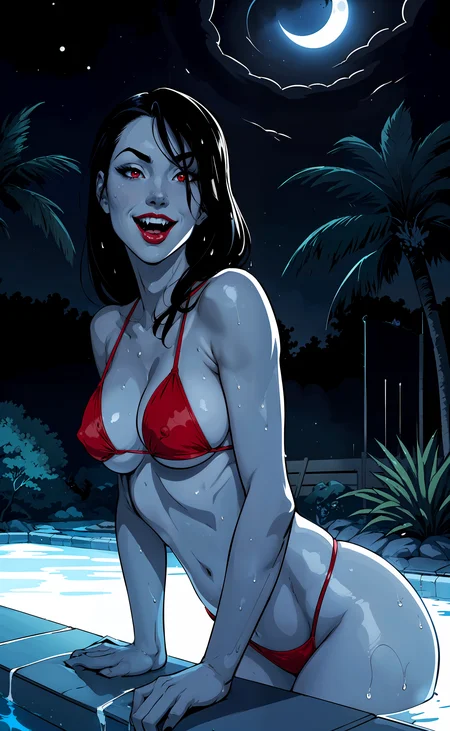
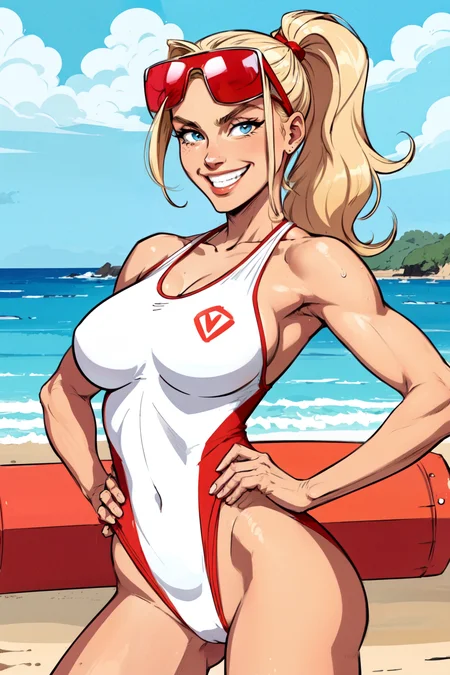
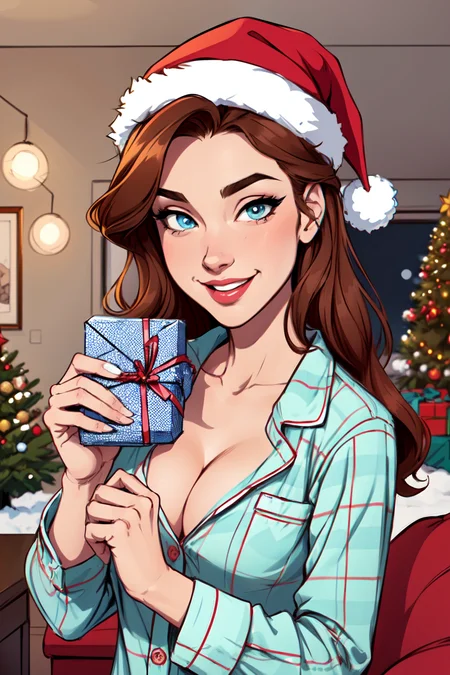
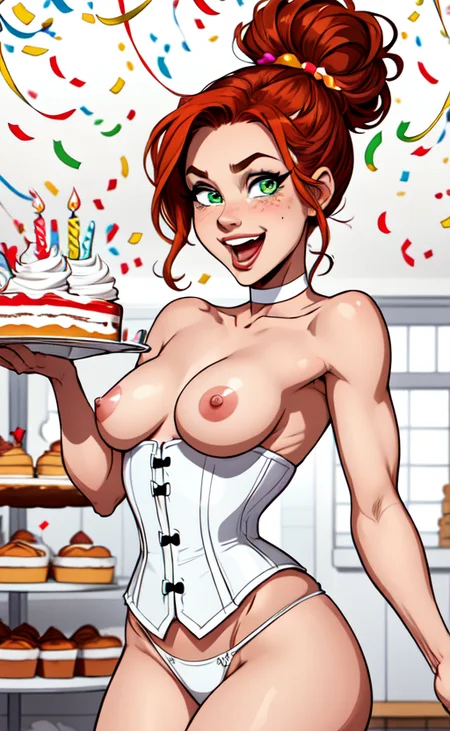
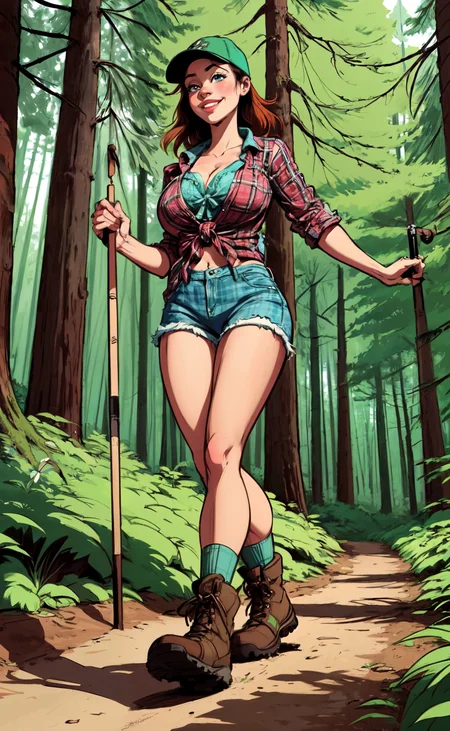
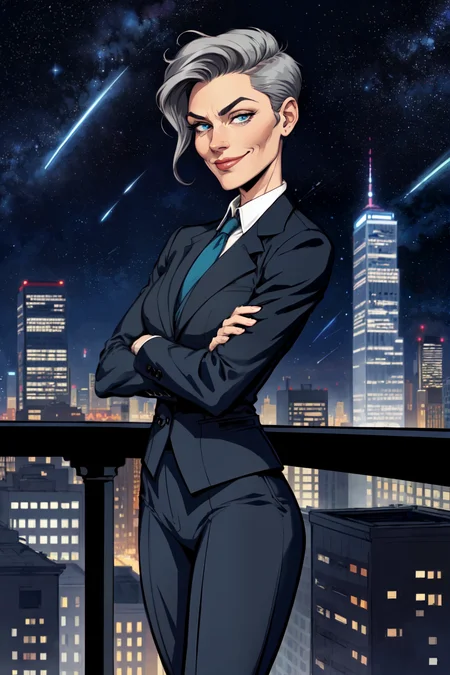
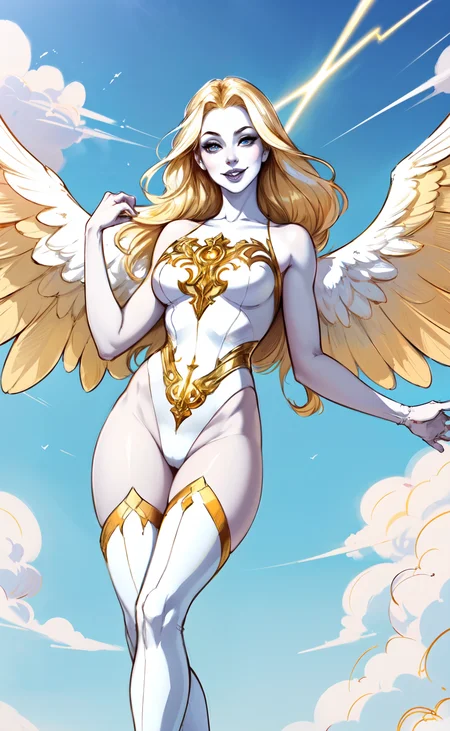
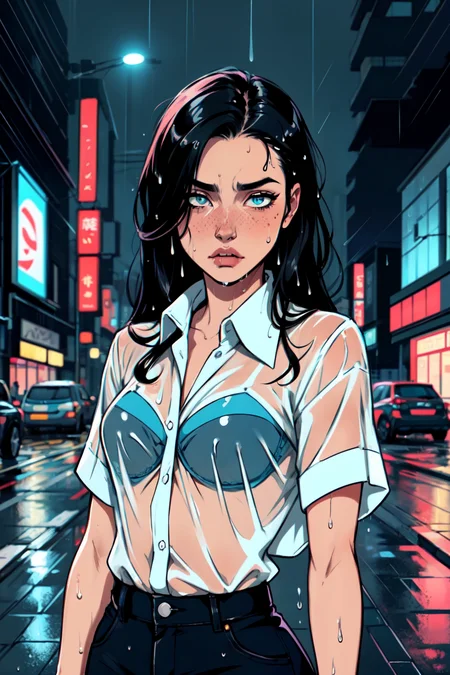
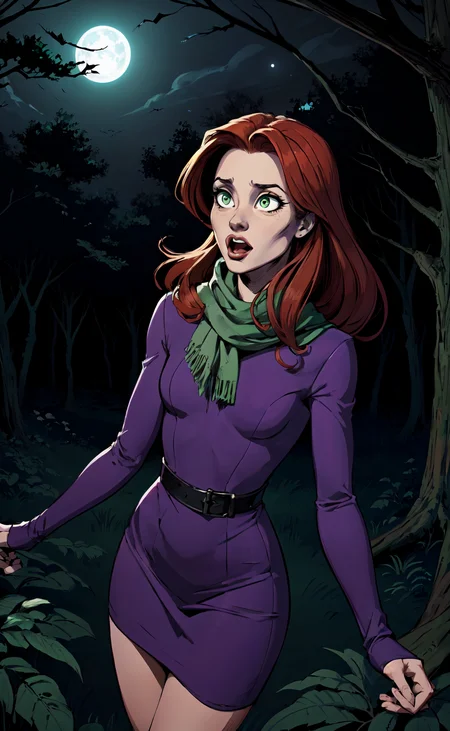
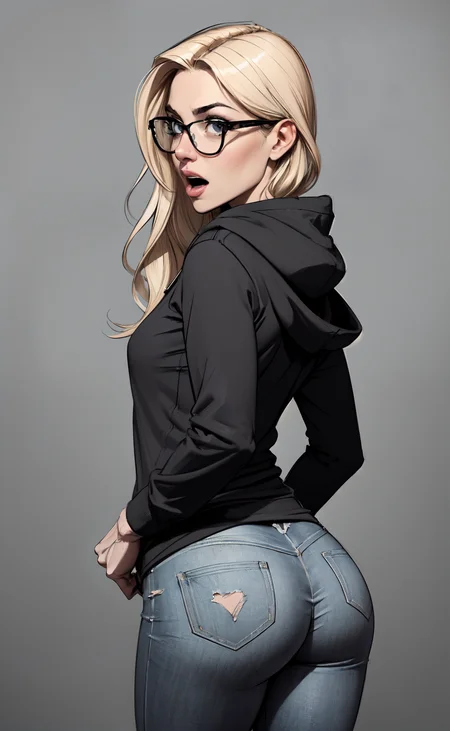
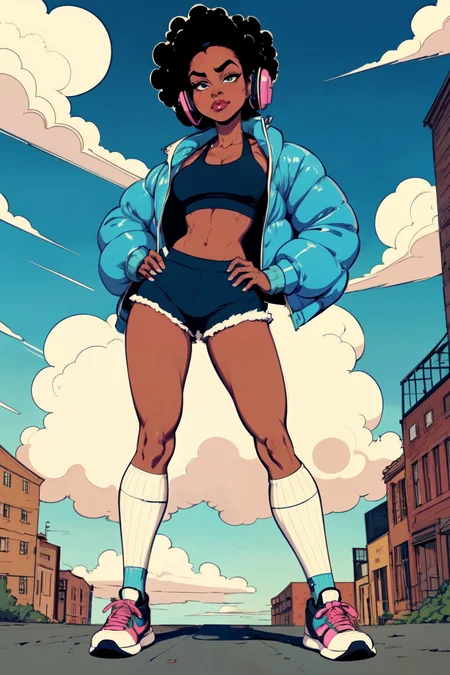
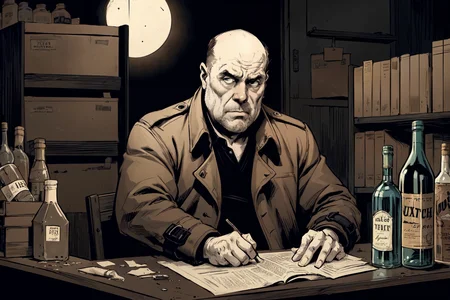
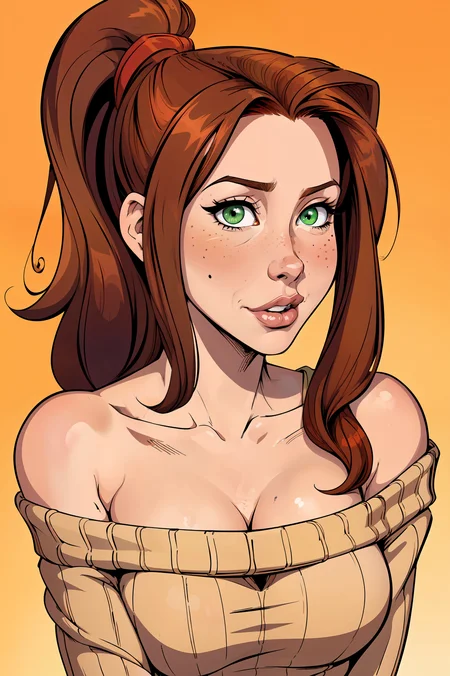
January 2024 Update:
Comic Babes v2 is here!
A new version featuring merges from Alexds9's Babes and LostDog's iComix - two terrific models. Plus, Alexds is a terrific member of the SD community. I highly recommend checking out his discord. There are a ton of great creators and resources on there!
This version is finally enough of a change from Comic Babes 1 for me to upload. I think the lines are a bit sharper, shorter prompts produce better images vs CB1, and it recognizes quite a few celebrity faces.
It does have a tendency to bend women at the waist, but I think that's a result of that pose being so prevalent in comic books. Try different pose/camera prompts if you're getting a lot of "45 degree" ladies. It's also a fairly horny model, so women tend to be a bit top-heavy. More on that below.
By default the model will produce 3d, digital painting style images. For a more cartoon/comic look, I recommend (not all at once, try these one or two at a time):
Positive prompts to try for less-realistic style: cartoonish style, low contrast, flat color style, restricted color palette, line art style, sketch style, (glossy:.7), etc.
If your ladies are too busty, try adding "small breasts, medium size breasts" to your positive prompt, along with "huge breasts" or "large breasts" in the negative. Trust me, they'll still be a solid c-d cup lol.
For my negative prompts, I almost always use the easynegative embedding, along with a few "must have" prompts. CB2 does very well with minimal negative prompts:
Negative prompt: easynegative, 3d, render, photorealistic, huge breasts
Really that's it for the negative prompt. If you're seeing things you don't like in your images, try adding one or two negatives at a time.
Also, Clip Skip 1 and 2 are a lot of fun to mess with. I like both enough, so I can't recommend one over the other.
Inpainting works for me when I'm correcting minor things (eyes, hands, mouth, etc). I haven't tried totally inpainting another image. Your mileage may vary.
Here's my typical workflow:
Model: Comic Babes v2
VAE: whatever you want. I've been using Anything
Clip Skip: Try 1, 2, or even 3. I usually start with 1, but CS 2 listens to style prompts a bit better I think. For this example I used Clip Skip 1
Positive Prompt:
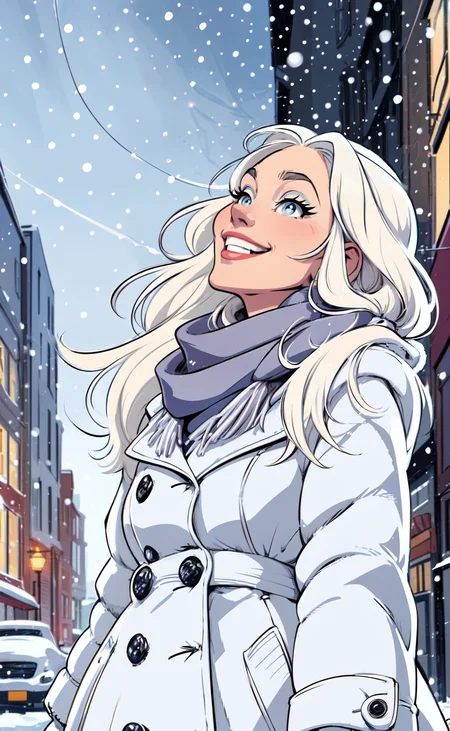
(cartoonish style), flat color style, illustration of a woman, walking down the street, long platinum blonde hair blowing in the wind, wearing winter coat and a scarf, looking happy, looking up at the sky, snowing, snow, cold winter day, busy city background, cars, buildings, detailed face, perfect eyes
Negative prompt:
easynegative, 3d, render, photorealistic
Steps: 21
Size: 512x832
CFG: 7
Batch count: 4
Try this a few times, tweaking prompts one or two words at a time, until I find one I like.
Note: faces might not have much detail at 512x! That's what the next step is for.
Send an image I like to img2img
Just resize
Steps: 30
512x832
CFG: 7
Denoise: .3-.4
Script: SD Upscale
Upscaler: ESRGAN_4x
Tile: 64
Scale Factor: 2
Then inpaint any minor details.
Done.
You can find this image in my examples!
I have a slow machine. I'm actually running on a mac. My average iteration takes 2.5s/it, so I work within the limits of what I have. I'm sure you can produce more and larger images with a better machine.
April 2023 Update:
First of all, thank you so much for 1,000 likes (and counting)! I had no idea this model would do so well. I just found myself using it all the time and decided to share it. It makes me happy that so many people enjoy it! And, I hope this encourages you to share your ai assets with the community as well!
Also, I added version 1.0 Baked Vae. It's the same as the original version, just includes the anything v4 vae. I was getting consistent results with this baked version, and decided to share it with the community! Can't wait to see your images!
A model I merged that I just keep coming back to, so I decided to share it.
A 50/50 blend of iCoMix v1 and Babes v1.1. Recommended you use a vae. I use anything_v4, which is available for download here.
EasyNegative also works very well with this merge, and minimal negative prompts tend to produce nice results.
I'm already working on some other versions that incorporate new versions of iCoMix and Babes.
Please share your images! I'd love to see what you create.
Description
Comic Babes v2 is here!
A new version featuring merges from Alexds9's Babes and LostDog's iComix - two terrific models. Plus, Alexds is a terrific member of the SD community. I highly recommend checking out his discord. There are a ton of great creators and resources on there!
This version is finally enough of a change from Comic Babes 1 for me to upload. I think the lines are a bit sharper, shorter prompts produce better images vs CB1, and it recognizes quite a few celebrity faces.
FAQ
Comments (27)
There should be a SDXL Version soon… 🤞🏻
Sorry, I don't have the hardware for SDXL!
@datmuttdoe Oh ok.
Hell yes, the model that inspired me to try and make MORE western comic illsutration models :D Also this was the backbone for Agenda Mix v1
Hey that's awesome! I just took a look at your stuff, nice work!
@datmuttdoe Honestly comic babes was what taught me to get better, and keep working LOL, still don't have 20K plus on a singular model but pFFT XD
This is amazing! Any chance of an inpanting model? I get shadow/burn marks with inpanting in V2
Honestly not sure. It inpaints over itself pretty well in my experience. Can you tell me what your process is?
@datmuttdoe Interesting...I'm using Automatic1111 inpainting. I've tried different sampling methods, fill vs original, different padding methods etc but I still get the burn marks. V1 works a little better than v2.
@tern_balern How much are you trying to inpant? I've found that smaller areas at a time tends to work better. Eyes, mouth, face, specific things. The way I run it is:
I produce my images at 512x512, 512x768, or 512x832. I don't have the power to run any higher. This means full body images tend to look pretty crappy out of txt2img. But if I find one I like, I send it to img2img and us SD Upscale (I used to use Ultimate SD Upscale, but I forgot to reinstall it and SD has been working alright). I usually upscale by 2 (using the settings below, minus the inpant specific, and either ESRGAN_4x or R-ESRGAN 4x+ Anime6B.
Once it's sized up, it should start to look better. Then for inpainting:
Just Resize
Mask Blur: 4
Inpaint Masked
Original
Only Masked
Padding: 20-50
Sampler: DPM++2M Karras
Steps: 38-42
Under the "Resize to" I change the width and height to the original dimensions. Regardless of the size of the image, even if I've upscaled. It makes inpaint run much faster for me.
Batch count: 4ish (too many and it becomes hard to compare)
Batch size: 1
CFG scale: 6-8
Denoising: .5-.65 if I'm trying to change things, lower if I think it's already close. Note: for SD Upscale, I set this to .35-.4 so it doesn't change much
Seed: both the original and -1 seem to work ok.
I'm working on an image now that I've done a ton of inpainting on. A couple things come to mind:
I use as simple of prompts as I can. Copy/pasting from most Civitai images, or using too many descriptors tends to just over complicate things. So if I'm inpainting eyes, I keep the style prompts the same (flat colors, illustrated, inked) and then add a couple minor prompts. "green eyes, highly detailed eyes, sexy eyes" etc etc.
Keep in mind, you can remove any negative prompts that don't apply too. So if your original image had "bad hands" or "too many feet", but you're inpainting eyes, take those out of the negative.
I hope this helps! I don't know enough about model making to create an "inpainting" version of Comic Babes, but the method above, tweaking a little bit as I go, has worked well for me.
Hey! Just letting you and anyone else know I think I got inpainting working! I went back through your instructions and noticed you were using a custom VAE. I tried the one you recommended (Kl-f8-anime2) and the weird discoloration in my inpainted images went away!
So yeah, sounds like the custom VAE is necessary to get the colors to work.
I love this model but for the life of me I cannot get the colors as vibrant as the images that others are creating. I'm using the VAE that's recommended and I'm still not getting the good color. I'm not sure what I'm missing
Nevermind, I think I figured it out and will hopefully post the results soon
i'm having the same issue. everything looks faded and dull. did you find a fix?
@craxypacketx which vae are you using?
love it!
Forgive me for the noob question, but is there any chance there will ever be a "create" button on this page. instead of a "download" button? I don't know what to do with the files after I download them (I am a total noob) and can only make images if there is a "create" button on pages such as these.
You know, I've never really looked into it. I'll see what I'd need to do for that.
@datmuttdoe Thank you, and thank you for creating these resources.
Probably not. Somebody's gotta pay for the processing. Ask an LLM how to download ComfyAI and set up your own machine. Follow the prompts on a photo including the LoRAs. You'll have to ask a lot of questions, but then you get your own model.
An excellent comic style model! Beautiful style, good flexibility and responsiveness, correct anatomy. Great job! Thanks!
Thank you!
Hello, may I ask how can I download config file of your safetensors model, please.
Hello, I noticed that when I try to generate img2img the picture turn out greyed out and lost a lot of color? What’s the reason behind this and how do I fix it? Thanks!
Hard to say without much information. Off the top of my head, I'd check the VAE you're using and the sampler.
I like this model a lot. It works great! :)
Someone needs to make an Illustrious or Pony version of this, still.... no existing model comes close to the style of this one.